 PluginStats

Secure Document Sharing via Email by cloudHQ users statistics
Chrome Web Store · Communication
Send secure files from Gmail with password protection, expiration dates, and download tracking.
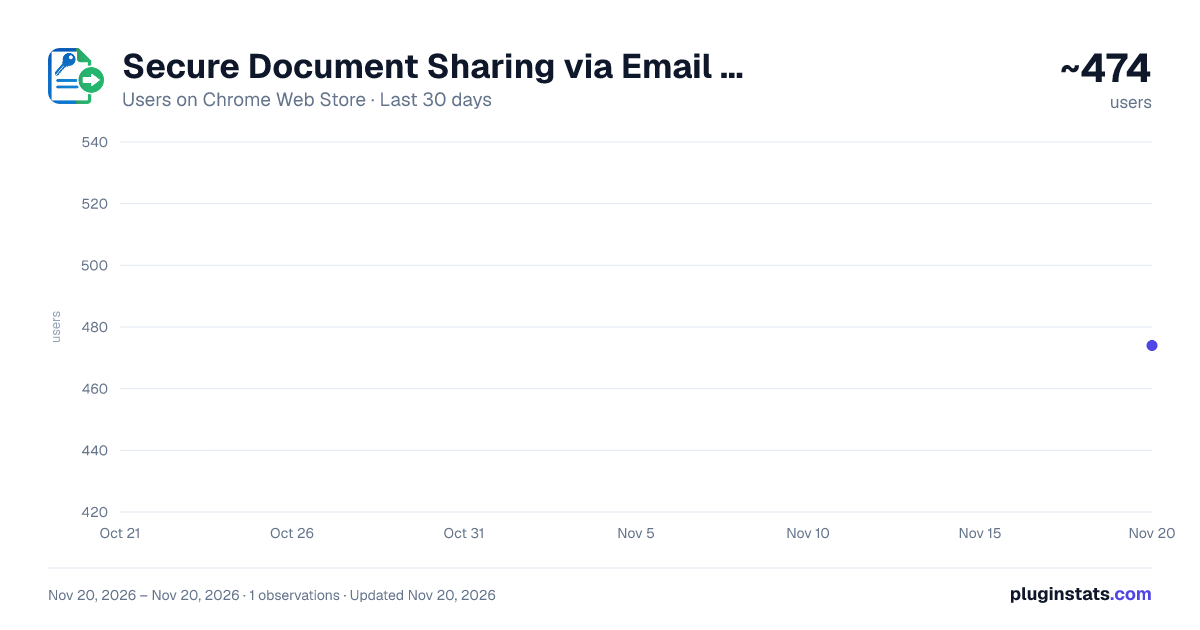
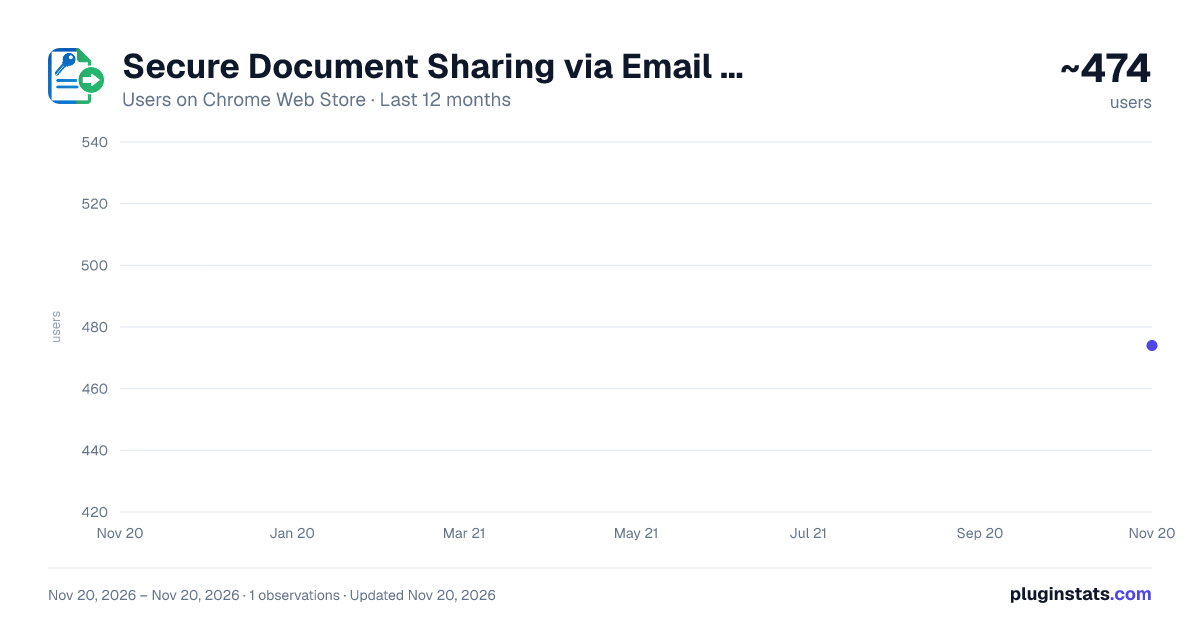
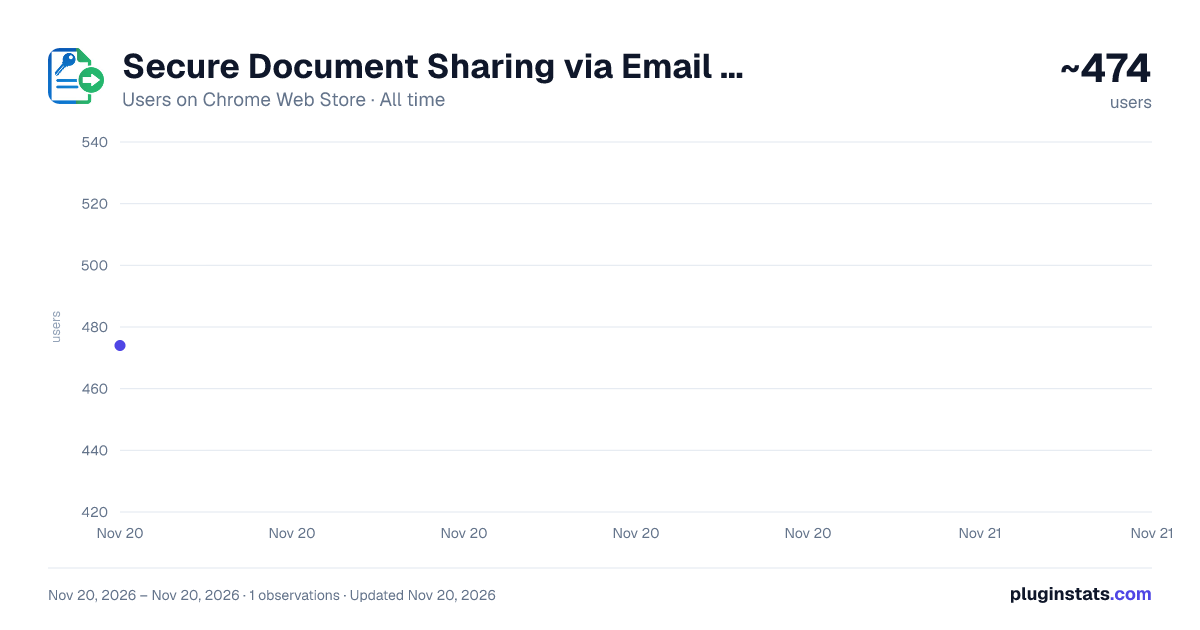
Secure Document Sharing via Email by cloudHQ has approximately 474 recorded users on Chrome Web Store, ranking #5335 of 10,388 tracked listings.
Rating: 4.30 / 5 from 6 ratings
About Secure Document Sharing via Email by cloudHQ
Send secure files from Gmail with password protection, expiration dates, and download tracking.
🔒 Share Google Drive™ files from Gmail™ with password protection and expiration dates.
Secure Document Sharing via Email by cloudHQ adds a Secure Share button to your Gmail™ compose window. Pick a file from Google Drive™, choose your sharing settings, and put the link in your email. After sending, you can check whether the link was opened and the file was downloaded.
Recipients open a cloudHQ download page in their browser. If you set a password, they'll need it to download the file. They don't need a Google account or any extra software.
⭐ What you can do
🔑 Add a password to a share so the link alone isn't enough to download the file. ⏰ Set an expiration date. Options include 1 day, 7 days, 30 days, 1 year, or no expiration. The link stops working when it expires. 📊 Review link visits, downloads, and password attempts, with timestamps, visitor IP addresses, and approximate locations. 📥 Insert an existing share into another email when you need to send the same file again. 🎨 Add your logo, colors, and welcome message to the download page with a paid plan. 👥 Deploy the extension across your organization with Google Workspace™.
💼 Use it for contracts, client proposals, financial reports, or HR documents when you want a password, an access deadline, or a record of downloads.
⚡ Getting started
1️⃣ Install the extension and authorize access to Google Drive™. 2️⃣ Compose an email in Gmail™ and click Secure Share in the toolbar. 3️⃣ Select a file, add a password if needed, and choose when the link expires. 4️⃣ Insert the link and send your email. You can review its activity in your dashboard.
🛡️ Your files and passwords
📦 Your files stay in Google Drive™. When someone downloads a file, cloudHQ delivers it from your Drive without keeping a permanent copy. Connections between recipients, cloudHQ, and Google Drive™ use HTTPS/TLS encryption.
🔐 You authorize Drive access through Google's OAuth consent screen. The extension accesses the files you select, and you can revoke access in your Google account settings. cloudHQ never sees, stores, or transmits your Google password.
🔑 If you set a share password, it is sent to cloudHQ over an encrypted connection and stored with the share so we can check it when a recipient requests access. It is used only for that check, never displayed to recipients, and never sold or shared. Use a separate password from your Google password, and give it to the recipient by phone or text rather than in the email containing the link. Details: https://www.cloudhq.net/privacy#secure_document_sharing
🎁 Free trial and pricing
The free trial includes 20 secure shares, with no credit card required. Paid plans include unlimited shares and custom download pages. See the pricing page for plan details.
Website: https://www.secure-document-sharing.com/ Pricing: https://www.secure-document-sharing.com/pricing Support: https://support.cloudhq.net/category/browser-extensions/secure-share Privacy: https://www.cloudhq.net/privacy#secure_document_sharing Blog: https://blog.cloudhq.net/
Google Workspace, Google Drive, Google Sheets, and Gmail are trademarks of Google LLC. Use of these trademarks is subject to Google Permissions.
cloudHQ is a trademark of cloudHQ LLC. https://www.cloudhq.net/trademark
Description from the Chrome Web Store listing.
README badge
Show your rank in a README or on your website. The badge updates automatically.
Charts
Images: 30d · 1y · all time · 1600×900 dark
Adoption over time
7/30/90-day growth
Ranking history
Ratings over time
Listing placement
Listing placement
Filled points are observed values; hollow points come from Internet Archive snapshots of the listing page. Dashed segments span periods with no observations — values between points are not interpolated.
Each band is one page of 20. Users on a linear scale. Placement is projected from users, so it can differ from the marketplace's own sort order. Hover a dot to see the listing.
Recent observations
Full history (1)Similar Chrome Web Store Communication plugins
All 20 Secure Document Sharing via Email by cloudHQ alternatives



Data source
Covers every Chrome Web Store extension with at least 100 users, found through the store's public sitemap. User counts are read from public listing pages. The 10% most-used extensions are refreshed daily, the next 40% weekly and the next 40% monthly; the least-used 10% are not refreshed. Google displays rounded user counts (and caps the display at 10,000,000+), so small changes may not be visible. Rating counts above 1,000 are rounded (e.g. 1.6K).
Listing: https://chromewebstore.google.com/detail/secure-document-sharing-v/enbifffnimiijjcmlmbhodcpofhdbjib. First seen Nov 20, 2026; last successful collection Nov 20, 2026. See the methodology.