 PluginStats

Epic Games Library Viewer users statistics
By Michał Marczuk · Chrome Web Store · Games
View a list of your purchased Epic Games games with search option.
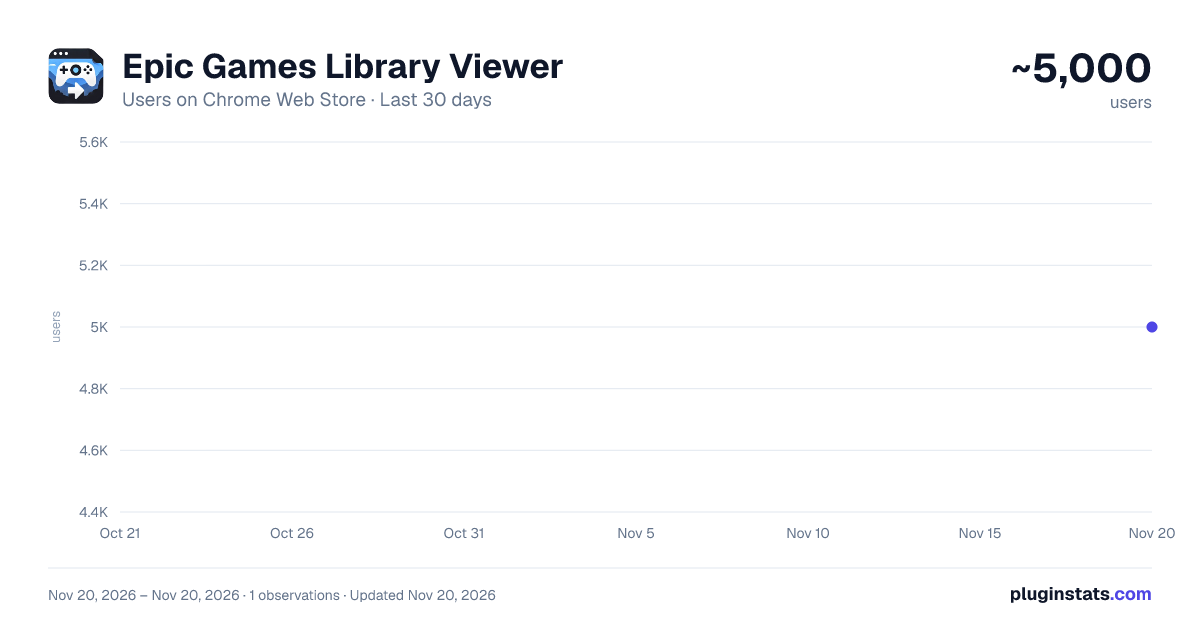
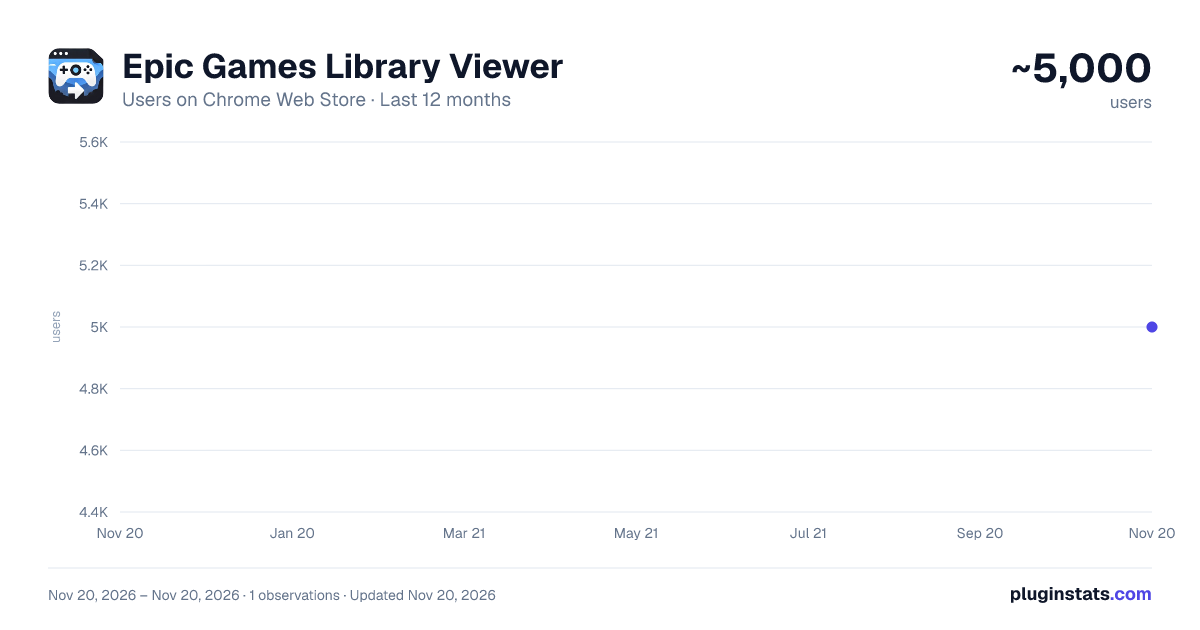
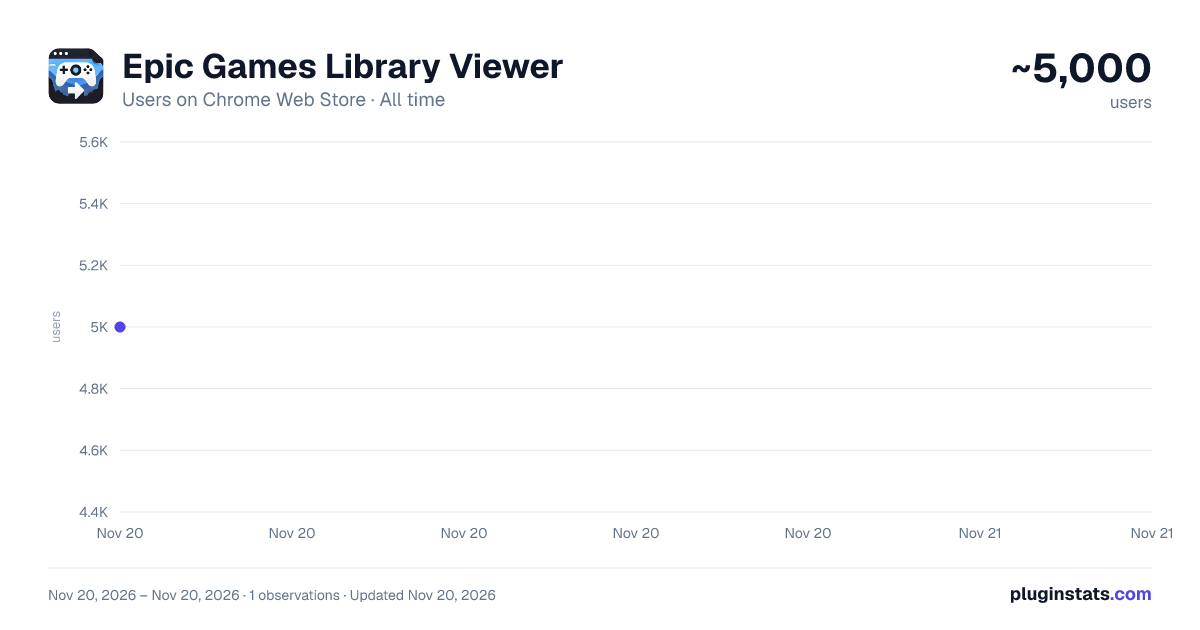
Epic Games Library Viewer has approximately 5,000 recorded users on Chrome Web Store, ranking #1671 of 10,388 tracked listings.
Rating: 4.10 / 5 from 21 ratings
About Epic Games Library Viewer
View a list of your purchased Epic Games games with search option.
Description: Epic Games Library Viewer is a powerful Chrome extension that allows you to easily browse and search your Epic Games library directly from your browser. No need to navigate through multiple Epic Games Store pages to find your purchased games - our extension provides instant access to your entire collection in a clean, user-friendly interface. Key Features:
Complete Library Access: View all your purchased Epic Games in one place Powerful Search: Quickly find any game in your collection with real-time search Multiple View Options: Toggle between grid and list views to browse your library Sorting Options: Sort your games by purchase date or alphabetically Game Details: See game covers and publisher information at a glance Direct Links: Open any game's store page with a single click Refresh Functionality: Keep your library up-to-date with the refresh button Responsive Design: Works perfectly on any screen size
How It Works: After installation, the extension connects securely to your Epic Games account and retrieves a list of all your purchased games. The extension runs locally in your browser, providing a fast and responsive experience without affecting your Epic Games account's security. Who Is This For?
Epic Games users with large game libraries Gamers who frequently purchase games during Epic's free game promotions Anyone who wants faster access to their Epic Games collection
Privacy and Permissions: This extension only requires minimal permissions to function:
Access to Epic Games websites to fetch your library data Local storage to save your preferences and cached game information Active tab permissions to interact with Epic Games web pages
Your game library data is stored locally on your device and is never shared with third parties. Installation:
Click "Add to Chrome" Open the extension when logged into your Epic Games account Your game library will be automatically displayed Use the search, sort, and view options to customize your experience
Enhance your Epic Games experience with this must-have extension for any Epic Games Store user!
Description from the Chrome Web Store listing.
README badge
Show your rank in a README or on your website. The badge updates automatically.
Charts
Images: 30d · 1y · all time · 1600×900 dark
Adoption over time
7/30/90-day growth
Ranking history
Ratings over time
Listing placement
Listing placement
Filled points are observed values; hollow points come from Internet Archive snapshots of the listing page. Dashed segments span periods with no observations — values between points are not interpolated.
Each band is one page of 20. Users on a linear scale. Placement is projected from users, so it can differ from the marketplace's own sort order. Hover a dot to see the listing.
Recent observations
Full history (1)Similar Chrome Web Store Games plugins
All 20 Epic Games Library Viewer alternatives



Data source
Covers every Chrome Web Store extension with at least 100 users, found through the store's public sitemap. User counts are read from public listing pages. The 10% most-used extensions are refreshed daily, the next 40% weekly and the next 40% monthly; the least-used 10% are not refreshed. Google displays rounded user counts (and caps the display at 10,000,000+), so small changes may not be visible. Rating counts above 1,000 are rounded (e.g. 1.6K).
Listing: https://chromewebstore.google.com/detail/epic-games-library-viewer/enbhfbihcfejgmhegiibdlgamkglmnja. First seen Nov 20, 2026; last successful collection Nov 20, 2026. See the methodology.