 PluginStats

How Much Money Spent on AliExpress users statistics
By ivanf4355 · Chrome Web Store · Shopping
This extension will calculate and show how much money has already been spent on aliexpress.com
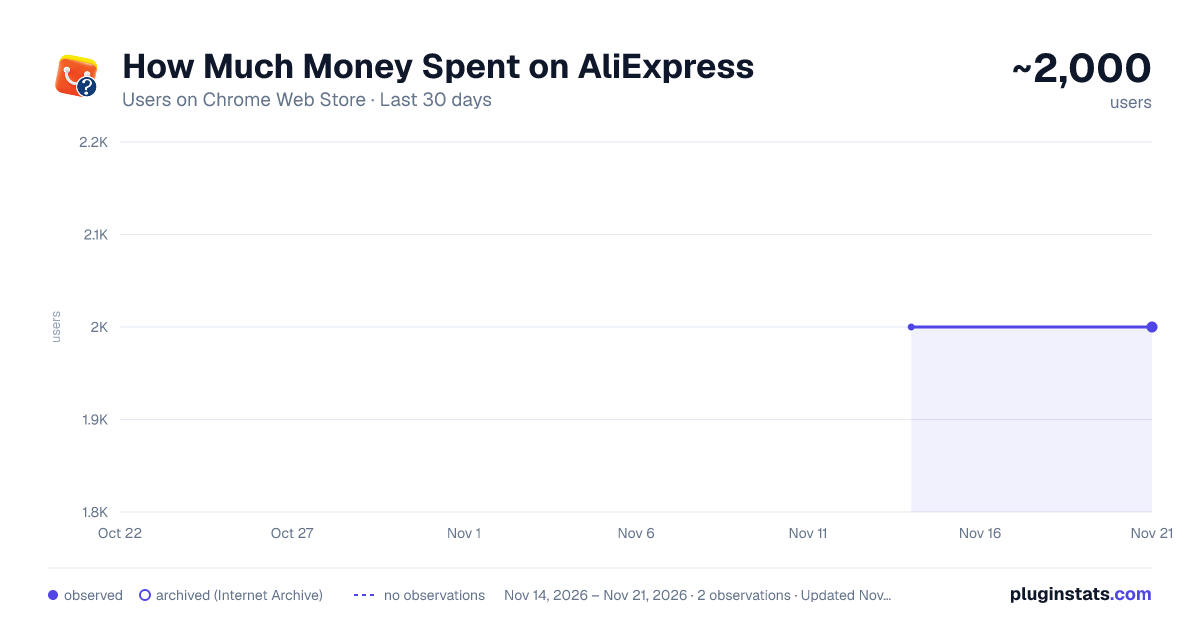
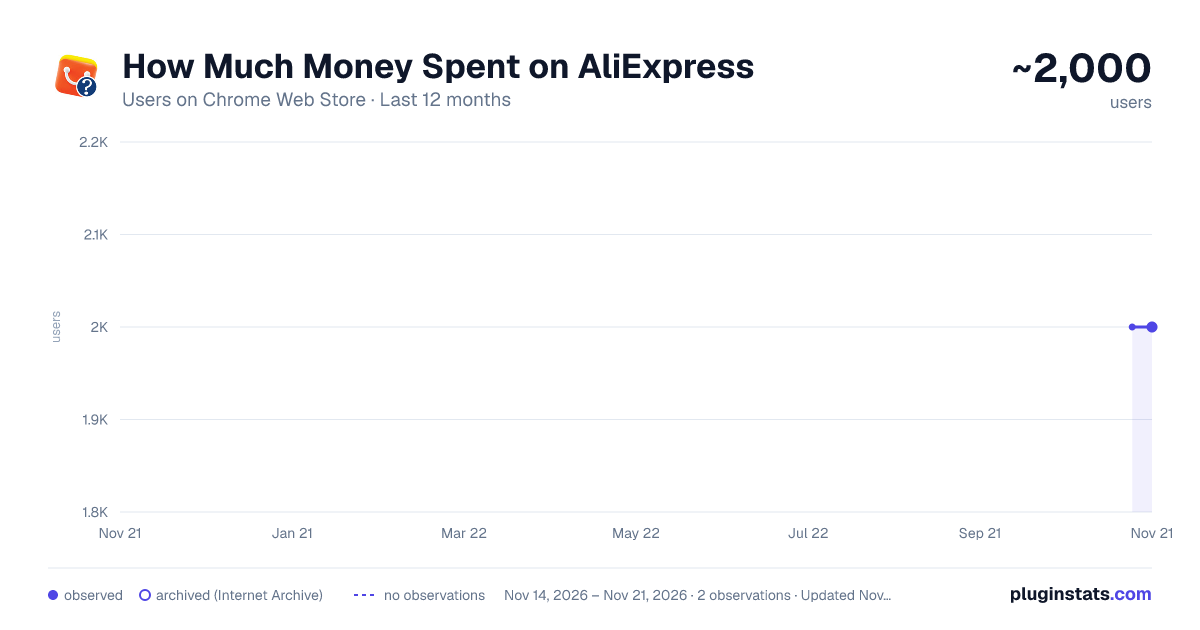
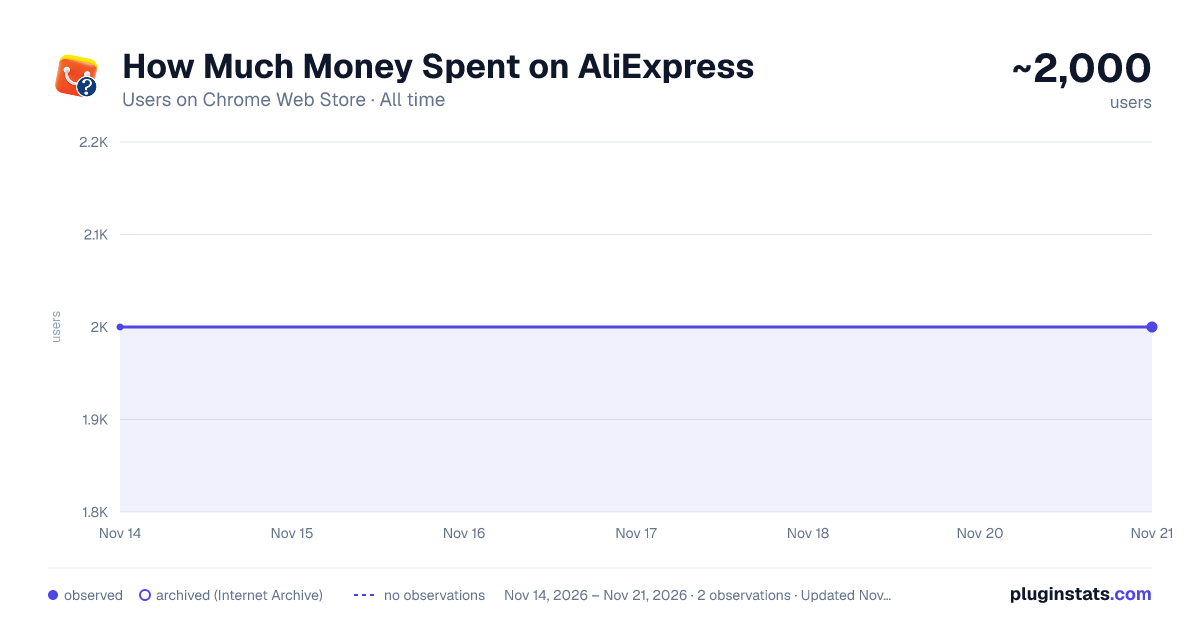
How Much Money Spent on AliExpress has approximately 2,000 recorded users on Chrome Web Store, a change of 0.0% over the past 7 days, ranking #2649 of 10,388 tracked listings.
Rating: 3.70 / 5 from 34 ratings
About How Much Money Spent on AliExpress
This extension will calculate and show how much money has already been spent on aliexpress.com
Calculate how much money you’ve spent on AliExpress: analyze your complete AliExpress order history, track expenses, and get detailed spending statistics in one click. Easily discover your total purchases, yearly spending trends, delivery statuses, and full order insights directly from your browser.
Quick Start Guide
- Install the extension using the “Add to Chrome” button
- Open your AliExpress order history page
- Click the extension icon in your browser
- Instantly calculate your total AliExpress spending and view detailed analytics!
Here are 🔟 reasons to choose AliExpress Spending Tracker
1️⃣ Calculate your total amount spent on AliExpress across all orders 2️⃣ View year-by-year spending statistics and purchase trends 3️⃣ Analyze your complete AliExpress order history in one place 4️⃣ Track quantities, prices and currencies 5️⃣ Supports 40+ international currencies with automatic detection 6️⃣ Better understand your shopping habits and personal expenses 7️⃣ Perfect for budgeting, financial planning, and expense tracking 8️⃣ Simple and easy-to-use interface with fast calculations 9️⃣ Works directly in your browser without external services 🔟 No ads, no tracking, and full respect for your privacy
💰 Understand Your AliExpress Expenses ➤ Discover exactly how much money you have spent on AliExpress over time. Whether you shop occasionally or place hundreds of orders, the extension provides accurate spending calculations and detailed purchase analysis.
➤ The AliExpress spending calculator helps users track personal finances more effectively by organizing all purchases into a clear and searchable overview. Analyze your buying behavior and identify spending patterns instantly.
📊 Detailed Statistics and Analytics ➤ Get detailed year-by-year statistics for your AliExpress purchases. Easily compare spending between different years and monitor changes in your shopping habits.
➤ View detailed order information including: • Product prices • Quantities purchased • Currency used • Order totals
➤ With automatic currency detection supporting more than 40 currencies, the extension accurately processes international purchases and converts order data into meaningful spending reports.
🖥️ Fast and Easy to Use ➤ Using the extension is simple. After installation, open your AliExpress orders page and launch the extension. The tool automatically scans your order history and calculates your spending statistics within seconds.
➤ No complicated setup or manual exporting is required. Everything works directly inside your browser for maximum convenience and speed.
🔐 Privacy and Security First ➤ Your privacy is fully protected. The extension works locally in your browser and does not upload your data to external servers.
➤ No account registration, no tracking systems, and no personal data collection. Your AliExpress order history remains private and secure on your device.
📂 Organize and Analyze Your Purchases ➤ Keep track of your online shopping activity with detailed expense analysis and organized order history data. The extension helps you better manage personal budgets and understand long-term spending habits.
➤ Whether you are tracking business purchases, personal shopping, or financial goals, the AliExpress spending tracker provides a simple way to monitor your expenses over time.
❓ Frequently Asked Questions
How does it work? The extension scans your AliExpress order history directly in your browser and calculates your total spending, yearly statistics, and detailed purchase information automatically.
Can I use it for free? Yes, the extension is available as a free Chrome extension.
Does it support multiple currencies? Yes, the extension supports automatic detection of more than 40 currencies used on AliExpress.
Is my privacy protected? Absolutely. The extension works locally in your browser without sending your data to external servers. No personal information is collected or stored.
Can I analyze old orders? Yes, the extension works with your complete AliExpress order history, including older purchases.
Recent Updates • Fixed calculation bugs • Improved currency support • Added new delivery status languages
Use the AliExpress Spending Tracker today and discover your complete shopping statistics with detailed spending analysis and powerful financial insights!
Description from the Chrome Web Store listing.
README badge
Show your rank in a README or on your website. The badge updates automatically.
Charts
Images: 30d · 1y · all time · 1600×900 dark
Adoption over time
7/30/90-day growth
Ranking history
Ratings over time
Listing placement
Listing placement
Filled points are observed values; hollow points come from Internet Archive snapshots of the listing page. Dashed segments span periods with no observations — values between points are not interpolated.
Each band is one page of 20. Users on a linear scale. Placement is projected from users, so it can differ from the marketplace's own sort order. Hover a dot to see the listing.
Recent observations
Full history (2)Similar Chrome Web Store Shopping plugins
All 20 How Much Money Spent on AliExpress alternatives



Data source
Covers every Chrome Web Store extension with at least 100 users, found through the store's public sitemap. User counts are read from public listing pages. The 10% most-used extensions are refreshed daily, the next 40% weekly and the next 40% monthly; the least-used 10% are not refreshed. Google displays rounded user counts (and caps the display at 10,000,000+), so small changes may not be visible. Rating counts above 1,000 are rounded (e.g. 1.6K).
Listing: https://chromewebstore.google.com/detail/how-much-money-spent-on-a/mlkjdghljhligddnoomaieljhbdpmhia. First seen Nov 14, 2026; last successful collection Nov 21, 2026. See the methodology.