 PluginStats

Magicslide.app users statistics
Imagine you need to create a presentation. Where shall we start? Well, presenting magicslides.app! This will help you accomplish…
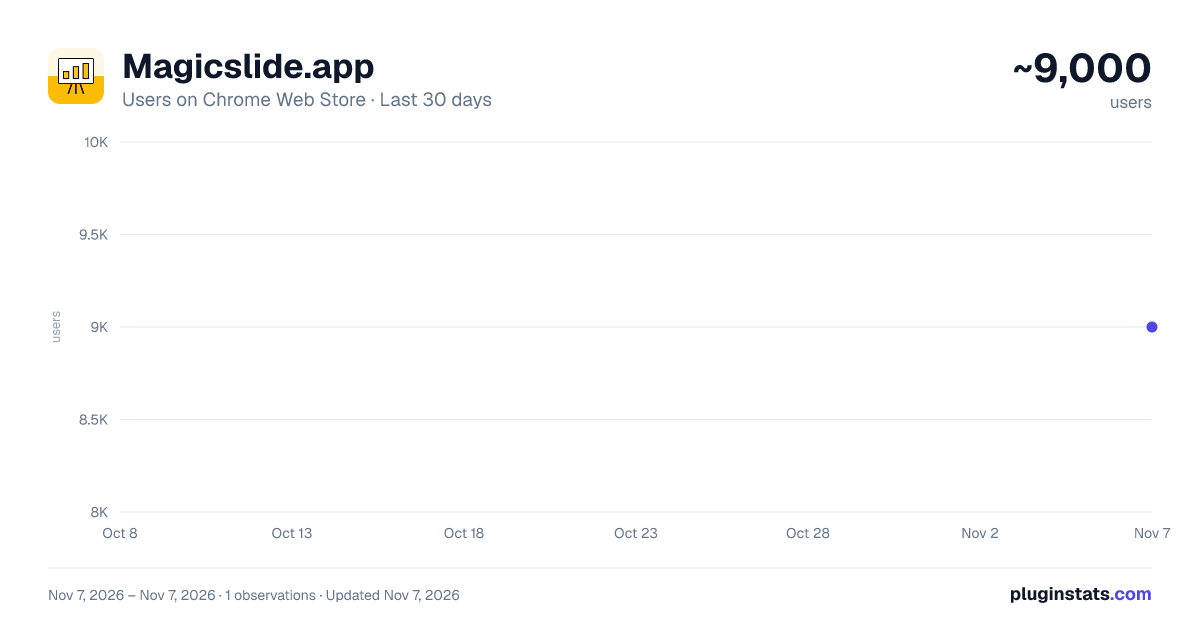
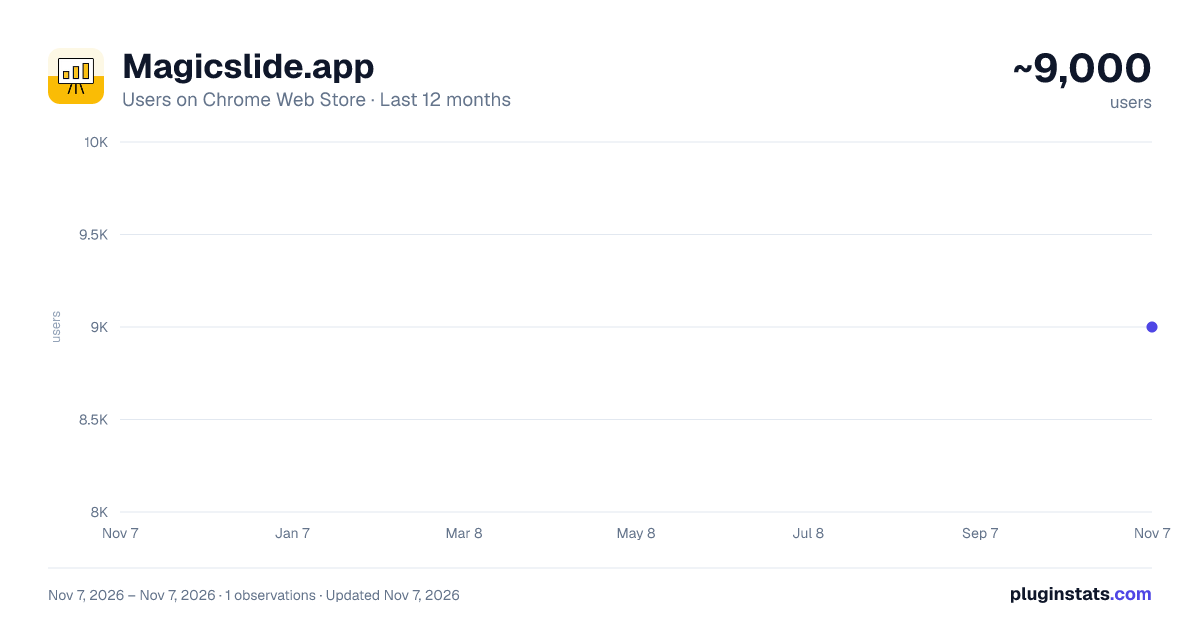
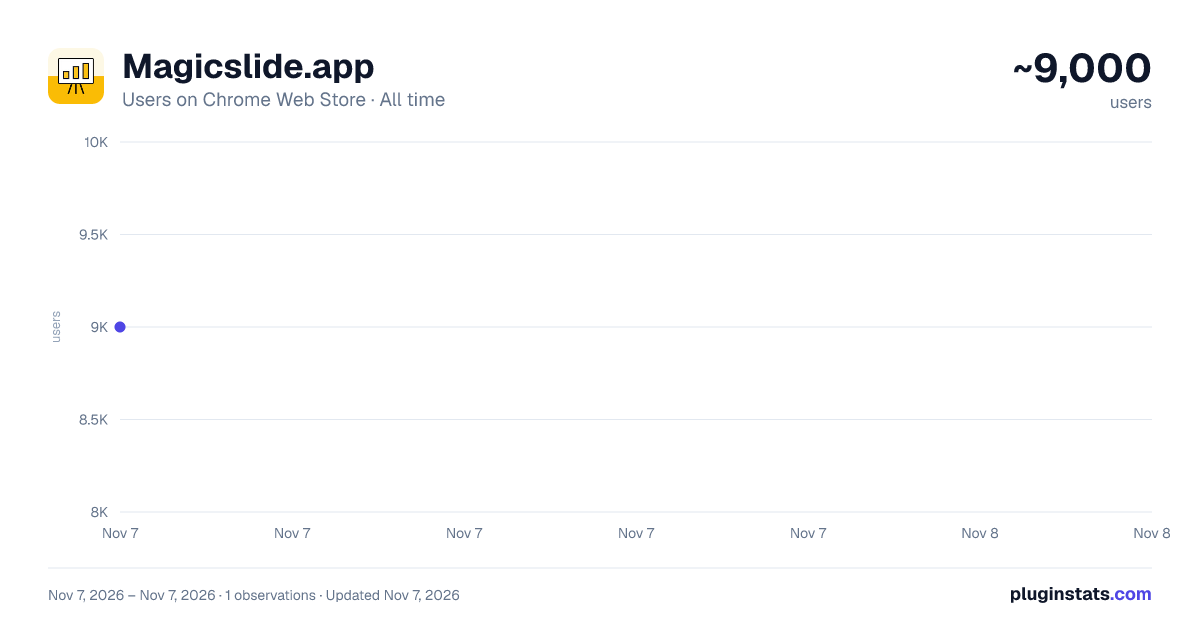
Magicslide.app has approximately 9,000 recorded users on Chrome Web Store, ranking #997 of 7,934 tracked listings.
Rating: 5.00 / 5 from 2 ratings
About Magicslide.app
Imagine you need to create a presentation. Where shall we start? Well, presenting magicslides.app!
This will help you accomplish…
Imagine you need to create a presentation. Where shall we start? Well, presenting magicslides.app!
This will help you accomplish 70% of your presentation creation tasks. spending hours creating presentations? Do you wish you could turn your ideas, YouTube videos, or online content into stunning presentations instantly?
MagicSlides’ Chrome extension is here to save you time, effort, and stress! You can generate high-quality presentations directly from a YouTube video, a website URL, or even a PDF link with just one "click".
MagicSlides.app Chrome extension allows you to turn any online content into a polished, professional presentation in seconds, all without leaving the page you’re on.
How Does It Work?
Navigate to any
- YouTube Video,
- Website / blog page ,
- or PDF URL
our Chrome extension can extract key information (text from web/blog, transcript from youtube video, and text from pdf)
and then you can create presentation using that data
Before you generate make sure you are logged in to MagicSlides.app
Generate Your Presentation Instantly: Once you’ve selected a template, click ‘Generate’ and within seconds, a fully-formed presentation will be created. You can edit, download, or share it right from your MagicSlides account. Key Features and Benefits:
No need to copy and paste text or manually create slides! One-Click Presentation Creation to turn any YouTube video, website, or PDF into a ready-to-use presentation in just a few clicks.
AI-Powered Content Generation: Our cutting-edge AI technology extracts and summarizes content from the source, creating structured, meaningful presentations with slides, bullet points, and visuals. Customizable Templates: Choose from a variety of templates that suit your presentation style. Whether you’re creating an academic report, business pitch, or marketing slide deck, MagicSlides offers professional templates for every occasion.
Seamless Integration with Your MagicSlides Account: All your presentations are saved in your MagicSlides account, allowing you to access, edit, and share them anytime, from anywhere. Supports YouTube, Websites, and PDFs: Generate presentations from virtually any online source. Simply paste a link or navigate to a webpage, and MagicSlides will do the rest.
No Design Skills Needed: You don’t need to be a design expert to create stunning slides. Let our AI handle the layout, structure, and design while you focus on the content.
Time-Saving & Efficient: Save hours of manual work. Whether you’re pulling content from a video tutorial or a research paper, MagicSlides condenses the content and presents it in a clean, easy-to-read format in minutes.
Perfect for All Use Cases: From educational projects to business meetings and content marketing, MagicSlides is the ultimate tool for anyone who needs to present information clearly and professionally. Why Use MagicSlides Chrome Extension?
No More Manual Slide Creation: Skip the tedious task of creating slides from scratch. MagicSlides takes care of formatting, structure, and design while you focus on the information that matters.
Fast and Simple: No steep learning curve, no complex settings—just click, choose a template, and generate your presentation instantly. Comprehensive Support for Multiple Formats: Whether you're pulling data from YouTube, websites, or PDF files, MagicSlides has the ability to turn various content types into visually appealing presentations. Multiple Languages Supported: MagicSlides supports over 100 languages, making it accessible to a global audience. For Students, Professionals, and Content Creators: MagicSlides is designed for everyone. Whether you’re presenting an academic paper, delivering a business proposal, or sharing your latest content ideas, this extension makes the process effortless. Use Cases:
For Students: Easily convert YouTube tutorials, lecture videos, or educational articles into presentation slides for your school or university projects. For Professionals: Summarize industry reports, research papers, or company websites into client-ready presentations for meetings and conferences. For Educators: Transform online teaching materials into structured and engaging presentations for your students. For Content Creators: Quickly turn blog posts, video content, or social media highlights into visually appealing slide decks to share with your audience. How MagicSlides Transforms Your Workflow:
Effortless Content Repurposing: Repurpose existing content from the web into presentations with ease. Whether it’s a video, article, or document, MagicSlides pulls key information and presents it in a clean, visually stunning format. Professional Designs with Zero Effort: You don’t need to hire a designer or spend hours figuring out presentation software. MagicSlides’ built-in AI handles all of that for you, giving you professional-grade designs in seconds. Real-Time Editing and Collaboration: Since all presentations are saved in your MagicSlides account, you can easily access, edit, and collaborate with team members, whether you're in the office or working remotely. Available Plans: MagicSlides is available in both free and paid plans to suit your needs. The free plan offers a generous number of features, and the Pro and Premium plans unlock additional benefits like longer video conversions, more slides, and advanced AI functionalities.…
Description from the Chrome Web Store listing.
README badge
Show your rank in a README or on your website. The badge updates automatically.
Charts
Images: 30d · 1y · all time · 1600×900 dark
Adoption over time
7/30/90-day growth
Ranking history
Ratings over time
Listing placement
Listing placement
Filled points are observed values; hollow points come from Internet Archive snapshots of the listing page. Dashed segments span periods with no observations — values between points are not interpolated.
Each band is one page of 20. Users on a linear scale. Placement is projected from users, so it can differ from the marketplace's own sort order. Hover a dot to see the listing.
Recent observations
Full history (1)Similar Chrome Web Store Education plugins
All 20 Magicslide.app alternatives



Data source
Covers every Chrome Web Store extension with at least 100 users, found through the store's public sitemap. User counts are read from public listing pages. The 10% most-used extensions are refreshed daily, the next 40% weekly and the next 40% monthly; the least-used 10% are not refreshed. Google displays rounded user counts (and caps the display at 10,000,000+), so small changes may not be visible. Rating counts above 1,000 are rounded (e.g. 1.6K).
Listing: https://chromewebstore.google.com/detail/magicslideapp/aleplnadeejdmalabijljnblmgbplmdm. First seen Nov 7, 2026; last successful collection Nov 7, 2026. See the methodology.