 PluginStats

CSV Reader users statistics
By OpenBridge Labs · Chrome Web Store · Tools
Use CSV Reader to read CSV file, open CSV file, and view it as a clean table locally in your browser. No uploads.
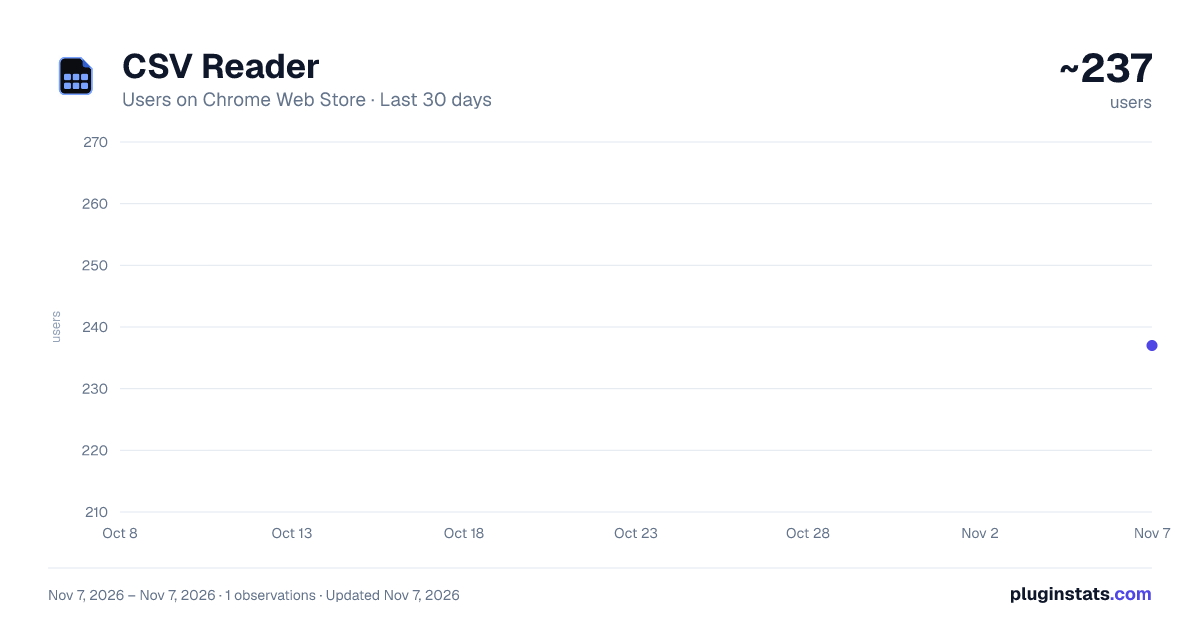
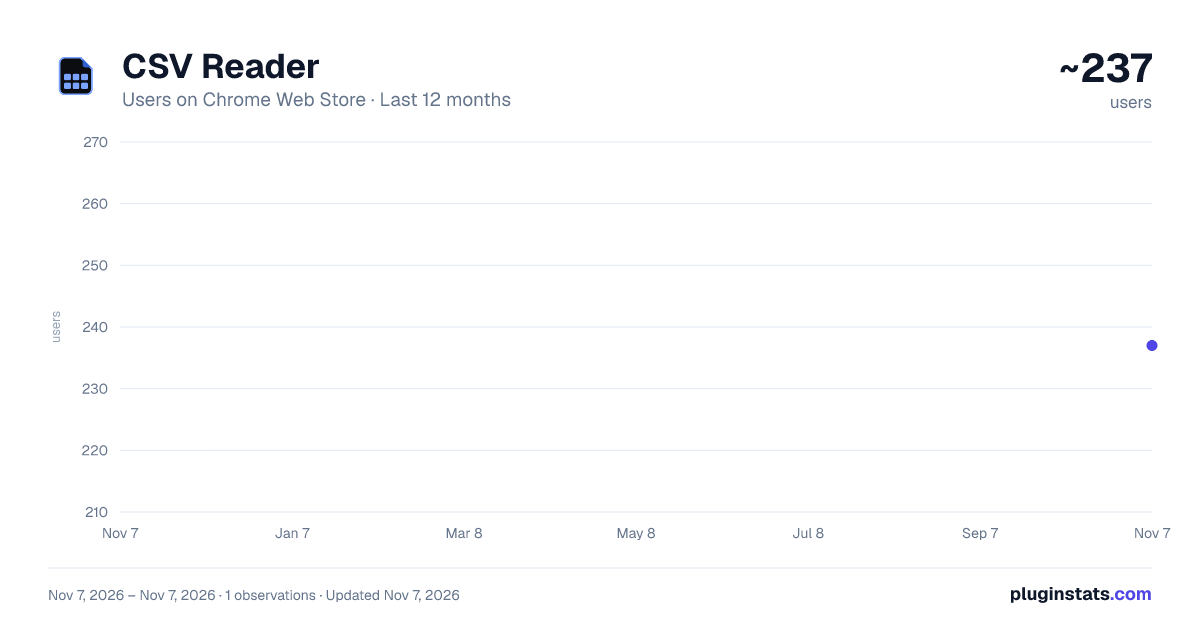
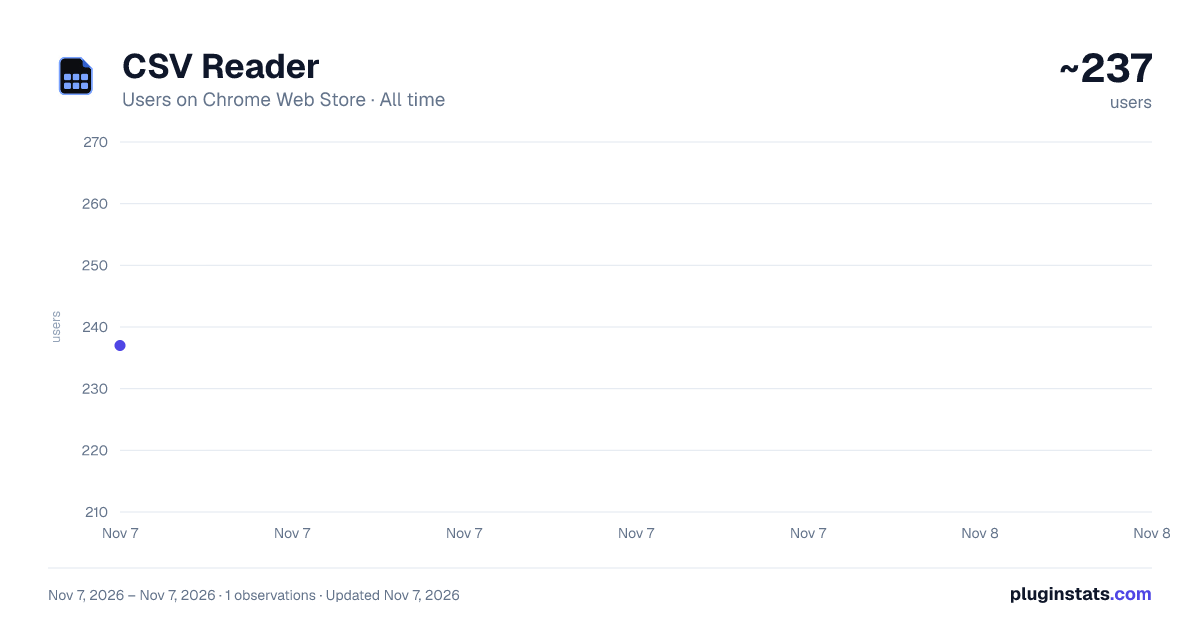
CSV Reader has approximately 237 recorded users on Chrome Web Store, ranking #5527 of 7,934 tracked listings.
Rating: 5.00 / 5 from 3 ratings
About CSV Reader
Use CSV Reader to read CSV file, open CSV file, and view it as a clean table locally in your browser. No uploads.
Use CSV Reader to open, read, and preview comma-separated data directly in your browser. It is a simple csv reader for quick checks when you need a clean table, not a full spreadsheet editor.
The extension helps you read csv file content, open csv file exports, and turn rows and columns into an easy-to-scan view. Use this reader for reports, product feeds, contact lists, analytics downloads, logs, and small datasets.
🔒 Local-first reader workflow
- Files are processed in your browser
- No uploads to external servers
- No account required
- The original file is not changed
- Your data stays on your device
Think of it as a lightweight alternative to a csv reader online tool. You get the convenience of a browser reader without sending the file away, so it also works well when you search for read csv online or an online csv reader but prefer local handling.
Use it when you need to:
- open csv file quickly
- read csv as a table
- check headers, rows, and values
- preview an export before importing it
- confirm that data looks right before sharing
📌 Common situations ➤ review spreadsheet exports ➤ check marketing or analytics reports ➤ inspect ecommerce product lists ➤ view CRM or contact data ➤ scan logs, tables, and simple datasets ➤ open a file that appears as messy text
csv reader keeps the interface focused. Choose a file, view the table, check the values, and continue your work. If you are trying to understand how to open csv files or how to read a csv file, the extension gives you a direct path without extra setup.
1️⃣ Open Select a file and open it in a browser tab. 2️⃣ View Use the clean table layout like a fast csv viewer and simple reader. 3️⃣ Check Review rows, columns, and content before using the data elsewhere.
This tool can fit different devices and workflows. It can be used as a mac csv reader, or csv reader for windows because the experience happens inside the browser.
💡 Why people use this reader • clean table view • quick preview • simple interface • local file handling • no uploads • works right in the browser
This csv file reader is made for viewing and inspection. It is not trying to replace advanced spreadsheet tools with formulas, charts, or editing features. Instead, it helps you make a quick csv read, confirm the structure, and decide what to do next.
The experience is intentionally minimal. You do not need to create a workspace, sign in, import data into another product, or learn a new interface. Pick a file, scan the table, and close the tab when the check is done.
Need a csv opener for a downloaded report? Need a csv viewer for product data? Need an online csv viewer style reader without uploading files? csv reader focuses on those everyday tasks.
🧩 What you can check ▸ column names ▸ row structure ▸ separators and values ▸ exported records ▸ table readability
For many tasks, an open csv online website is more than you need and may require sending data to a server. If you like the speed of tools that let you open csv online, this reader gives you a local way to do it in your browser while keeping the file on your device.
📍 Who may find it useful
- developers checking exports
- marketers reviewing reports
- store owners checking product lists
- analysts previewing datasets
- students working with tables
- anyone who wants a quick local reader
The local workflow is helpful for sensitive information such as customer records, internal reports, financial rows, or private research notes. The point is simple: view the table without turning a small data check into a cloud upload.
The goal is not to add another complex app to your workflow. The goal is to make everyday data checks faster: open the file, see the table, verify the structure, and move on. This makes the reader useful for quick one-minute checks as well as repeated report reviews.
FAQ
Q: Is this a csv viewer online tool? A: It works in the browser and feels similar, but processing is local.
Q: Can I use it to read a csv file? A: Yes. Open the file and view the content in a clean table.
Q: Does it upload my data? A: No uploads. The local-first reader approach is designed for quick private viewing.
Q: Can it edit data? A: It is focused on reading and previewing. Use a spreadsheet editor for advanced changes.
It is also useful for small routine checks during work: when you download a report, receive a data export, or need to verify a table before the next step. The interface stays clean and focused, so you can notice broken rows, empty cells, shifted columns, or unexpected values faster.
Use it when you want a quick look, not another complex workspace. This keeps the experience practical for quick reviews, simple validation, everyday data tasks, and quick previews.
CSV Reader is a focused csv format reader for everyday exports, reports, and data checks. Open the file, view the table, confirm the content, and get back to work.
Description from the Chrome Web Store listing.
README badge
Show your rank in a README or on your website. The badge updates automatically.
Charts
Images: 30d · 1y · all time · 1600×900 dark
Adoption over time
7/30/90-day growth
Ranking history
Ratings over time
Listing placement
Listing placement
Filled points are observed values; hollow points come from Internet Archive snapshots of the listing page. Dashed segments span periods with no observations — values between points are not interpolated.
Each band is one page of 20. Users on a linear scale. Placement is projected from users, so it can differ from the marketplace's own sort order. Hover a dot to see the listing.
Recent observations
Full history (1)Similar Chrome Web Store Tools plugins
All 20 CSV Reader alternatives



Data source
Covers every Chrome Web Store extension with at least 100 users, found through the store's public sitemap. User counts are read from public listing pages. The 10% most-used extensions are refreshed daily, the next 40% weekly and the next 40% monthly; the least-used 10% are not refreshed. Google displays rounded user counts (and caps the display at 10,000,000+), so small changes may not be visible. Rating counts above 1,000 are rounded (e.g. 1.6K).
Listing: https://chromewebstore.google.com/detail/csv-reader/fnmgbpmhgeijkcadhpgggmdkhfeepemp. First seen Nov 7, 2026; last successful collection Nov 7, 2026. See the methodology.