 PluginStats

Visual Timer for Google Slides users statistics
Add live countdowns, stopwatches and clocks to Google Slides. Type <<5:00->> in a text box and present. Free, no sign-up.
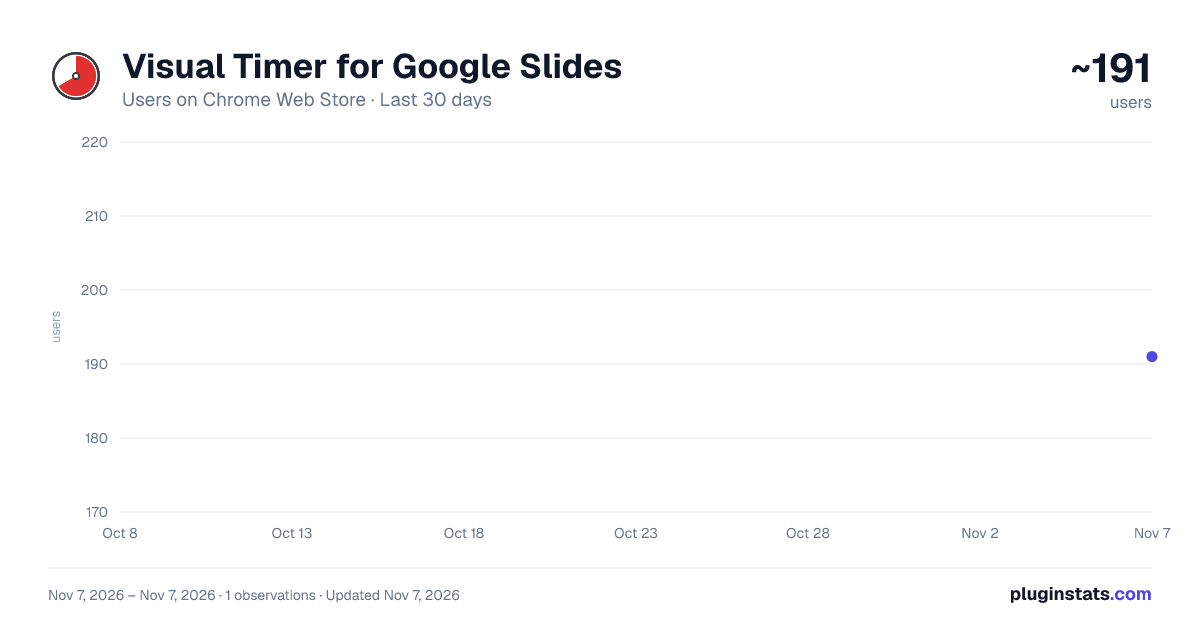
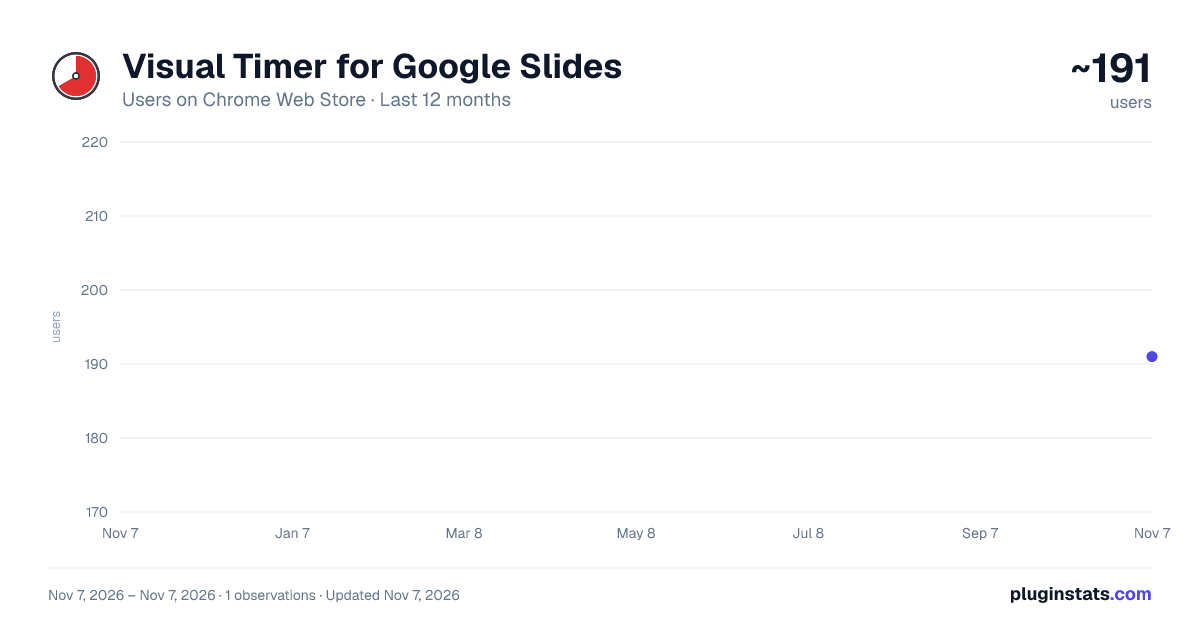
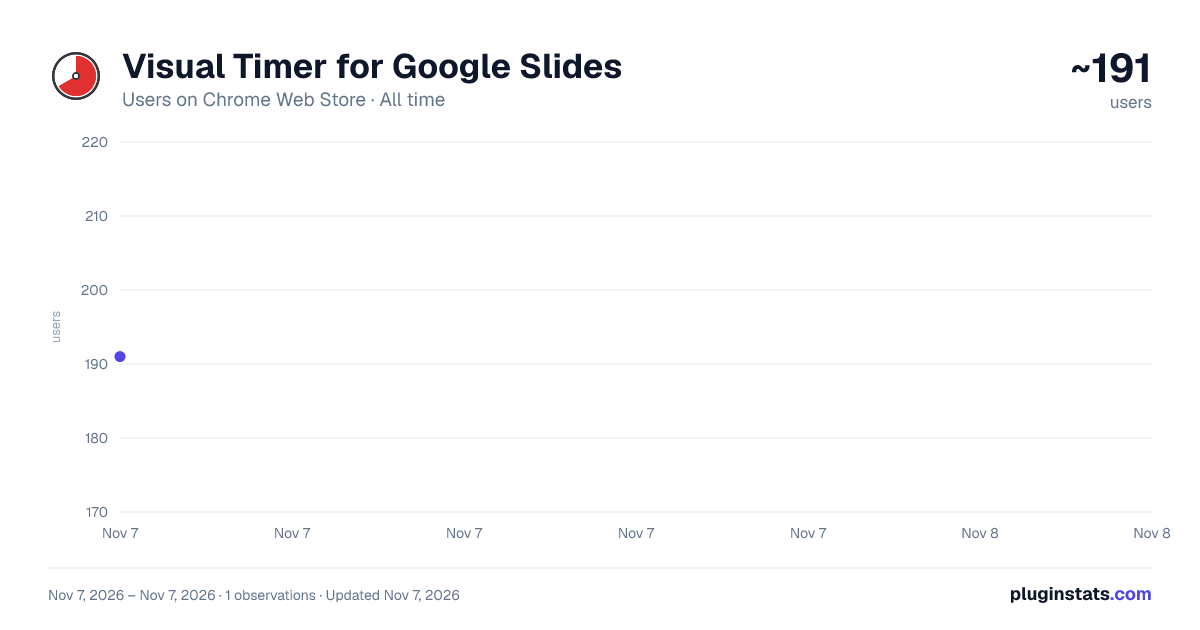
Visual Timer for Google Slides has approximately 191 recorded users on Chrome Web Store, ranking #6079 of 7,934 tracked listings.
Rating: 5.00 / 5 from 2 ratings
About Visual Timer for Google Slides
Add live countdowns, stopwatches and clocks to Google Slides. Type <<5:00->> in a text box and present. Free, no sign-up.
Put a live countdown, stopwatch or clock right on your Google Slides, in your own font, size and color. No videos, no switching windows.
HOW IT WORKS
- Open the extension popup, choose a duration and copy the generated tag into a slide text box. Or type a tag directly, for example <<5:00->>
- Style it like normal text: font, size and color are kept.
- Click Slideshow. The tag turns into a live timer.
While presenting, press Y (or click the timer) to pause and resume, and R to restart. When you edit the slide, you still see the tag, so it's easy to change.
TAGS <<5:00->> 5-minute countdown <<0:00+>> stopwatch (counts up) <<1:00-|bar>> 1-minute progress bar <<5:00-$>> starts paused – press Y to start <<5:00-~>> keeps running when you change slides <<5:00-+>> goes to the next slide when time is up (<<5:00-->> goes back) <<2026-12-25->> countdown to a date <<time>> current time (<<time^>> hides seconds) <<date>> today's date (also <<shortdate>> and <<longdate>>) <<time|h:mm tt>> custom format
You can mix tags with text, like "Clean-up time: <<3:00->>". A chime plays when a countdown ends (you can turn it off in the extension pop-up).
ALREADY USE <<…>> TAGS? If your slides already contain timer tags in this style, they work as they are — nothing to redo.
GREAT FOR • Timed activities, tests and centers in the classroom • Warm-ups, breaks and clean-up time • Workshops, talks and meetings
PRIVATE BY DESIGN The extension only runs on Google Slides, works entirely in your browser and collects nothing. It needs no account and makes no network requests.
Full guide and examples: https://visualtimer.org/google-slides-timer/
Google Slides is a trademark of Google LLC. This extension is not made or endorsed by Google.
Description from the Chrome Web Store listing.
README badge
Show your rank in a README or on your website. The badge updates automatically.
Charts
Images: 30d · 1y · all time · 1600×900 dark
Adoption over time
7/30/90-day growth
Ranking history
Ratings over time
Listing placement
Listing placement
Filled points are observed values; hollow points come from Internet Archive snapshots of the listing page. Dashed segments span periods with no observations — values between points are not interpolated.
Each band is one page of 20. Users on a linear scale. Placement is projected from users, so it can differ from the marketplace's own sort order. Hover a dot to see the listing.
Recent observations
Full history (1)Similar Chrome Web Store Education plugins
All 20 Visual Timer for Google Slides alternatives



Data source
Covers every Chrome Web Store extension with at least 100 users, found through the store's public sitemap. User counts are read from public listing pages. The 10% most-used extensions are refreshed daily, the next 40% weekly and the next 40% monthly; the least-used 10% are not refreshed. Google displays rounded user counts (and caps the display at 10,000,000+), so small changes may not be visible. Rating counts above 1,000 are rounded (e.g. 1.6K).
Listing: https://chromewebstore.google.com/detail/visual-timer-for-google-s/fnnbpemcahjlhihddlnbhlfnimbccghc. First seen Nov 7, 2026; last successful collection Nov 7, 2026. See the methodology.