 PluginStats

TabScribe — One Click Tab Copy & Export users statistics
Copy all tabs in one click. Export to Markdown, JSON, HTML. Works across all windows. Modern UI, dark mode. Private & offline.
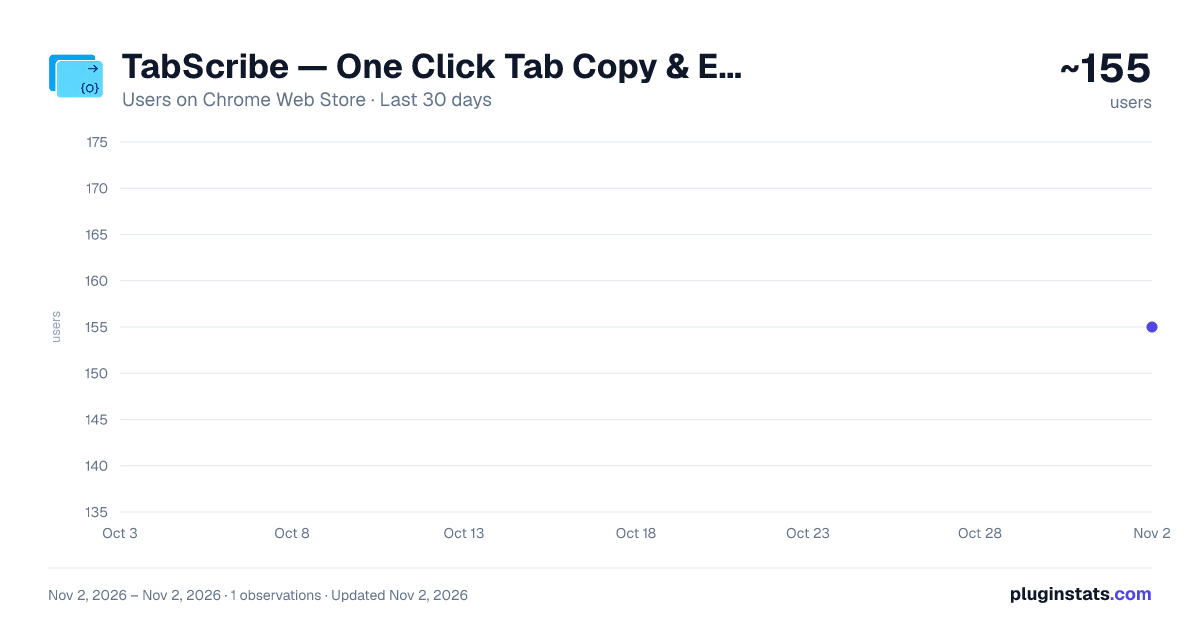
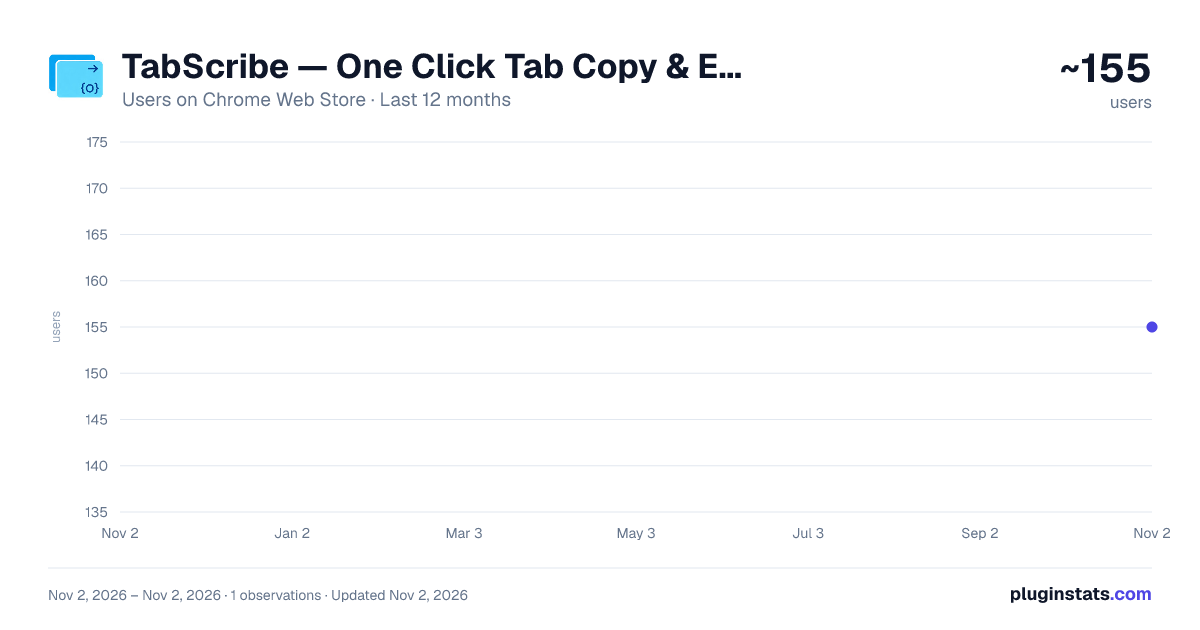
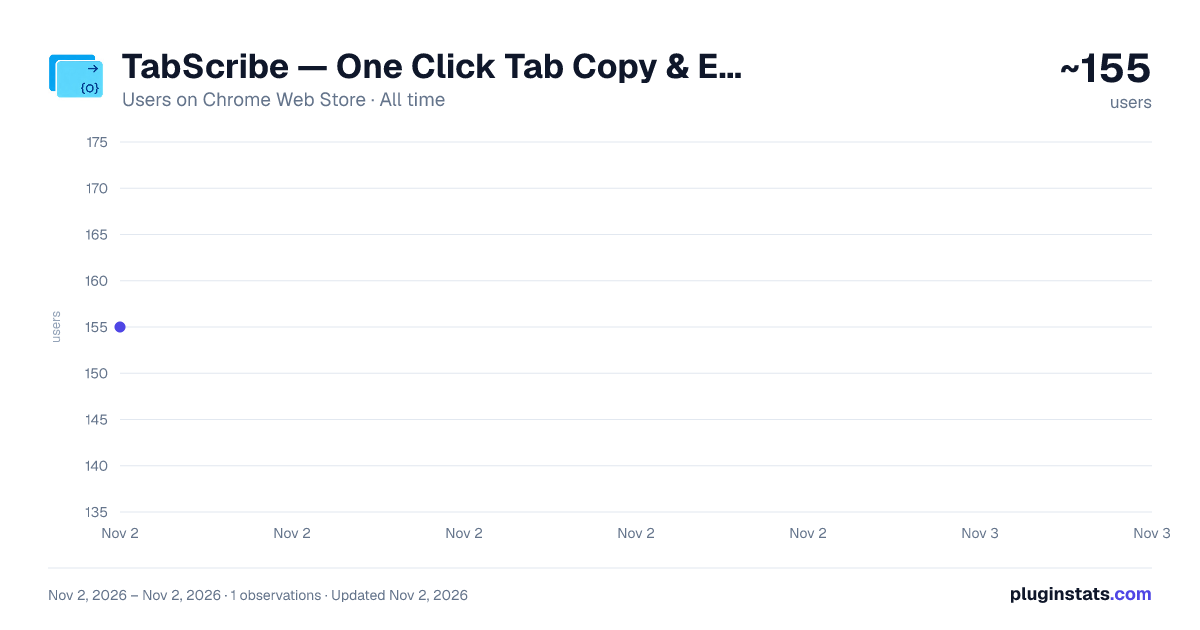
TabScribe — One Click Tab Copy & Export has approximately 155 recorded users on Chrome Web Store, ranking #5654 of 6,786 tracked listings.
Rating: 5.00 / 5 from 2 ratings
About TabScribe — One Click Tab Copy & Export
Copy all tabs in one click. Export to Markdown, JSON, HTML. Works across all windows. Modern UI, dark mode. Private & offline.
🔥 Copy All Tabs in One Click — Built for people who hate complexity
Tired of manually copying URLs one by one from dozens of open tabs? TabScribe lets you copy all your tabs in a single click as Markdown, JSON, HTML, or plain text. Cross-window support, works fully offline, 100% private.
✨ Why Choose TabScribe Over Other Tab Managers?
✅ One click, not two Many tools get more complicated with every update, adding more clicks to simple actions. TabScribe follows one principle: if it can be done in one click, we'll never ask you for a second.
✅ Cross-window support — competitors can't do this Have multiple browser windows open? TabScribe copies tabs from ALL windows at once. Most similar extensions only handle the current window.
✅ Modern UI that looks good You don't want an ugly toolbar button in your beautiful browser. TabScribe is built with Tailwind CSS with automatic dark mode.
✅ Fully offline, zero data collection All data stored locally on your device. No telemetry, no tracking, no data sending.
📋 Key Features
• Copy all URLs in one click (current window or all windows) • Export as Markdown / JSON / HTML / plain text • Save & restore tab groups locally • Keyboard shortcut Alt+Shift+C — don't even need to open the popup • Smart filtering of system pages (chrome://, edge://, about:) • Custom delimiter for plain text mode
👥 Who Uses TabScribe?
• Researchers & Students — Copy references into Obsidian/Zotero with one click • Developers — Share documentation & GitHub links with your team • Product Managers — Export competitor site lists for analysis • Content Creators — Save tab groups during research sessions
🚀 Get Started (3 Steps)
- Click "Add to Chrome" — no signup, instant install
- Press Alt+Shift+C (Mac: ⌘+Shift+C) to copy all tabs instantly
- Choose your format, paste where you need it. Done.
🔒 Permissions Explained
• tabs — Reads titles and URLs of open tabs • clipboardWrite — Copies formatted content to clipboard • storage — Saves tab groups & preferences locally • downloads — Exports tabs as files
No external network requests. No telemetry. Your data never leaves your browser.
Description from the Chrome Web Store listing.
README badge
Show your rank in a README or on your website. The badge updates automatically.
Charts
Images: 30d · 1y · all time · 1600×900 dark
Adoption over time
7/30/90-day growth
Ranking history
Ratings over time
Listing placement
Listing placement
Filled points are observed values; hollow points come from Internet Archive snapshots of the listing page. Dashed segments span periods with no observations — values between points are not interpolated.
Each band is one page of 20. Users on a linear scale. Placement is projected from users, so it can differ from the marketplace's own sort order. Hover a dot to see the listing.
Recent observations
Full history (1)Similar Chrome Web Store Tools plugins
All 20 TabScribe — One Click Tab Copy & Export alternatives



Data source
Covers every Chrome Web Store extension with at least 100 users, found through the store's public sitemap. User counts are read from public listing pages. The 10% most-used extensions are refreshed daily, the next 40% weekly and the next 40% monthly; the least-used 10% are not refreshed. Google displays rounded user counts (and caps the display at 10,000,000+), so small changes may not be visible. Rating counts above 1,000 are rounded (e.g. 1.6K).
Listing: https://chromewebstore.google.com/detail/tabscribe-—-one-click-tab/jlochdcehejdkemnmlkphhkjnadegcgm. First seen Nov 2, 2026; last successful collection Nov 2, 2026. See the methodology.