 PluginStats
Video Speed Controller with Keyboard Shortcuts users statistics
By Simple Extensions · Chrome Web Store · Tools
Control HTML5 video speed and seeking with keyboard shortcuts (Ctrl+Shift+← → ↑ ↓).
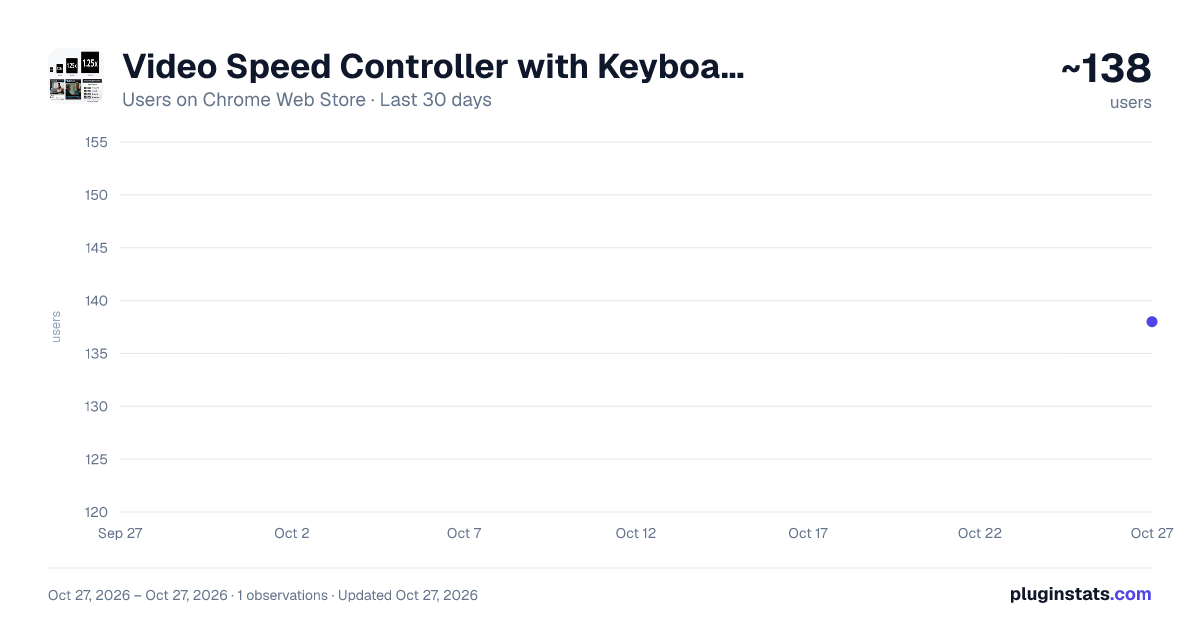
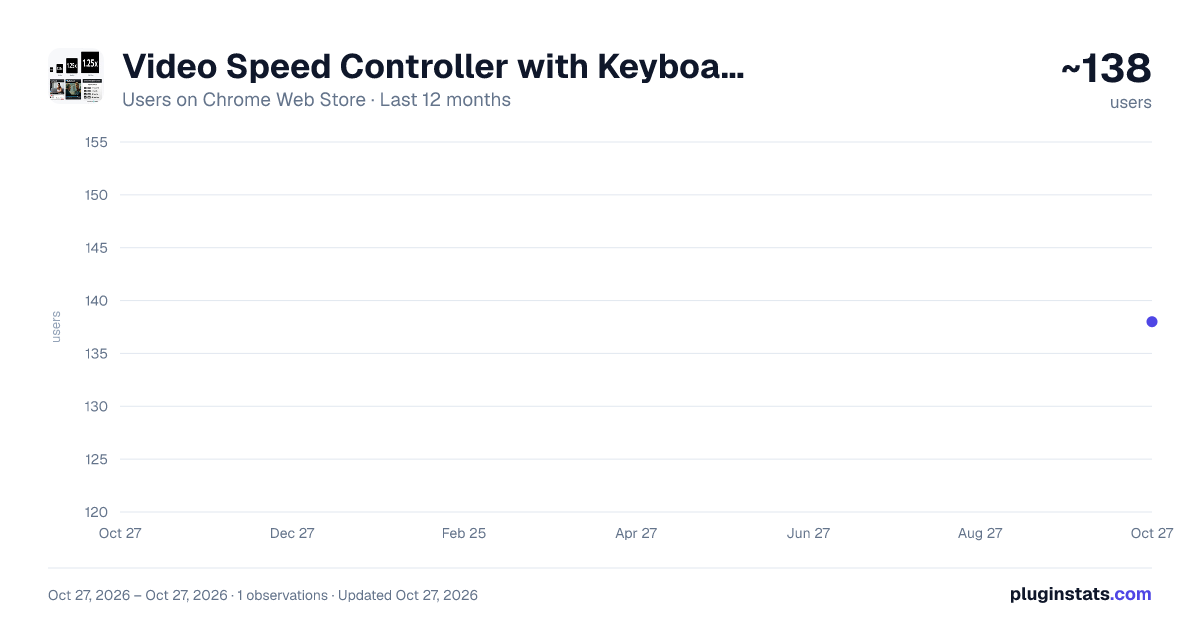
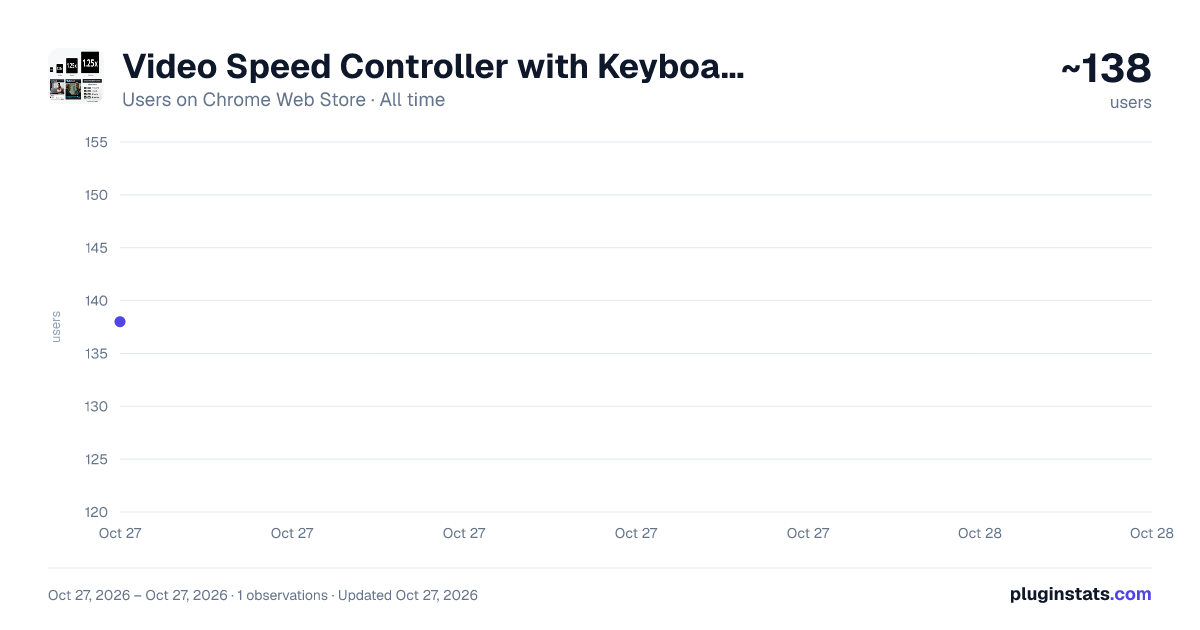
Video Speed Controller with Keyboard Shortcuts has approximately 138 recorded users on Chrome Web Store, ranking #4260 of 4,880 tracked listings.
About Video Speed Controller with Keyboard Shortcuts
Control HTML5 video speed and seeking with keyboard shortcuts (Ctrl+Shift+← → ↑ ↓).
Video Speed Controller with Keyboard Shortcuts is a lightweight Chrome extension that lets you control video playback on websites that use HTML5 video players.
With simple keyboard shortcuts, you can:
⏩ Skip forward or backward in videos ⚡ Increase or decrease playback speed 👀 View the current playback speed instantly on screen
The extension works reliably on popular video platforms including:
• YouTube • Netflix • Amazon Prime Video • Jio Hotstar • Other websites that use standard HTML5 video players
✨ Features
• Keyboard shortcuts for fast video control • On-screen playback speed indicator (e.g., 1.25x, 1.5x) • Automatically activates on supported video players • Lightweight, fast, and easy to use • No ads, no tracking, no sign-up required
⌨️ Default Keyboard Shortcuts
Ctrl + Shift + → : Forward 10 seconds Ctrl + Shift + ← : Backward 10 seconds Ctrl + Shift + ↑ : Increase playback speed Ctrl + Shift + ↓ : Decrease playback speed
Note: → = Right arrow key ← = Left arrow key ↑ = Up arrow key ↓ = Down arrow key
🤖 Developer Notes
This extension was created with the assistance of ChatGPT as a development aid. All functionality is implemented locally within the browser and does not rely on any external services or APIs.
🔒 Privacy & Security
This extension does not collect, store, or transmit any personal data. No analytics, tracking, or remote code execution are used. All processing happens locally on the user’s device.
ℹ️ Compatibility Note
The extension works on websites that use standard HTML5 video players. Some platforms may require the video player to be focused for keyboard shortcuts to function.
✅ Tested Platforms
YouTube, Netflix, Amazon Prime Video, and Jio Hotstar.
Description from the Chrome Web Store listing.
README badge
Show your rank in a README or on your website. The badge updates automatically.
Charts
Images: 30d · 1y · all time · 1600×900 dark
Adoption over time
7/30/90-day growth
Ranking history
Ratings over time
Listing placement
Listing placement
Filled points are observed values; hollow points come from Internet Archive snapshots of the listing page. Dashed segments span periods with no observations — values between points are not interpolated.
Each band is one page of 20. Users on a linear scale. Placement is projected from users, so it can differ from the marketplace's own sort order. Hover a dot to see the listing.
Recent observations
Full history (1)Similar Chrome Web Store Tools plugins
All 20 Video Speed Controller with Keyboard Shortcuts alternatives



Data source
Covers every Chrome Web Store extension with at least 100 users, found through the store's public sitemap. User counts are read from public listing pages. The 10% most-used extensions are refreshed daily, the next 40% weekly and the next 40% monthly; the least-used 10% are not refreshed. Google displays rounded user counts (and caps the display at 10,000,000+), so small changes may not be visible. Rating counts above 1,000 are rounded (e.g. 1.6K).
Listing: https://chromewebstore.google.com/detail/video-speed-controller-wi/fnjclabnkobkffheimggaekgalabapgn. First seen Oct 27, 2026; last successful collection Oct 27, 2026. See the methodology.