 PluginStats

Formfacade - Embed Google Forms users statistics
Chrome Web Store · Developer Tools
Customize embedded Google Forms with AI to match your website — no iframe, no Google branding. WordPress, Squarespace, Wix & more.
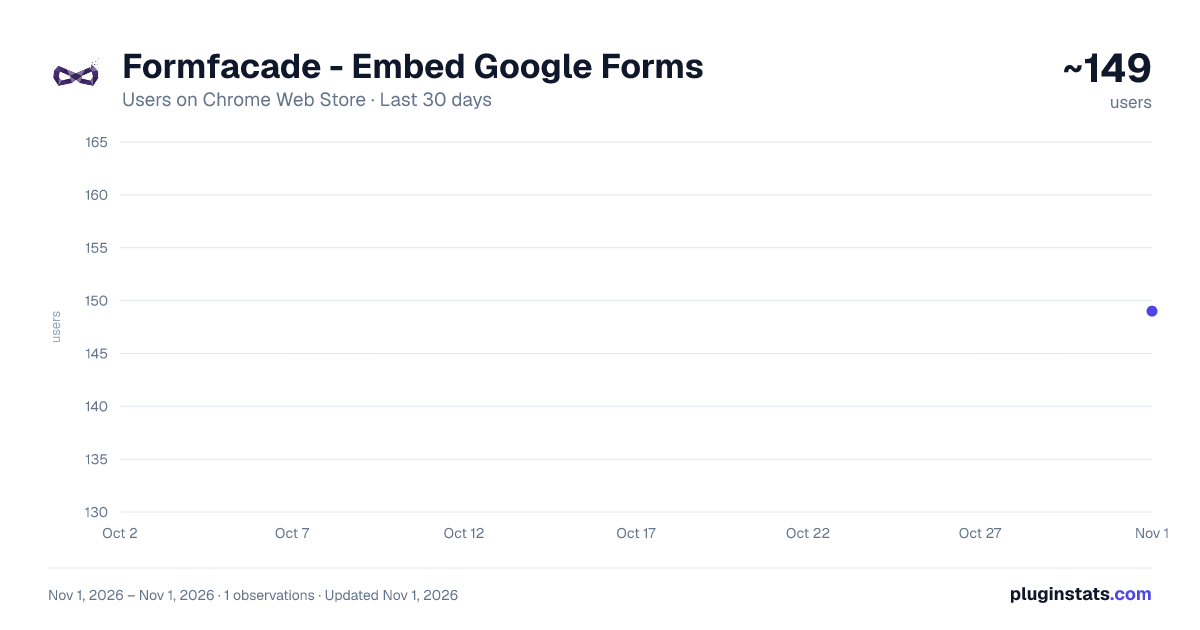
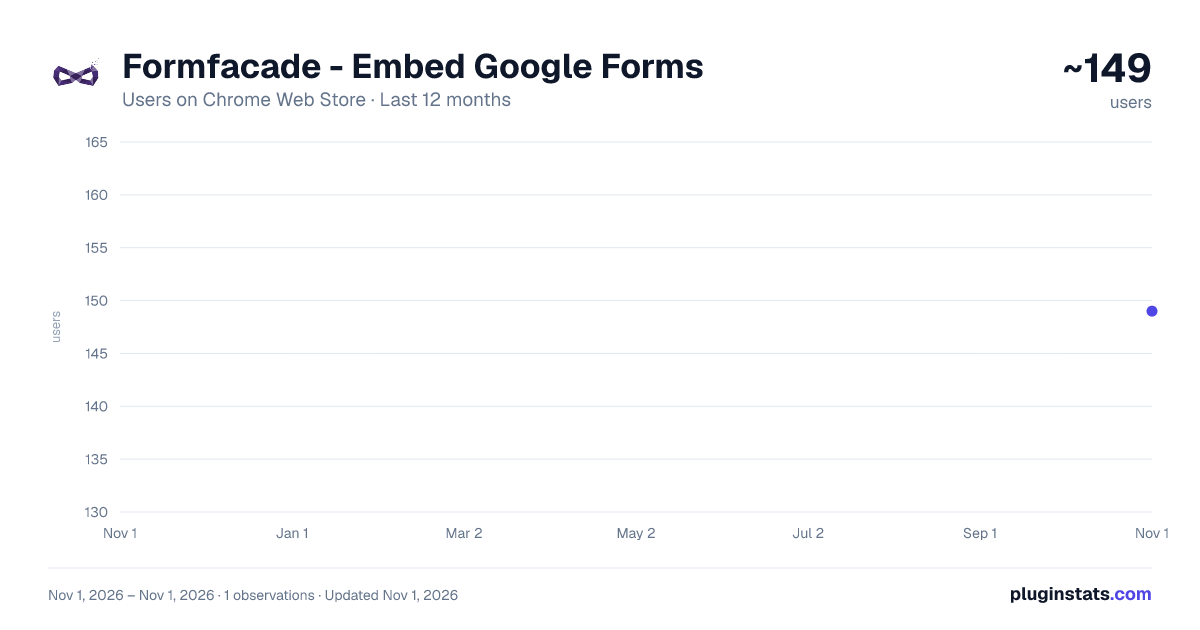
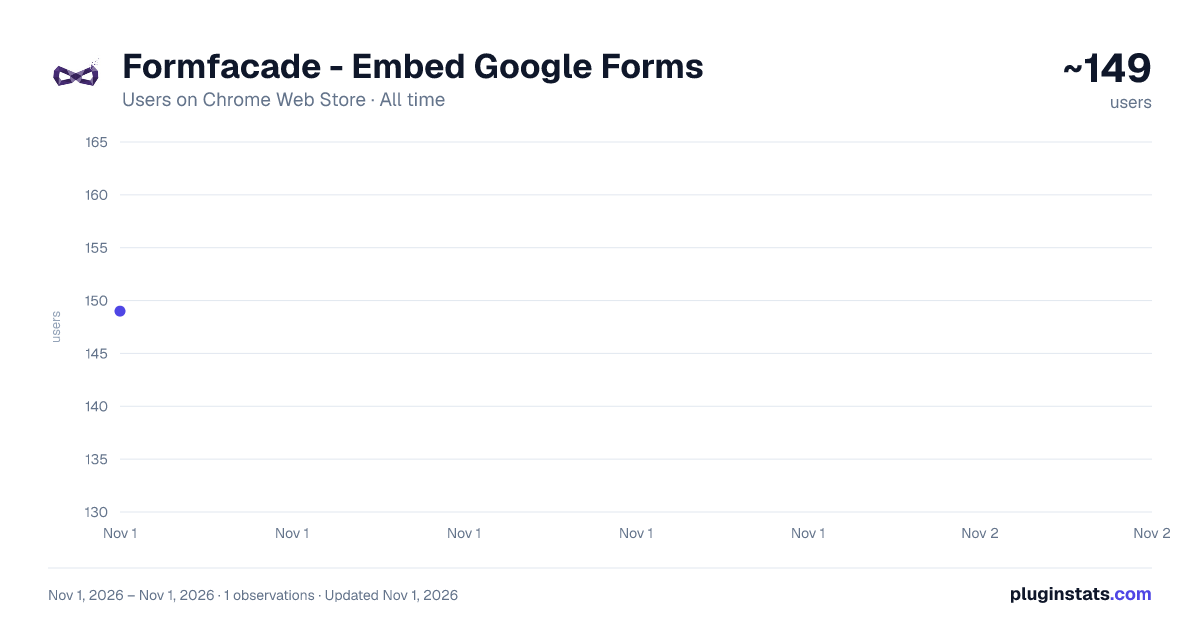
Formfacade - Embed Google Forms has approximately 149 recorded users on Chrome Web Store, ranking #5750 of 6,786 tracked listings.
Rating: 5.00 / 5 from 1 ratings
About Formfacade - Embed Google Forms
Customize embedded Google Forms with AI to match your website — no iframe, no Google branding. WordPress, Squarespace, Wix & more.
Make your embedded Google Form look like it belongs on your website — using AI.
Formfacade lets you embed Google Forms natively on any website (no iframe), so every response still lands in your Google Forms and Google Sheets exactly as before. This extension adds an AI customization layer on top: open the page with your form, describe what you want in plain English, and watch the form restyle itself live.
WHAT YOU CAN DO • "Match my brand colors and fonts" — the form picks up your site's look. • "Make the background transparent so my page shows through." • "Turn this into a multi-step wizard with a progress bar." • "Group the questions into sections." • Reset anytime, or roll back to any earlier version from the chat.
WORKS EVERYWHERE YOUR SITE DOES WordPress, Squarespace, Wix, Google Sites, Webflow, Shopify and more. No form on the page yet? The extension detects your platform and walks you through embedding one — pick an existing form or create a new one, with the exact paste-in steps for your CMS.
YOUR DATA STAYS IN GOOGLE The form's fields, wiring, and submissions are never touched — only the presentation. Responses keep flowing into your Google Forms and Google Sheets.
HOW IT WORKS
- Install the extension and open a page with your embedded Formfacade form.
- Click the toolbar icon to open the customization chat.
- Type what you want. The form updates live. Iterate until it's perfect.
Built by the team behind Formfacade, trusted by 3M+ users to make Google Forms look professional.
Learn more: https://formfacade.com/embed/
Description from the Chrome Web Store listing.
README badge
Show your rank in a README or on your website. The badge updates automatically.
Charts
Images: 30d · 1y · all time · 1600×900 dark
Adoption over time
7/30/90-day growth
Ranking history
Ratings over time
Listing placement
Listing placement
Filled points are observed values; hollow points come from Internet Archive snapshots of the listing page. Dashed segments span periods with no observations — values between points are not interpolated.
Each band is one page of 20. Users on a linear scale. Placement is projected from users, so it can differ from the marketplace's own sort order. Hover a dot to see the listing.
Recent observations
Full history (1)Similar Chrome Web Store Developer Tools plugins
All 20 Formfacade - Embed Google Forms alternatives



Data source
Covers every Chrome Web Store extension with at least 100 users, found through the store's public sitemap. User counts are read from public listing pages. The 10% most-used extensions are refreshed daily, the next 40% weekly and the next 40% monthly; the least-used 10% are not refreshed. Google displays rounded user counts (and caps the display at 10,000,000+), so small changes may not be visible. Rating counts above 1,000 are rounded (e.g. 1.6K).
Listing: https://chromewebstore.google.com/detail/formfacade-embed-google-f/cpmiooocpcgoegkedkhiomeflhngdkch. First seen Nov 1, 2026; last successful collection Nov 1, 2026. See the methodology.