 PluginStats

Full Page Screenshot - Handy Screenshot users statistics
Capture full-page and scrolling screenshots with an easy screen capture tool. Annotate, edit, and export as images or PDFs.
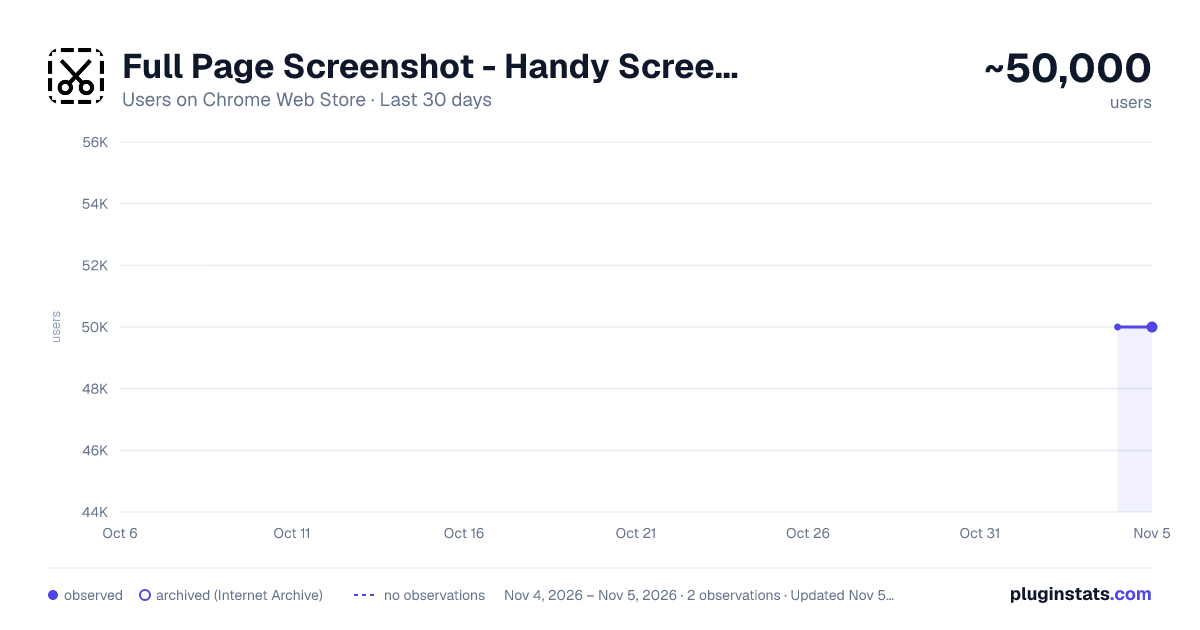
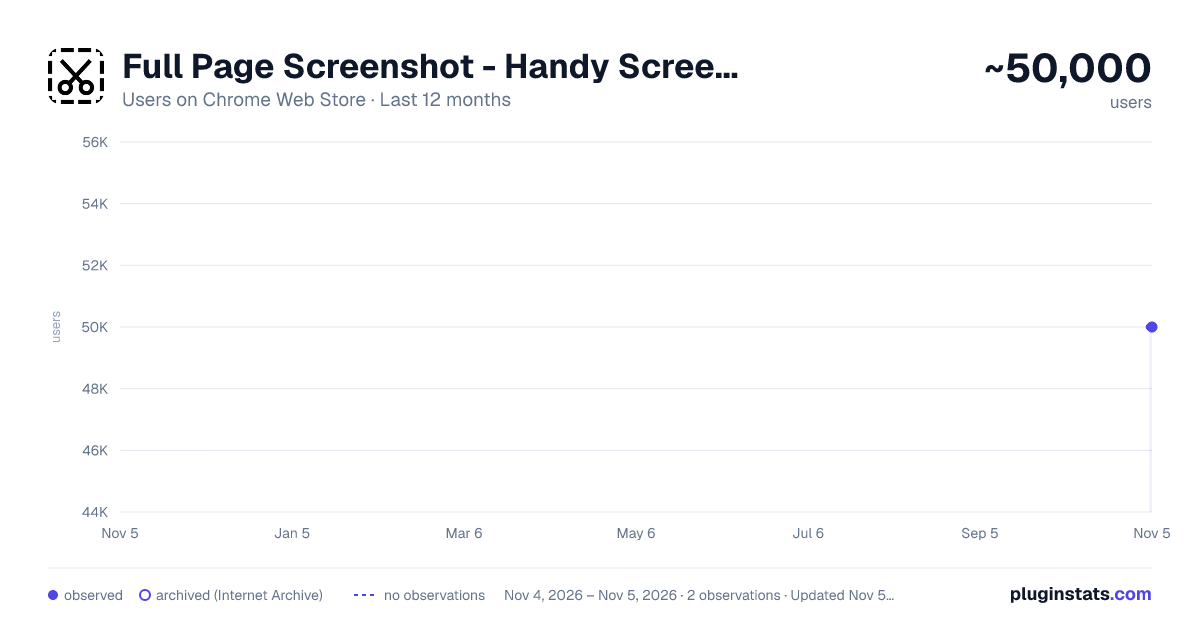
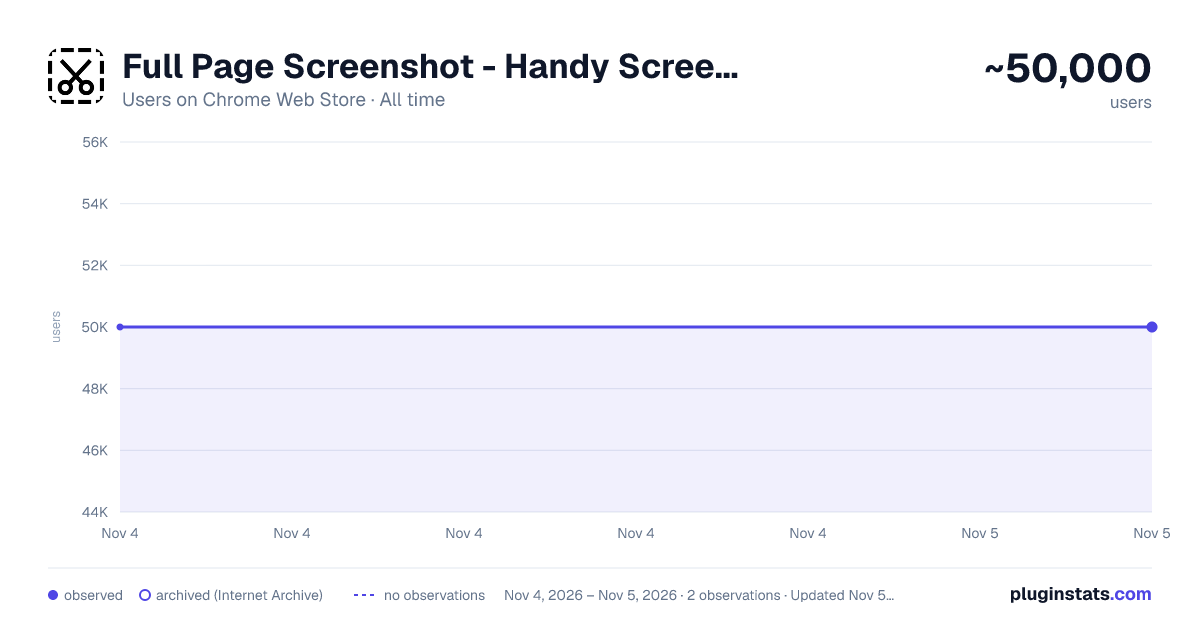
Full Page Screenshot - Handy Screenshot has approximately 50,000 recorded users on Chrome Web Store, ranking #353 of 7,342 tracked listings.
Rating: 4.90 / 5 from 831 ratings
About Full Page Screenshot - Handy Screenshot
Capture full-page and scrolling screenshots with an easy screen capture tool. Annotate, edit, and export as images or PDFs.
Capture full-page screenshots, scrolling screenshots, and selected screen regions with ease. Handy Screenshot is a screen capture tool for Chrome that lets you capture entire webpages, edit and annotate screenshots, and export them as images or PDFs. It also supports capturing your entire display.
We try to make it super easy for you to capture viewport, capture entire page, crop, annotate, save as PNG / JPG / WEBP / PDF, copy to clipboard.
🤩 You will love: ◉ Easy and user-friendly interface ◉ Custom keyboard Shortcuts: separate shortcuts for 1. capture full page 2. capture visible area 3. select area ◉ Capture screenshot for selected area / visible area / whole page ◉ Annotate your screenshot with our powerful yet the most easy-to-use built-in image editor ◉ Name your screenshot before saving as best quality, high-resolution screenshots, PDF, PNG, JPG, and WEBP formats ◉ Upload your screenshots to Google Drive, and it remembers the folders you've used ◉ Send the screenshot to your AI chatbox like ChatGPT / Claude / Gemini
✨ Features of our built-in screenshot editor: ◉ Cropping ◉ Texts ◉ Shapes: arrows, rectangles, circles ◉ Free draw: pencil or highligher ◉ Blur: to hide sensitive info on screen ◉ Counters: for steps / order ◉ Magnifier: highlight details with zoomed-in callouts ◉ Beautiful gradient background: to take your screenshots to next level
🚀 PRO Features (New) PRO license is a one-time purchase - no subscription. It unlocks more control and a faster editing workflow:
◉ Annotation presets: save and reuse your favorite styles (colors, shapes, crop, background) ◉ Browser frames: present screenshots inside a polished browser window with URL. ◉ Phone frames: present screenshots inside polished iPhone and Pixel device frames. ◉ Layer manager: easily organize, reorder, and manage elements on your screenshot ◉ History (undo & redo): go back and forth through your edits with confidence ◉ Fixed-size capture: capture screenshots with precise, consistent dimensions ◉ Canvas zoom: Zoom from 5% to 500% or fit the entire canvas to your workspace.
One more thing:
- The other products made by ohhandy.com are also listed in a dropdown in screenshot editor page (editor.html)
Description from the Chrome Web Store listing.
README badge
Show your rank in a README or on your website. The badge updates automatically.
Charts
Images: 30d · 1y · all time · 1600×900 dark
Adoption over time
7/30/90-day growth
Ranking history
Ratings over time
Listing placement
Listing placement
Filled points are observed values; hollow points come from Internet Archive snapshots of the listing page. Dashed segments span periods with no observations — values between points are not interpolated.
Each band is one page of 20. Users on a linear scale. Placement is projected from users, so it can differ from the marketplace's own sort order. Hover a dot to see the listing.
Recent observations
Full history (2)Similar Chrome Web Store Tools plugins
All 20 Full Page Screenshot - Handy Screenshot alternatives



Data source
Covers every Chrome Web Store extension with at least 100 users, found through the store's public sitemap. User counts are read from public listing pages. The 10% most-used extensions are refreshed daily, the next 40% weekly and the next 40% monthly; the least-used 10% are not refreshed. Google displays rounded user counts (and caps the display at 10,000,000+), so small changes may not be visible. Rating counts above 1,000 are rounded (e.g. 1.6K).
Listing: https://chromewebstore.google.com/detail/full-page-screenshot-hand/dajlhodahakobmgdiglkajjgbchiiccf. First seen Nov 4, 2026; last successful collection Nov 5, 2026. See the methodology.