 PluginStats
AutoGrok - Auto send Grok prompts and download images/videos users statistics
Grok efficiency extension, batch automatic sending prompts and downloading images/videos, prompts management, and more.
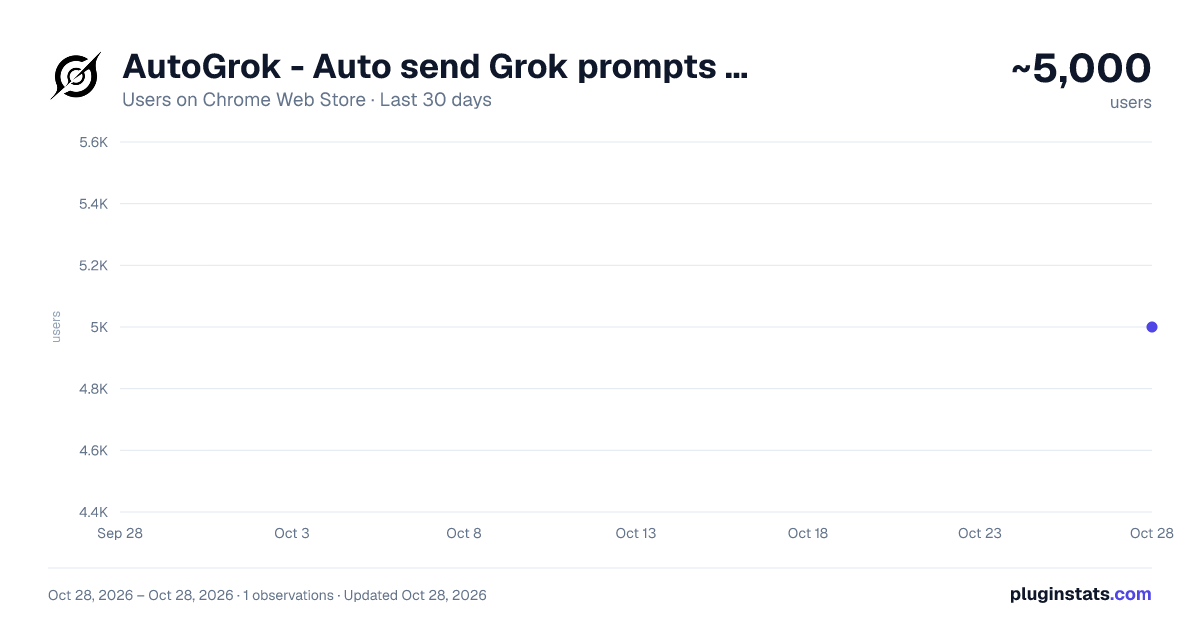
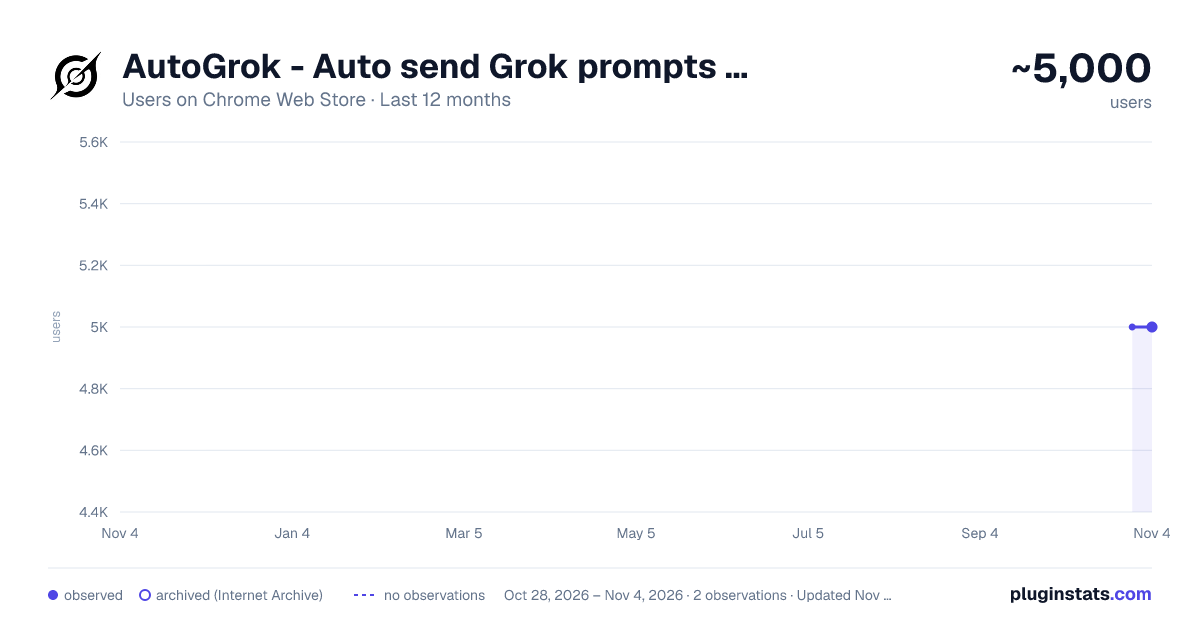
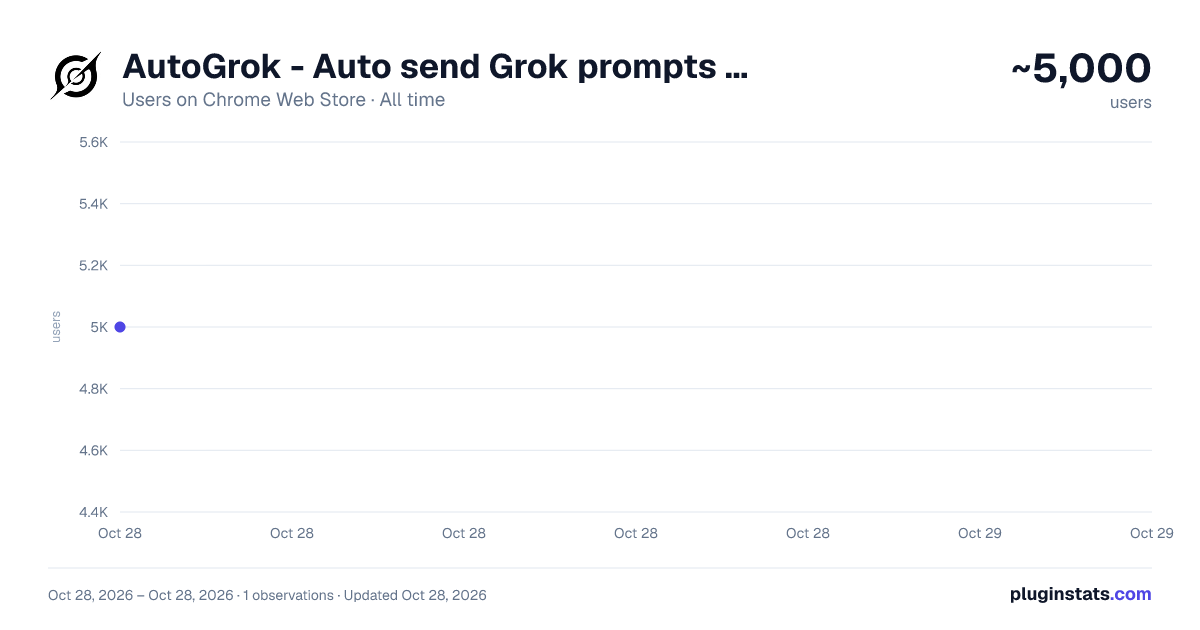
AutoGrok - Auto send Grok prompts and download images/videos has approximately 5,000 recorded users on Chrome Web Store, ranking #844 of 4,880 tracked listings.
Rating: 3.10 / 5 from 29 ratings
About AutoGrok - Auto send Grok prompts and download images/videos
Grok efficiency extension, batch automatic sending prompts and downloading images/videos, prompts management, and more.
⚠️ IMPORTANT: This is a paid extension requires a subscription to use, but we offer a limited-time free trial for you to explore its features. If it helps you, leaving a ⭐⭐⭐⭐⭐ rating or a review would means a lot to our team and helps us keep improving. Thank you! 🎁
AutoGrok: Your Grok Efficiency Booster! The Accelerator for Your Creative Journey!
- Automatic Batch Sending
- Auto-Download & Auto-Rename
- Image-to-Video Support: A highlight feature—Free, fast, high volume, and high creative freedom. 👍
- Text-to-Video Support
- Text-to-Image Support: A highlight feature—Supports infinite scrolling generation on the "Imagine" page. 👍
- Image-to-Image Support: Supports sending single or multiple images combined with prompts.
- Task Management: Automatic queueing, adjustable execution order, and the ability to add or remove tasks at any time.
- Prompt Engineering Tools: Batch prefixes/suffixes, automatic batch combination of prompt templates, and prompt variable support.
- Download Manager: Batch management of images, prompts, videos, and links.
- Advanced Editing: Batch AI Upscaling and Batch AI Background Removal.
The Advantages of Grok:
- Video Powerhouse: Grok’s biggest strength lies in video generation. It is free, supports high volumes, works fast, and delivers impressive results.
- Instant Images: It is also excellent for free image generation. The "Imagine" page allows for infinite scrolling generation with instant results—a unique feature not seen on other platforms.
Description from the Chrome Web Store listing.
README badge
Show your rank in a README or on your website. The badge updates automatically.
Charts
Images: 30d · 1y · all time · 1600×900 dark
Adoption over time
7/30/90-day growth
Ranking history
Ratings over time
Listing placement
Listing placement
Filled points are observed values; hollow points come from Internet Archive snapshots of the listing page. Dashed segments span periods with no observations — values between points are not interpolated.
Each band is one page of 20. Users on a linear scale. Placement is projected from users, so it can differ from the marketplace's own sort order. Hover a dot to see the listing.
Recent observations
Full history (1)Similar Chrome Web Store Tools plugins
All 20 AutoGrok - Auto send Grok prompts and download images/videos alternatives



Data source
Covers every Chrome Web Store extension with at least 100 users, found through the store's public sitemap. User counts are read from public listing pages. The 10% most-used extensions are refreshed daily, the next 40% weekly and the next 40% monthly; the least-used 10% are not refreshed. Google displays rounded user counts (and caps the display at 10,000,000+), so small changes may not be visible. Rating counts above 1,000 are rounded (e.g. 1.6K).
Listing: https://chromewebstore.google.com/detail/autogrok-auto-send-grok-p/nmgfpjbckmbhpndgpmkbgbmopnkigncc. First seen Oct 28, 2026; last successful collection Oct 28, 2026. See the methodology.