 PluginStats

AI Meeting Note Taker users statistics
Use AI Meeting Note Taker for Google Meet™, Zoom™ & Teams™: live transcription, AI meeting summary, action items and email.
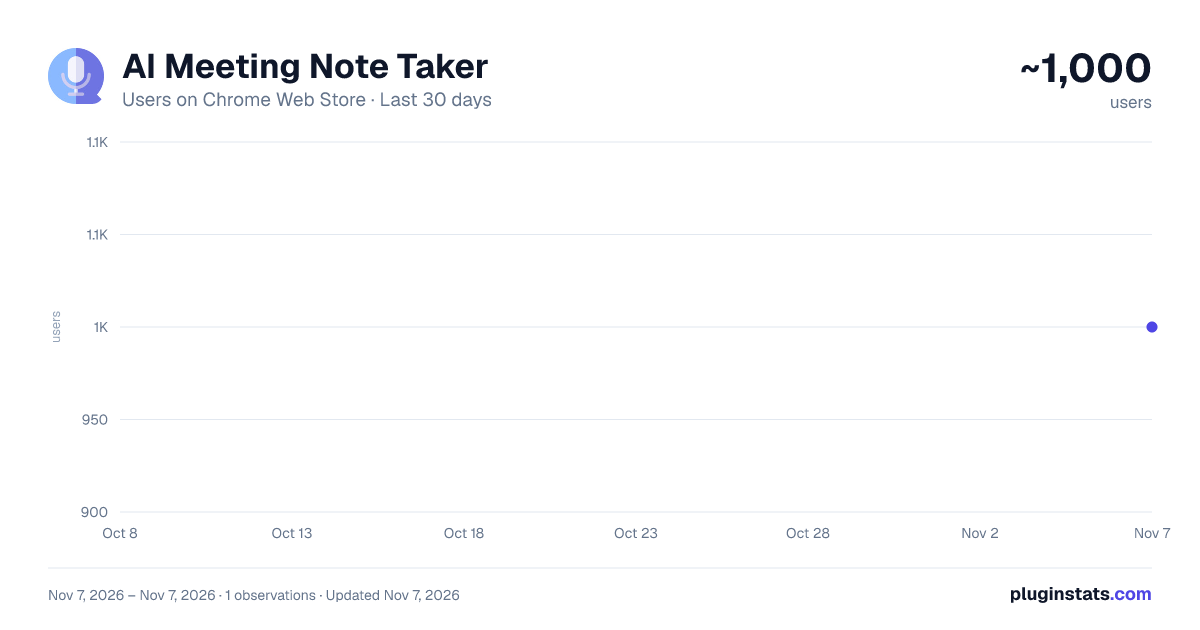
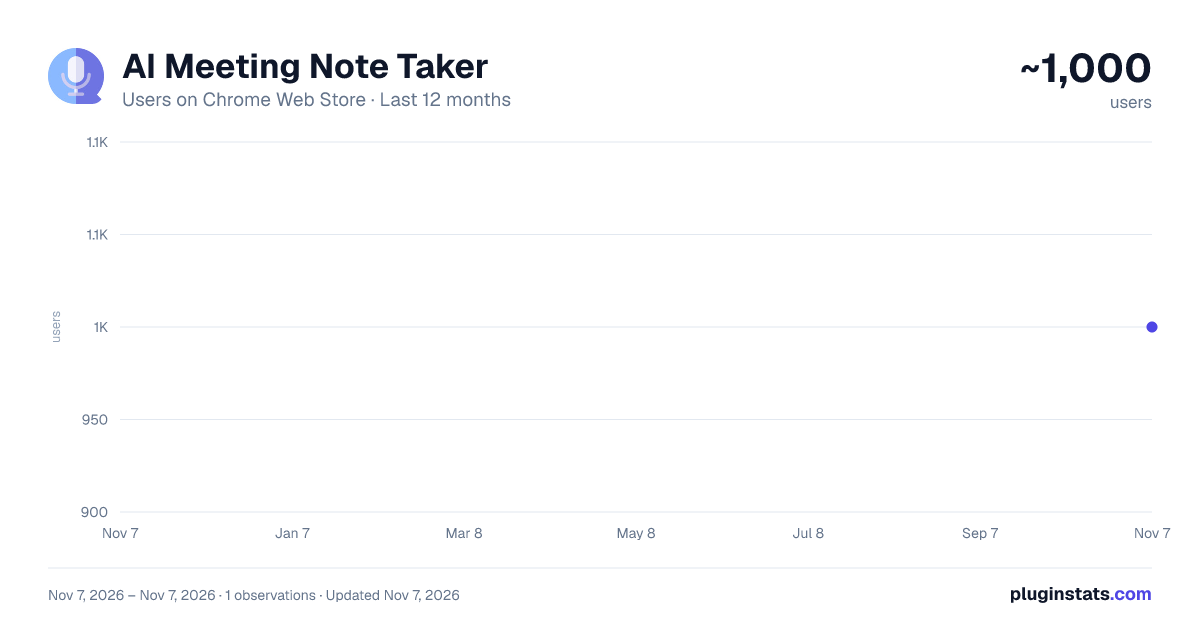
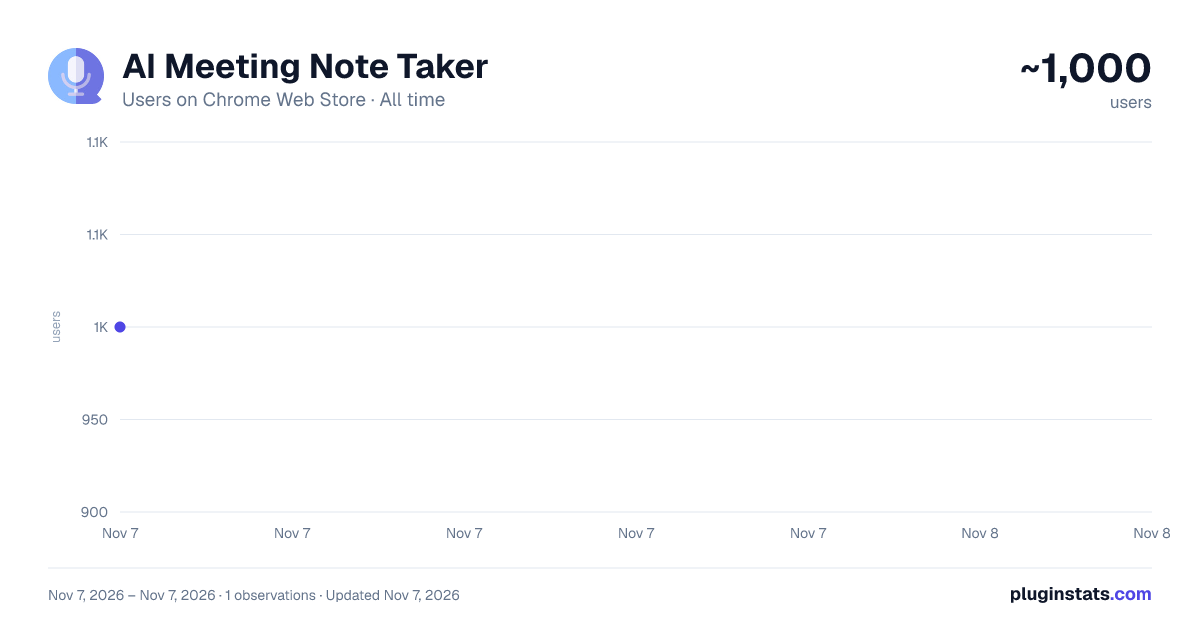
AI Meeting Note Taker has approximately 1,000 recorded users on Chrome Web Store, ranking #2881 of 7,934 tracked listings.
Rating: 5.00 / 5 from 1 ratings
About AI Meeting Note Taker
Use AI Meeting Note Taker for Google Meet™, Zoom™ & Teams™: live transcription, AI meeting summary, action items and email.
AI Meeting Note Taker is a Chrome extension that listens to your call, writes a transcript and turns it into a clear summary. Press Record, talk as usual, then press Stop and wait for the recording to be processed. No bot joins the call.
🎯 WHAT IT DOES
This ai meeting note taker captures the sound of the browser tab together with your microphone, so both sides of the conversation get into the notes. While you talk, live transcription shows the words on screen. After the call, the recording is processed again for an accurate meeting transcription with speaker labels.
1️⃣ live transcription and real time transcription during the call 2️⃣ a full transcript with Speaker A, Speaker B labels 3️⃣ ai meeting summary in one click 4️⃣ meeting action items pulled from the conversation 5️⃣ summary and transcript sent to your email
🎥 WORKS WITH YOUR CALLS
Use it as an ai meeting note taker for google meet, an ai note taker for zoom meetings in the Zoom web client, or an ai note taker for teams meetings in Teams for the web. Any tab with sound works: webinars, demos, interviews, online lessons.
➤ google meet transcription and a google meet transcript in the browser ➤ zoom meeting transcription for calls opened in Chrome ➤ teams meeting transcription for Microsoft Teams on the web ➤ call transcription for sales, support and hiring calls ➤ an ai note taker for in person meetings: record from the laptop microphone
📝 THREE SUMMARY STYLES
The built-in ai meeting summarizer gives you the format you need:
• Bullet points: key topics and decisions • Executive summary: a few paragraphs for stakeholders • Action items: tasks and next steps
It works as an ai meeting minutes generator: record, stop, pick a style, copy. The Enhance button fixes punctuation and recognition errors, so AI Meeting Note Taker is also a transcript summarizer and editor in one.
🚀 HOW TO USE
- Open the call in a Chrome tab.
- Click the extension icon and press Record, or use Alt+Shift+R.
- Talk as usual while live transcription runs.
- Press Stop when the call ends to get the full transcript.
- Choose a summary style, then copy, download or email it.
📧 NOTES IN YOUR INBOX
Add your email once and turn on auto-send. After processing the recording, AI Meeting Note Taker sends the summary and transcript to the address you entered, even when the popup is closed.
⚙️ BUILT FOR REAL WORK
▸ start a new recording while the previous one is still transcribing ▸ a small status window when the popup is closed ▸ history of the last 20 sessions ▸ copy or download the transcript and summary ▸ speech recognition in 60+ languages ▸ recordings up to 45 minutes each
🤝 WHO IT IS FOR
- managers who need ai meeting notes after every sync
- sales teams who want a meeting summary after each demo
- recruiters and researchers who run interviews
- remote teams looking for an ai note taker for meetings
- anyone who wants an ai meeting assistant without a bot
💡 WHY A NOTE TAKER IN THE BROWSER
No bot joins your call. The extension works inside Chrome, and you decide when to start and stop recording. No accounts to connect. It is a transcription chrome extension and a speech to text chrome extension in one, with a tab audio recorder under the hood. Looking for an ai notes taker that just works? Try AI Meeting Note Taker.
❓ FAQ
📌 Does a bot join my meeting? No. AI Meeting Note Taker records sound from your tab and microphone, so nothing new appears in the call.
📌 Which platforms are supported? Google Meet, Zoom and Microsoft Teams in the browser, plus any tab with audio. As an ai note taker for google meet it needs no setup.
📌 Is it an ai meeting note taker for teams and an ai note taker for zoom? Yes. Open the call in Chrome and press Record. Desktop apps are not captured. This ai note taker for teams works only in browser tabs.
📌 How do I get meeting minutes? Stop the recording and choose a style. Your transcript is available after processing, and the ai meeting notes taker keeps it in history.
📌 Where are my notes kept? Sessions are saved in your browser. Audio and text go to our server only to create the transcript and summary.
📌 Is there a time limit? Each recording lasts up to 45 minutes. Start a new one if the meeting runs longer.
Google Meet™ is a trademark of Google LLC. Zoom™ is a trademark of Zoom Communications, Inc. Microsoft Teams™ is a trademark of Microsoft Corporation. This extension is not affiliated with or endorsed by these companies.
Description from the Chrome Web Store listing.
README badge
Show your rank in a README or on your website. The badge updates automatically.
Charts
Images: 30d · 1y · all time · 1600×900 dark
Adoption over time
7/30/90-day growth
Ranking history
Ratings over time
Listing placement
Listing placement
Filled points are observed values; hollow points come from Internet Archive snapshots of the listing page. Dashed segments span periods with no observations — values between points are not interpolated.
Each band is one page of 20. Users on a linear scale. Placement is projected from users, so it can differ from the marketplace's own sort order. Hover a dot to see the listing.
Recent observations
Full history (1)Similar Chrome Web Store Tools plugins
All 20 AI Meeting Note Taker alternatives



Data source
Covers every Chrome Web Store extension with at least 100 users, found through the store's public sitemap. User counts are read from public listing pages. The 10% most-used extensions are refreshed daily, the next 40% weekly and the next 40% monthly; the least-used 10% are not refreshed. Google displays rounded user counts (and caps the display at 10,000,000+), so small changes may not be visible. Rating counts above 1,000 are rounded (e.g. 1.6K).
Listing: https://chromewebstore.google.com/detail/ai-meeting-notes/fnmcdehdcgghicnkkkimhdmcdbcpefgh. First seen Nov 7, 2026; last successful collection Nov 7, 2026. See the methodology.