 PluginStats

PushMyCode: Auto-Sync to GitHub users statistics
By PushMyCode · Chrome Web Store · Developer Tools
Automatically sync your coding solutions to GitHub from LeetCode, GeeksforGeeks, HackerRank, and CodeChef.
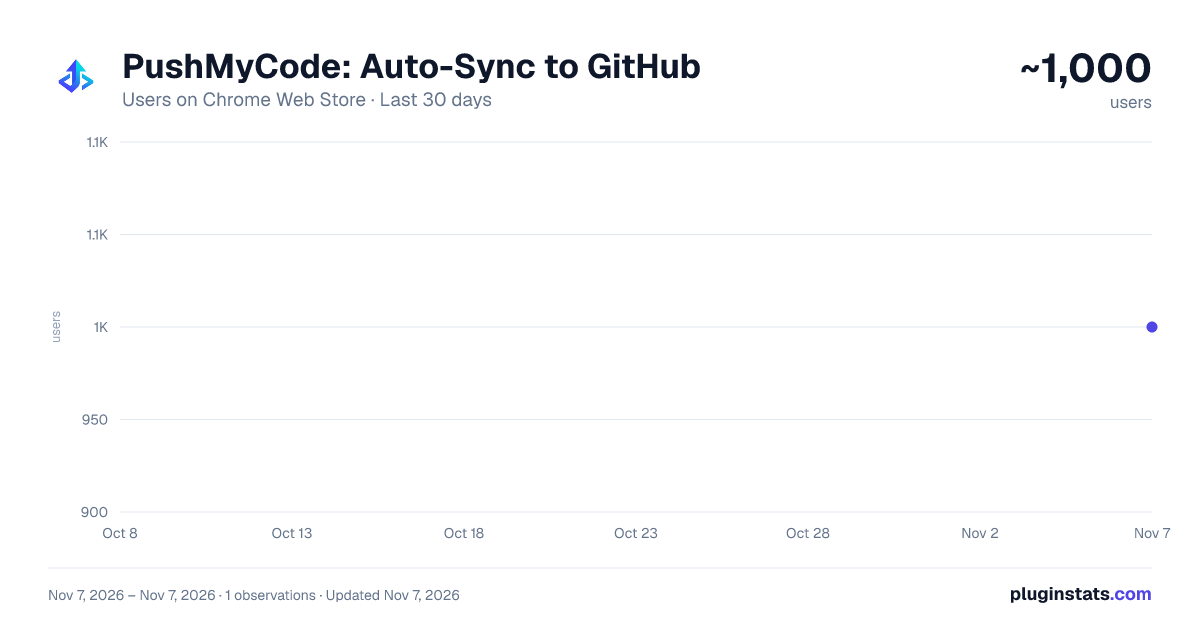
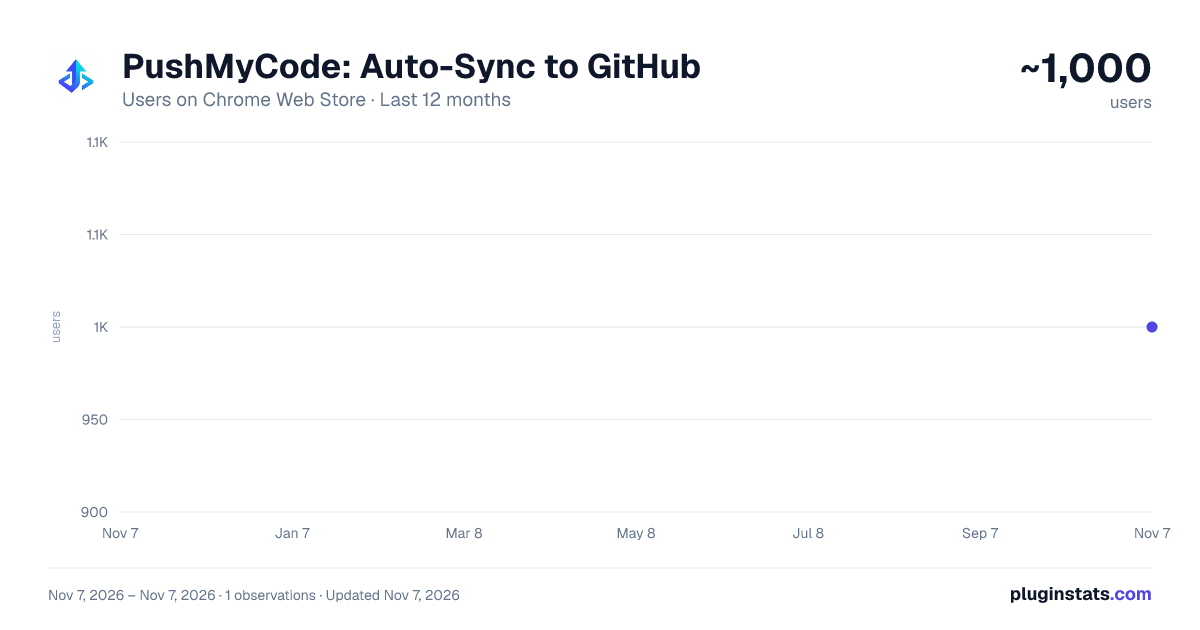
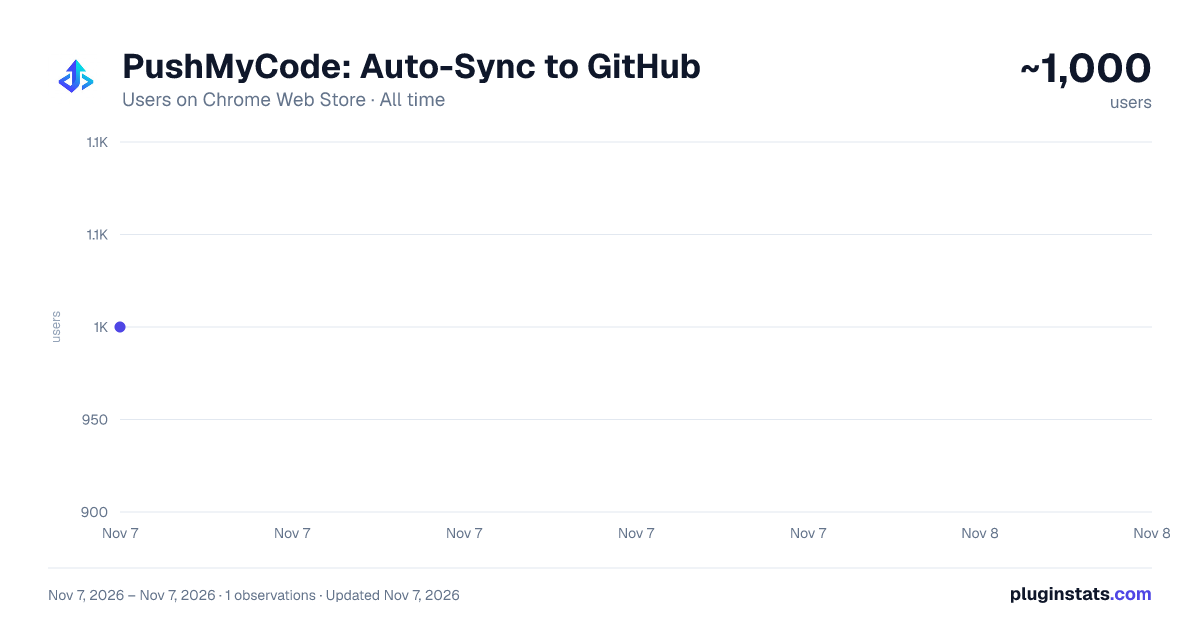
PushMyCode: Auto-Sync to GitHub has approximately 1,000 recorded users on Chrome Web Store, ranking #2893 of 7,934 tracked listings.
Rating: 5.00 / 5 from 3 ratings
About PushMyCode: Auto-Sync to GitHub
Automatically sync your coding solutions to GitHub from LeetCode, GeeksforGeeks, HackerRank, and CodeChef.
The Ultimate GitHub Auto-Sync Tool for Competitive Programmers and Software Engineers.
Stop manually copying and pasting your code. PushMyCode is a privacy-first, lightweight browser extension that automatically syncs your accepted coding solutions directly to your personal GitHub repository.
Build your GitHub commit streak effortlessly and impress recruiters with an organized portfolio of all your Data Structures and Algorithms solutions.
SUPPORTED PLATFORMS:
- LeetCode
- GeeksforGeeks
- HackerRank
- CodeChef
HOW IT WORKS:
- Link your GitHub account in one click.
- Choose a repository (or let the extension create one for you).
- Solve problems normally. As soon as your solution is "Accepted", PushMyCode instantly pushes the code and problem description to your GitHub in the background.
KEY FEATURES:
- Automatic Organization: Code is neatly categorized into folders by Platform and Difficulty (e.g., /leetcode/medium/0001-two-sum/solution.cpp).
- Comprehensive Readmes: Automatically generates Markdown files containing the full problem description, your runtime/memory stats, and a link back to the original problem.
- Live Dashboard: Track your total problems solved, your daily commit streak, and languages used directly from the extension popup.
- Global README: Automatically generates and updates a statistics README on the front page of your repository.
- Manual Sync: Missed an old problem? Just click the "Sync to GitHub" button on LeetCode, or hit the native "Submit" button again on any past solution to force a sync.
PRIVACY & SECURITY FIRST: PushMyCode is 100% serverless after the initial GitHub authentication. Your code is sent directly from your own browser straight to the GitHub API. We do not track, store, or intercept your code on external servers.
Join thousands of developers automating their portfolio today.
Description from the Chrome Web Store listing.
README badge
Show your rank in a README or on your website. The badge updates automatically.
Charts
Images: 30d · 1y · all time · 1600×900 dark
Adoption over time
7/30/90-day growth
Ranking history
Ratings over time
Listing placement
Listing placement
Filled points are observed values; hollow points come from Internet Archive snapshots of the listing page. Dashed segments span periods with no observations — values between points are not interpolated.
Each band is one page of 20. Users on a linear scale. Placement is projected from users, so it can differ from the marketplace's own sort order. Hover a dot to see the listing.
Recent observations
Full history (1)Similar Chrome Web Store Developer Tools plugins
All 20 PushMyCode: Auto-Sync to GitHub alternatives



Data source
Covers every Chrome Web Store extension with at least 100 users, found through the store's public sitemap. User counts are read from public listing pages. The 10% most-used extensions are refreshed daily, the next 40% weekly and the next 40% monthly; the least-used 10% are not refreshed. Google displays rounded user counts (and caps the display at 10,000,000+), so small changes may not be visible. Rating counts above 1,000 are rounded (e.g. 1.6K).
Listing: https://chromewebstore.google.com/detail/pushmycode-auto-sync-to-g/fnnfmholklglhofbbkppljekbnphfgil. First seen Nov 7, 2026; last successful collection Nov 7, 2026. See the methodology.