 PluginStats

marimo Glance users statistics
By marimo · Chrome Web Store · Developer Tools
See marimo notebooks at a glance: run them live, inline on GitHub and gists.
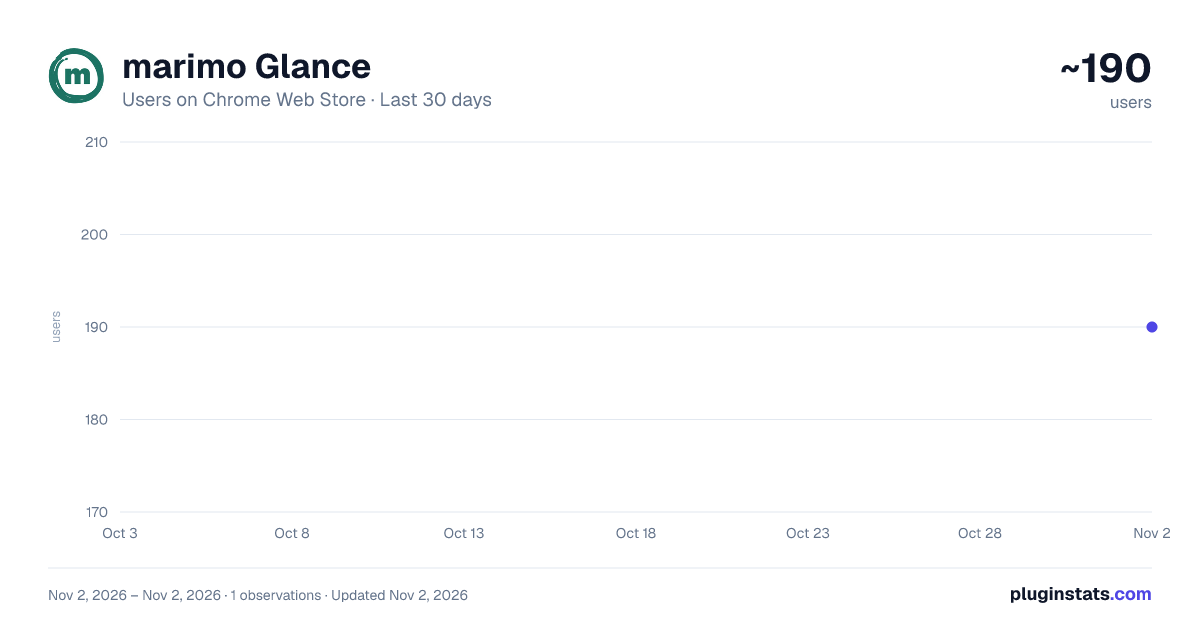
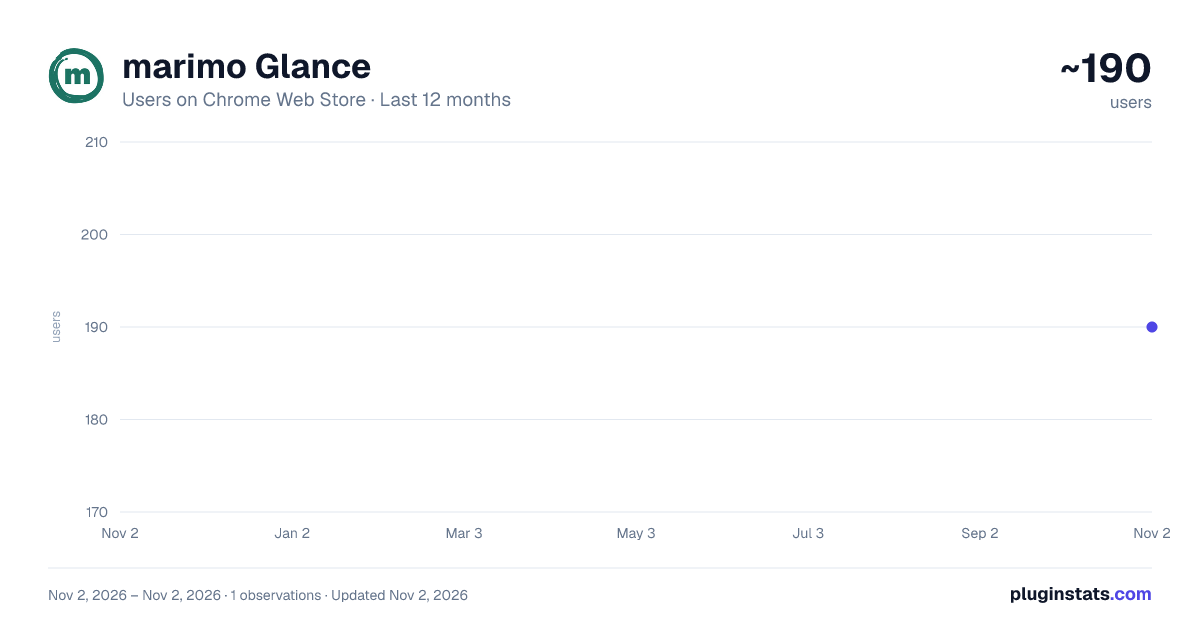
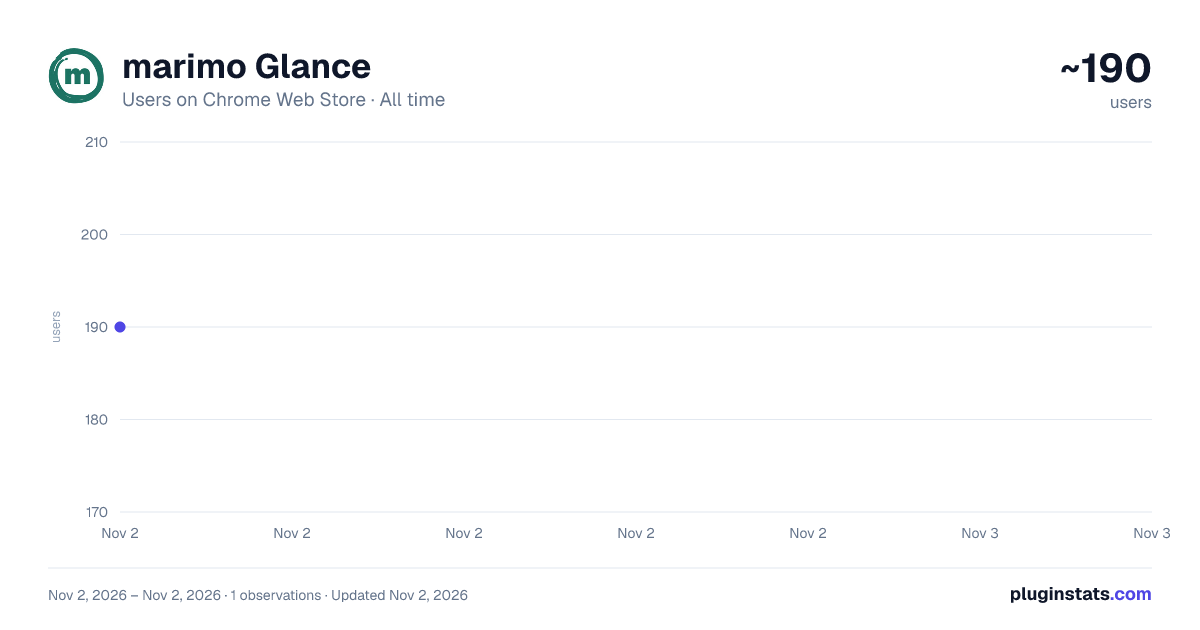
marimo Glance has approximately 190 recorded users on Chrome Web Store, ranking #5184 of 6,786 tracked listings.
Rating: 5.00 / 5 from 2 ratings
About marimo Glance
See marimo notebooks at a glance: run them live, inline on GitHub and gists.
marimo Glance — run marimo notebooks live, right where you find them.
marimo notebooks are just Python files, so GitHub, gists, and GitLab display them as plain source code. Marimo Glance detects a real notebook and adds a “Switch to interactive marimo notebook” button in the corner of the page. One click replaces the raw Python with a fully interactive notebook you can run, edit, and explore — without leaving the page, cloning the repo, or installing anything. “See original” flips you back to the source at any time.
HOW IT WORKS
The extension watches the files you open on github.com, gist.github.com, and gitlab.com. On a .py file it looks for a genuine top-level marimo app declaration, so ordinary Python files — and passing mentions of marimo in comments or strings — are left completely alone. When it finds a notebook, it boots it live through the marimo.app playground, running entirely in WebAssembly inside your browser.
YOUR CODE STAYS ON YOUR MACHINE
The notebook source is packed into the page URL’s fragment (the part after #) and handed straight to the in-browser WebAssembly runtime. Browsers never send that fragment to any server, so your code — private repositories included — is never uploaded by the extension. The one exception is if you deliberately choose “Open in molab” from inside the notebook, which sends your code to molab to run and share there.
GOOD TO KNOW
• Runs WebAssembly-compatible notebooks only — anything depending on packages or features unavailable under Pyodide won’t run in the embed. • The interactive notebook is a scratch space: run and tweak cells freely, but edits aren’t saved back to GitHub or GitLab, and a refresh starts fresh from the original source. • Switching between interactive and source never restarts a running notebook.
Works on GitHub blobs, GitHub gists, and GitLab blobs.
Description from the Chrome Web Store listing.
README badge
Show your rank in a README or on your website. The badge updates automatically.
Charts
Images: 30d · 1y · all time · 1600×900 dark
Adoption over time
7/30/90-day growth
Ranking history
Ratings over time
Listing placement
Listing placement
Filled points are observed values; hollow points come from Internet Archive snapshots of the listing page. Dashed segments span periods with no observations — values between points are not interpolated.
Each band is one page of 20. Users on a linear scale. Placement is projected from users, so it can differ from the marketplace's own sort order. Hover a dot to see the listing.
Recent observations
Full history (1)Similar Chrome Web Store Developer Tools plugins
All 20 marimo Glance alternatives



Data source
Covers every Chrome Web Store extension with at least 100 users, found through the store's public sitemap. User counts are read from public listing pages. The 10% most-used extensions are refreshed daily, the next 40% weekly and the next 40% monthly; the least-used 10% are not refreshed. Google displays rounded user counts (and caps the display at 10,000,000+), so small changes may not be visible. Rating counts above 1,000 are rounded (e.g. 1.6K).
Listing: https://chromewebstore.google.com/detail/marimo-glance/emnkplkdlpojjembfbkdagibhmippjfg. First seen Nov 2, 2026; last successful collection Nov 2, 2026. See the methodology.