 PluginStats

Pixlr Express users statistics
Chrome Web Store · Art & Design
Pixlr Express is a powerful photo editor that lets you crop, resize, and fine-tune any picture, in a completely ad-free experience.
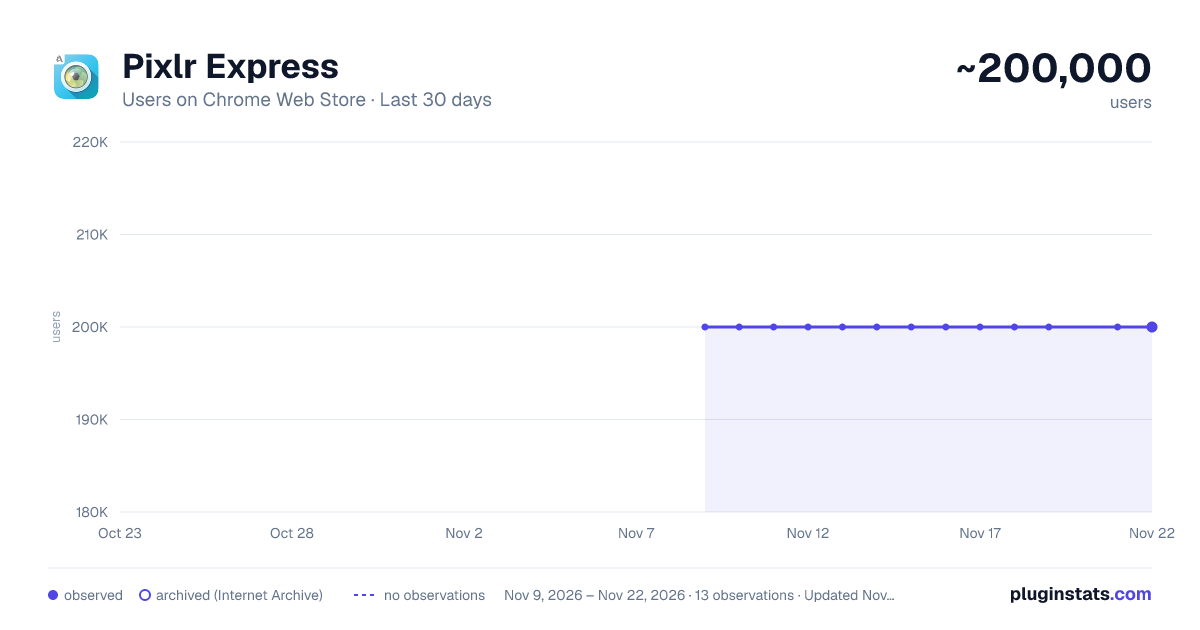
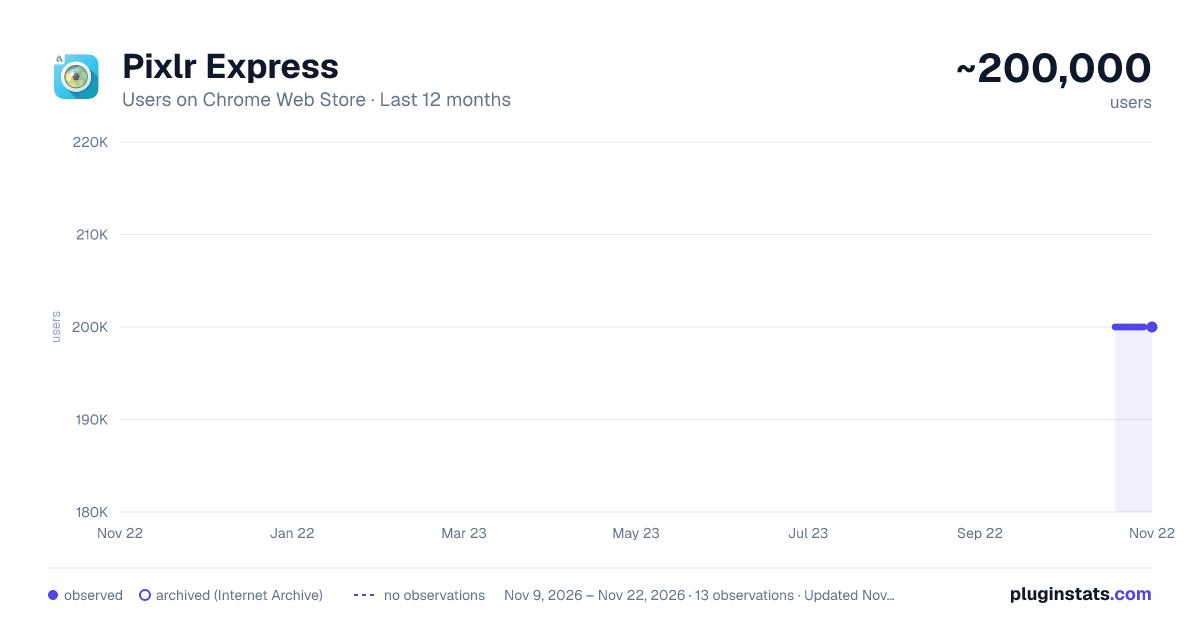
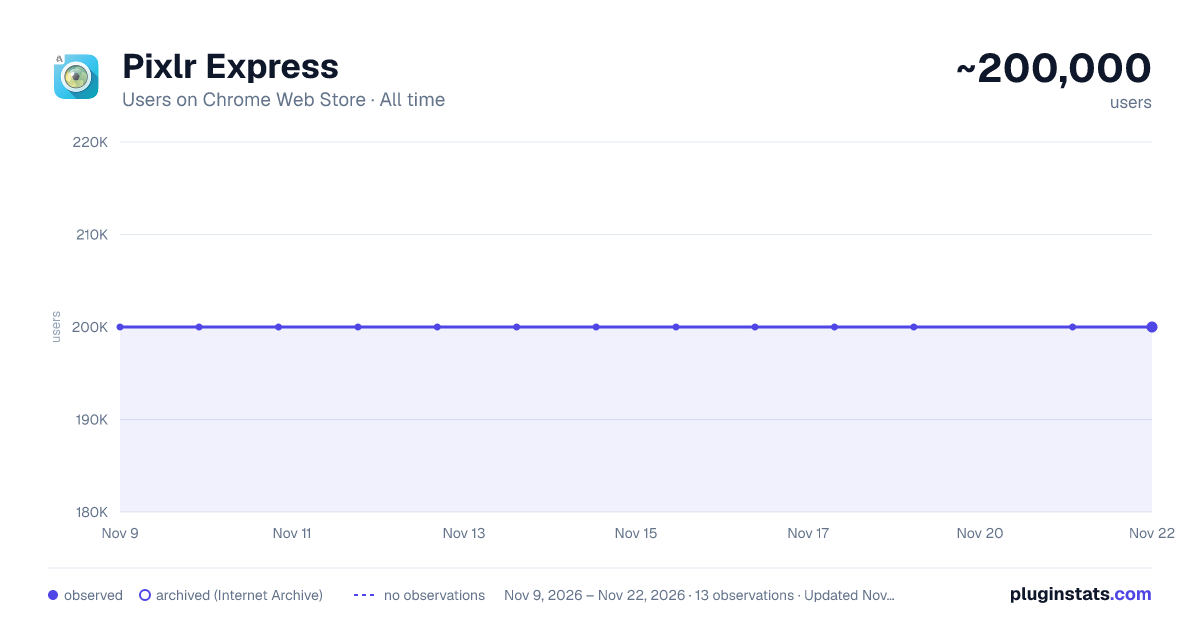
Pixlr Express has approximately 200,000 recorded users on Chrome Web Store, a change of 0.0% over the past 7 days, ranking #184 of 10,388 tracked listings.
Rating: 3.00 / 5 from 3,600 ratings
About Pixlr Express
Pixlr Express is a powerful photo editor that lets you crop, resize, and fine-tune any picture, in a completely ad-free experience.
Pixlr Express is a fun and powerful photo editor that lets you quickly crop, resize, and fine-tune any picture, all in a completely ad-free experience. Choose from over 2 million combinations of free effects, overlays, and borders to further personalize your images. Pixlr Express makes you look like a pro, even if you’ve never edited a photo before.
Easily crop, rotate, and re-size images when saving and sharing.
Create and customize a photo collage by editing its layout, background, and spacing.
‘Auto Fix’ photos for a one-click fix to balance out colors, adjusting for less-than-ideal lighting conditions.
Remove red-eye and whiten teeth with simple tools.
Save images back to your desktop so they are quickly accessible when sharing via email or social networks
Explore the growing catalog of additional effects, overlays, and border packs.
Overlays help adjust the mood of the photo – amplify the tone, cool it down, or add surreal shades to your images.
Lighting effects can add drama, sparkle, or a grunge look. Easily adjust the intensity and orientation of each effect.
Finish off your photo editing process with the right border – pick a style that fits you.
Look like a pro with cool photo effects such as focal blur, history brush, and more.
Explore cool tools: easily adjust the contrast and brightness of your image, or focus on one color with the color splash tool.
Keep track of your favorite effects and overlays with the favorites button.
Connect with us:
Learn more about Pixlr and check out other users’ creations on our Pixlr Blog: http://blog.pixlr.com/
Share your photos on Instagram and Flickr with the #pixlr hashtag. We choose a new photo every day and showcase it on the blog – as well as share it with our 2.6 million Facebook Fans.
Follow us Instagram (@pixlr), Facebook (http://www.facebook.com/pixlr), and Twitter (@pixlr) for Pixlr news and updates.
Description from the Chrome Web Store listing.
README badge
Show your rank in a README or on your website. The badge updates automatically.
Charts
Images: 30d · 1y · all time · 1600×900 dark
Adoption over time
7/30/90-day growth
Ranking history
Ratings over time
Listing placement
Listing placement
Filled points are observed values; hollow points come from Internet Archive snapshots of the listing page. Dashed segments span periods with no observations — values between points are not interpolated.
Each band is one page of 20. Users on a linear scale. Placement is projected from users, so it can differ from the marketplace's own sort order. Hover a dot to see the listing.
Recent observations
Full history (12)Similar Chrome Web Store Art & Design plugins
All 20 Pixlr Express alternatives



Data source
Covers every Chrome Web Store extension with at least 100 users, found through the store's public sitemap. User counts are read from public listing pages. The 10% most-used extensions are refreshed daily, the next 40% weekly and the next 40% monthly; the least-used 10% are not refreshed. Google displays rounded user counts (and caps the display at 10,000,000+), so small changes may not be visible. Rating counts above 1,000 are rounded (e.g. 1.6K).
Listing: https://chromewebstore.google.com/detail/pixlr-express/hojmjpdlmjopaeginhldhiokeidchjid. First seen Nov 9, 2026; last successful collection Nov 21, 2026. See the methodology.