 PluginStats

Viko - Image to Prompt & AI Image Generator users statistics
By Vescend Technology Limited · Chrome Web Store · Art & Design
Turn selected web images into prompts and creative variations, then organize results and references.
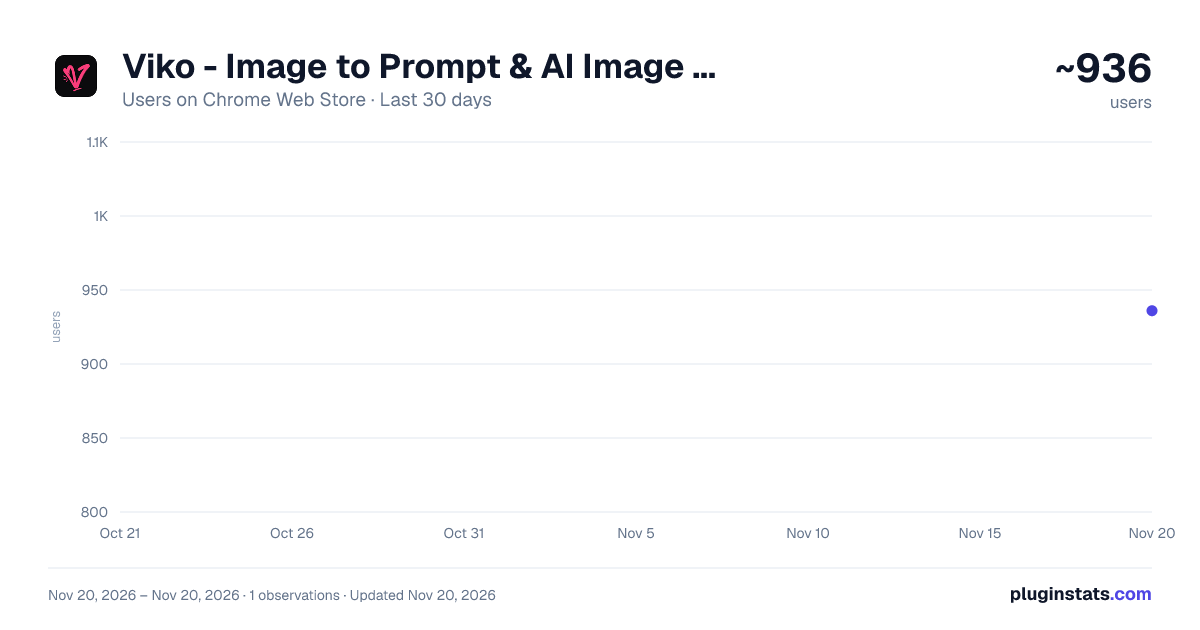
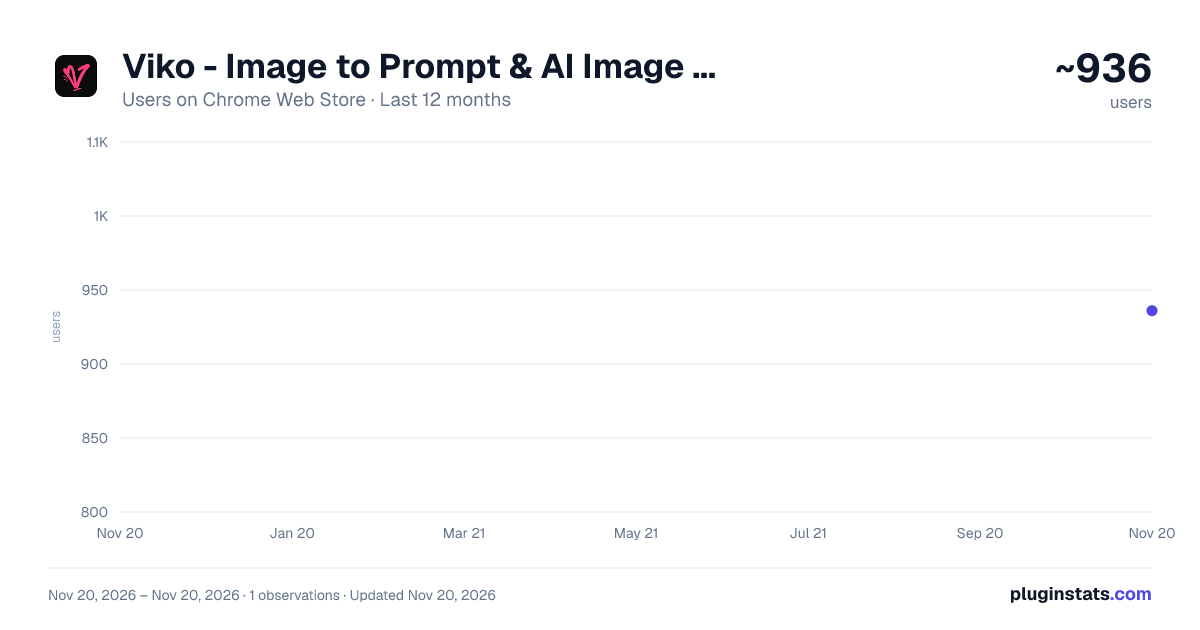
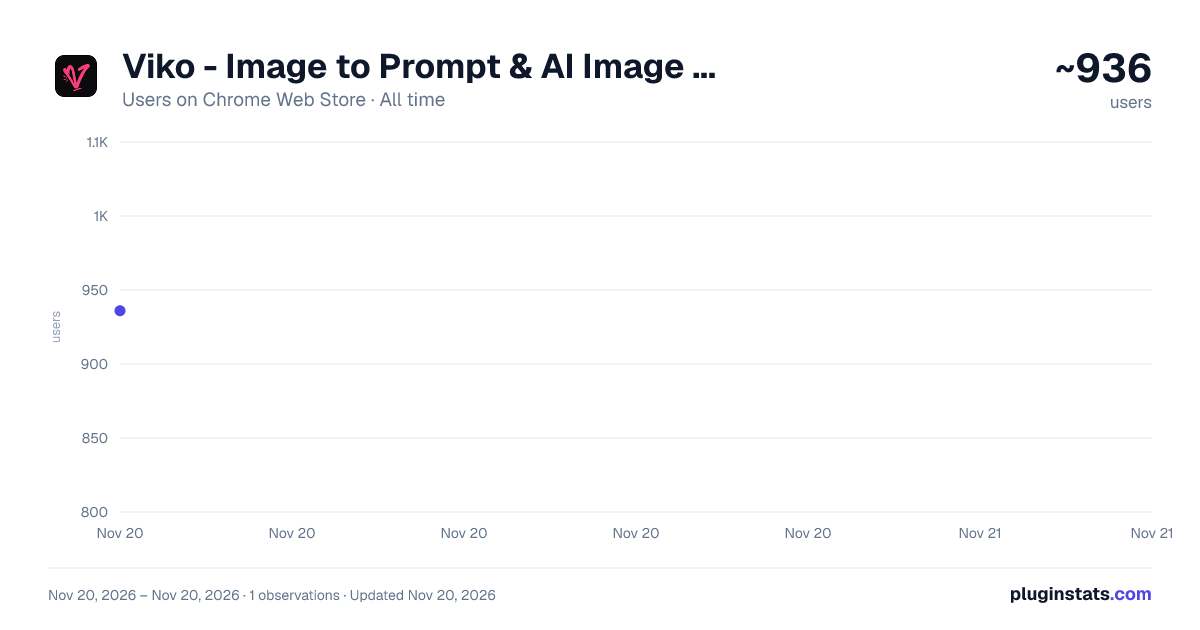
Viko - Image to Prompt & AI Image Generator has approximately 936 recorded users on Chrome Web Store, ranking #3887 of 10,388 tracked listings.
Rating: 4.90 / 5 from 17 ratings
About Viko - Image to Prompt & AI Image Generator
Turn selected web images into prompts and creative variations, then organize results and references.
Hover over any image on the web and turn it into a structured visual breakdown, a reusable AI prompt, or a new creative variation in one click.
Viko is a visual workflow extension built for AI creators, artists, designers, photographers, and moodboard builders. It helps you understand how an image is constructed, recreate its visual language, and develop new ideas without interrupting your browsing flow.
HOW IT WORKS
Hover over an image and choose one of two actions:
• Click Prompt to reverse-engineer the image into a detailed visual analysis and an editable generation prompt. • Click Viko to analyze the image and immediately generate a creative variation from the result.
You can also right-click an image, upload an image from your device, or queue multiple images for processing. Completed tasks remain available in your history, so you can return to previous prompts and results at any time.
KEY FEATURES
• One-click reverse prompting for images found on the web • Structured image deconstruction instead of a simple caption • Detailed analysis of image type, visual style, composition, camera angle, subject, pose, expression, clothing, scene, lighting, colors, materials, and rendering texture • Editable and copyable prompts for use in AI image-generation workflows • Generate creative image variations directly from the analyzed prompt • Palette Mode extracts the dominant colors, proportions, and visual roles from an image • Palette-guided generation applies a selected color system to new images • Pose Reference Mode uses another image to guide body pose and composition • Asynchronous task queue for processing multiple images while you continue browsing • Task history, prompt collection, favorites, and cloud synchronization • Interface and prompt output available in Simplified Chinese, English, Japanese, Korean, and Spanish
Viko is designed for anyone who wants to understand, recreate, organize, or expand the visual ideas they discover online.
See it, Viko it! Have fun!
Description from the Chrome Web Store listing.
README badge
Show your rank in a README or on your website. The badge updates automatically.
Charts
Images: 30d · 1y · all time · 1600×900 dark
Adoption over time
7/30/90-day growth
Ranking history
Ratings over time
Listing placement
Listing placement
Filled points are observed values; hollow points come from Internet Archive snapshots of the listing page. Dashed segments span periods with no observations — values between points are not interpolated.
Each band is one page of 20. Users on a linear scale. Placement is projected from users, so it can differ from the marketplace's own sort order. Hover a dot to see the listing.
Recent observations
Full history (1)Similar Chrome Web Store Art & Design plugins
All 20 Viko - Image to Prompt & AI Image Generator alternatives



Data source
Covers every Chrome Web Store extension with at least 100 users, found through the store's public sitemap. User counts are read from public listing pages. The 10% most-used extensions are refreshed daily, the next 40% weekly and the next 40% monthly; the least-used 10% are not refreshed. Google displays rounded user counts (and caps the display at 10,000,000+), so small changes may not be visible. Rating counts above 1,000 are rounded (e.g. 1.6K).
Listing: https://chromewebstore.google.com/detail/viko-image-to-prompt-ai-i/empmikpppipkdkchcjlhbljcinagalnn. First seen Nov 20, 2026; last successful collection Nov 20, 2026. See the methodology.