 PluginStats
Bulk Link Grabber: Copy, Extract & Open Multiple URLs users statistics
Chrome Web Store · Workflow & Planning
Grab, copy & open multiple links fast. Extract URLs from tabs or drag-selects. Export to CSV/TXT. The ultimate bulk URL opener tool.
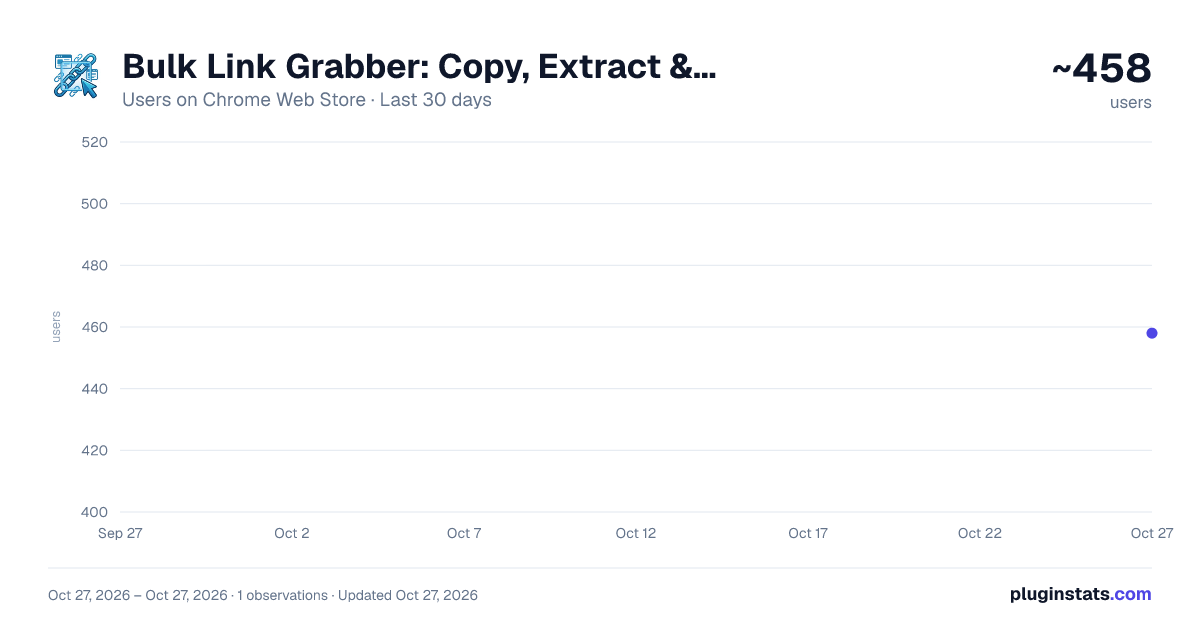
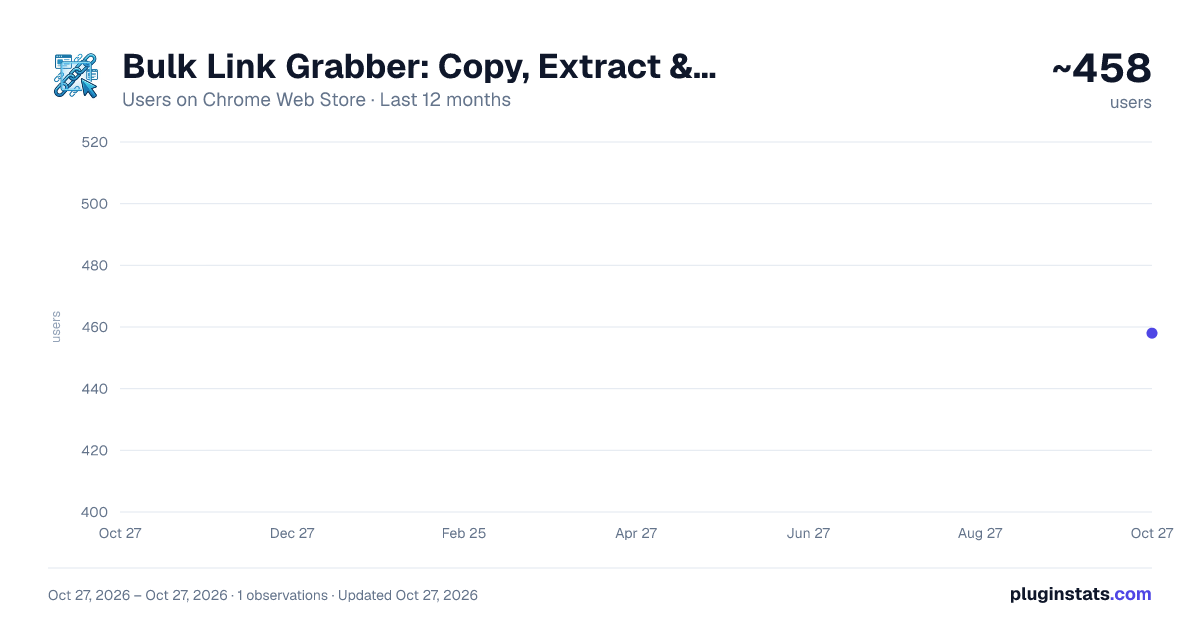
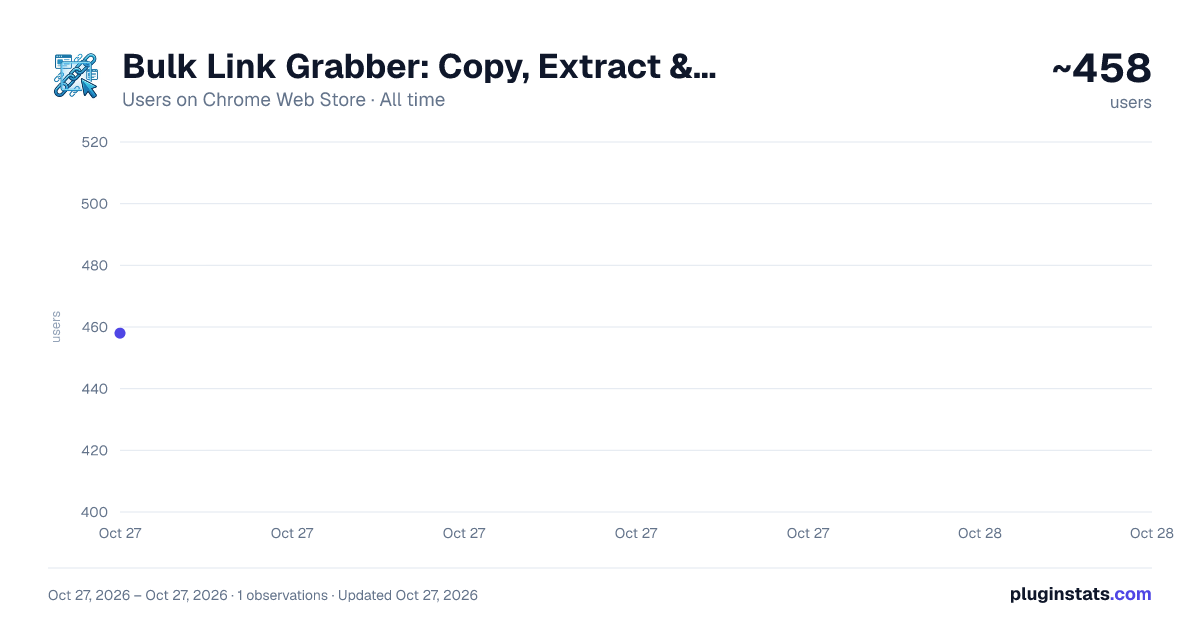
Bulk Link Grabber: Copy, Extract & Open Multiple URLs has approximately 458 recorded users on Chrome Web Store, ranking #2388 of 4,553 tracked listings.
Rating: 5.00 / 5 from 2 ratings
About Bulk Link Grabber: Copy, Extract & Open Multiple URLs
Grab, copy & open multiple links fast. Extract URLs from tabs or drag-selects. Export to CSV/TXT. The ultimate bulk URL opener tool.
Bulk Link Grabber is the most powerful tool to copy, extract, and open multiple URLs instantly. Whether you need a bulk URL opener, a link extractor, or a way to manage browser tabs, this extension does it all with one click.
Stop clicking links one by one. Use drag-select to capture every link in a specific area, or use the one-click tab manager to grab every URL in your current window.
🚀 Core Features
▸ Bulk URL Opener: Open multiple links at once in new tabs or a separate window.
▸ Link Grabber & Extractor: Smartly finds, cleans, and deduplicates http/https links from any page.
▸ Drag-to-Select: Simply drag your mouse over a group of links to act on them instantly.
▸ Tab Management: Copy all tab URLs, current selection, or specific windows to your clipboard.
▸ Advanced Copying: Export URLs only, Page Titles only, or Title + URL pairs.
📊 Review & Export Tools
▸ Review Dashboard: Edit, dedupe, and manage your last copied links before saving.
▸ Export to CSV/TXT: Save your research or link lists into structured files (Excel/Sheets compatible).
▸ Tab Importer: Easily pull all open tabs from your current window into the review page for bulk editing.
▸ YouTube: Drag-Select links from video and Shorts links for clean, duplicate-free lists.
🖱️ How to Use
▸ Drag-Select: Hold your trigger key (Alt/Shift/Ctrl) and drag over any links.
▸ Release: Your chosen action (Open, Copy, or Export) runs immediately.
▸ Popup Menu: Use the extension icon to quickly grab all tab URLs or reopen previous sessions.
▸ Customize: Visit Settings to change activation buttons and selection box styles.
🛡️ Performance & Privacy
▸ Local Processing: No external servers, no analytics, and no data collection. Your links stay private.
▸ Highly Configurable: Works on almost any website with adjustable hotkeys to avoid site conflicts.
🎯 Perfect For:
▸ Researchers & Students: Collecting sources and citations in seconds.
▸ SEO & Marketing Pros: Managing large sets of backlink data or competitor URLs.
▸ Content Creators: Organizing YouTube playlists and resource lists for descriptions.
▸ Power Users: Anyone who needs an efficient way to handle multiple URLs every day.
Description from the Chrome Web Store listing.
README badge
Show your rank in a README or on your website. The badge updates automatically.
Charts
Images: 30d · 1y · all time · 1600×900 dark
Adoption over time
7/30/90-day growth
Ranking history
Ratings over time
Listing placement
Listing placement
Filled points are observed values; hollow points come from Internet Archive snapshots of the listing page. Dashed segments span periods with no observations — values between points are not interpolated.
Each band is one page of 20. Users on a linear scale. Placement is projected from users, so it can differ from the marketplace's own sort order. Hover a dot to see the listing.
Recent observations
Full history (1)Similar Chrome Web Store Workflow & Planning plugins
All 20 Bulk Link Grabber: Copy, Extract & Open Multiple URLs alternatives



Data source
Covers every Chrome Web Store extension with at least 100 users, found through the store's public sitemap. User counts are read from public listing pages. The 10% most-used extensions are refreshed daily, the next 40% weekly and the next 40% monthly; the least-used 10% are not refreshed. Google displays rounded user counts (and caps the display at 10,000,000+), so small changes may not be visible. Rating counts above 1,000 are rounded (e.g. 1.6K).
Listing: https://chromewebstore.google.com/detail/bulk-link-grabber-copy-ex/fneafhcpkcogilibnbamcpggipfmhehn. First seen Oct 27, 2026; last successful collection Oct 27, 2026. See the methodology.