 PluginStats
SmartAutoFill - AI Form Filler users statistics
Review-first AI form filler for job applications, Google Forms, CRM records, surveys, and repetitive web forms.
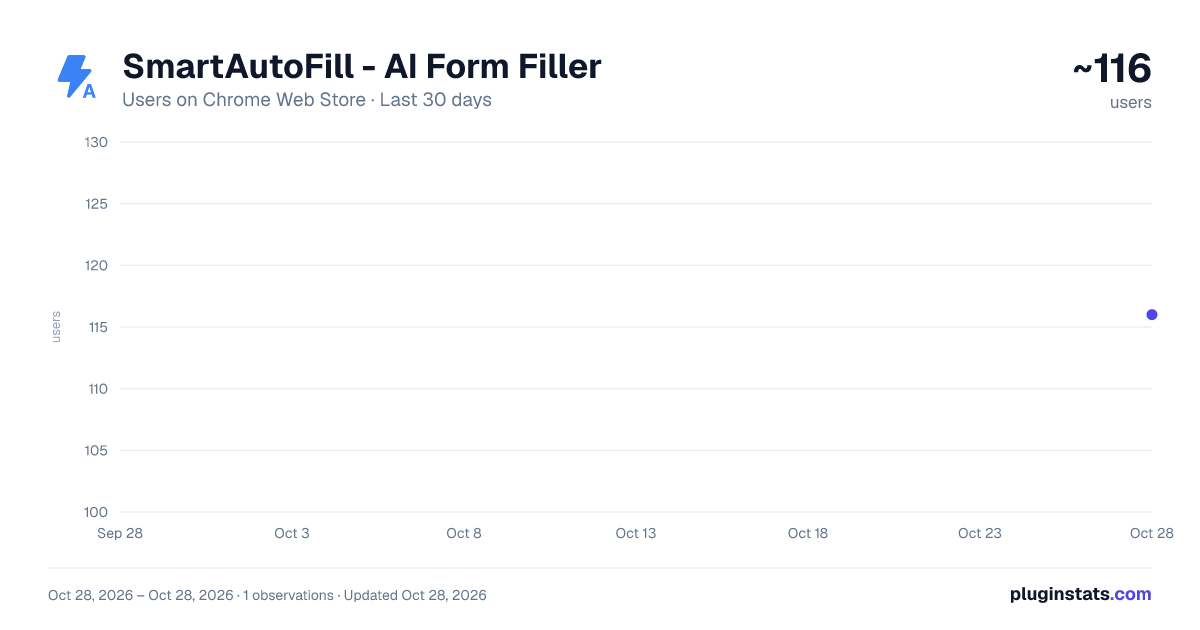
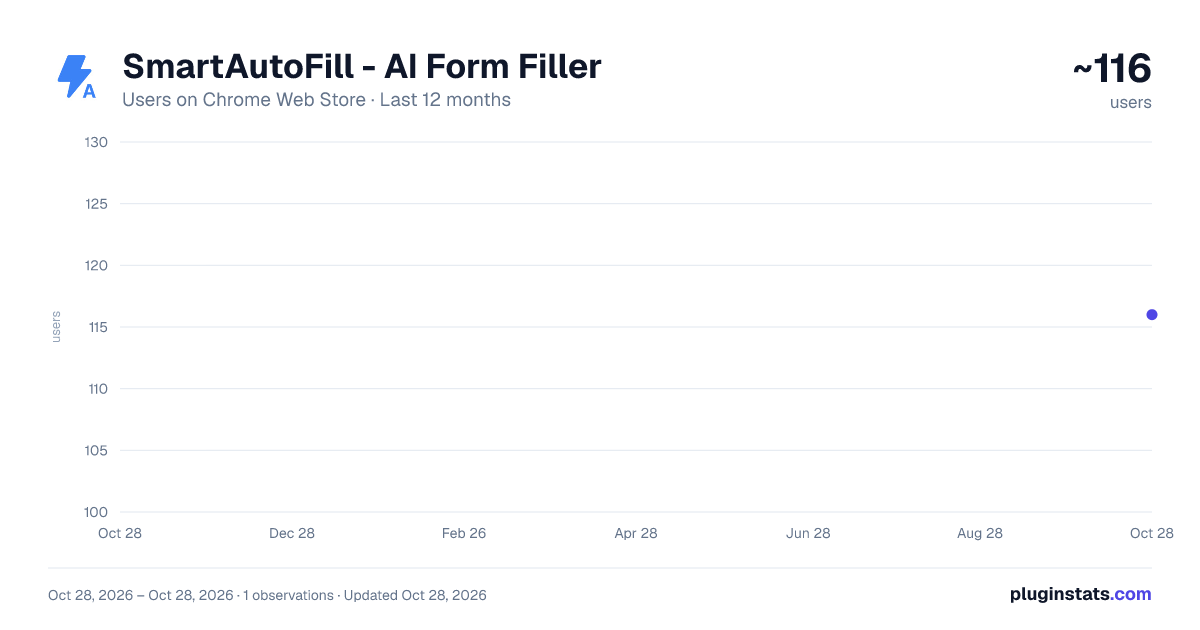
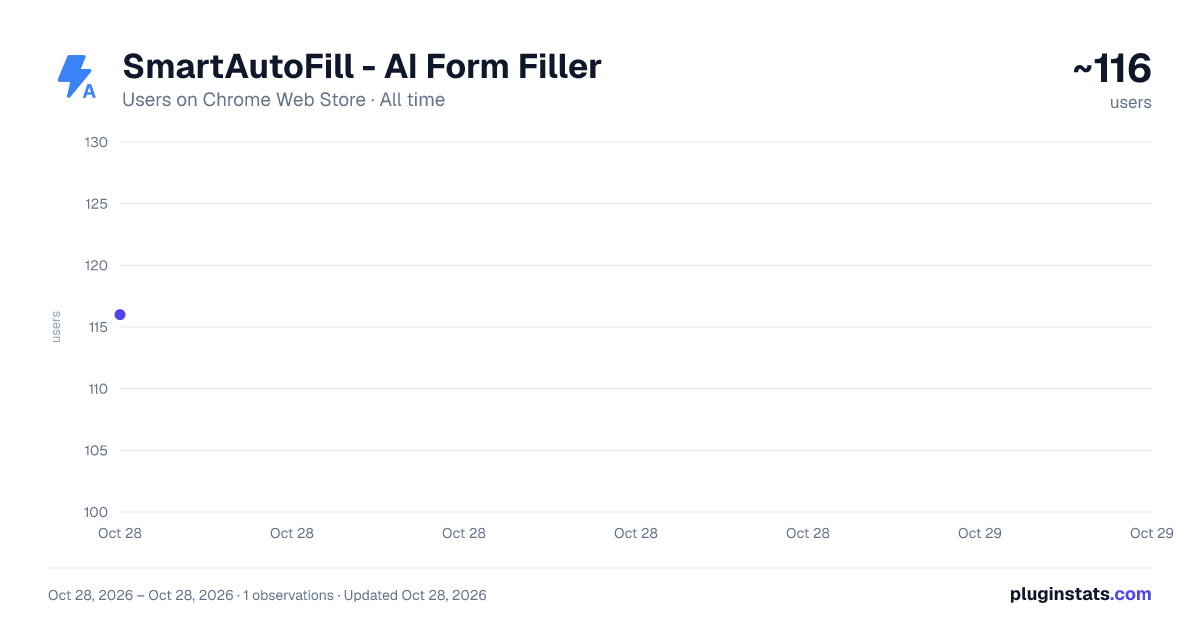
SmartAutoFill - AI Form Filler has approximately 116 recorded users on Chrome Web Store, ranking #4586 of 4,880 tracked listings.
Rating: 5.00 / 5 from 1 ratings
About SmartAutoFill - AI Form Filler
Review-first AI form filler for job applications, Google Forms, CRM records, surveys, and repetitive web forms.
SmartAutoFill is an AI form filler for Chrome that helps you complete web forms faster, with more context and less repetitive typing.
It is designed for job applications, Google Forms, CRM records, internal tools, surveys, onboarding forms, business workflows, testing pages, and other browser-based forms. SmartAutoFill scans the visible fields on the current page, understands labels, placeholders, dropdown options, nearby text, and page context, then combines that information with your saved profile and materials to generate draft answers.
SmartAutoFill follows a review-first workflow. It does not submit forms for you. It fills suggested answers into the page so you can review every field, make edits, and manually click the final submit or save button yourself.
Key features:
- AI-powered form scanning: detect text inputs, textareas, selects, radio buttons, checkboxes, and supported file upload fields.
- Context-aware answers: generate better responses by using the current page, field labels, options, and your saved information together.
- Profile-based autofill: save common personal, professional, contact, preference, and application details for repeated use.
- AI Materials Pro: add PDFs, resumes, web pages, URLs, images, and attachments as extra context for smarter filling.
- Attachment support: when supported upload fields are found, SmartAutoFill can help match relevant uploaded materials such as resumes, PDFs, or images.
- Multiple use cases: switch between job applications, general forms, business forms, testing forms, and other workflows.
- Confidence-aware filling: suggested answers can be reviewed with confidence signals so you know which fields may need extra attention.
- Manual approval: you stay in control of the final result before anything is submitted.
- Hosted AI credits: use SmartAutoFill without setting up your own AI infrastructure.
- Optional custom AI API support for standard workflows, while advanced materials features are designed for eligible hosted SmartAutoFill accounts.
SmartAutoFill is especially useful when forms require information that is spread across different sources, such as a resume PDF, a personal website, a job description URL, a company profile, a saved bio, or reference images. Instead of copying and pasting the same details again and again, you can keep your materials in one place and let the extension use them as context when filling forms.
How it works:
- Open a webpage with a form.
- Click the SmartAutoFill Chrome extension.
- Scan the current page.
- Choose a use case and include your saved profile or AI Materials Pro context.
- Let SmartAutoFill draft the answers.
- Review, edit, and manually submit when you are ready.
SmartAutoFill is built for safe, user-controlled assistance. It is not intended to fill passwords, payment card details, captchas, one-time verification codes, or highly sensitive identity fields. The extension is meant to reduce repetitive typing and improve context-aware drafting while keeping the final decision in your hands.
Use SmartAutoFill when you want browser form filling that is faster, smarter, and still under your control.
Description from the Chrome Web Store listing.
README badge
Show your rank in a README or on your website. The badge updates automatically.
Charts
Images: 30d · 1y · all time · 1600×900 dark
Adoption over time
7/30/90-day growth
Ranking history
Ratings over time
Listing placement
Listing placement
Filled points are observed values; hollow points come from Internet Archive snapshots of the listing page. Dashed segments span periods with no observations — values between points are not interpolated.
Each band is one page of 20. Users on a linear scale. Placement is projected from users, so it can differ from the marketplace's own sort order. Hover a dot to see the listing.
Recent observations
Full history (1)Similar Chrome Web Store Tools plugins
All 20 SmartAutoFill - AI Form Filler alternatives



Data source
Covers every Chrome Web Store extension with at least 100 users, found through the store's public sitemap. User counts are read from public listing pages. The 10% most-used extensions are refreshed daily, the next 40% weekly and the next 40% monthly; the least-used 10% are not refreshed. Google displays rounded user counts (and caps the display at 10,000,000+), so small changes may not be visible. Rating counts above 1,000 are rounded (e.g. 1.6K).
Listing: https://chromewebstore.google.com/detail/smartautofill-ai-form-fil/nmjpobmlgegadadkmbkfhikhojflcmhh. First seen Oct 28, 2026; last successful collection Oct 28, 2026. See the methodology.