 PluginStats
Tab Switch Extension users statistics
By Sepehr · Chrome Web Store · Tools
Navigate between recently active tabs using custom keyboard shortcuts.
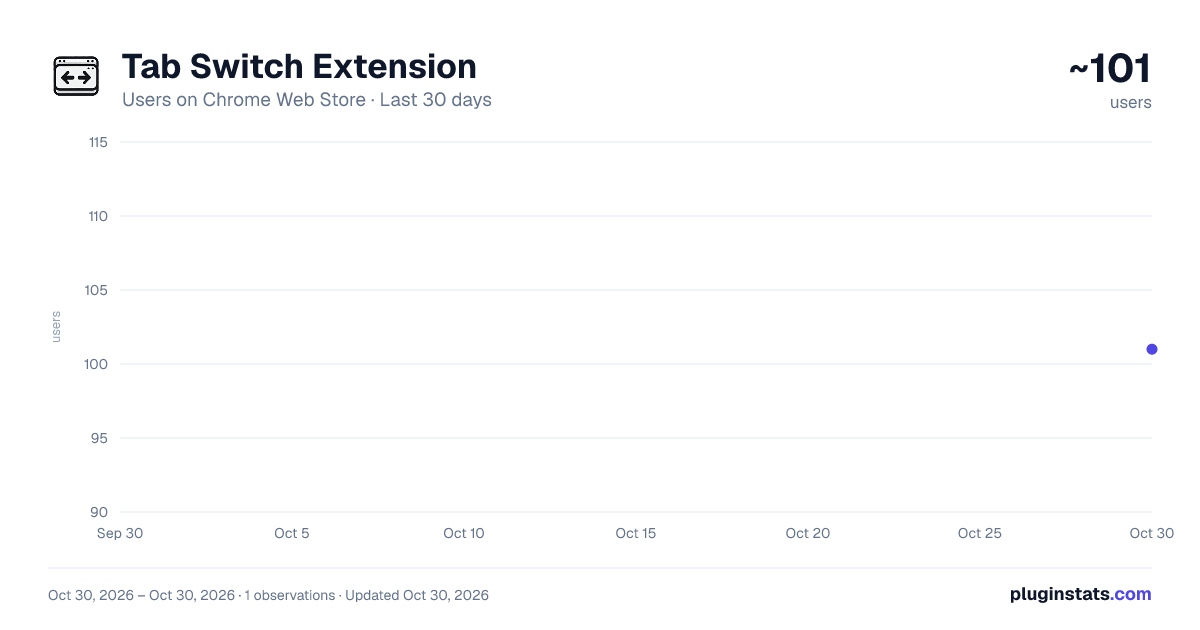
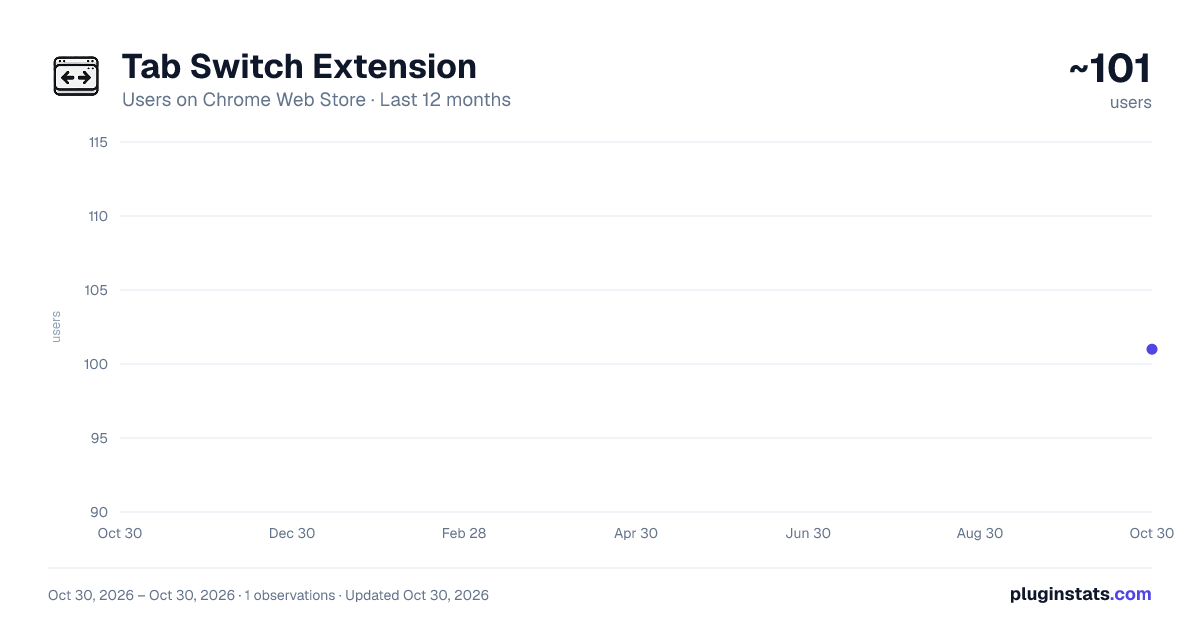
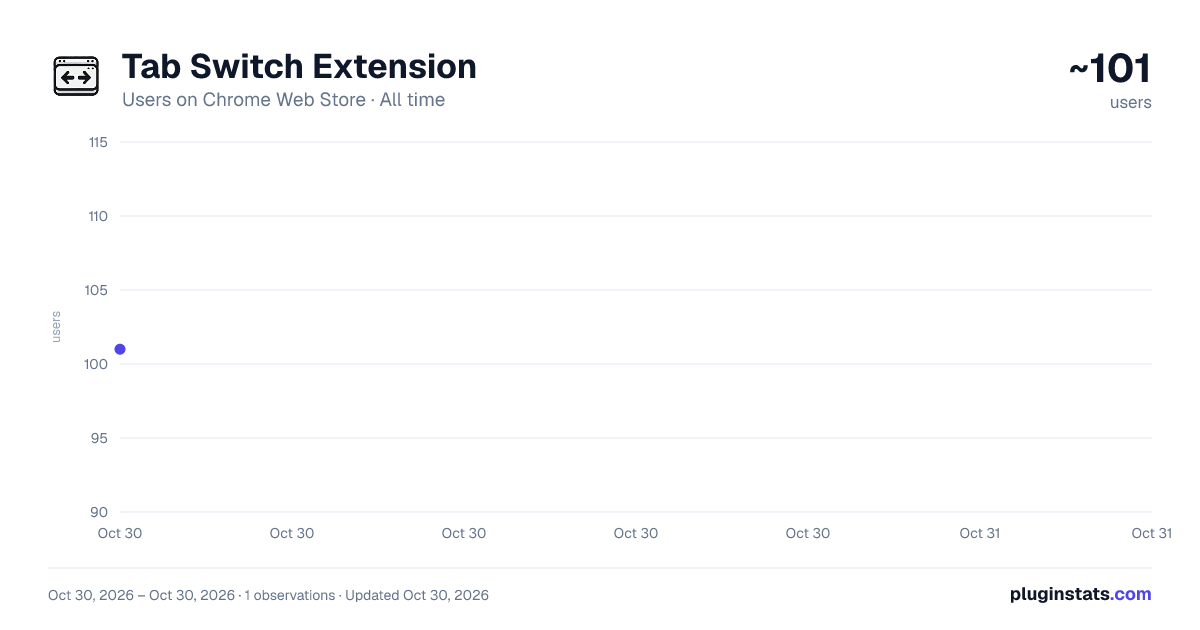
Tab Switch Extension has approximately 101 recorded users on Chrome Web Store, ranking #5523 of 5,550 tracked listings.
Rating: 5.00 / 5 from 3 ratings
About Tab Switch Extension
Navigate between recently active tabs using custom keyboard shortcuts.
Tab Navigator - Effortless Tab Switch Between Recent Tabs
Are you tired of losing track of your tabs or constantly switching between multiple open tabs? Meet Tab Switcher, the ultimate and also simple solution for managing your tab history and enhancing your productivity for faster tab switch.
Key Features: 🔄 Seamless Tab Navigation Easily switch between your most recently used tabs with customizable keyboard shortcuts. Whether you're juggling research tabs or managing multiple projects, Tab Navigator helps you stay organized.
🔍 Dynamic Tab History Keep a detailed history of your recently activated tabs. With Tab Navigator, you can see where you've been and quickly jump back to any tab, saving you time and effort.
🗂 Customizable History Settings Allow or Disallow Duplicates: Choose whether to keep duplicates in your tab history. Perfect for users who want a clean, concise history or those who need every step of their browsing journey. Move Duplicates to Top: If you revisit a tab often, Tab Navigator can automatically move it to the top of your history, ensuring quick access to your most-used tabs.
🔧 User-Friendly Options Tailor the extension to your needs with an intuitive options page. Set your desired history limit, control duplicate handling, and personalize your browsing experience with ease.
🚀 Boost Your Productivity Say goodbye to the frustration of lost tabs or repetitive tab switching. Tab Navigator streamlines your workflow, helping you focus on what matters most.
How to Use: Install the extension and customize your settings via the options page. Use keyboard shortcuts to quickly switch between your recent tabs. You can change shortcut too.
Description from the Chrome Web Store listing.
README badge
Show your rank in a README or on your website. The badge updates automatically.
Charts
Images: 30d · 1y · all time · 1600×900 dark
Adoption over time
7/30/90-day growth
Ranking history
Ratings over time
Listing placement
Listing placement
Filled points are observed values; hollow points come from Internet Archive snapshots of the listing page. Dashed segments span periods with no observations — values between points are not interpolated.
Each band is one page of 20. Users on a linear scale. Placement is projected from users, so it can differ from the marketplace's own sort order. Hover a dot to see the listing.
Recent observations
Full history (1)Similar Chrome Web Store Tools plugins
All 20 Tab Switch Extension alternatives



Data source
Covers every Chrome Web Store extension with at least 100 users, found through the store's public sitemap. User counts are read from public listing pages. The 10% most-used extensions are refreshed daily, the next 40% weekly and the next 40% monthly; the least-used 10% are not refreshed. Google displays rounded user counts (and caps the display at 10,000,000+), so small changes may not be visible. Rating counts above 1,000 are rounded (e.g. 1.6K).
Listing: https://chromewebstore.google.com/detail/tab-switch-extension/ddnglinoihahmfoffldoahpkpkacicdp. First seen Oct 30, 2026; last successful collection Oct 30, 2026. See the methodology.