 PluginStats

Badge Previewer for Discord users statistics
Chrome Web Store · Communication
Preview Discord badges on your profile and track progress toward the new tiered ones. Unofficial, not affiliated with Discord.
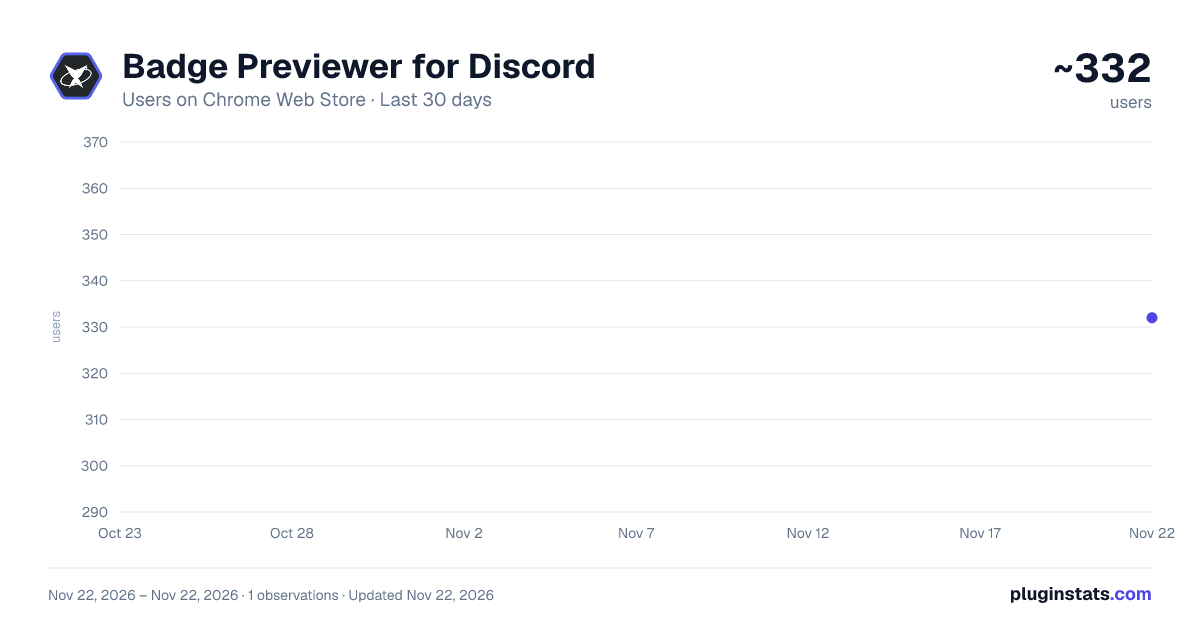
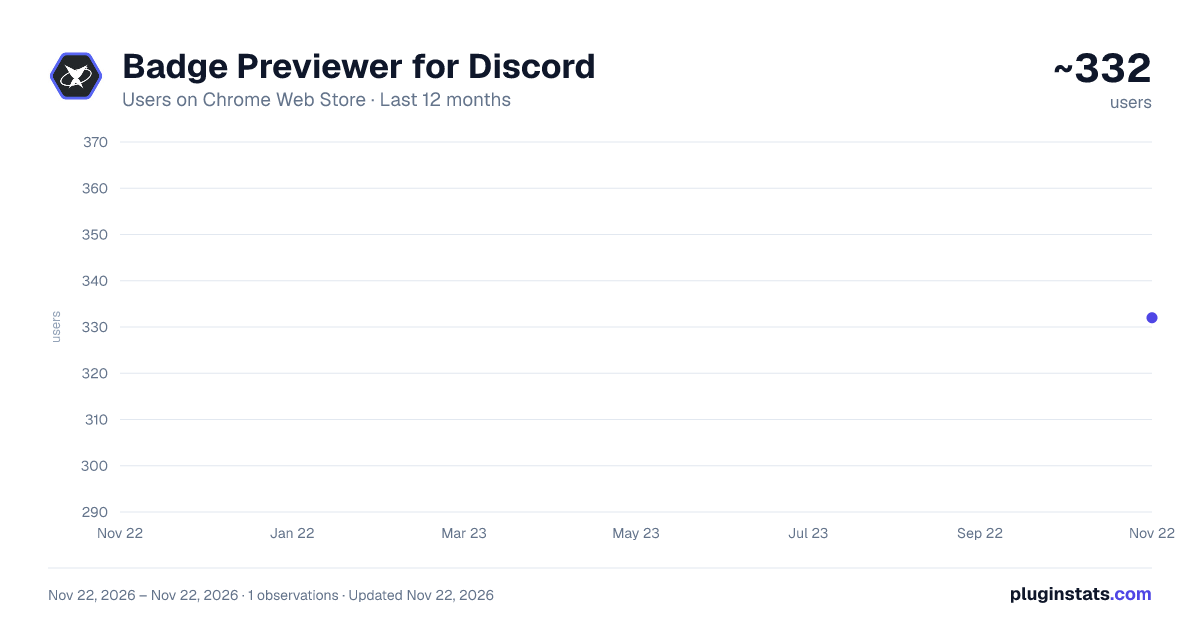
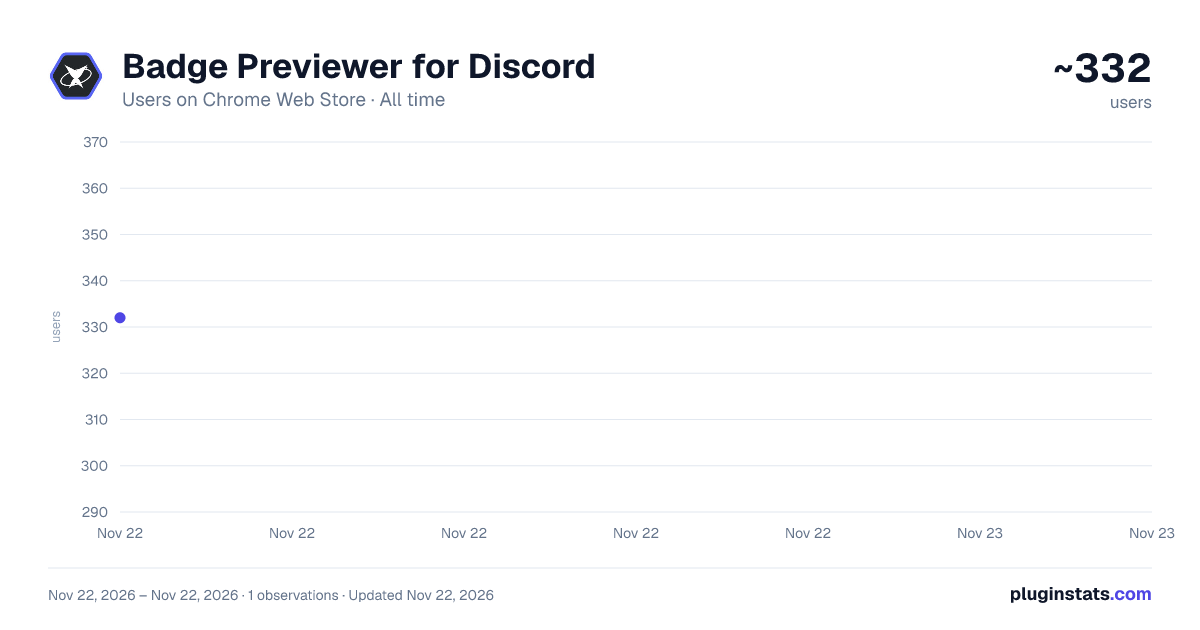
Badge Previewer for Discord has approximately 332 recorded users on Chrome Web Store, ranking #6350 of 10,523 tracked listings.
Rating: 5.00 / 5 from 4 ratings
About Badge Previewer for Discord
Preview Discord badges on your profile and track progress toward the new tiered ones. Unofficial, not affiliated with Discord.
Discord is rolling out four tiered profile badges: Account Age, Game Time, Game Variety and Streaming. Badge Previewer shows how far along you already are, and lets you see how any badge row would look on your profile before the feature reaches your account.
WHAT IT SHOWS
- Your progress on all four tiered badges, with the exact tier names and thresholds from Discord's published tables.
- Every row is the badge you have, the gap, and the badge you are chasing, so you can see the next one rather than just a number.
- A ladder view for each badge: all ten tiers, the ones you hold, the one next.
- A locker of all 74 Discord badges, tagged by whether each is still earnable.
- A profile preview: your real avatar and badges, plus whichever tier you are aiming for, so you know what you are working toward.
- A badge score that turns a whole profile into one number.
HOW IT GETS THE DATA
It reads your own statistics from the Discord web app you are already signed in to. It never asks for your password, never reads your token, and never makes a request on your behalf. It only observes the responses Discord already sends your browser, for four specific endpoints.
PRIVACY
Everything runs on your machine. There is no analytics and no telemetry.
The one exception is the optional leaderboard, which is off unless you turn it on. If you join it, it sends your badge score and display name, and nothing else. You can leave at any time and your entry is deleted. The extension tells you all of this on screen before anything is sent.
NOTES
Streaming hours are not something Discord sends to the browser, so the extension counts them itself with a timer you start, and labels that number as its own rather than pretending it came from Discord.
Badge artwork belongs to Discord and is loaded from Discord's own servers; none of it is bundled with this extension.
Unofficial. Not affiliated with, endorsed by, or sponsored by Discord Inc. "Discord" is a trademark of Discord Inc.
Built by Nocturne Voss. https://nocturnevoss.tech
Description from the Chrome Web Store listing.
README badge
Show your rank in a README or on your website. The badge updates automatically.
Charts
Images: 30d · 1y · all time · 1600×900 dark
Adoption over time
7/30/90-day growth
Ranking history
Ratings over time
Listing placement
Listing placement
Filled points are observed values; hollow points come from Internet Archive snapshots of the listing page. Dashed segments span periods with no observations — values between points are not interpolated.
Each band is one page of 20. Users on a linear scale. Placement is projected from users, so it can differ from the marketplace's own sort order. Hover a dot to see the listing.
Recent observations
Full history (1)Similar Chrome Web Store Communication plugins
All 20 Badge Previewer for Discord alternatives



Data source
Covers every Chrome Web Store extension with at least 100 users, found through the store's public sitemap. User counts are read from public listing pages. The 10% most-used extensions are refreshed daily, the next 40% weekly and the next 40% monthly; the least-used 10% are not refreshed. Google displays rounded user counts (and caps the display at 10,000,000+), so small changes may not be visible. Rating counts above 1,000 are rounded (e.g. 1.6K).
Listing: https://chromewebstore.google.com/detail/badge-previewer-for-disco/ijiedefcbepehjeeecfofkidhbchhgkn. First seen Nov 22, 2026; last successful collection Nov 22, 2026. See the methodology.