 PluginStats

My NotebookLM users statistics
By takayoshi.iwata · Chrome Web Store · Tools
Productivity tools for Gemini Notebook (NotebookLM), Gemini, and ChatGPT - export chats, bulk-delete items, and manage prompts.
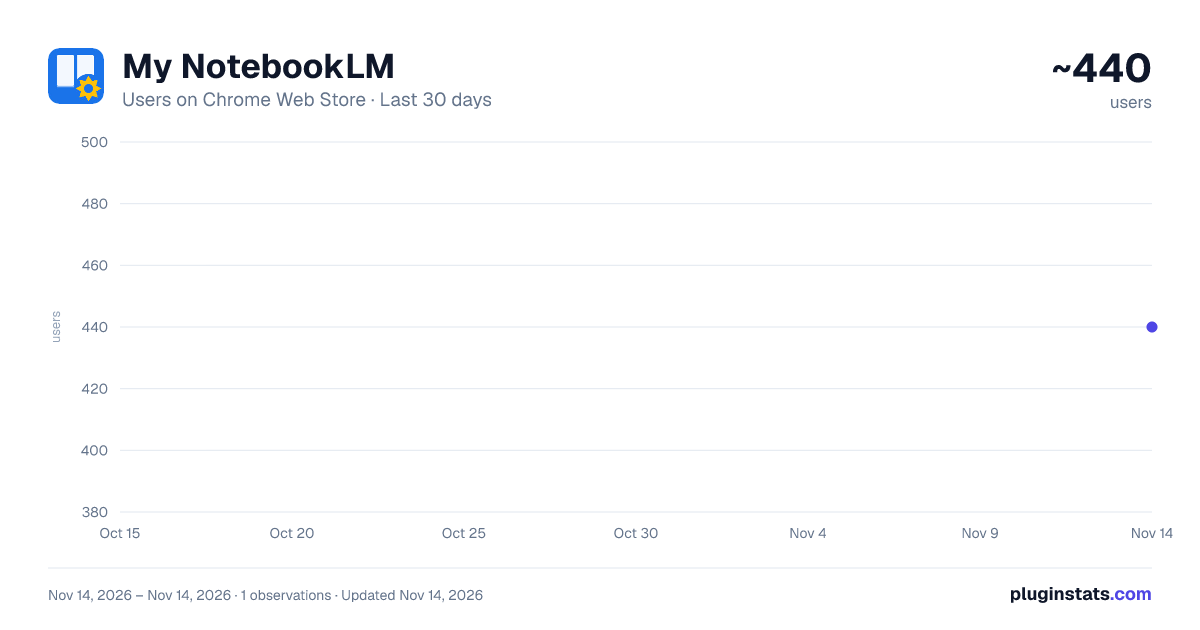
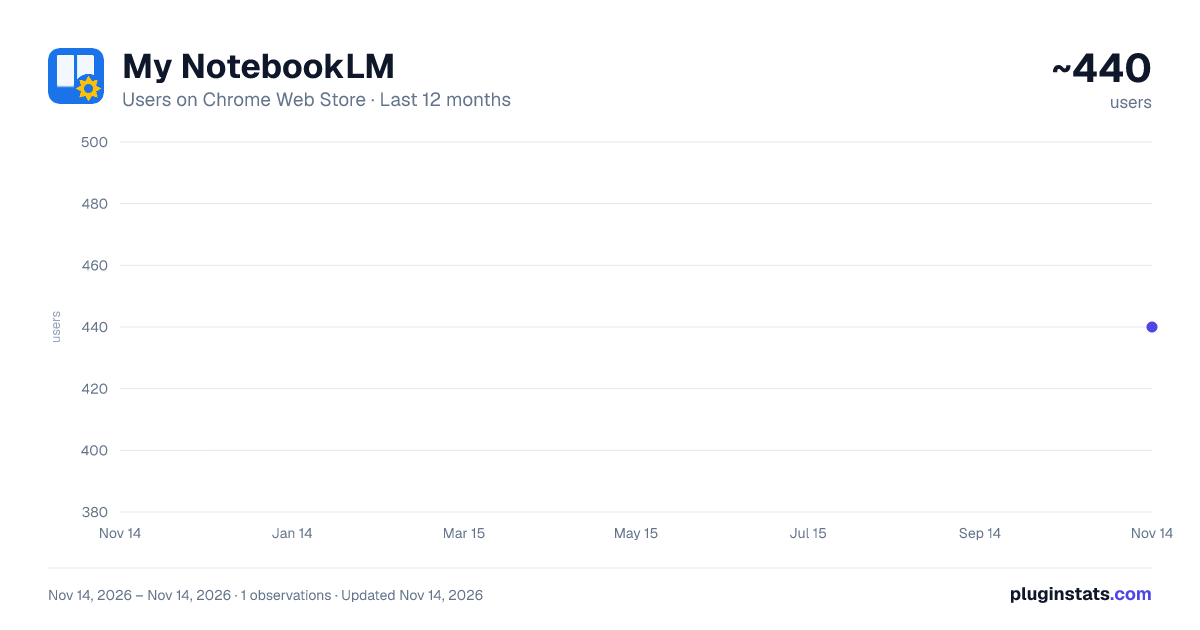
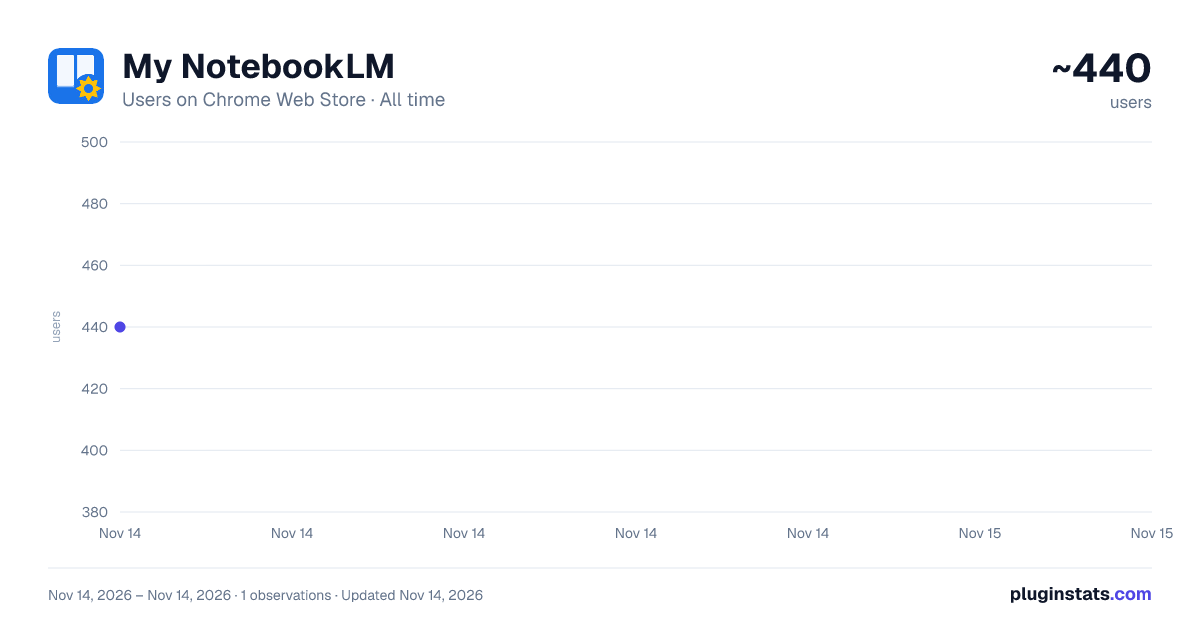
My NotebookLM has approximately 440 recorded users on Chrome Web Store, ranking #5530 of 10,388 tracked listings.
About My NotebookLM
Productivity tools for Gemini Notebook (NotebookLM), Gemini, and ChatGPT - export chats, bulk-delete items, and manage prompts.
"My NotebookLM" is a powerful all-in-one productivity tool (browser extension) that dramatically upgrades your experience with Gemini Notebook (Google NotebookLM), Gemini, and ChatGPT.
It supports both URLs used by Gemini Notebook: https://notebooklm.google.com/ and https://notebook.google.com/.
All features listed below are available in Gemini Notebook. In Gemini and ChatGPT, the extension supports prompt management and insertion.
From exporting AI conversations, notes, reports, and table data to organizing notebooks into folders, managing sources, registering URLs in bulk, and quickly inserting saved prompts, it supports every part of your daily AI workflow.
━━━━━━━━━━━━━━━━━━━━━━ 🌟 KEY FEATURES ━━━━━━━━━━━━━━━━━━━━━━
💬 Flexible Chat Export • Multiple formats — Save a single conversation or the entire chat in Markdown, HTML, or PDF format. • Preserves annotations and citations — Citations, footnotes, and source URL links are exported in a clean, readable layout that is ideal for documentation and archiving.
📝 One-Click Note & Report Export • Download notes and AI-generated reports created in Gemini Notebook's Studio panel individually or in a selected batch. Markdown, HTML, and PDF formats are supported, making it easy to review or edit offline and move content to other tools.
📊 Instant Table Data Export • Download Data Tables created and displayed in Gemini Notebook's Studio directly in Markdown, CSV, or Excel (XLSX) format. Start analyzing the data in a spreadsheet right away.
📥 Bulk Source Content Download • Retrieve the extracted content from one or more selected sources and save it as JSON, Markdown (ZIP), or plain text (ZIP). It is useful for backing up sources or reusing their content in other tools.
🔀 Merge Multiple Sources into One • Combine the extracted content of two or more sources into one consolidated document and register it in Gemini Notebook as a new text source (split into multiple parts when required by size). You can also save it as TXT, Markdown, or ZIP and optionally delete the original sources after registration is confirmed.
🧹 Bulk Source Management & Duplicate Cleanup • Bulk delete — Select multiple sources with checkboxes and delete them together. • Duplicate cleanup — Detects sources whose original URL, title, and type match. If an original URL cannot be confirmed, sources with the same title and type are also shown as candidates but are excluded from deletion by default. Review each group and select or deselect it before deleting anything.
🔗 Advanced Bulk URL Extraction & Automatic Text Conversion • Enter a website URL to collect linked pages within that site hierarchically (recursively). • Excludes files unsuitable for text conversion, such as images, archives, and fonts, then automatically converts web page content into clean, readable Markdown. Direct links to PDFs, audio, and video can be collected depending on your settings. • Also supports text extraction from PDF files. Add the extracted content to Gemini Notebook or save it locally.
🗑️ Bulk Studio Item Cleanup • Select multiple notes and reports saved in the Studio panel and delete them together. It is especially useful for cleaning up after finishing a project.
📋 Prompt Management & Quick Insert (Gemini Notebook / Gemini / ChatGPT) • Organize and save frequently used instructions (prompts) by category (tab). • Insert a prompt into the chat input field with one click. Reduce repetitive typing and turn common AI instructions into reusable templates.
🔍 Real-Time Source Search • Search the titles of registered sources by keyword in real time and quickly find the reference material you need.
📁 Notebook Folder Organization • Drag-and-drop organization — Intuitively sort notebooks into folders on the notebook list page. Multi-select (Ctrl / Cmd + click) lets you move several notebooks at once. • Emojis and colors — Assign an emoji and pastel color to each folder for clear, visual project management. • Pin for priority — Pin frequently used folders and notebooks to keep them near the top, even as your collection grows. • Local storage per account — When an account can be identified, folder organization is saved per account in your browser's local storage. If the account cannot be identified, it is saved in shared storage for all accounts and an on-screen notice is shown. In either case, it is never sent to the developer's external servers.
━━━━━━━━━━━━━━━━━━━━━━ 🛡 PRIVACY & SECURITY ━━━━━━━━━━━━━━━━━━━━━━
This extension is designed with user privacy and data security in mind.
• No developer-operated external server — The extension does not collect personal data, chat history, or browsing activity, or send it to any server operated by the developer. • Data stays in your browser — Settings and saved prompt templates are stored in the browser's local storage (chrome.storage.local). • No ads or tracking — The extension contains no analytics or advertising scripts. • Network access during bulk URL extraction — This feature connects to websites you enter and to linked destinations discovered according to your collection settings in order to retrieve page content. Access is requested separately for each target site at runtime. Sites are not accessed without your permission, and retrieved content is never sent to the developer's servers.
━━━━━━━━━━━━━━━━━━━━━━ 💡 PERFECT FOR ━━━━━━━━━━━━━━━━━━━━━━…
Description from the Chrome Web Store listing.
README badge
Show your rank in a README or on your website. The badge updates automatically.
Charts
Images: 30d · 1y · all time · 1600×900 dark
Adoption over time
7/30/90-day growth
Ranking history
Ratings over time
Listing placement
Listing placement
Filled points are observed values; hollow points come from Internet Archive snapshots of the listing page. Dashed segments span periods with no observations — values between points are not interpolated.
Each band is one page of 20. Users on a linear scale. Placement is projected from users, so it can differ from the marketplace's own sort order. Hover a dot to see the listing.
Recent observations
Full history (1)Similar Chrome Web Store Tools plugins
All 20 My NotebookLM alternatives



Data source
Covers every Chrome Web Store extension with at least 100 users, found through the store's public sitemap. User counts are read from public listing pages. The 10% most-used extensions are refreshed daily, the next 40% weekly and the next 40% monthly; the least-used 10% are not refreshed. Google displays rounded user counts (and caps the display at 10,000,000+), so small changes may not be visible. Rating counts above 1,000 are rounded (e.g. 1.6K).
Listing: https://chromewebstore.google.com/detail/my-notebooklm/mmacmacicbjjigjjndhkeajpgbmpkbpb. First seen Nov 14, 2026; last successful collection Nov 14, 2026. See the methodology.