 PluginStats
Flow Download Speed users statistics
By Côngz · Chrome Web Store · Developer Tools
Batch download ảnh & video nhanh trên Google Flow - By_Côngz
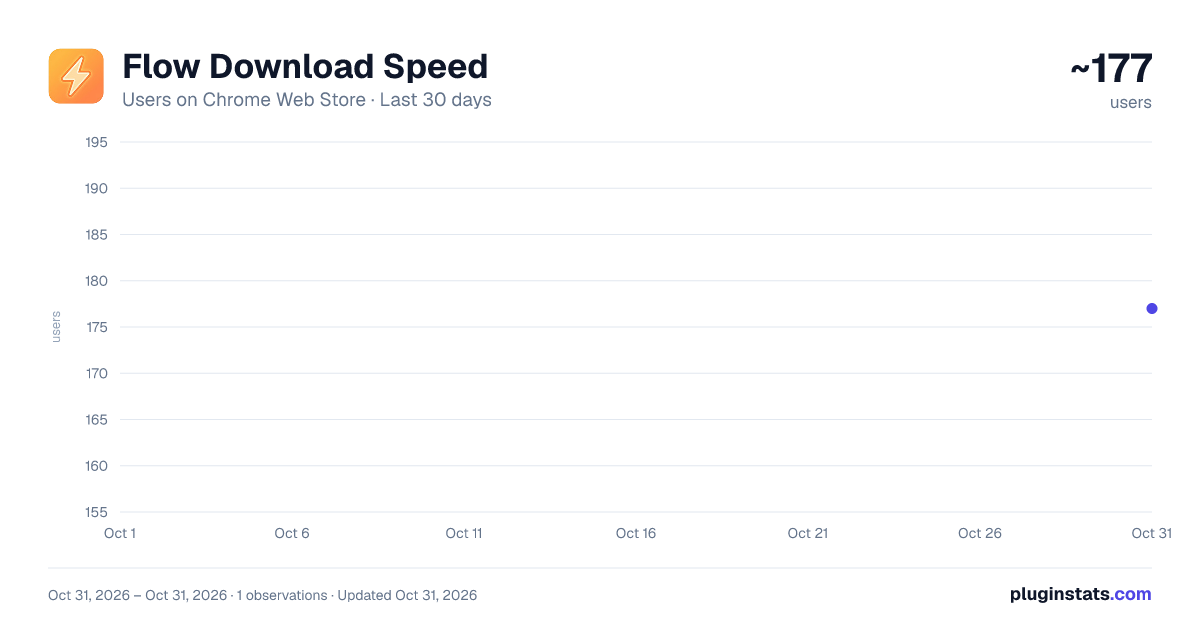
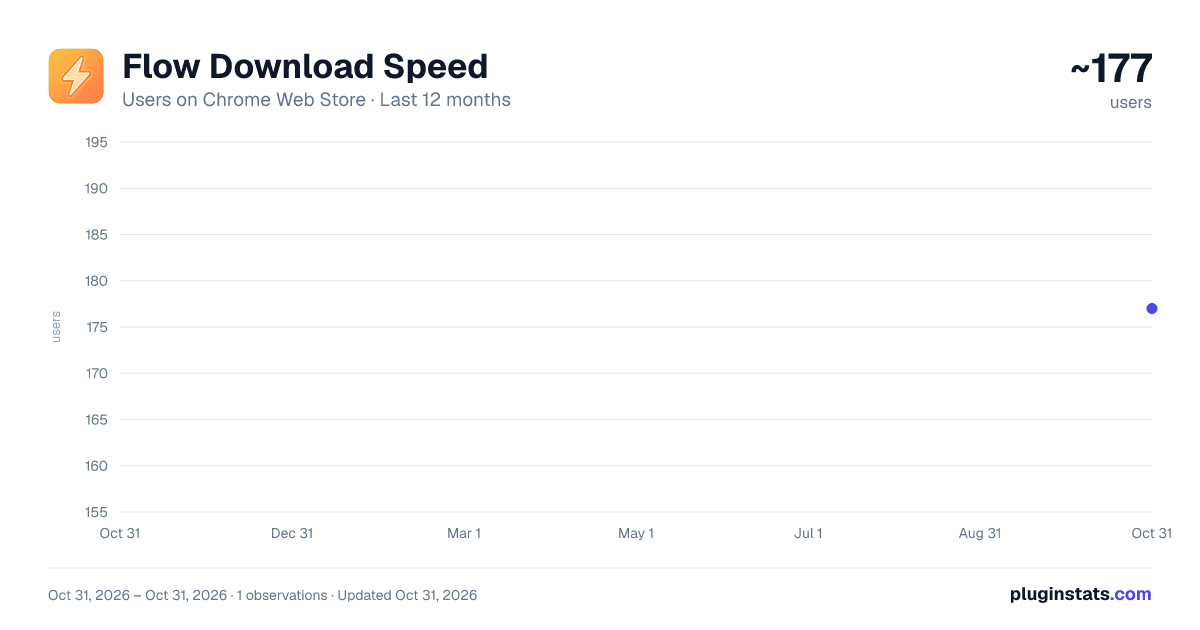
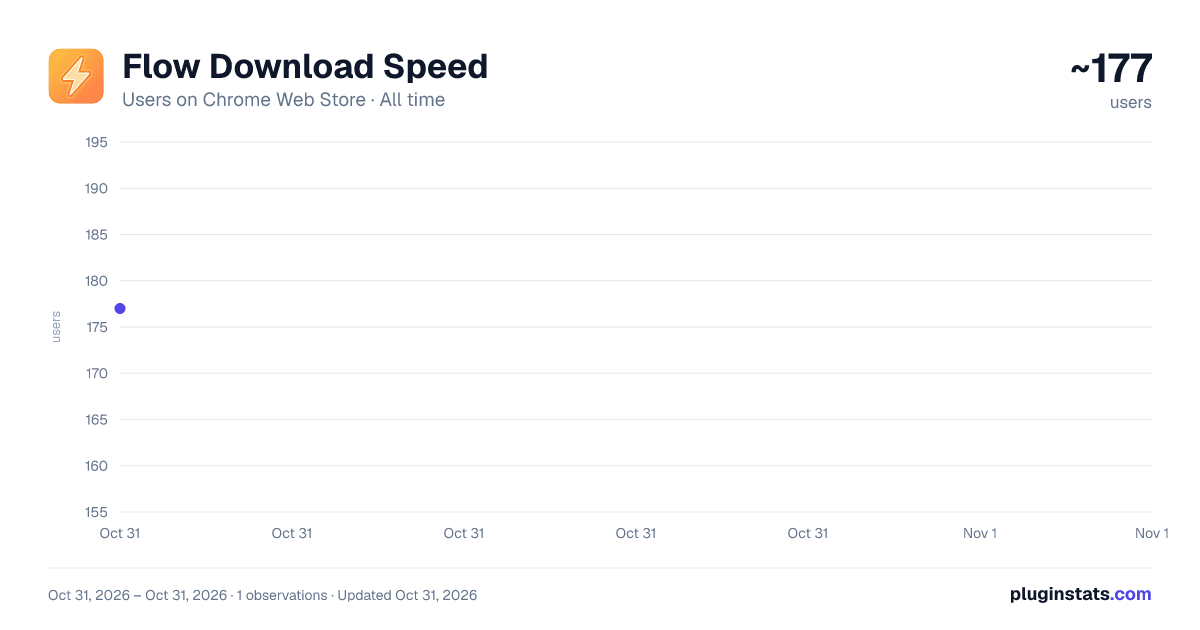
Flow Download Speed has approximately 177 recorded users on Chrome Web Store, ranking #4682 of 5,946 tracked listings.
Rating: 5.00 / 5 from 4 ratings
About Flow Download Speed
Batch download ảnh & video nhanh trên Google Flow - By_Côngz
Flow Download Speed is a productivity extension built specifically for Google Flow (labs.google). It lets you select and batch-download multiple AI-generated images and videos in just a few clicks — no manual right-clicking, no waiting.
KEY FEATURES
⚡ Batch Selection Select individual tiles or use quick-select buttons for images only, videos only, or all media at once. Each selected tile shows a numbered sequence badge so you always know your download order.
📥 One-Click Batch Download Queue up all selected tiles and let the extension handle the rest — automatically triggering the download flow for each item in sequence.
🎬 Image & Video Quality Control Choose your preferred output quality independently for images (1K / 2K / 4K) and videos (270p / 720p / 1080p / 4K). The extension falls back to the best available quality if your selected option is unavailable.
✏️ Custom Filename with Auto-Increment Enable the rename toggle to set a custom base filename. Files are automatically numbered in sequence (e.g. Scene_01, Scene_02...) — no manual renaming needed after download.
⏸️ Pause & Stop Controls Need to pause mid-batch? Hit pause and resume anytime. Stop cancels the queue cleanly without leaving broken files.
🎨 Minimal Floating UI The panel floats over the Flow interface and stays out of your way. Collapse it to a single button when not in use — with a smooth Apple-style glass morphism animation.
HOW TO USE
- Open any project in Google Flow (labs.google)
- The extension panel appears automatically on the right side
- Click tiles to select them (or use Select All Images / Select All Videos)
- Choose quality settings
- Click Download — files save directly to your Downloads/Flow_Downloads folder
NOTE: For the smoothest experience, go to chrome://settings/downloads and disable "Ask where to save each file before downloading." This lets the extension save files automatically without interruption.
Built for creators who generate high volumes of AI content and need a faster, smarter way to export their work.
Description from the Chrome Web Store listing.
README badge
Show your rank in a README or on your website. The badge updates automatically.
Charts
Images: 30d · 1y · all time · 1600×900 dark
Adoption over time
7/30/90-day growth
Ranking history
Ratings over time
Listing placement
Listing placement
Filled points are observed values; hollow points come from Internet Archive snapshots of the listing page. Dashed segments span periods with no observations — values between points are not interpolated.
Each band is one page of 20. Users on a linear scale. Placement is projected from users, so it can differ from the marketplace's own sort order. Hover a dot to see the listing.
Recent observations
Full history (1)Similar Chrome Web Store Developer Tools plugins
All 20 Flow Download Speed alternatives



Data source
Covers every Chrome Web Store extension with at least 100 users, found through the store's public sitemap. User counts are read from public listing pages. The 10% most-used extensions are refreshed daily, the next 40% weekly and the next 40% monthly; the least-used 10% are not refreshed. Google displays rounded user counts (and caps the display at 10,000,000+), so small changes may not be visible. Rating counts above 1,000 are rounded (e.g. 1.6K).
Listing: https://chromewebstore.google.com/detail/flow-download-speed/glfamepgpaoeenocnkbkncfkgigaljal. First seen Oct 31, 2026; last successful collection Oct 31, 2026. See the methodology.