 PluginStats

Snapseed for Pc,Windows and Mac (Free Download) users statistics
Chrome Web Store · Communication
Edit your photos with Snapseed Chrome Extension.
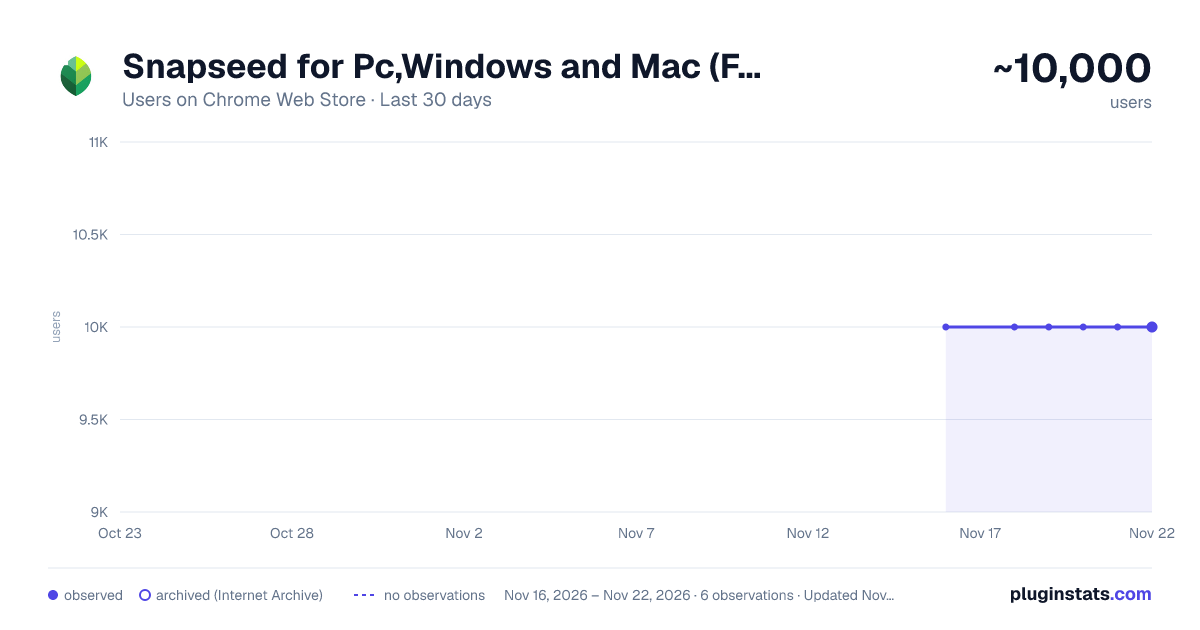
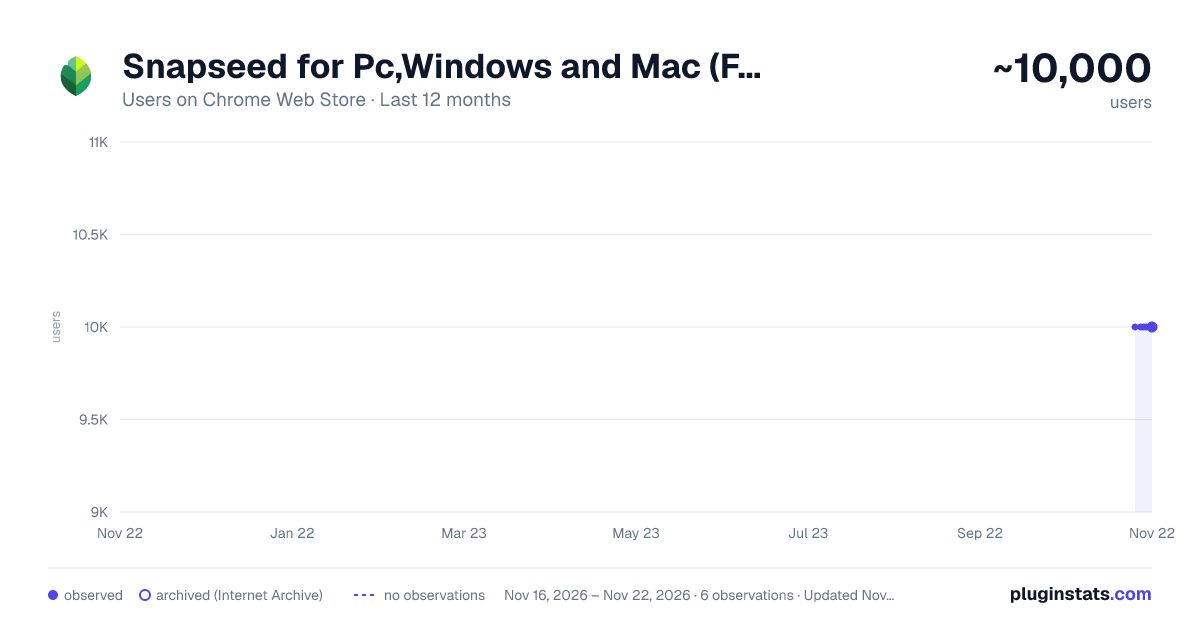
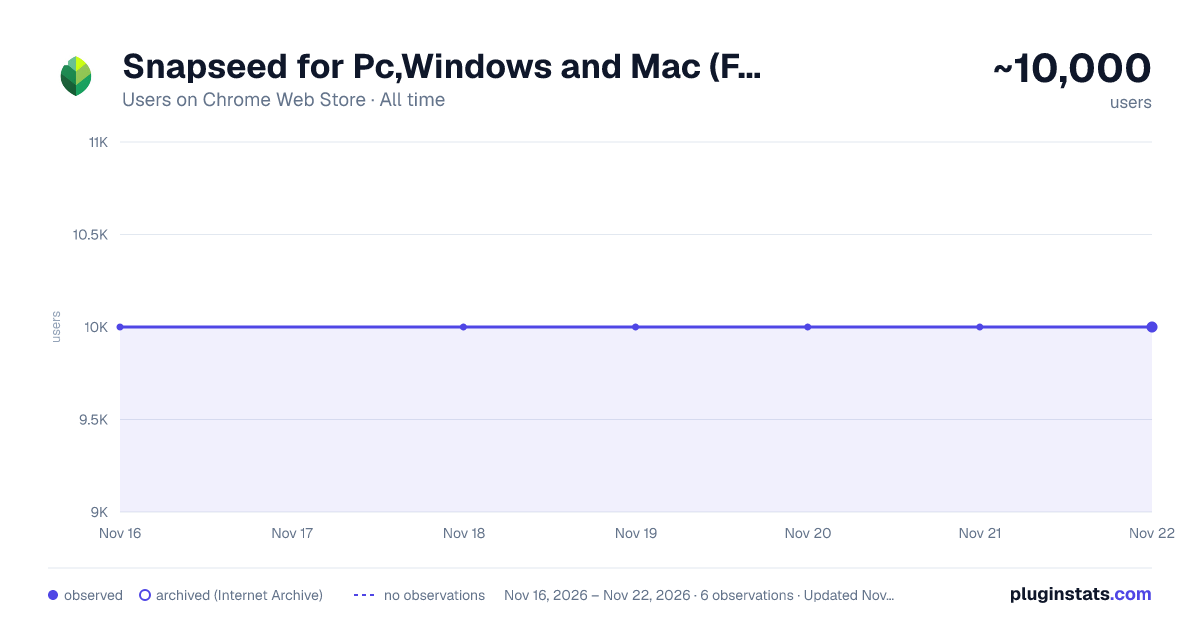
Snapseed for Pc,Windows and Mac (Free Download) has approximately 10,000 recorded users on Chrome Web Store, ranking #1148 of 10,388 tracked listings.
Rating: 2.00 / 5 from 6 ratings
About Snapseed for Pc,Windows and Mac (Free Download)
Edit your photos with Snapseed Chrome Extension.
Snapseed for PC, Windows, and Mac offers easy-to-use editing features like brightness adjustment, blur effects, and custom dimensions. Simply upload your image, apply effects, and download your edited masterpiece. This simple extension brings Snapchat's fun editing capabilities to your desktop.
✅ Snapseed Extension Features
✔️Choose File: Upon uploading any image file here, you will discover options for editing the image.
✔️Effect: After the image is uploaded, you can modify various aspects such as Brightness, Blur, custom width, and Custom Height of the image from this platform. Upon completing the image editing process, clicking on 'Apply Effect' will save the changes. Subsequently, upon clicking 'Download', the edited image will be downloaded. Clicking 'Undo' will revert the image to its previous state."
✔️Easy To use
✔️Simple Extension
✅ How To Use Snapseed on PC?
Step 1: Start by adding this extension to your Chrome browser by clicking "Add to Chrome."
Step 2: Next, click on the Extension icon.
Step 3: You will see:
"Choose File" "Effect" "Apply Effect" "Undo" "Download"
Step 4: Choose File,Here image is uploaded, you have the option to adjust several parameters including Brightness, Blur, custom width, and custom height directly within this platform. Upon finishing the editing process, selecting 'Apply Effect' will confirm the changes. Subsequently, clicking 'Download' will save the edited image. If needed, selecting 'Undo' will revert the image to its original state.
Step 5: Enjoy a safer browsing experience!
✅ Disclaimer:
Please note that "Snapseed for PC, Windows, and Mac" Chrome Extension is an independent product and is not associated, affiliated, or endorsed by the Snapseed Android app or its developers. We respect intellectual property rights and make no claim to any copyrights associated with the Snapseed Android app.
Description from the Chrome Web Store listing.
README badge
Show your rank in a README or on your website. The badge updates automatically.
Charts
Images: 30d · 1y · all time · 1600×900 dark
Adoption over time
7/30/90-day growth
Ranking history
Ratings over time
Listing placement
Listing placement
Filled points are observed values; hollow points come from Internet Archive snapshots of the listing page. Dashed segments span periods with no observations — values between points are not interpolated.
Each band is one page of 20. Users on a linear scale. Placement is projected from users, so it can differ from the marketplace's own sort order. Hover a dot to see the listing.
Recent observations
Full history (5)Similar Chrome Web Store Communication plugins
All 20 Snapseed for Pc,Windows and Mac (Free Download) alternatives



Data source
Covers every Chrome Web Store extension with at least 100 users, found through the store's public sitemap. User counts are read from public listing pages. The 10% most-used extensions are refreshed daily, the next 40% weekly and the next 40% monthly; the least-used 10% are not refreshed. Google displays rounded user counts (and caps the display at 10,000,000+), so small changes may not be visible. Rating counts above 1,000 are rounded (e.g. 1.6K).
Listing: https://chromewebstore.google.com/detail/snapseed-for-pcwindows-an/bnaaiimoblmafghgkojajefndfcgdccf. First seen Nov 16, 2026; last successful collection Nov 21, 2026. See the methodology.