 PluginStats

FlowKit — Browser Automation users statistics
By yigittyldzz · Chrome Web Store · Workflow & Planning
Record browser workflows and replay them automatically.
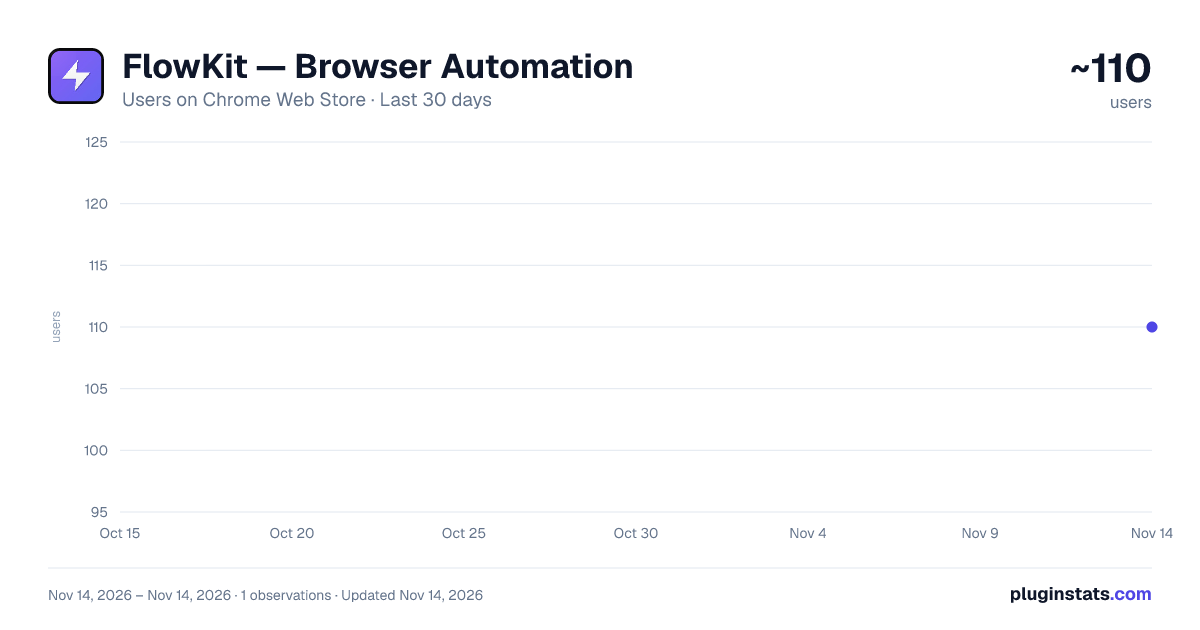
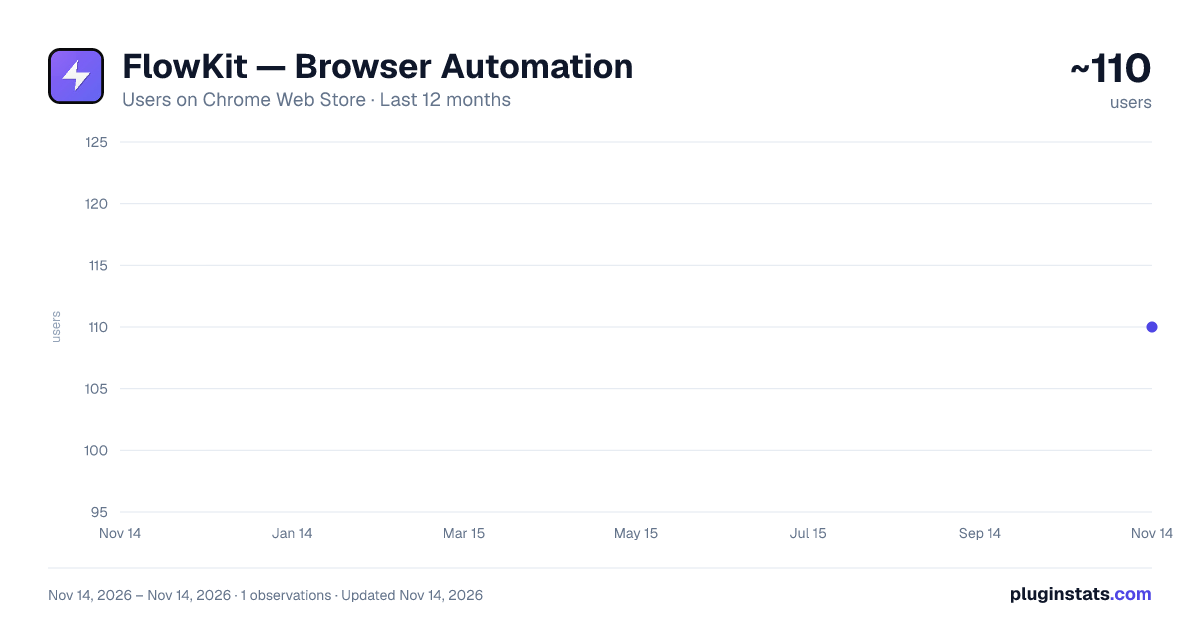
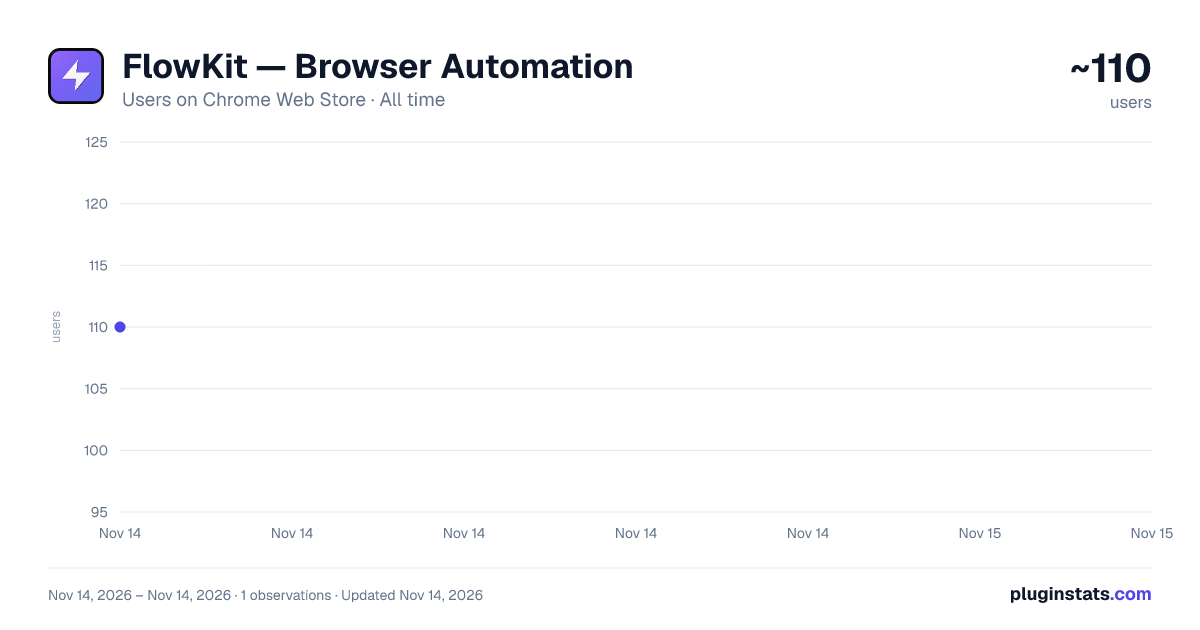
FlowKit — Browser Automation has approximately 110 recorded users on Chrome Web Store, ranking #9936 of 10,388 tracked listings.
About FlowKit — Browser Automation
Record browser workflows and replay them automatically.
FlowKit records the repetitive things you do in your browser — clicks, typing, menus, forms — and replays them for you with one click. No coding, no scripts. Record a task once, run it whenever you need it.
HOW IT WORKS • Open the page where your task starts and click "Start Recording" • Do the task as usual: click, type, pick options, move between pages • Stop, give the workflow a name and save it • Press ▶ anytime — FlowKit opens the starting page and repeats every step
WHAT PEOPLE USE IT FOR • Filling out the same forms again and again (CRM entries, applications, order forms) • Repeating the same clicks every day in admin panels and dashboards • Entering a list of records one by one with "Run with Data" • Running a routine check automatically every hour or every day with "Schedule" • Any sequence of clicks and inputs you repeat in the browser
KEY FEATURES ✓ One-click recording — no coding required ✓ Replays start from the page you recorded on, so a workflow works from anywhere ✓ Reliable clicks — each step is verified by the link and text it targets, not just its position ✓ Works inside embedded frames (widgets, demos, embedded forms) ✓ Text fields, text areas, dropdowns, checkboxes and rich editors such as Gmail and X ✓ Run with Data — replay one workflow for many rows of data, each with its own values ✓ Schedule — run a workflow hourly or daily in a background tab, without taking over the tab you are using ✓ Cloud sync and replay history when you sign in
FREE • Record and replay as many workflows as you like in your browser • Free account with cloud sync for up to 3 workflows • No credit card required
PRIVACY Password fields are never recorded. Your workflows stay in your browser unless you sign in to sync them; synced data is transmitted securely (HTTPS/TLS). We never sell or share your data.
GOOD TO KNOW Chrome does not allow extensions on chrome:// pages, the Chrome Web Store or the built-in PDF viewer, so FlowKit cannot record there. Steps that need a password must be completed by you.
SUPPORT Website: https://flowkit.digitaladexpert.de Email: info@digitaladexpert.de
Description from the Chrome Web Store listing.
README badge
Show your rank in a README or on your website. The badge updates automatically.
Charts
Images: 30d · 1y · all time · 1600×900 dark
Adoption over time
7/30/90-day growth
Ranking history
Ratings over time
Listing placement
Listing placement
Filled points are observed values; hollow points come from Internet Archive snapshots of the listing page. Dashed segments span periods with no observations — values between points are not interpolated.
Each band is one page of 20. Users on a linear scale. Placement is projected from users, so it can differ from the marketplace's own sort order. Hover a dot to see the listing.
Recent observations
Full history (1)Similar Chrome Web Store Workflow & Planning plugins
All 20 FlowKit — Browser Automation alternatives



Data source
Covers every Chrome Web Store extension with at least 100 users, found through the store's public sitemap. User counts are read from public listing pages. The 10% most-used extensions are refreshed daily, the next 40% weekly and the next 40% monthly; the least-used 10% are not refreshed. Google displays rounded user counts (and caps the display at 10,000,000+), so small changes may not be visible. Rating counts above 1,000 are rounded (e.g. 1.6K).
Listing: https://chromewebstore.google.com/detail/flowkit-—-browser-automat/mljcchefmldgohhgpicakokbaphdjdee. First seen Nov 14, 2026; last successful collection Nov 14, 2026. See the methodology.