 PluginStats

RBU Attendance Planner users statistics
By Mohammad Adnan Dalal · Chrome Web Store · Education
Smart attendance calculator & What-If simulator for RBU students. Plan safe bunks, medical leaves, and hit 75% target.
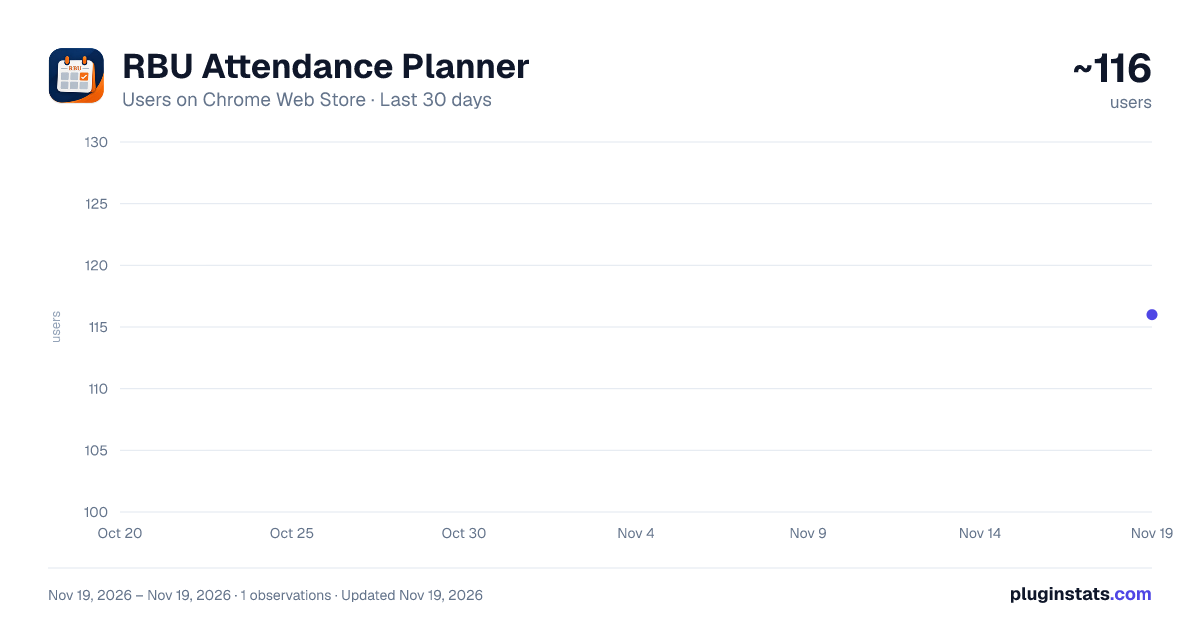
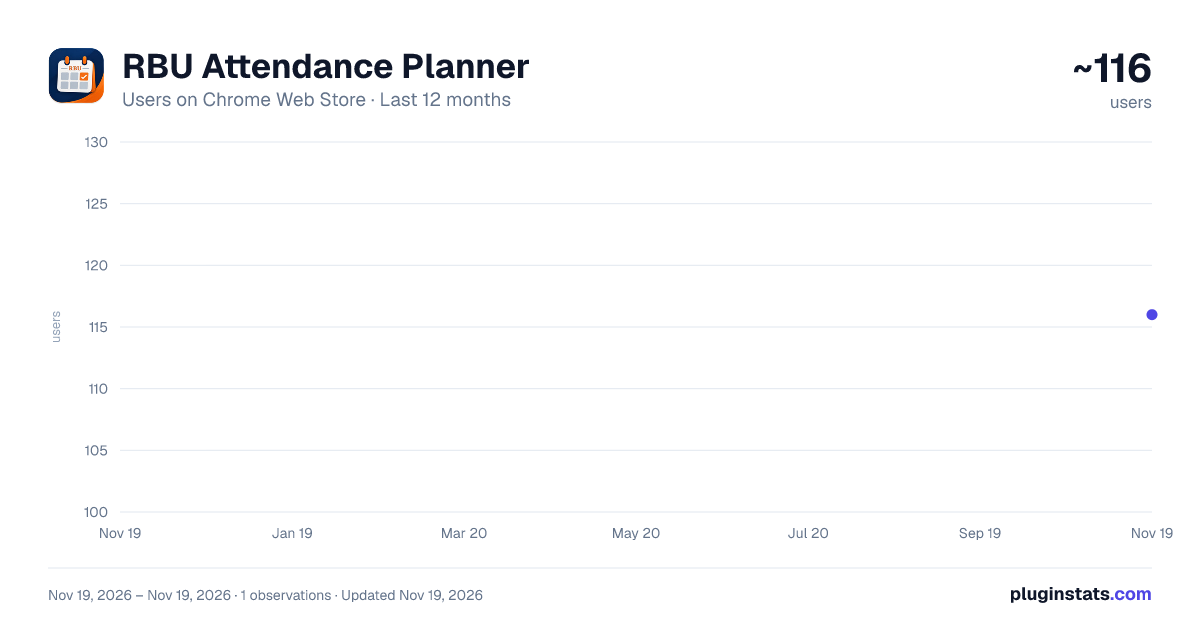
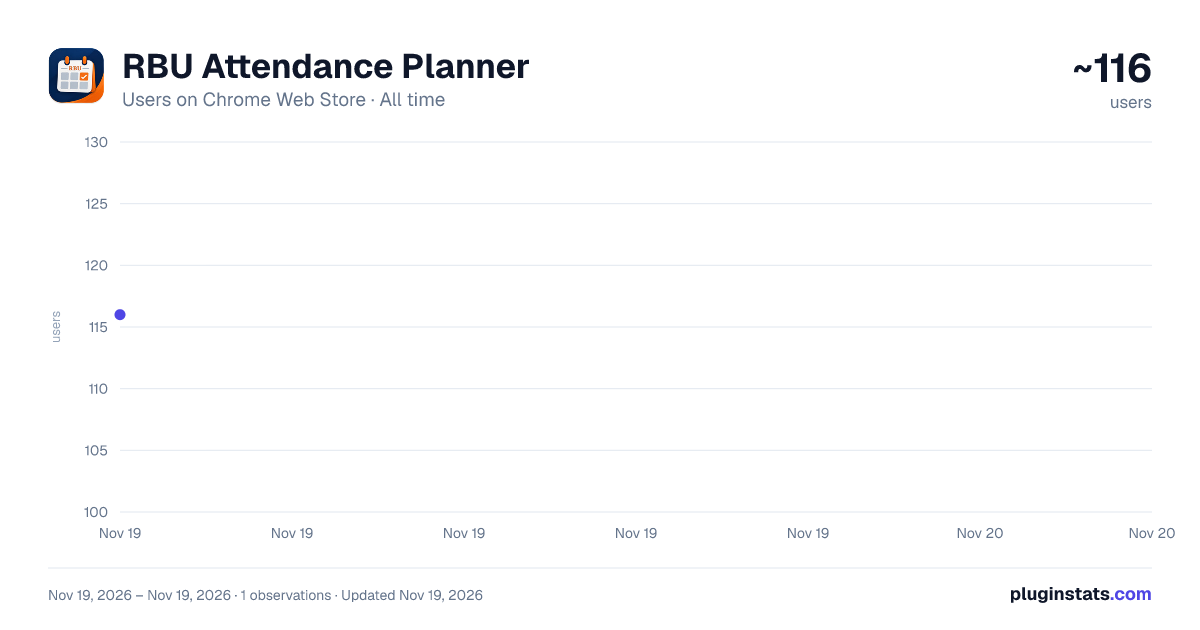
RBU Attendance Planner has approximately 116 recorded users on Chrome Web Store, ranking #9722 of 10,388 tracked listings.
Rating: 5.00 / 5 from 10 ratings
About RBU Attendance Planner
Smart attendance calculator & What-If simulator for RBU students. Plan safe bunks, medical leaves, and hit 75% target.
🎓 RBU Attendance Planner — The Ultimate Attendance Calculator & Simulator for Ramdeobaba University Students
Are you tired of constantly worrying about falling below the mandatory attendance criteria? Do you find yourself opening a calculator every week trying to figure out how many upcoming classes you can safely skip, or how many lectures you must attend to pull your percentage back up?
RBU Attendance Planner eliminates attendance anxiety. It seamlessly integrates directly into the official RBU / RCOEM student portal (rcoem.in), turning your static attendance tables into an interactive, real-time decision dashboard and "What-If" simulation laboratory.
🌟 WHY SHOULD YOU INSTALL THIS?
College ERP portals only display historical records — numbers that tell you where you were, not what you need to do next. RBU Attendance Planner bridges that gap by providing forward-looking intelligence:
• Instant Clarity: Instantly shows the exact number of consecutive classes required to reach university criteria, or how many bunkable classes you have left in reserve. • Dual Target Accuracy: Pre-calibrated strictly to university norms — maintaining 75%+ overall attendance while keeping every individual subject above 60%+. • Test Before You Act: Simulate attending, skipping, or claiming medical leaves in real time to see the percentage impact before making decisions. • Zero Manual Math: No spreadsheets, no formulas, no guesswork. Everything updates dynamically as you view your portal. • Clean & Non-Intrusive: Designed with modern Dark and Light aesthetics that blend seamlessly with your workflow.
🚀 CORE FEATURES IN DETAIL
- 🎯 Dynamic Target Analytics (Dual Threshold Engine) • University-Compliant Targets:
- Overall Aggregate Target: Kept at 75%+ to ensure full semester eligibility.
- Individual Subject Target: Kept at 60%+ to prevent individual course detentions or exam blocks. • "Attend: +X": If you are below the target, the extension calculates the exact number of upcoming consecutive lectures you must attend to cross the threshold safely. • "Safe Margin / Bunkable: X": When you are safely above the threshold, it highlights exactly how many classes you can afford to miss before your percentage dips into the danger zone. • "Claim Medical: +X": Calculates how many approved medical/duty leave certificates you need to credit to reach safety without waiting for future lectures.
-
🔮 Interactive "What-If" Simulation Engine Want to plan a trip, take time off for a hackathon, or calculate the effect of an upcoming week? The built-in simulation HUD allows scenario testing: • [+ Attend]: Simulates attending the next session (+1 attended, +1 total). Watch your percentage rise in real time. • [- Miss]: Simulates missing a session (+0 attended, +1 total). Immediately reveals whether it triggers a shortage warning. • [+ Claim]: Simulates claiming an approved medical or duty certificate (+1 attended, +0 total). • Granular Undo & Reset: Made a mistake while simulating? Step back individual actions with per-subject Undo or wipe simulations clean with Global Reset.
-
🎨 Obsidian Glass UI (Dark & Light Mode) • Obsidian Dark & Slate Light Themes: Toggle instantly with a single click (🌓) according to your preference. • High Contrast Cards: Specially tuned contrast prevents the dashboard from blending into bright college ERP table backgrounds. • Minimize Dock: Need full screen visibility of your portal? Minimize the dashboard into a sleek floating pill dock at the top-right corner.
-
⚡ 100% Privacy & Local-First Security • Zero Data Collection: Your attendance numbers, login details, and session data never leave your browser. • No External Servers: All mathematical calculations and simulations are performed 100% locally on your machine. • Restricted Host Scope: Operates strictly and exclusively on official student portal pages (rcoem.in).
📖 HOW TO USE (STEP-BY-STEP GUIDE)
Step 1: Install the extension from the Chrome Web Store. Step 2: Open your browser and log into the student portal: https://rcoem.in/studentCourseFileNew.htm Step 3: Navigate to your registered courses attendance page. Step 4: The RBU Attendance Planner HUD will automatically appear, overlaying course analytics and actionable badges. Step 5: Use the simulation buttons (+ Attend, - Miss, + Claim) in any course row to test upcoming scenarios. Step 6: Use the Reset button whenever you wish to return to your actual live attendance numbers.
💬 SUPPORT & FEEDBACK
Built by students, for students. If you encounter any display discrepancies or have feature requests for upcoming updates, feel free to reach out to 0xadnandalal@gmail.com
Description from the Chrome Web Store listing.
README badge
Show your rank in a README or on your website. The badge updates automatically.
Charts
Images: 30d · 1y · all time · 1600×900 dark
Adoption over time
7/30/90-day growth
Ranking history
Ratings over time
Listing placement
Listing placement
Filled points are observed values; hollow points come from Internet Archive snapshots of the listing page. Dashed segments span periods with no observations — values between points are not interpolated.
Each band is one page of 20. Users on a linear scale. Placement is projected from users, so it can differ from the marketplace's own sort order. Hover a dot to see the listing.
Recent observations
Full history (1)Similar Chrome Web Store Education plugins
All 20 RBU Attendance Planner alternatives



Data source
Covers every Chrome Web Store extension with at least 100 users, found through the store's public sitemap. User counts are read from public listing pages. The 10% most-used extensions are refreshed daily, the next 40% weekly and the next 40% monthly; the least-used 10% are not refreshed. Google displays rounded user counts (and caps the display at 10,000,000+), so small changes may not be visible. Rating counts above 1,000 are rounded (e.g. 1.6K).
Listing: https://chromewebstore.google.com/detail/rbu-attendance-planner/ofjnpaipledbhalkoaoddlehlejlpodm. First seen Nov 19, 2026; last successful collection Nov 19, 2026. See the methodology.