 PluginStats
Print to PDF users statistics
Print to PDF - save webpage as pdf, convert to pdf any web page. Best pdf maker and pdf creator tool for your browser
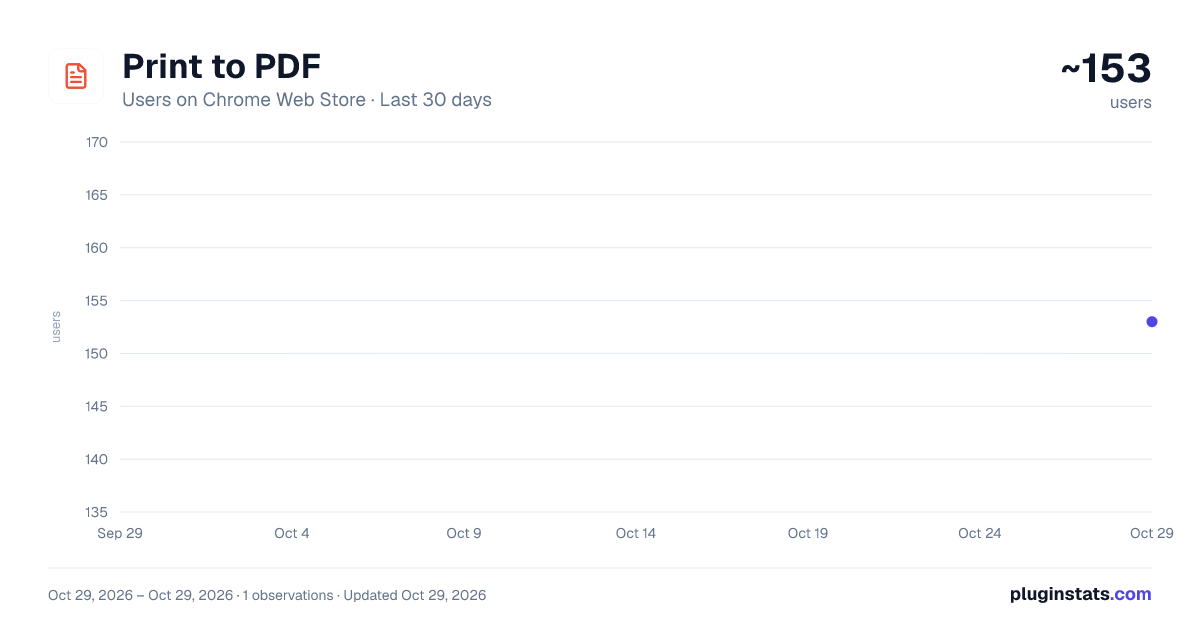
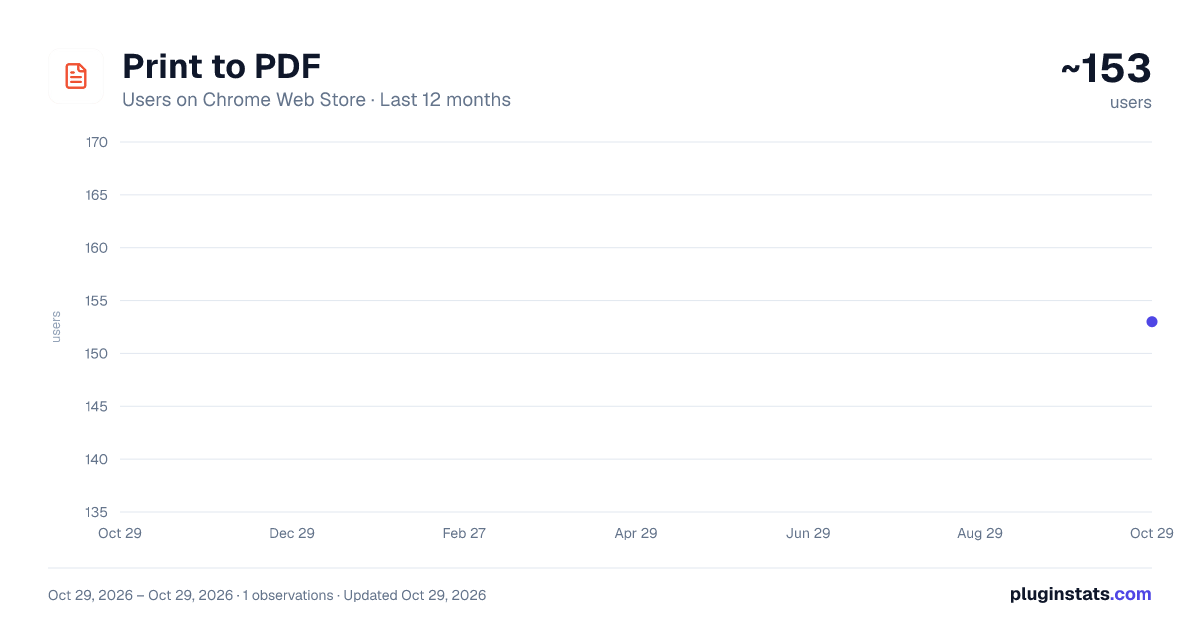
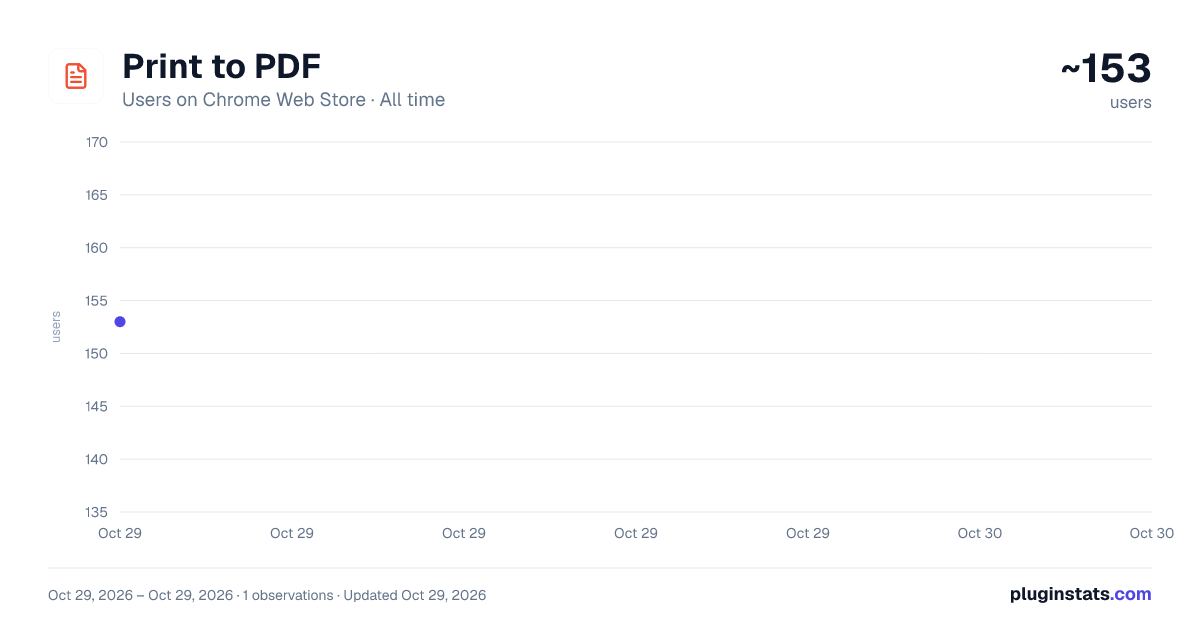
Print to PDF has approximately 153 recorded users on Chrome Web Store, ranking #4362 of 5,223 tracked listings.
About Print to PDF
Print to PDF - save webpage as pdf, convert to pdf any web page. Best pdf maker and pdf creator tool for your browser
🖨️ This browser extension lets you save any webpage as a clean document in just one click. Whether you need to print to PDF, keep an article for offline reading, or convert a web page into a file — everything is handled instantly without extra software. It works as a reliable converter that you can trust for daily use.
How does it work? Open any page, click the icon, and get your file ready to download. No sign-ups, no complicated settings — just a fast and easy way to save what you need. This is how to print to PDF without any hassle. The extension serves as a powerful maker tool for anyone who values simplicity and speed.
➤ Save any webpage as a document with one click ➤ Print web page to PDF without losing original formatting ➤ Convert to PDF from any website or online article ➤ Works as a free converter for all your files and pages ➤ Clean and simple creator tool with no ads or watermarks
1️⃣ Open the page you want to keep 2️⃣ Click the extension icon in your toolbar 3️⃣ Choose your settings and download the ready file
This tool is designed for anyone who needs a quick way to print documents to PDF or save important information from the web. Students, professionals, researchers, and everyday users rely on this online converter to keep files organized and accessible offline. How do i print to PDF? Just install and click — it is that simple. No learning curve, no tutorials needed.
📌 Why choose this extension?
Works as a print to PDF printer directly in your browser Supports print to PDF mac and all desktop platforms seamlessly Print to PDF iphone and any mobile device with ease Print to PDF from iphone using your favorite mobile browser Converts any web page to a clean, well-formatted document No hidden fees, subscriptions, or account registration required Lightweight tool that does not slow down your browser at all Whether you work on mac, use a phone, or sit at your desktop — this extension keeps the original layout, images, and links intact. Unlike heavy desktop applications, everything happens right in your browser tab. You can save any document, share it with others, and access it anytime you need.
💡 What you can do with this extension:
▸ Save online receipts, invoices, and order confirmations ▸ Print web page to PDF for reading without internet connection ▸ Print webpage to PDF for archiving important news and articles ▸ Convert file to PDF including any blog post, guide, or report ▸ Share saved documents with colleagues, clients, and friends ▸ Create files from any website without installing heavy software ▸ Convert to PDF free any content you find valuable and useful
This free tool supports all popular websites and works with any type of content you encounter online. Need to save an entire article from your favorite news source? A product page from an online store? An important email thread? One click and your file is ready to download. The extension serves as both a converter and a creator for all your everyday tasks and projects.
How to print a PDF from any website:
Install the extension from Chrome Web Store for free Navigate to any page you want to save as a document Click the icon and how to print as PDF becomes clear — your file downloads instantly You get full control over how your documents look before saving them. Adjust margins, page size, orientation, and other parameters to match your needs. Need a clean document to send to someone or keep for later? The whole process takes just a few seconds from start to finish.
🔒 Your privacy matters to us. Everything is processed locally right in your browser. No data is sent to external servers, no personal information is collected, and no account is needed to start using the extension. Just a simple, trustworthy tool for your daily needs. This is not just another online converter — it is the one you will actually keep using every day.
📎 This extension is perfect for: • Researchers saving reference materials and academic sources daily • Students converting lecture notes, assignments, and study guides • Business professionals who handle reports, contracts, and proposals • Content creators who archive inspiration and competitor pages • Anyone looking for a reliable free tool to keep web content organized
🔥 Key features:
One-click saving from any open browser tab Works as a maker, creator, and converter all in one tool Supports mac, iphone, and all major browsers Save web page with original formatting fully preserved Convert file including images, tables, links, and styles Completely free with no limits on number of pages or file size Stop wasting time with complicated and overloaded tools that require registration and monthly payments. Download this extension today and enjoy the easiest way to save any webpage, convert any content, print webpage to PDF, and keep everything organized in clean documents — all completely for free.
Description from the Chrome Web Store listing.
README badge
Show your rank in a README or on your website. The badge updates automatically.
Charts
Images: 30d · 1y · all time · 1600×900 dark
Adoption over time
7/30/90-day growth
Ranking history
Ratings over time
Listing placement
Listing placement
Filled points are observed values; hollow points come from Internet Archive snapshots of the listing page. Dashed segments span periods with no observations — values between points are not interpolated.
Each band is one page of 20. Users on a linear scale. Placement is projected from users, so it can differ from the marketplace's own sort order. Hover a dot to see the listing.
Recent observations
Full history (1)Similar Chrome Web Store Tools plugins
All 20 Print to PDF alternatives



Data source
Covers every Chrome Web Store extension with at least 100 users, found through the store's public sitemap. User counts are read from public listing pages. The 10% most-used extensions are refreshed daily, the next 40% weekly and the next 40% monthly; the least-used 10% are not refreshed. Google displays rounded user counts (and caps the display at 10,000,000+), so small changes may not be visible. Rating counts above 1,000 are rounded (e.g. 1.6K).
Listing: https://chromewebstore.google.com/detail/print-to-pdf/popobieigfnfhlcobgmppnebndnlodma. First seen Oct 29, 2026; last successful collection Oct 29, 2026. See the methodology.