 PluginStats

Drive Size Pro users statistics
By os.g1 · Chrome Web Store · Accessibility
Stop guessing what's eating your Google Drive storage. Instantly view folder sizes and free up space effortlessly.
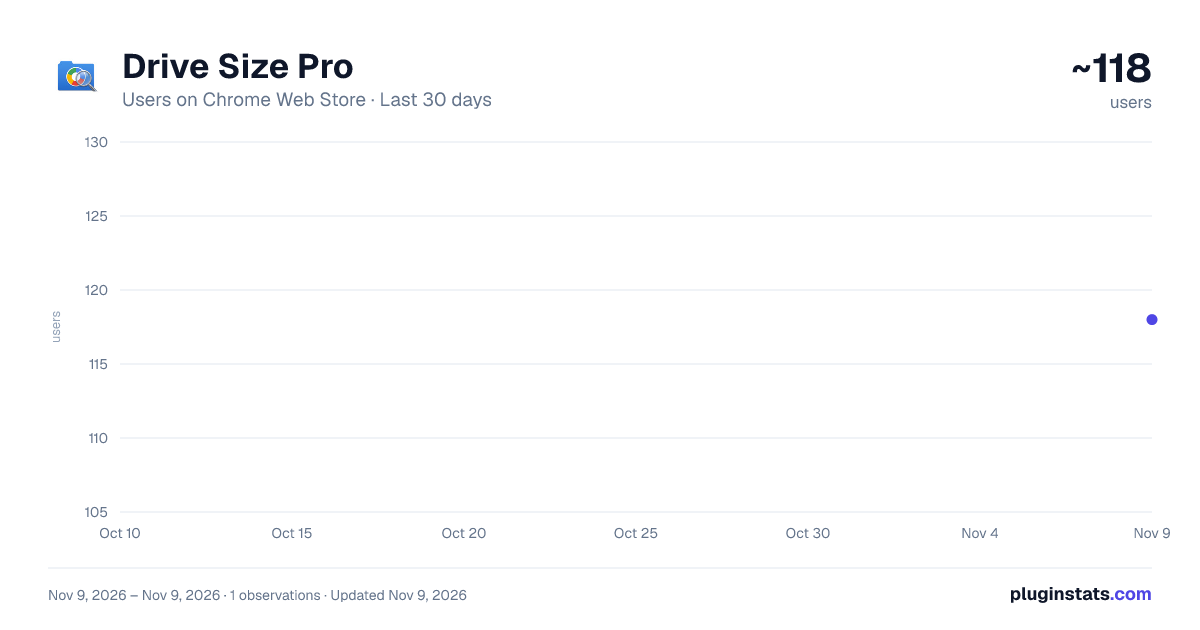
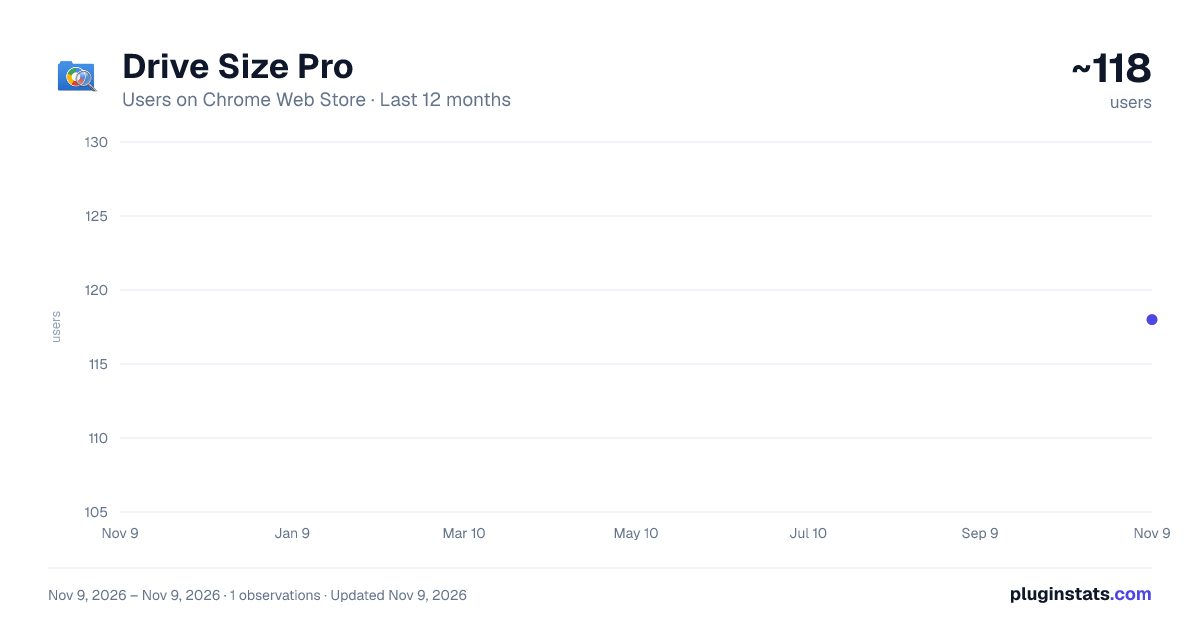
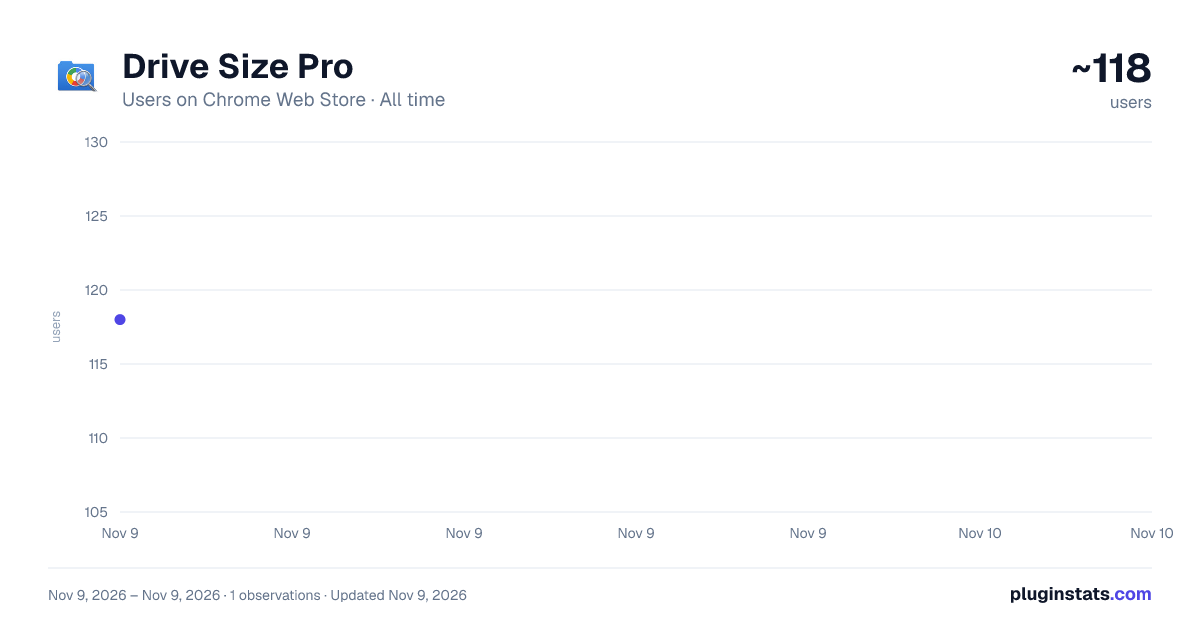
Drive Size Pro has approximately 118 recorded users on Chrome Web Store, ranking #9644 of 10,388 tracked listings.
Rating: 4.00 / 5 from 1 ratings
About Drive Size Pro
Stop guessing what's eating your Google Drive storage. Instantly view folder sizes and free up space effortlessly.
🗂️ See Google Drive Folder Sizes at a Glance! Make storage management dramatically smarter with Drive Size Pro.
Are you running out of Google Drive storage? Stop opening endless subfolders just to find out what's eating up your free 15GB or your Google Workspace storage limits.
Drive Size Pro is a powerful storage management tool that solves this problem instantly. It calculates and displays folder sizes directly within your Google Drive interface, so you don't need to open extra tabs or navigate complex settings.
🌟 Why Use Drive Size Pro? • Save Money: Stop paying for expensive storage upgrades because of hidden junk files. Easily locate and delete massive files to stay within your current plan or free quota. • Save Time: Instantly see which folders are the heaviest without manual searching. Drastically reduce the time spent hunting down storage bottlenecks. • Keep it Clean: With a seamless, unobtrusive analysis panel that expands only when you need it, your everyday Drive interface remains beautiful and uncluttered.
📊 Detailed Features: • Inline Size Display (Real-time Calculation): Naturally integrates into the standard Google Drive interface, displaying the total size right next to each folder name. No more right-clicking to check properties. • Smart Sorting: Sort your folders by size—a feature missing from standard Google Drive. Identify your heaviest storage hogs in just one second. • Intuitive Visual Analysis: Visualize your storage usage with beautiful pie charts and heatmaps. See exactly which projects or categories are dominating your space at a glance. • CSV Export: Export your folder size data to CSV for audits or backup planning. Dive deeper into analysis using spreadsheets like Excel or Google Sheets. • Cleanup Suggestions: Automatically identify large folders that haven't been touched in a long time, helping you make smart deletion decisions to free up space efficiently.
🚀 [Latest Update: v4.1.1] Ultra-lightweight optimization & Enterprise-scale (Massive Drive) support! • We completely overhauled the background auto-save process using a "proprietary array compression algorithm." Even when running global scans on massive drives (1TB+, 300,000+ folders, millions of files), it completely eliminates browser freezing and high CPU usage/fan noise. • Introduced "Fast Path" rendering to eliminate UI lag (sluggishness) when hovering over items or navigating folders. Everyday usage is now incredibly smooth. • Optimized API load balancing during continuous data fetching to reduce network errors during deep scans.
💼 Perfect For: • Engineers & Creators: Quickly locate and archive heavy past projects, including large 3D CAD files, high-res images, and raw videos. • Shared Drive Administrators: When Workspace team storage nears its limit, visualize exactly which department or folder is responsible, and encourage better data management. • Personal Users: Clean up your digital clutter by organizing smartphone backups and deleting forgotten data from years ago.
✅ How to Use (It's incredibly easy):
- Install this Chrome extension.
- Open Google Drive (drive.google.com).
- Grant access with a single click.
- That's it! Folder sizes will automatically appear next to your folders.
🔒 Privacy and Security First: We fully understand that your files are private and highly confidential. • Read-Only Access: Drive Size Pro operates strictly on "read-only" permissions. It absolutely cannot modify, move, or delete your files. • 100% Local Processing: All data analysis happens securely within your own browser (locally). Your data is NEVER sent to external servers or third parties.
Take back control of your cloud storage today. Install Drive Size Pro and give your Google Drive the smart upgrade it deserves!
Description from the Chrome Web Store listing.
README badge
Show your rank in a README or on your website. The badge updates automatically.
Charts
Images: 30d · 1y · all time · 1600×900 dark
Adoption over time
7/30/90-day growth
Ranking history
Ratings over time
Listing placement
Listing placement
Filled points are observed values; hollow points come from Internet Archive snapshots of the listing page. Dashed segments span periods with no observations — values between points are not interpolated.
Each band is one page of 20. Users on a linear scale. Placement is projected from users, so it can differ from the marketplace's own sort order. Hover a dot to see the listing.
Recent observations
Full history (1)Similar Chrome Web Store Accessibility plugins
All 20 Drive Size Pro alternatives



Data source
Covers every Chrome Web Store extension with at least 100 users, found through the store's public sitemap. User counts are read from public listing pages. The 10% most-used extensions are refreshed daily, the next 40% weekly and the next 40% monthly; the least-used 10% are not refreshed. Google displays rounded user counts (and caps the display at 10,000,000+), so small changes may not be visible. Rating counts above 1,000 are rounded (e.g. 1.6K).
Listing: https://chromewebstore.google.com/detail/drive-size-pro/hoicecmnedhbmppcciljddgcfgcpcboc. First seen Nov 9, 2026; last successful collection Nov 9, 2026. See the methodology.