 PluginStats

Tab Save users statistics
By bigjpgai · Chrome Web Store · Tools
One-click download for files from open tabs, lists of URLs, or scholarly article PDFs from their associated DOI.
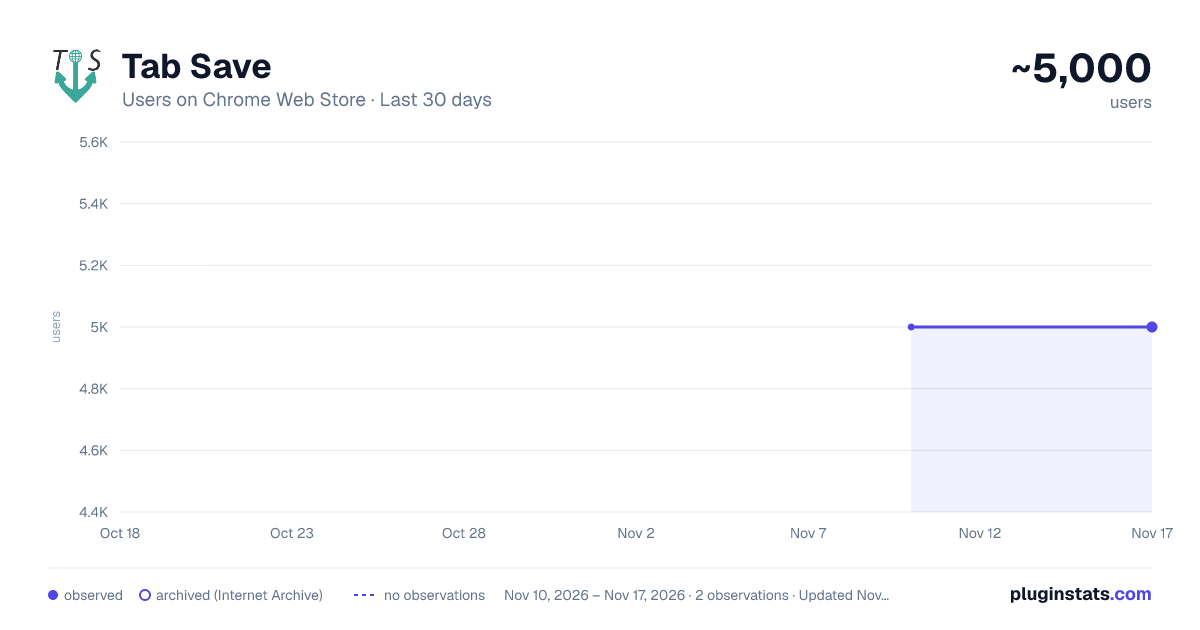
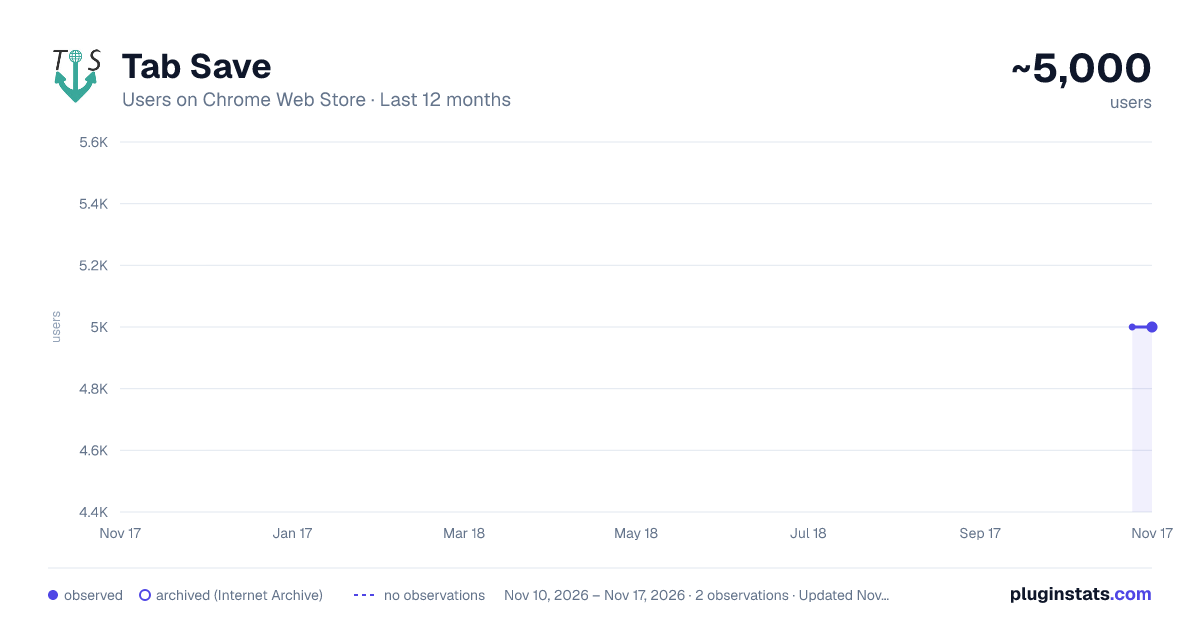
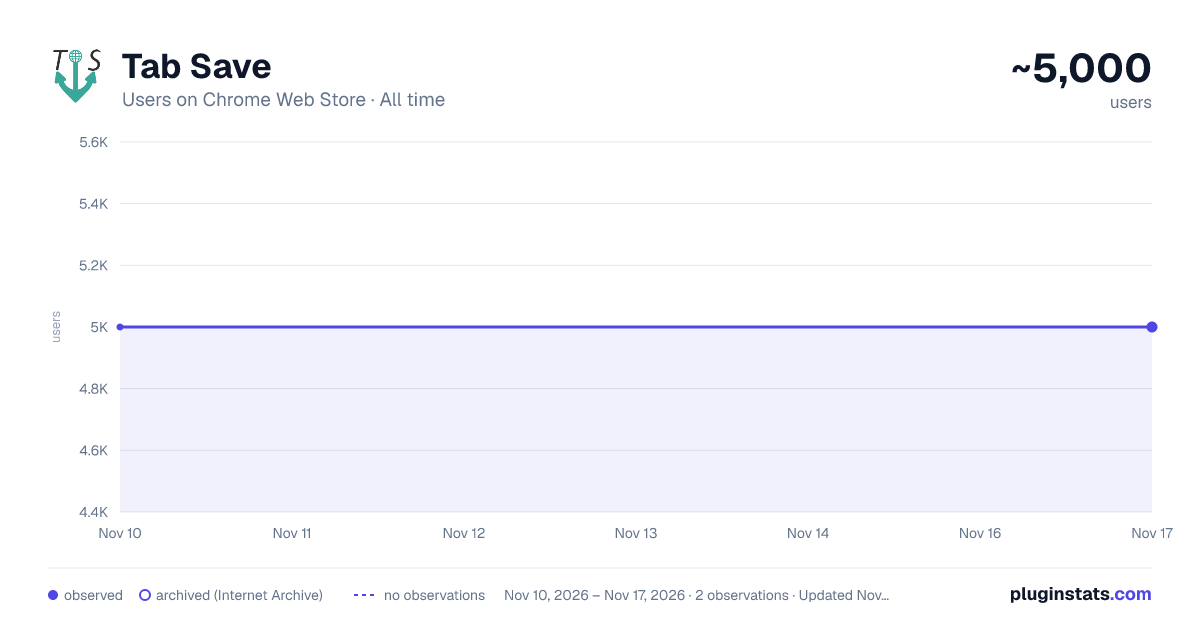
Tab Save has approximately 5,000 recorded users on Chrome Web Store, a change of 0.0% over the past 7 days, ranking #1652 of 10,388 tracked listings.
Rating: 5.00 / 5 from 3 ratings
About Tab Save
One-click download for files from open tabs, lists of URLs, or scholarly article PDFs from their associated DOI.
Tab Save: Streamline Your Download Experience
In today's digital landscape, efficient file management is crucial for productivity. Tab Save revolutionizes how you download and organize files from the web, offering a seamless solution for researchers, students, professionals, and anyone who regularly works with online content.
The Ultimate Tab Download Assistant
Tab Save is an intuitive Chrome extension that transforms how you save files from your browser. With just one click, download multiple files from all your open tabs simultaneously, eliminating the tedious process of visiting each page individually and manually initiating downloads. This powerful tool saves valuable time and streamlines your workflow, whether you're researching academic papers, collecting resources, or archiving important web content.
Key Features
Effortless Batch Downloads
Download files from all open tabs in your current window with a single click. Tab Save automatically processes each tab, initiating downloads without requiring manual intervention for each file. Watch as your files are saved to your computer in seconds instead of minutes.
Smart Academic PDF Management
For researchers and students, Tab Save offers specialized functionality for academic papers. The extension intelligently handles PDF downloads from scholarly sources, automatically generating appropriate filenames using bibliographic information. When downloading academic PDFs, Tab Save attempts to create meaningful filenames using available metadata, making it easier to organize your research materials.
Manual URL List Processing
Need to download files from specific URLs that aren't currently open in your tabs? Tab Save has you covered. Simply click the edit button and paste a list of URLs. The extension will process each link and download the associated files, saving you from having to open multiple new tabs.
DOI-Based Downloads
For academic researchers, Tab Save offers a dedicated DOI entry feature. Enter Digital Object Identifiers (DOIs) for scholarly articles, and Tab Save will attempt to download the associated PDFs, naming them according to bibliographic conventions when possible. This feature streamlines the process of building a research library from citations.
Customizable Experience
Take control of your download list by editing, removing, or rearranging entries before initiating downloads. The intuitive interface allows you to review and modify the list of files to be downloaded, ensuring you get exactly what you need.
Intelligent Filename Generation
Tab Save employs smart algorithms to extract meaningful filenames from URLs, ensuring your downloaded files are easy to identify and organize. For academic PDFs, the extension attempts to create filenames based on bibliographic information when available.
Why Choose Tab Save?
Time Efficiency
Manually downloading multiple files from different tabs can be incredibly time-consuming. Tab Save automates this process, saving minutes or even hours depending on the number of files you're working with. With a single click, all your downloads begin simultaneously.
Enhanced Organization
By intelligently naming files and providing options to customize the download process, Tab Save helps maintain an organized digital workspace. Researchers benefit from bibliographic naming conventions, while general users appreciate the clean, logical filenames derived from URLs.
Research Amplification
For academics, students, and professionals conducting research, Tab Save is an invaluable tool. The DOI entry feature and academic PDF handling capabilities streamline the process of building a comprehensive research library, allowing you to focus on analysis rather than file management.
Simplified Workflow
Tab Save integrates seamlessly into your browsing experience. The intuitive popup interface appears instantly when you click the extension icon, presenting clear options for downloading files from current tabs or entering custom URLs and DOIs.
Lightweight and Secure
Built with modern web technologies and following Chrome's Manifest V3 specifications, Tab Save is lightweight, secure, and respectful of system resources. The extension requests only the necessary permissions needed to function properly: downloads and tabs access.
Practical Applications
Academic Research
Collect dozens of scholarly PDFs in seconds. When researching a topic, open multiple papers in tabs, then use Tab Save to download them all at once, with intelligent naming to keep your research organized.
Web Development
Save reference materials, code samples, documentation, or assets from multiple sources with a single action. Tab Save helps web developers gather resources efficiently.
Content Creation
Journalists, writers, and content creators can quickly save reference materials, images, and resources from multiple sources to support their work.
Data Collection
For professionals working with online data sources, Tab Save offers a quick way to download multiple files from different sources for later analysis.
Digital Archiving
Preserve important web content by quickly saving files from multiple sources before they change or become unavailable.
Technical Specifications
Tab Save is built with modern web technologies and follows Chrome's Manifest V3 specifications for extensions. It requires minimal permissions:
- Downloads: To save files to your device
- Tabs: To access the URLs of your open tabs
The extension is lightweight and optimized for performance, ensuring it won't slow down your browsing experience even when processing multiple downloads simultaneously.
Getting Started…
Description from the Chrome Web Store listing.
README badge
Show your rank in a README or on your website. The badge updates automatically.
Charts
Images: 30d · 1y · all time · 1600×900 dark
Adoption over time
7/30/90-day growth
Ranking history
Ratings over time
Listing placement
Listing placement
Filled points are observed values; hollow points come from Internet Archive snapshots of the listing page. Dashed segments span periods with no observations — values between points are not interpolated.
Each band is one page of 20. Users on a linear scale. Placement is projected from users, so it can differ from the marketplace's own sort order. Hover a dot to see the listing.
Recent observations
Full history (2)Similar Chrome Web Store Tools plugins
All 20 Tab Save alternatives



Data source
Covers every Chrome Web Store extension with at least 100 users, found through the store's public sitemap. User counts are read from public listing pages. The 10% most-used extensions are refreshed daily, the next 40% weekly and the next 40% monthly; the least-used 10% are not refreshed. Google displays rounded user counts (and caps the display at 10,000,000+), so small changes may not be visible. Rating counts above 1,000 are rounded (e.g. 1.6K).
Listing: https://chromewebstore.google.com/detail/tab-save/nikcaajbhdllhhmpecbibnleddfgbijc. First seen Nov 10, 2026; last successful collection Nov 17, 2026. See the methodology.