 PluginStats

Screen Capture & Editor - Full Page Screenshot users statistics
Take a full page screenshot in one click. Capture any area or the whole scrolling page, then crop, annotate and save as PNG or PDF.
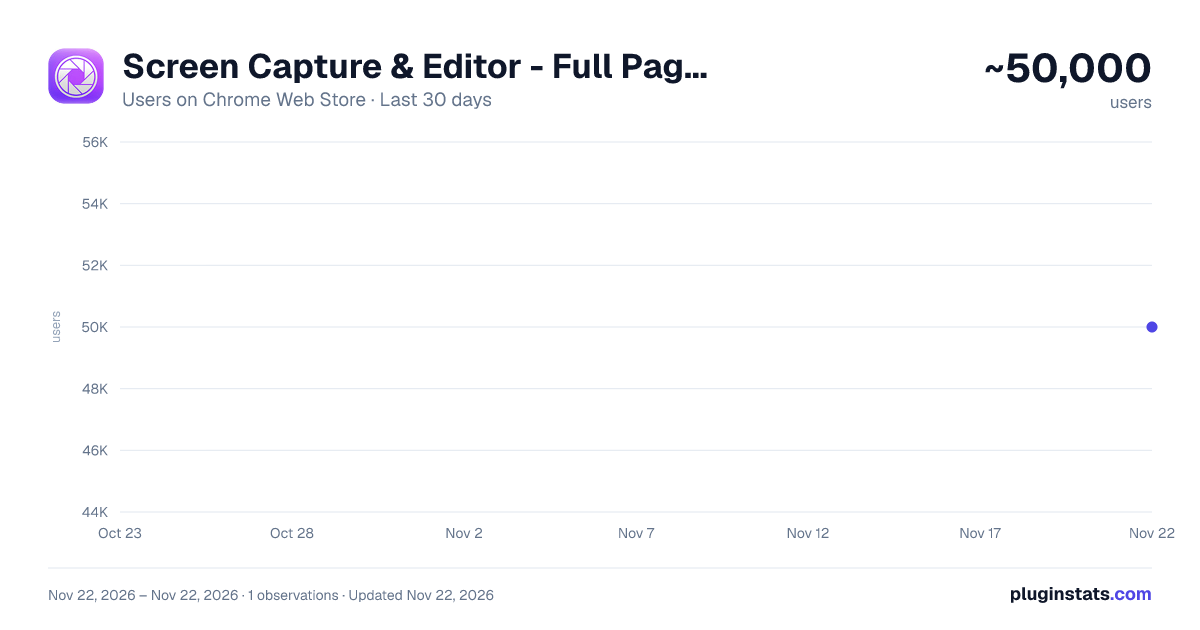
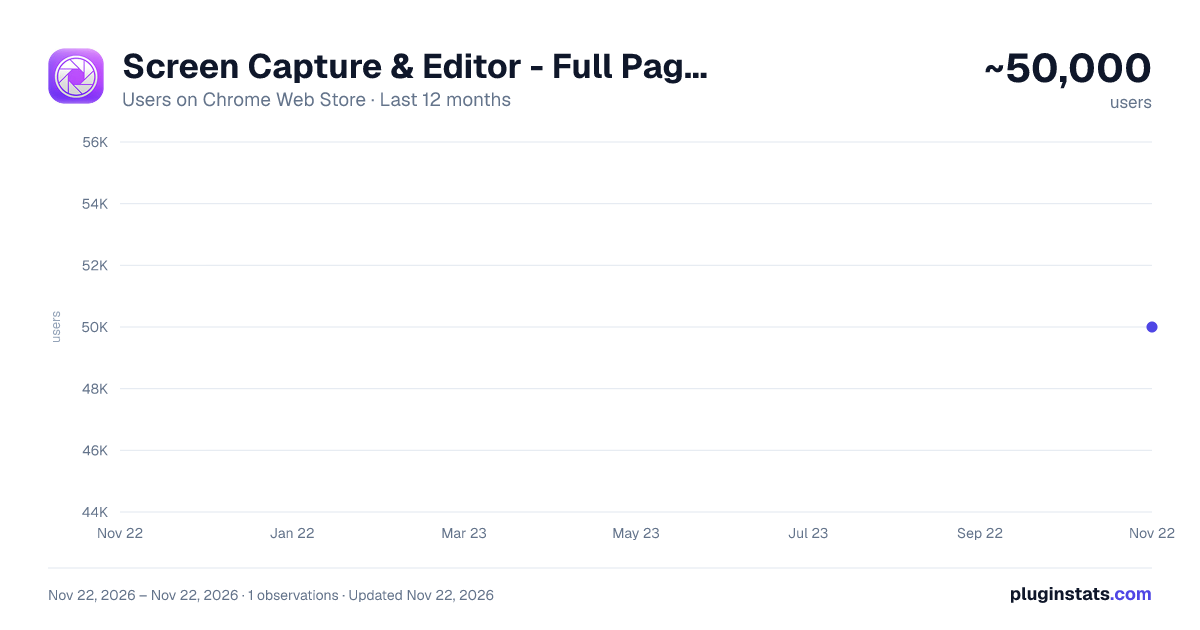
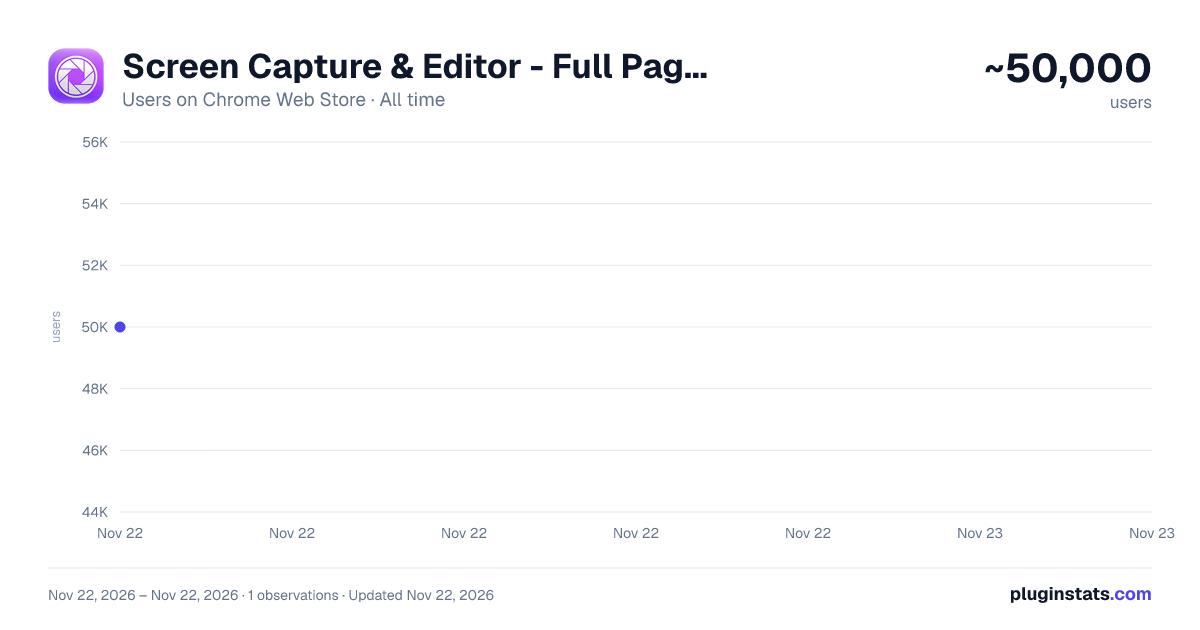
Screen Capture & Editor - Full Page Screenshot has approximately 50,000 recorded users on Chrome Web Store, ranking #465 of 10,523 tracked listings.
Rating: 3.10 / 5 from 19 ratings
About Screen Capture & Editor - Full Page Screenshot
Take a full page screenshot in one click. Capture any area or the whole scrolling page, then crop, annotate and save as PNG or PDF.
Take a full page screenshot of any website in one click, or capture just the area you need. No sign-up, no watermarks, and completely free.
Automatic Scrolling The extension scrolls the page for you and stitches everything into one clean image. Sticky headers and floating bars are handled automatically, so they don't repeat across the result. It also works on web apps that scroll inside a panel, such as email and note-taking tools.
Select an Area Need only part of the page? Drag to select a region, then copy it to your clipboard instantly or open it in the editor.
Built-in Editor Your capture opens in a fast editor right away:
- Crop, draw and add text
- Hide sensitive information with a black box
- Rotate and flip
- Undo and redo
- Save as PNG, export to PDF or copy to the clipboard
Who It's For Developers, designers, QA testers and anyone who needs to share what's on a page: documentation, client feedback, bug reports or saving an article for later.
Privacy First Everything is processed locally in your browser, and it works offline. There is no account, no cloud upload, no analytics and no tracking. The extension only accesses the tab you choose to capture, and only when you click its icon.
Install it and capture your first page in seconds.
Description from the Chrome Web Store listing.
README badge
Show your rank in a README or on your website. The badge updates automatically.
Charts
Images: 30d · 1y · all time · 1600×900 dark
Adoption over time
7/30/90-day growth
Ranking history
Ratings over time
Listing placement
Listing placement
Filled points are observed values; hollow points come from Internet Archive snapshots of the listing page. Dashed segments span periods with no observations — values between points are not interpolated.
Each band is one page of 20. Users on a linear scale. Placement is projected from users, so it can differ from the marketplace's own sort order. Hover a dot to see the listing.
Recent observations
Full history (1)Similar Chrome Web Store Tools plugins
All 20 Screen Capture & Editor - Full Page Screenshot alternatives



Data source
Covers every Chrome Web Store extension with at least 100 users, found through the store's public sitemap. User counts are read from public listing pages. The 10% most-used extensions are refreshed daily, the next 40% weekly and the next 40% monthly; the least-used 10% are not refreshed. Google displays rounded user counts (and caps the display at 10,000,000+), so small changes may not be visible. Rating counts above 1,000 are rounded (e.g. 1.6K).
Listing: https://chromewebstore.google.com/detail/screen-capture-editor-ful/ieplcgpmefghbhilagpemdpjekaadpnc. First seen Nov 22, 2026; last successful collection Nov 22, 2026. See the methodology.