 PluginStats

AnySnooze: Snooze Tabs & Tab Reminders users statistics
Chrome Web Store · Workflow & Planning
Snooze tabs in plain English — "tomorrow 3pm", "every monday" — and they come back exactly on time. Free, private, no account.
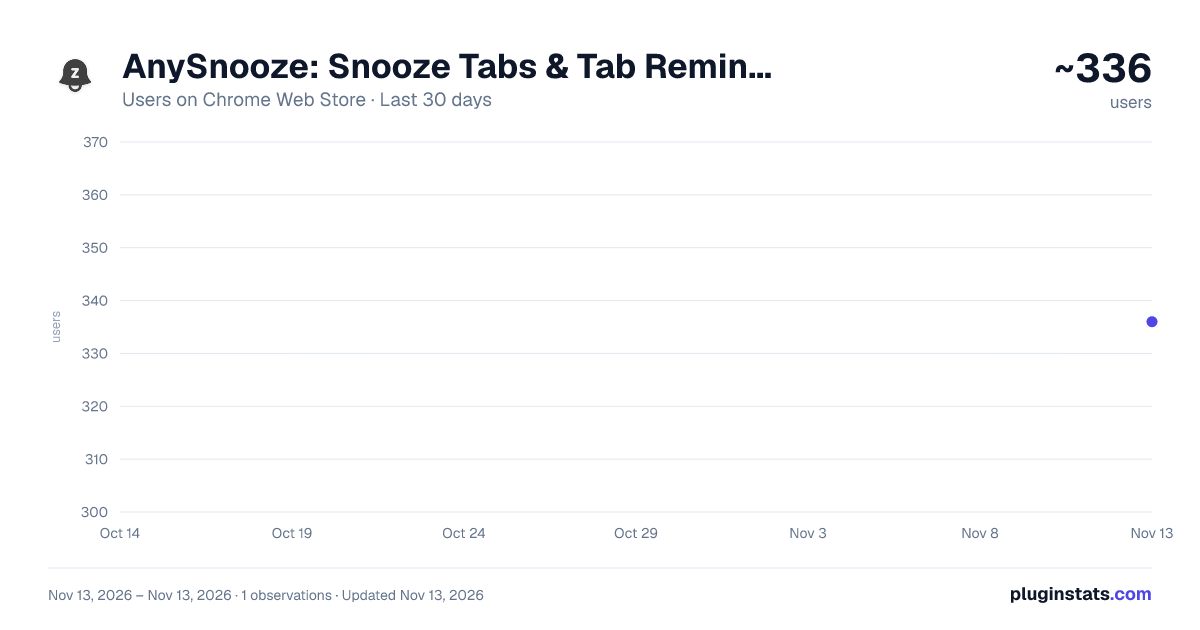
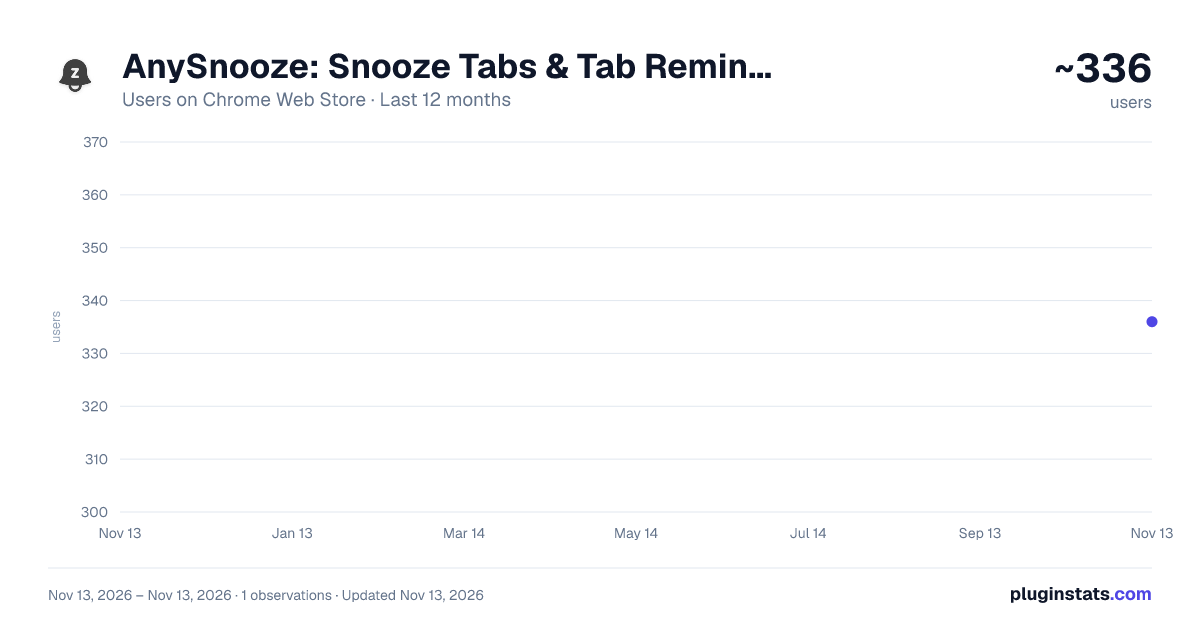
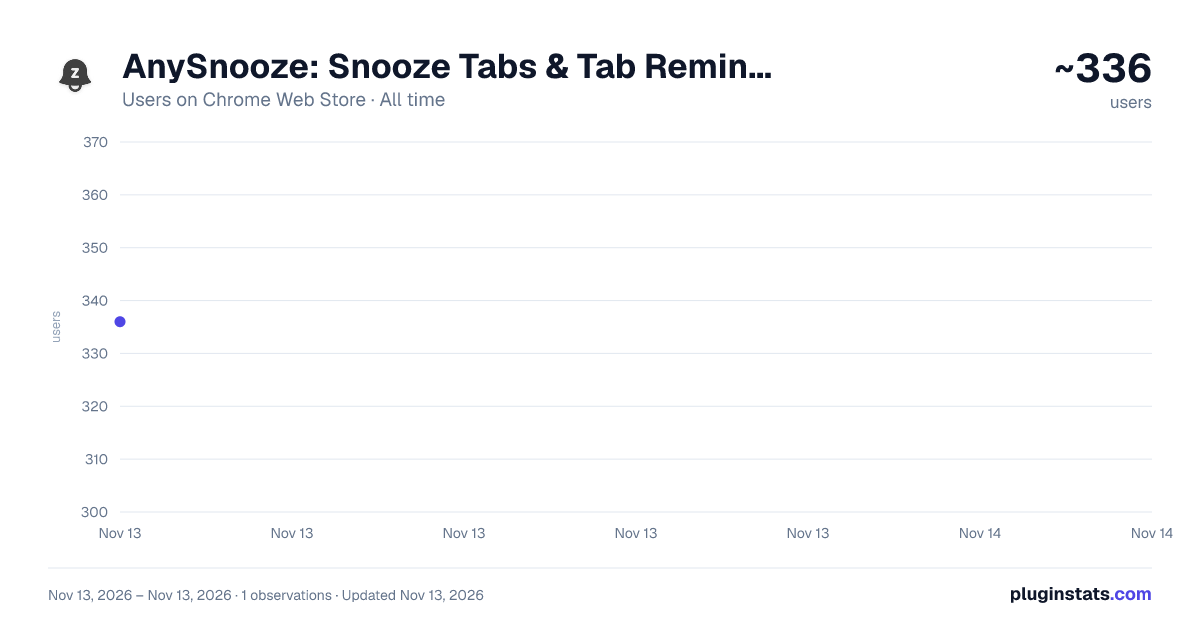
AnySnooze: Snooze Tabs & Tab Reminders has approximately 336 recorded users on Chrome Web Store, ranking #6228 of 10,388 tracked listings.
Rating: 4.10 / 5 from 17 ratings
About AnySnooze: Snooze Tabs & Tab Reminders
Snooze tabs in plain English — "tomorrow 3pm", "every monday" — and they come back exactly on time. Free, private, no account.
Type when you want the tab back, in plain English, and it comes back exactly then.
"tomorrow 3pm" · "in 2 hours" · "next monday morning" · "every friday 9am" · or just "t" for tomorrow, "l" for later today.
WHY PEOPLE PICK ANYSNOOZE • Natural language that just works — no date pickers, no menus. Reviewers call it the reason they switched. • Notes that come back with the tab. Attach "reply to the landlord" when you snooze; it's shown on the page when the tab returns, and kept for 7 days on the Snoozed screen in case you miss it. • Recurring snoozes are free. Weekly stand-up tab every Monday at 9 — no subscription, no paywall. • Reliable by obsession. Tabs come back after your machine was off, after Chrome restarted, after hundreds of snoozes. The last three releases were almost entirely reliability work, and our error tracking is public in spirit: if a wake can fail, we measure it.
PRIVATE BY DEFAULT • No account. No sign-up. • Your tabs, notes, and typed phrases never leave your machine. • Export and import your snoozes as JSON any time — your data is yours.
BUILT FOR HEAVY TAB PEOPLE • One-click chips for your most-used timings — the extension notices what you actually type and surfaces it (locally). • Quick Snooze presets, keyboard-first flow, ⌘J to snooze from anywhere. • A Snoozed screen that shows everything scheduled, searchable by title, URL, or note.
Questions or a bug? anysnooze.com/support — we read everything, and store reviews get answered by a human.
Description from the Chrome Web Store listing.
README badge
Show your rank in a README or on your website. The badge updates automatically.
Charts
Images: 30d · 1y · all time · 1600×900 dark
Adoption over time
7/30/90-day growth
Ranking history
Ratings over time
Listing placement
Listing placement
Filled points are observed values; hollow points come from Internet Archive snapshots of the listing page. Dashed segments span periods with no observations — values between points are not interpolated.
Each band is one page of 20. Users on a linear scale. Placement is projected from users, so it can differ from the marketplace's own sort order. Hover a dot to see the listing.
Recent observations
Full history (1)Similar Chrome Web Store Workflow & Planning plugins
All 20 AnySnooze: Snooze Tabs & Tab Reminders alternatives



Data source
Covers every Chrome Web Store extension with at least 100 users, found through the store's public sitemap. User counts are read from public listing pages. The 10% most-used extensions are refreshed daily, the next 40% weekly and the next 40% monthly; the least-used 10% are not refreshed. Google displays rounded user counts (and caps the display at 10,000,000+), so small changes may not be visible. Rating counts above 1,000 are rounded (e.g. 1.6K).
Listing: https://chromewebstore.google.com/detail/anysnooze-snooze-tabs-tab/mebjcmajkcccdjbonefhlbkledilfnjj. First seen Nov 13, 2026; last successful collection Nov 13, 2026. See the methodology.