 PluginStats

Undertune: Tab Audio for Google Meet users statistics
Chrome Web Store · Communication
Play any tab's audio into your Google Meet call. No screen share, nothing for the other person to install. 100% local.
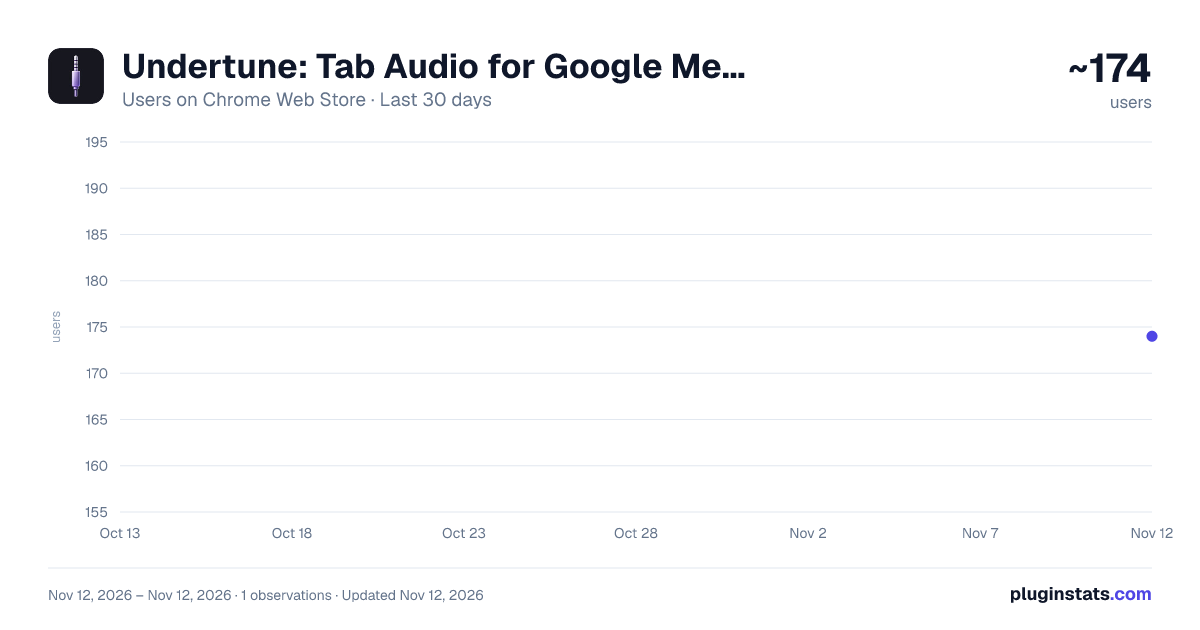
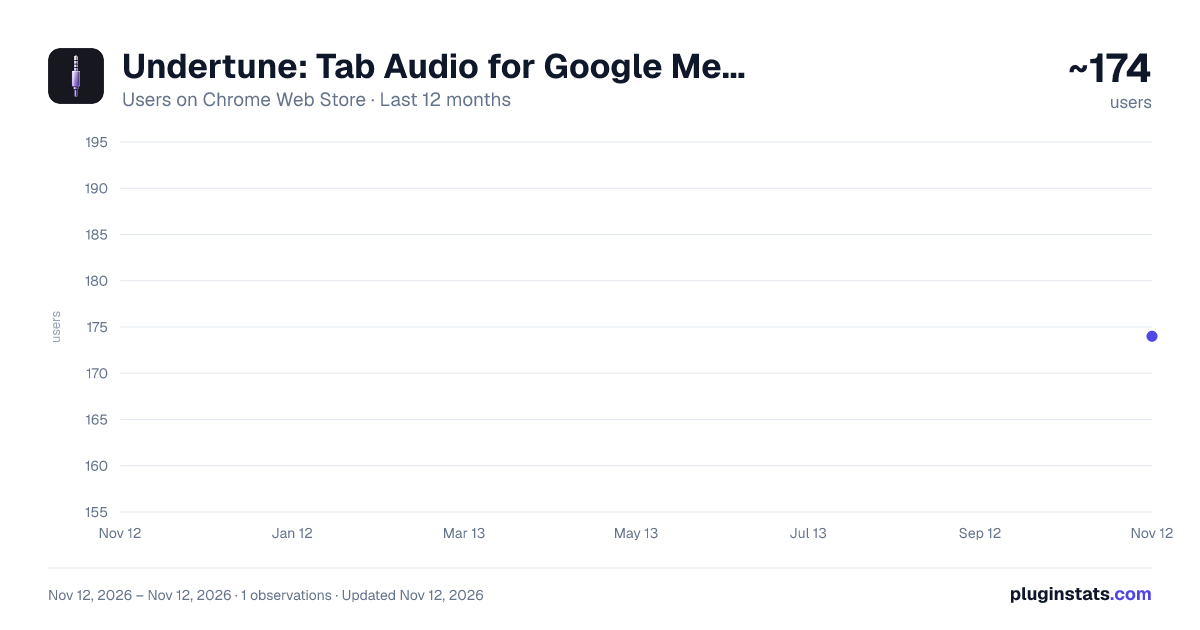
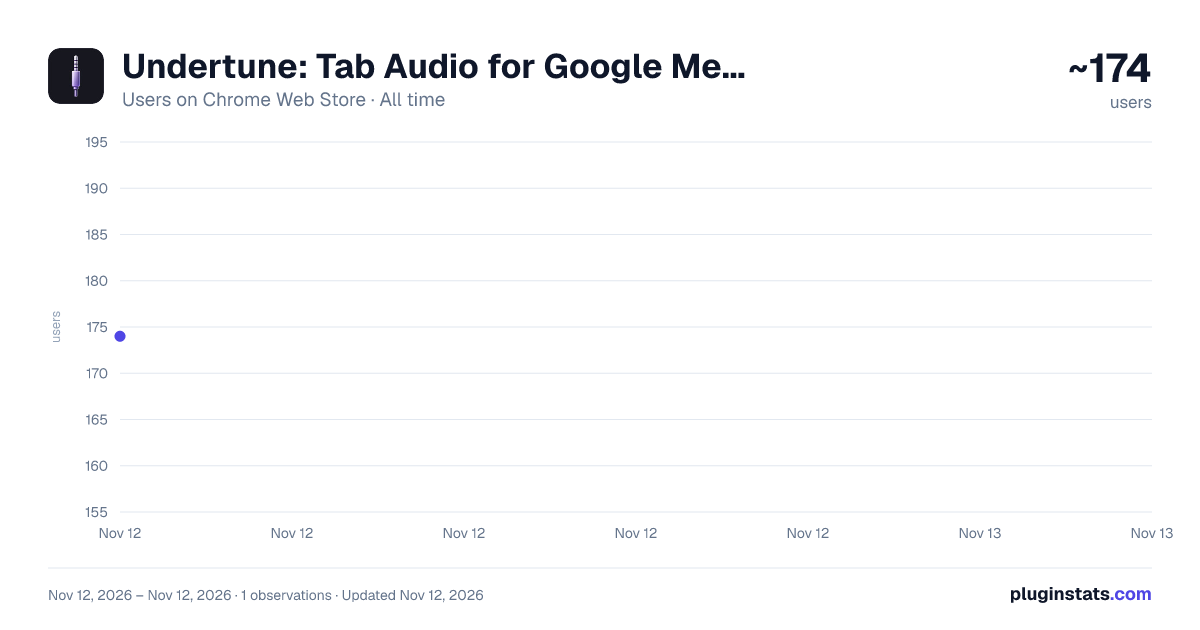
Undertune: Tab Audio for Google Meet has approximately 174 recorded users on Chrome Web Store, ranking #8277 of 10,388 tracked listings.
Rating: 5.00 / 5 from 1 ratings
About Undertune: Tab Audio for Google Meet
Play any tab's audio into your Google Meet call. No screen share, nothing for the other person to install. 100% local.
Play music, videos, or any tab's audio into your Google Meet call, without sharing your screen.
Teaching a lesson and need students to hear a listening exercise while they read along? Want background music in a team call? Playing a clip during a presentation? Undertune sends a tab's sound straight into your call, mixed with your voice. Everyone can keep seeing whatever you're presenting, or nothing at all.
The other people in the call don't need to install anything. To them, it just sounds like your mic.
WHAT'S NEW IN 0.5 • Fixed: Undertune stopped working for some people after a recent Chrome update. It works again. • Clearer voice: your mic now passes through untouched, and when you talk over music, your voice gets its own space in the mix. • Redesigned controls with live level meters, so you can see your mic and the music working. • Undertune now tells you when something's wrong, like being muted in Meet, instead of looking like it's working when it isn't. • Tip for Bluetooth earbuds: if your mic sounds muffled, Undertune tells you why and how to fix it.
HOW IT WORKS
- Join a Google Meet call.
- Play something in another tab: YouTube, Spotify, a lesson recording, anything.
- Click the Undertune icon and pick that tab. That's it, it's in your call.
FEATURES • One click to share, one click to switch to a different tab mid-call. • Separate volume sliders for the music and your microphone. • Auto-ducking: music lowers itself when you start talking and comes back when you stop. • Instant mute from any tab with Alt+Shift+M (you can change the shortcut). • A LIVE badge on the toolbar icon whenever audio is being shared, so you never forget it's on. • Works in light and dark mode.
PRIVATE BY DESIGN • All audio is mixed on your own computer. Nothing is uploaded, recorded, or sent anywhere. • No account, no sign-up, no analytics, no ads. • Only runs on meet.google.com, and only captures the one tab you pick. • Open source, so anyone can read exactly what it does: github.com/Chaitaneya/Undertune
TIPS • If the Meet tab was open before you installed Undertune, reload it once. • Music sounding thin? Turn off noise cancellation in Meet's audio settings. It treats music as noise. • For the clearest voice, use your laptop's mic rather than Bluetooth earbuds.
Undertune is an independent project and is not affiliated with or endorsed by Google.
Description from the Chrome Web Store listing.
README badge
Show your rank in a README or on your website. The badge updates automatically.
Charts
Images: 30d · 1y · all time · 1600×900 dark
Adoption over time
7/30/90-day growth
Ranking history
Ratings over time
Listing placement
Listing placement
Filled points are observed values; hollow points come from Internet Archive snapshots of the listing page. Dashed segments span periods with no observations — values between points are not interpolated.
Each band is one page of 20. Users on a linear scale. Placement is projected from users, so it can differ from the marketplace's own sort order. Hover a dot to see the listing.
Recent observations
Full history (1)Similar Chrome Web Store Communication plugins
All 20 Undertune: Tab Audio for Google Meet alternatives



Data source
Covers every Chrome Web Store extension with at least 100 users, found through the store's public sitemap. User counts are read from public listing pages. The 10% most-used extensions are refreshed daily, the next 40% weekly and the next 40% monthly; the least-used 10% are not refreshed. Google displays rounded user counts (and caps the display at 10,000,000+), so small changes may not be visible. Rating counts above 1,000 are rounded (e.g. 1.6K).
Listing: https://chromewebstore.google.com/detail/undertune-tab-audio-for-g/nidgcpmdlbgblcagkcpbanebhlhfaijh. First seen Nov 12, 2026; last successful collection Nov 12, 2026. See the methodology.