 PluginStats

MakeItSlides – PDF Converter for Google Slides users statistics
Turn PDFs into editable Google Slides presentations in minutes — free & easy to use.
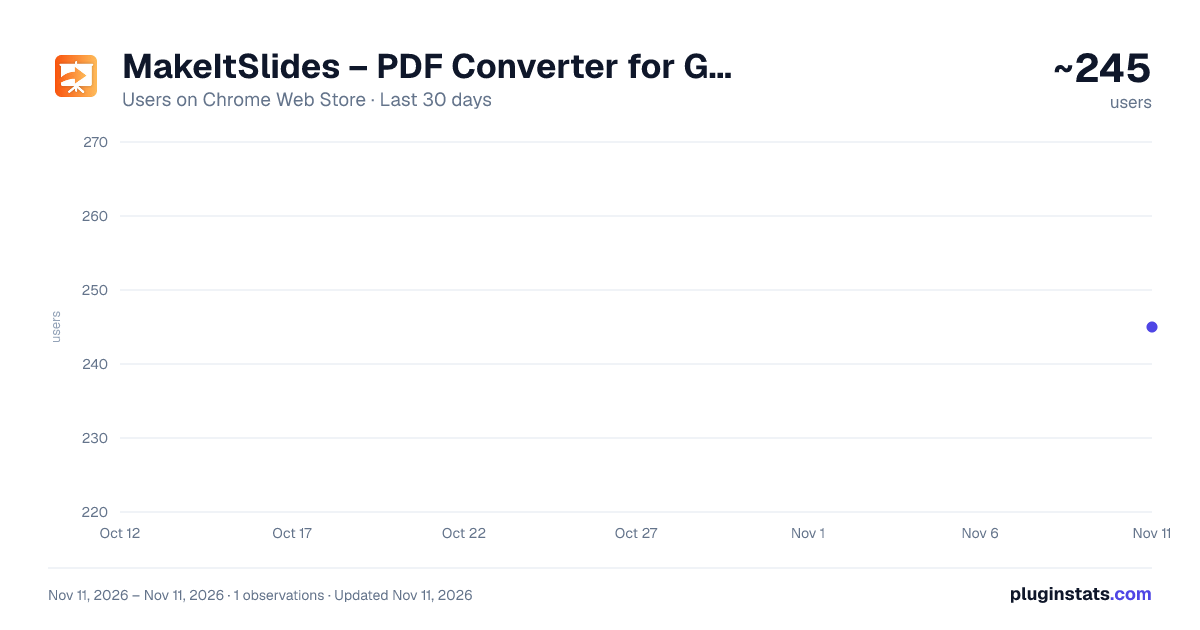
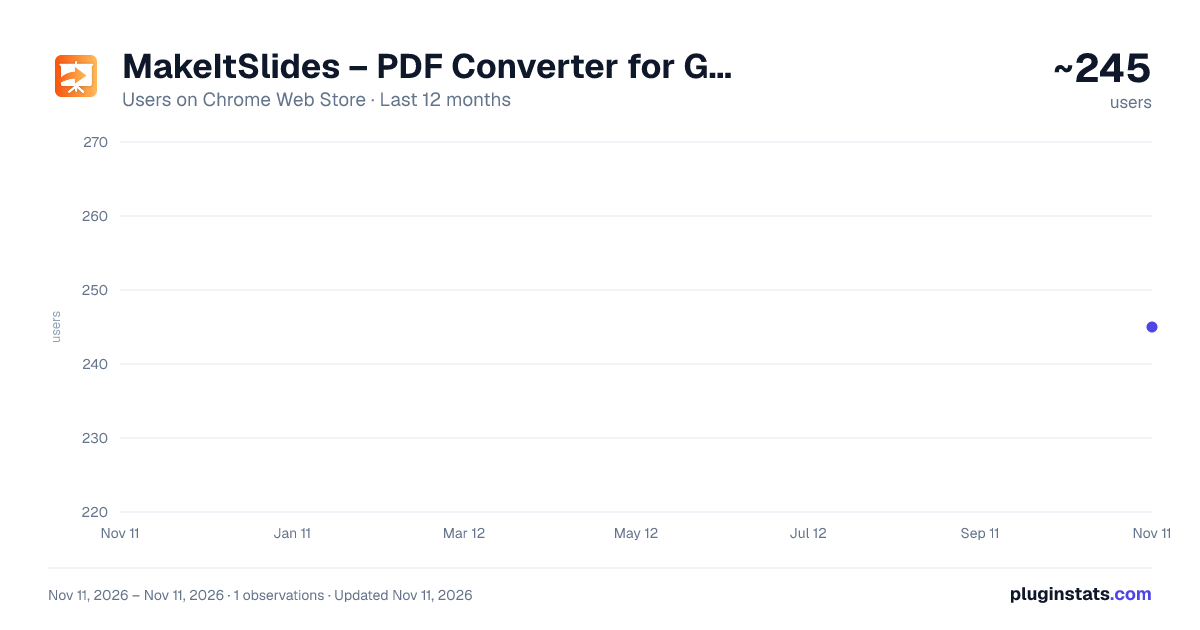
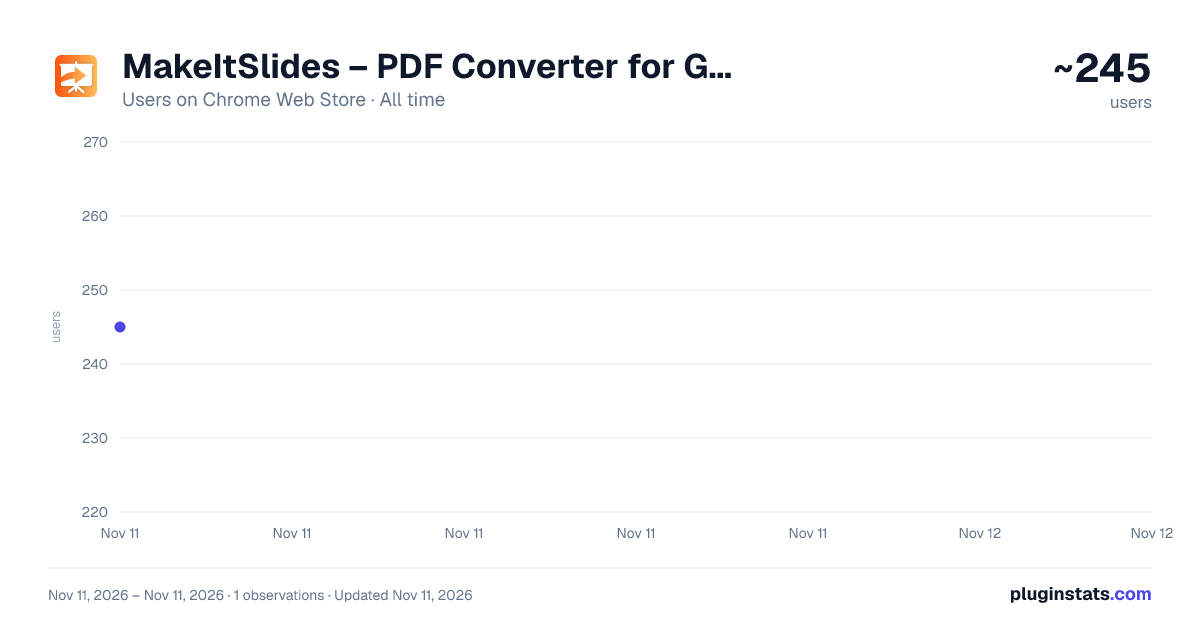
MakeItSlides – PDF Converter for Google Slides has approximately 245 recorded users on Chrome Web Store, ranking #7159 of 10,388 tracked listings.
Rating: 5.00 / 5 from 3 ratings
About MakeItSlides – PDF Converter for Google Slides
Turn PDFs into editable Google Slides presentations in minutes — free & easy to use.
Save hours of manual work with MakeItSlides PDF to Google Slides converter — a powerful Chrome extension that converts PDF files into editable Google Slides presentations in your own Google account. Instead of rebuilding slides from scratch, you can upload a PDF, generate a working presentation, and quickly update text, images, structure, and formatting for meetings, lessons, clients, training, reports, and internal decks.
Built for 🎯 marketers, 🤝 sales teams, 🧠 consultants, 🎓 educators, 🚀 founders, 📊 analysts and project managers and anyone who regularly works with presentation content. MakeItSlides helps you move faster from static PDF documents to collaborative, customizable slides.
⭐ WHAT YOU GET ⭐
⚡ turn PDFs into working presentations faster 🧱 reduce manual slide rebuilding ✏️ get an editable result in Google Slides 🚀 speed up content preparation for clients, teams, or training
🔥 HOW IT WORKS 🔥
1️⃣ Upload your PDF. 2️⃣ Select pages that you want to convert and click "Convert to Google Slides". 3️⃣ The extension processes the selected pages and creates a new Google Slides presentation in your account. 4️⃣ Click "Open in Google Slides" and see the result your account, make any final edits you need. 🗂️ Your Google Drive is used to temporarily store images and icons extracted from the PDF. A folder called “PDF to Google Slides Assets” is created automatically and cleared after conversion.
💡WHAT TO EXPECT FROM CONVERSION QUALITY💡
PDF has a complex nature and it works very differently from Google Slides, so a perfect 1:1 match is not always possible. The best way to think about the result is as a high-quality editable starting point that you can quickly refine in Google Slides.
A few important notes: ✍️ Text is editable (if the input in PDF was text and not the image), but line breaks, spacing, and alignment may vary. 🔤 Fonts are matched to the closest available options in Google Slides, so some visual differences will appear. 📋 Tables remain editable when they are relatively simple and compact. Larger or more complex tables may be converted as images. 🖼️ Images and icons are extracted when possible, but some PDF files may cause them to be merged or split differently. 🎨 Colors and fine visual details may vary slightly from the original.
In short, the extension is built to give you a strong editable foundation, not just a flat screenshot of your PDF.
💡FILE LIMITS💡 For the most reliable experience, PDFs should stay within practical size limits. Current guidance:
📦 up to 50 MB 📄 up to 100 pages Large files may take longer to process and may be less reliable on some devices. So for those cases we advise you to split your PDF into smaller ones before converting.
🔐 YOUR PRIVACY MATTERS 🔐 We believe your data belongs to you. The extension requests only the permissions required for its core functionality:
✍️ access to Google Slides is needed to create and populate the presentation ☁️ access to Google Drive is needed to temporarily host assets used during slide assembly 📧 access to your Google account email is used for sign-in and account association 🗂️ Temporary files used during conversion are stored in your Google Drive and are deleted after the conversion completes or fails.
We never use your data for advertising, lending, or unrelated purposes.
📜 TERMS OF SERVICE 📜
By installing the extension or creating an account, you agree to the Terms of Service and Privacy Policy, available here: https://www.pdftoslides.com/privacy.html and here: https://www.pdftoslides.com/terms.html
❤️ This is a solo project, I'm building with love and hope that it is going to be useful for you. Feel free to give me your feedback or ideas on new features:
- Email: maxmeir.official@gmail.com
- LinkedIn: https://www.linkedin.com/in/maxmeir/
- X.com: https://x.com/Max_Everyfan_ai
Trademark Notice: Google Slides and Google Drive are trademarks of Google LLC. MakeItSlides is an independent third-party Chrome extension and is not affiliated with, endorsed by, sponsored by, or otherwise associated with Google LLC.
Description from the Chrome Web Store listing.
README badge
Show your rank in a README or on your website. The badge updates automatically.
Charts
Images: 30d · 1y · all time · 1600×900 dark
Adoption over time
7/30/90-day growth
Ranking history
Ratings over time
Listing placement
Listing placement
Filled points are observed values; hollow points come from Internet Archive snapshots of the listing page. Dashed segments span periods with no observations — values between points are not interpolated.
Each band is one page of 20. Users on a linear scale. Placement is projected from users, so it can differ from the marketplace's own sort order. Hover a dot to see the listing.
Recent observations
Full history (1)Similar Chrome Web Store Tools plugins
All 20 MakeItSlides – PDF Converter for Google Slides alternatives



Data source
Covers every Chrome Web Store extension with at least 100 users, found through the store's public sitemap. User counts are read from public listing pages. The 10% most-used extensions are refreshed daily, the next 40% weekly and the next 40% monthly; the least-used 10% are not refreshed. Google displays rounded user counts (and caps the display at 10,000,000+), so small changes may not be visible. Rating counts above 1,000 are rounded (e.g. 1.6K).
Listing: https://chromewebstore.google.com/detail/makeitslides-–-pdf-conver/nifcnmndppdhlkcdneppkmcjghinckon. First seen Nov 11, 2026; last successful collection Nov 11, 2026. See the methodology.