 PluginStats

Mouse Gesture users statistics
By c · Chrome Web Store · Workflow & Planning
Mouse gestures, super drag, image preview, link preview, and more.
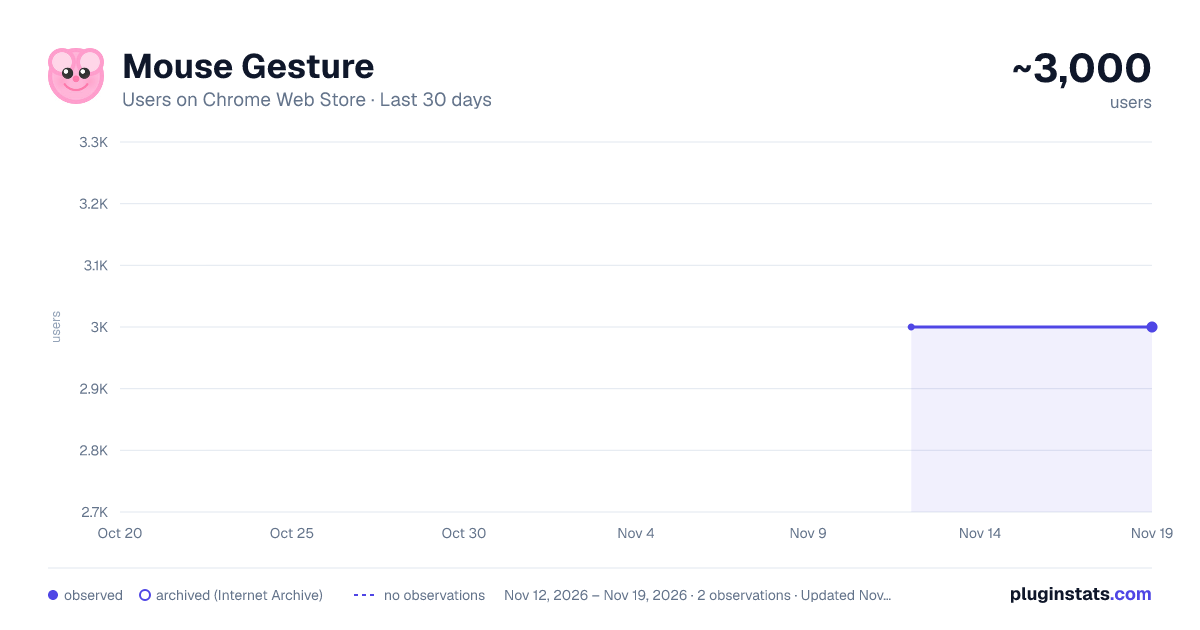
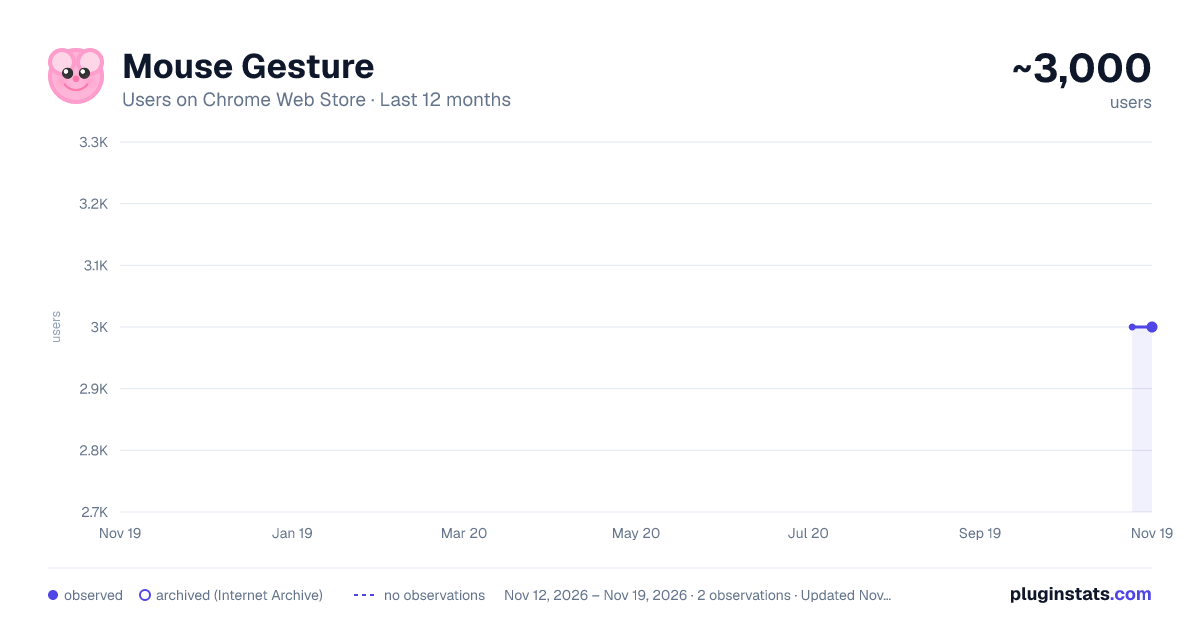
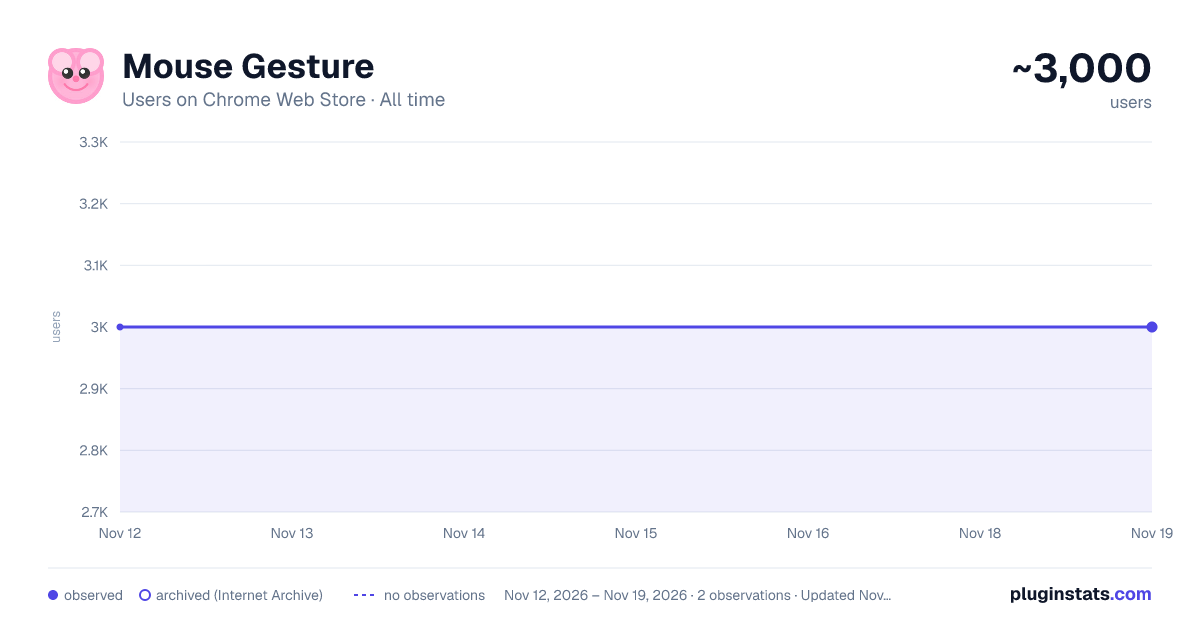
Mouse Gesture has approximately 3,000 recorded users on Chrome Web Store, a change of 0.0% over the past 7 days, ranking #2165 of 10,388 tracked listings.
Rating: 4.30 / 5 from 38 ratings
About Mouse Gesture
Mouse gestures, super drag, image preview, link preview, and more.
The open source and free mouse gesture extension provides you with a brand new browsing experience! With simple mouse gestures, you can quickly perform various browser operations without using the keyboard or clicking toolbar buttons.
open source: https://github.com/imgs/MouseGesture
Mouse gesture extension is now available for Chrome/Edge browsers for Windows, Linux, and MacOS. On Linux and macOS systems, double right-click to show browser context menu
Key Features:
- Smart Gesture Recognition: Correctly recognizes gestures even when they're not perfectly drawn
- Rich Preset Gestures: Includes 16 common operations like navigation, tab switching, and more
- Super Drag: Easily drag links and images to open in new tabs
- Image Preview: Hover over images to view larger previews
- Multi-language Support: Automatically adapts to browser language, supports English and Chinese
- Dark Mode: Supports light/dark theme switching
- Customizable: Personalize gesture action, trail color and width
Customization Click the extension icon to access settings:
- Enable/disable mouse gestures
- Enable/disable gesture trails
- Customize trail color
- Adjust trail width
- Toggle super drag feature
- Enable/disable duplicate tab detection
- Enable/disable Auto Close Duplicate Tabs
- Switch language
- Change theme
All features are optimized for a smooth user experience. Works without waiting for page load completion, perfect for modern browsers.
Built-in Gestures: • Left: Go back • Right: Go forward • Up: Scroll up • Down: Scroll down • Down-Right: Close tab • Left-Up: Reopen closed tab • Right-Up: New tab • Right-Down: Refresh • Up-Left: Previous tab • Up-Right: Next tab • Down-Left: Stop loading • Left-Down: Force Refresh • Up-Down: Scroll to bottom • Down-Up: Scroll to top • Left-Right: Close Tab • Right-Left: Reopen Closed Tab • and more
Super Drag Features: • Drag links to open in new tabs • Drag images to view in new tabs • Drag selected text to search • Customizable drag directions for foreground/background tab opening
Duplicate Tab Detection Automatically detects and notifies when you have duplicate tabs open: • Smart detection that compares URLs accurately • One-click option to close all duplicates • Auto Close Duplicate Tabs • Toggle feature on/off in settings • Prevents browser clutter and improves performance
Popup View Quickly preview links and search content with modifier keys without leaving your current page:
- Real-time link previews: Hold trigger key (default: Shift) while hovering over links to preview target pages in popup windows
- Text selection search: Select text and press the trigger key to instantly search the selected content
- Highly customizable:
- Choose trigger keys (Control, Alt, Shift, or no key)
- Adjust hover delay (100-5000ms, default: 200ms)
- Set maximum preview windows (1-10)
- Customize window dimensions
- Configure window positioning (cursor position, screen center, or corner)
- Customize search engine (supports Google, Bing, etc. using {q} placeholder)
- Multi-window support: Open multiple preview windows simultaneously for increased information gathering efficiency
- Smart window positioning: Intelligently adjusts window position based on screen boundaries to ensure full visibility
- Clean interface: Distraction-free preview windows for optimal browsing experience
Privacy-focused: • No data collection • No browsing history tracking • No user behavior monitoring • All settings are stored locally in your browser • No data is transmitted to external servers
Description from the Chrome Web Store listing.
README badge
Show your rank in a README or on your website. The badge updates automatically.
Charts
Images: 30d · 1y · all time · 1600×900 dark
Adoption over time
7/30/90-day growth
Ranking history
Ratings over time
Listing placement
Listing placement
Filled points are observed values; hollow points come from Internet Archive snapshots of the listing page. Dashed segments span periods with no observations — values between points are not interpolated.
Each band is one page of 20. Users on a linear scale. Placement is projected from users, so it can differ from the marketplace's own sort order. Hover a dot to see the listing.
Recent observations
Full history (2)Similar Chrome Web Store Workflow & Planning plugins
All 20 Mouse Gesture alternatives



Data source
Covers every Chrome Web Store extension with at least 100 users, found through the store's public sitemap. User counts are read from public listing pages. The 10% most-used extensions are refreshed daily, the next 40% weekly and the next 40% monthly; the least-used 10% are not refreshed. Google displays rounded user counts (and caps the display at 10,000,000+), so small changes may not be visible. Rating counts above 1,000 are rounded (e.g. 1.6K).
Listing: https://chromewebstore.google.com/detail/mouse-gesture/nipdbleimjhfpfdkopbfeagjjkmcfhbj. First seen Nov 12, 2026; last successful collection Nov 19, 2026. See the methodology.