 PluginStats

GeoShift – Location Changer & GPS Tester users statistics
GPS location changer for websites. Pick a place on Google Maps or paste coordinates to test browser geolocation.
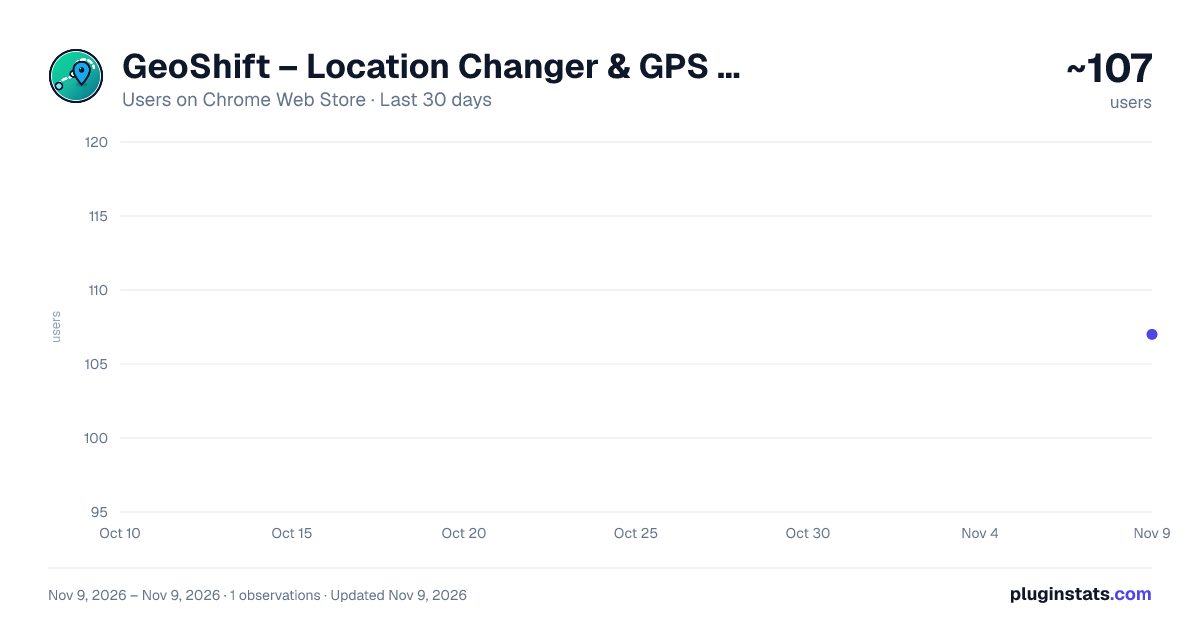
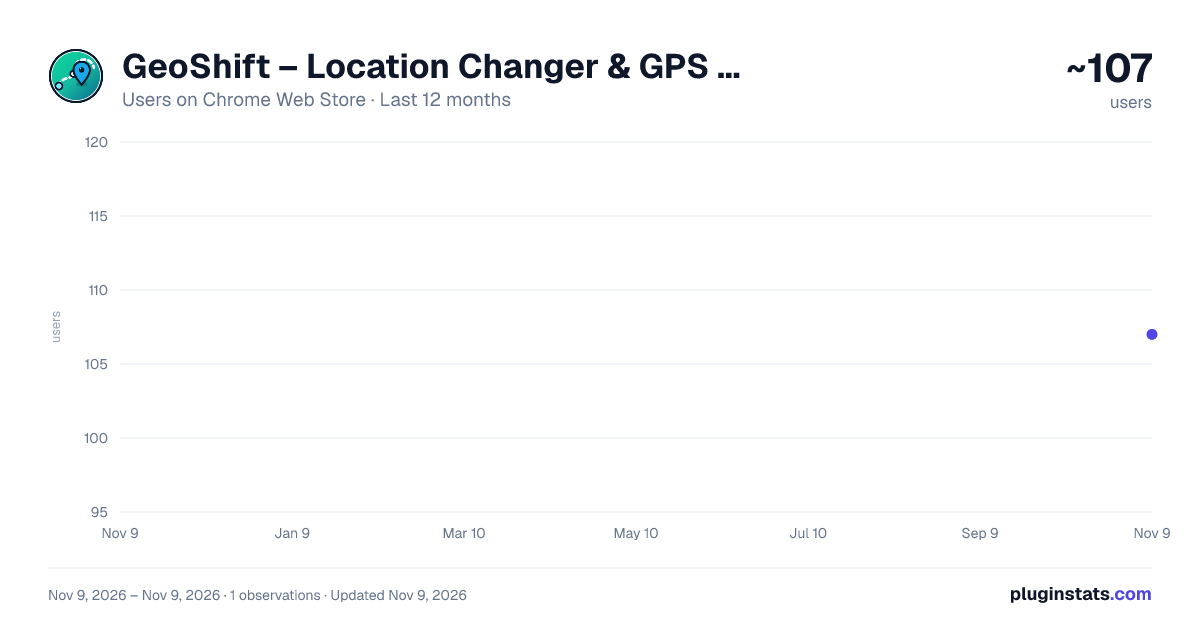
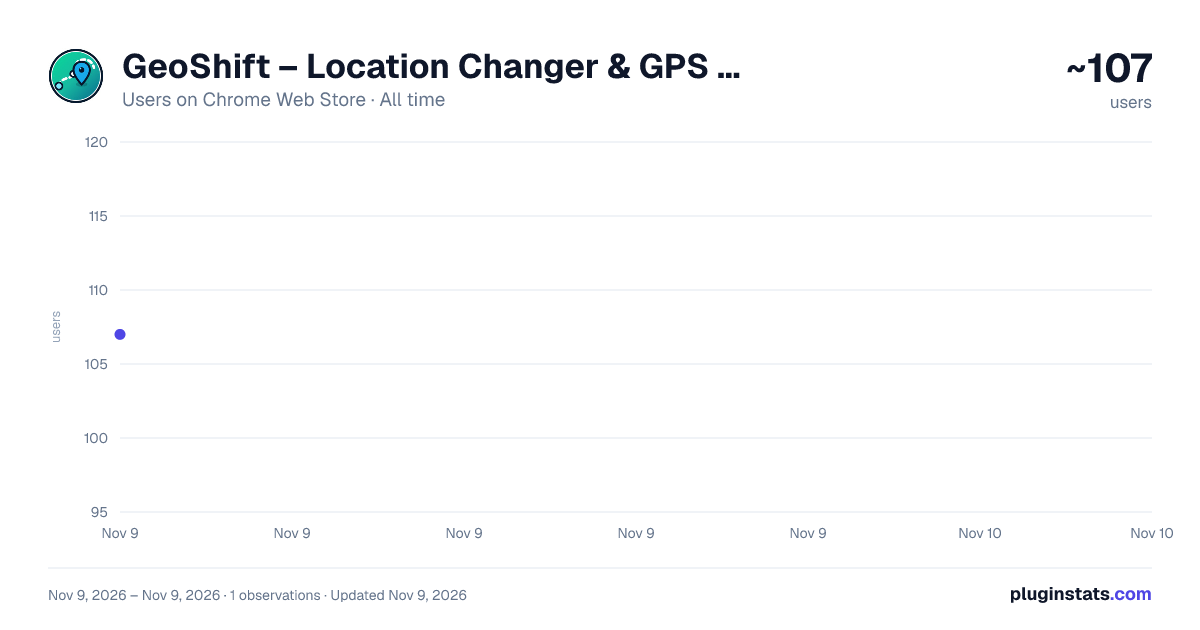
GeoShift – Location Changer & GPS Tester has approximately 107 recorded users on Chrome Web Store, ranking #10049 of 10,388 tracked listings.
About GeoShift – Location Changer & GPS Tester
GPS location changer for websites. Pick a place on Google Maps or paste coordinates to test browser geolocation.
Change your browser’s GPS location quickly and accurately with GeoShift.
GeoShift is a powerful GPS location changer and browser geolocation testing extension that lets you select custom coordinates for supported websites. Choose a location visually on Google Maps, paste a Maps URL, enter latitude and longitude manually, or reuse one of your saved locations.
Designed for developers, QA testers, researchers, and users who need an easy browser location changer, GeoShift makes website geolocation testing simple without requiring complicated developer tools.
CHOOSE ANY LOCATION VISUALLY
Open the GeoShift visual map picker and choose any point directly on the map. Move around the map, zoom into the required area, click the exact point you want, and apply the selected location.
The picker clearly displays the detected latitude and longitude before applying them, helping you avoid incorrect coordinates. You can also select another point before confirming the location.
PASTE GOOGLE MAPS LINKS OR GPS COORDINATES
Already have a location link or coordinate pair? Paste it directly into GeoShift.
GeoShift supports commonly used location formats, including:
• Raw latitude and longitude coordinates • Google Maps URLs containing map coordinates • Coordinates formatted as @latitude,longitude • URLs containing map-center coordinates • URLs containing selected-place coordinates • Encoded Google Maps links • Positive and negative coordinate values • Coordinates containing a map zoom value
GeoShift automatically extracts the latitude and longitude, displays a preview, and lets you apply the new browser location with one click.
The map zoom value is handled separately and is never incorrectly used as GPS accuracy.
CHANGE LOCATION FOR ONE WEBSITE
Use This Site mode when you want custom GPS coordinates to apply only to the current website.
This is useful when testing multiple websites with different locations. Each supported website can keep its own location configuration without changing the coordinates used on other sites.
Site-specific settings are stored using the website origin, helping keep configurations isolated between different domains, protocols, and ports.
USE GLOBAL MODE ACROSS SUPPORTED WEBSITES
Enable Global Mode when you want the same GPS location to be reported across supported websites.
Global Mode is helpful when testing several location-aware websites from one consistent coordinate pair. You can configure Global Mode even when the popup is opened from certain protected browser pages, and the saved location will become active when you visit a supported HTTP or HTTPS website.
SWITCH LOCATIONS WITHOUT REINSTALLING
GeoShift is designed for repeated location changes.
If the GPS override is already enabled, simply choose or enter another location and apply it. The new coordinates replace the previous location while the extension remains enabled.
There is no need to remove the extension, reinstall it, or repeatedly toggle the override OFF and ON when changing coordinates.
SAVE YOUR OWN LOCATIONS
Create a personal collection of frequently used locations.
Save your current coordinates with a custom name and reuse them whenever needed. Saved locations can be applied, renamed, updated with the current coordinates, searched, or deleted.
GeoShift does not include unnecessary built-in city presets. Your saved locations list contains only the locations you choose to save.
VIEW RECENT LOCATION HISTORY
GeoShift keeps a local history of recently applied coordinates so you can quickly return to a previous testing location.
Recent history is stored only inside your browser and can be cleared whenever you want.
CONTROL REPORTED GPS ACCURACY
Choose the accuracy value reported to websites along with your custom latitude and longitude.
This is useful when testing how websites react to precise GPS results or less accurate location data. Map zoom values and GPS accuracy values remain separate.
RESTORE YOUR REAL BROWSER LOCATION
When testing is complete, use Restore Real to disable the custom coordinates and return supported websites to the browser’s native geolocation behavior.
Some websites store their location when the page first loads. GeoShift includes a Reload Tab action for websites that need to request geolocation again.
USE CASES
GeoShift can help with:
• Testing website geolocation features • Checking location-based user experiences • Testing maps and location selectors • Verifying regional content • Testing delivery and service availability areas • Reproducing location-specific website issues • Testing check-in and nearby-location interfaces • Previewing location-aware web applications • QA testing with custom GPS coordinates • Testing getCurrentPosition behavior • Testing watchPosition updates • Switching between multiple development locations • Browser-based fake GPS testing in controlled environments
BROWSER GEOLOCATION API SUPPORT
GeoShift changes the coordinates reported through the browser’s navigator.geolocation API on supported websites.
It supports the primary browser geolocation methods used by websites:
• navigator.geolocation.getCurrentPosition • navigator.geolocation.watchPosition • navigator.geolocation.clearWatch
When the override is enabled, supported geolocation requests receive the configured latitude, longitude, and accuracy. When disabled, GeoShift restores native browser geolocation behavior.
PRIVACY-FIRST AND LOCAL-ONLY
GeoShift does not require an account.
GeoShift has:
• No analytics • No advertising trackers • No telemetry • No remote configuration server • No GeoShift backend • No account registration • No sale of location data
Your settings, saved locations, recent history, selected mode, and custom coordinates remain stored locally in your browser using Chrome extension storage.…
Description from the Chrome Web Store listing.
README badge
Show your rank in a README or on your website. The badge updates automatically.
Charts
Images: 30d · 1y · all time · 1600×900 dark
Adoption over time
7/30/90-day growth
Ranking history
Ratings over time
Listing placement
Listing placement
Filled points are observed values; hollow points come from Internet Archive snapshots of the listing page. Dashed segments span periods with no observations — values between points are not interpolated.
Each band is one page of 20. Users on a linear scale. Placement is projected from users, so it can differ from the marketplace's own sort order. Hover a dot to see the listing.
Recent observations
Full history (1)Similar Chrome Web Store Tools plugins
All 20 GeoShift – Location Changer & GPS Tester alternatives



Data source
Covers every Chrome Web Store extension with at least 100 users, found through the store's public sitemap. User counts are read from public listing pages. The 10% most-used extensions are refreshed daily, the next 40% weekly and the next 40% monthly; the least-used 10% are not refreshed. Google displays rounded user counts (and caps the display at 10,000,000+), so small changes may not be visible. Rating counts above 1,000 are rounded (e.g. 1.6K).
Listing: https://chromewebstore.google.com/detail/geoshift-–-location-chang/hohcnkennmgohghlofnbefkpgnpbpbio. First seen Nov 9, 2026; last successful collection Nov 9, 2026. See the methodology.