 PluginStats

FillApp: AI Form Filler & Data Entry users statistics
By FillApp · Chrome Web Store · Workflow & Planning
Fill web forms and PDFs on any site with one click using prompts or snippets. Automate workflows & data entry with Agent Mode.
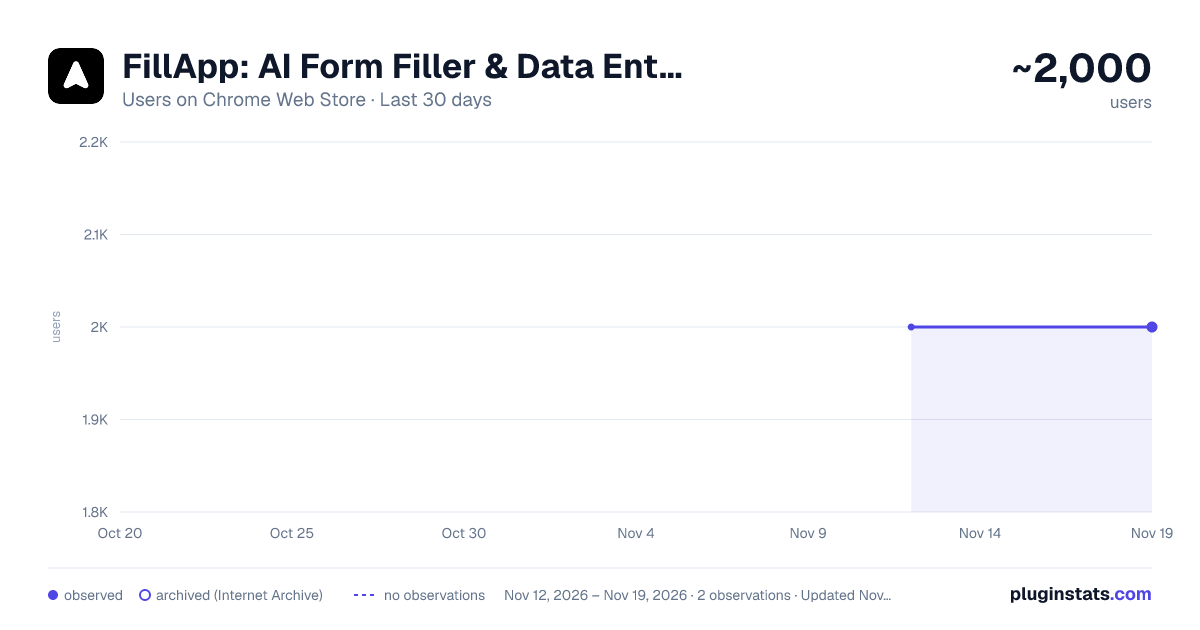
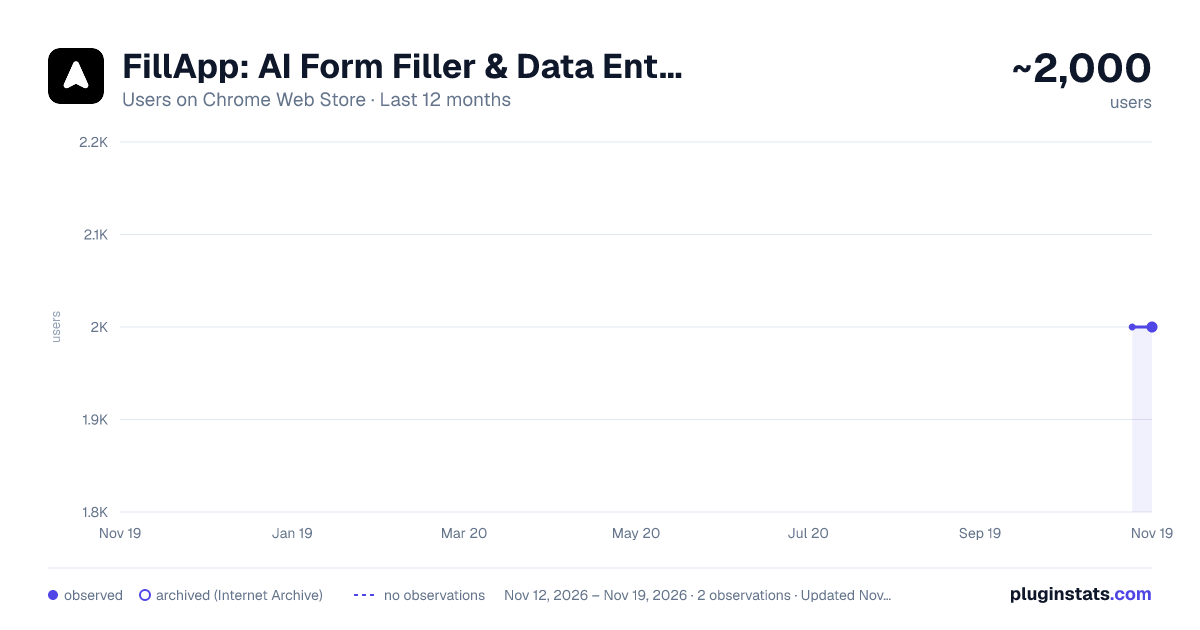
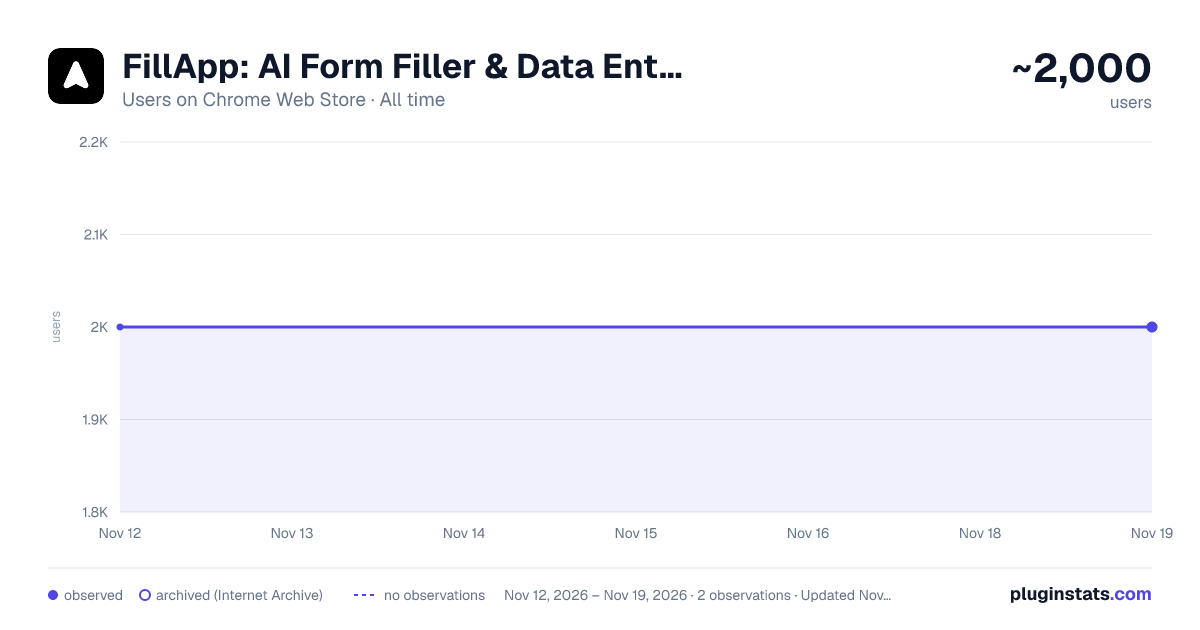
FillApp: AI Form Filler & Data Entry has approximately 2,000 recorded users on Chrome Web Store, a change of 0.0% over the past 7 days, ranking #2632 of 10,388 tracked listings.
Rating: 4.20 / 5 from 23 ratings
About FillApp: AI Form Filler & Data Entry
Fill web forms and PDFs on any site with one click using prompts or snippets. Automate workflows & data entry with Agent Mode.
Fill web forms, PDF forms, and automate browser workflows in your Browser with AI.
FillApp runs inside your browser session. Save your data as snippets, then fill any form on any site with one click. For bigger tasks, Agent Mode plans and runs multi-step workflows across tabs, with every action visible on screen.
What FillApp does • Fill Mode: Fill web forms and browser-embedded PDF forms in one click using saved snippets or a short text prompt. Supports text fields, dropdowns, checkboxes, date fields, and long text blocks. • Agent Mode: Describe a task in plain text. FillApp plans the steps, opens the tabs it needs, clicks, types, uploads files, submits forms, and shows every action on screen as it runs. Works across multiple sites in a single task. You can pause or stop at any point. • Assist Mode: Read a page, PDF, or image and pull out the data you need. Use the extracted fields directly in a fill or agent task.
Key features • Reusable snippets for any data you enter repeatedly across forms and sites • File uploads handled as part of automated workflows • Multi-tab navigation, clicking, typing, and form submission in a single agent task • Side panel workspace for chat, screenshots, and file attachments • Runs in your existing browser session, no credential sharing needed • Confirmation prompts before sensitive actions like submitting or deleting
Privacy and control FillApp operates entirely inside your browser. It does not run background monitoring and does not store or transmit your session data. You control what gets automated, when it runs, and when it stops.
Start with the free trial, fill a few forms, then automate a full workflow when you are ready.`
Description from the Chrome Web Store listing.
README badge
Show your rank in a README or on your website. The badge updates automatically.
Charts
Images: 30d · 1y · all time · 1600×900 dark
Adoption over time
7/30/90-day growth
Ranking history
Ratings over time
Listing placement
Listing placement
Filled points are observed values; hollow points come from Internet Archive snapshots of the listing page. Dashed segments span periods with no observations — values between points are not interpolated.
Each band is one page of 20. Users on a linear scale. Placement is projected from users, so it can differ from the marketplace's own sort order. Hover a dot to see the listing.
Recent observations
Full history (2)Similar Chrome Web Store Workflow & Planning plugins
All 20 FillApp: AI Form Filler & Data Entry alternatives



Data source
Covers every Chrome Web Store extension with at least 100 users, found through the store's public sitemap. User counts are read from public listing pages. The 10% most-used extensions are refreshed daily, the next 40% weekly and the next 40% monthly; the least-used 10% are not refreshed. Google displays rounded user counts (and caps the display at 10,000,000+), so small changes may not be visible. Rating counts above 1,000 are rounded (e.g. 1.6K).
Listing: https://chromewebstore.google.com/detail/fillapp-ai-form-filler-da/mdoaagdccddnbjncalegjfemhnlijgbo. First seen Nov 12, 2026; last successful collection Nov 19, 2026. See the methodology.