 PluginStats

Permission Pilot for Salesforce users statistics
By StevenMLam (2 listings) · Chrome Web Store · Tools
Analyze Salesforce object permissions for System Administrators
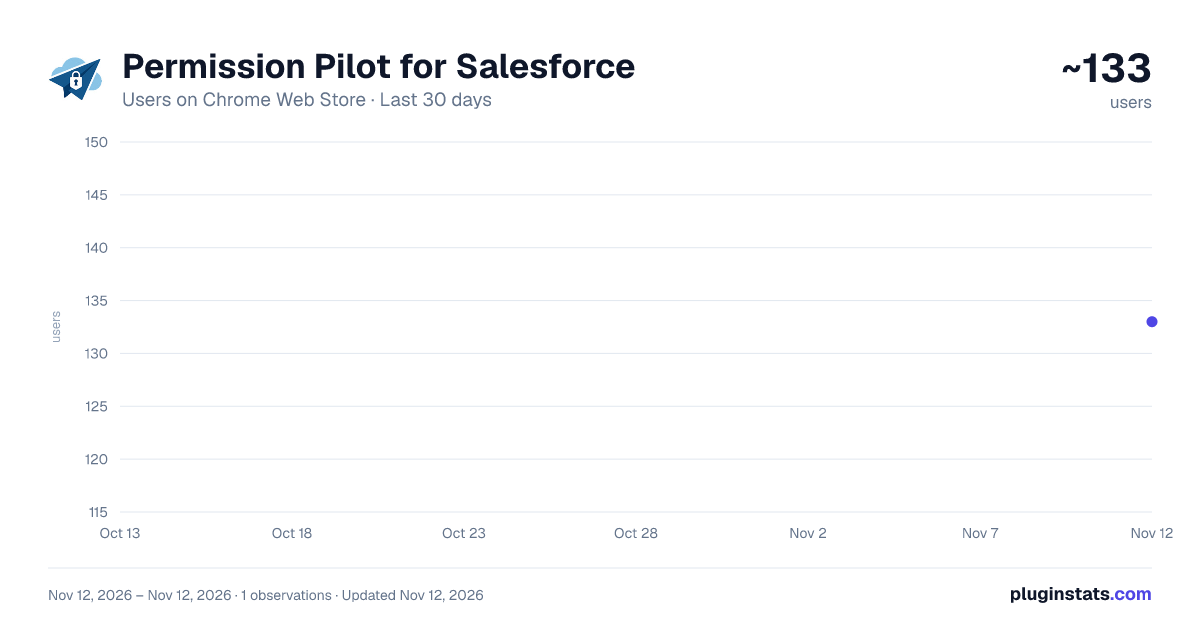
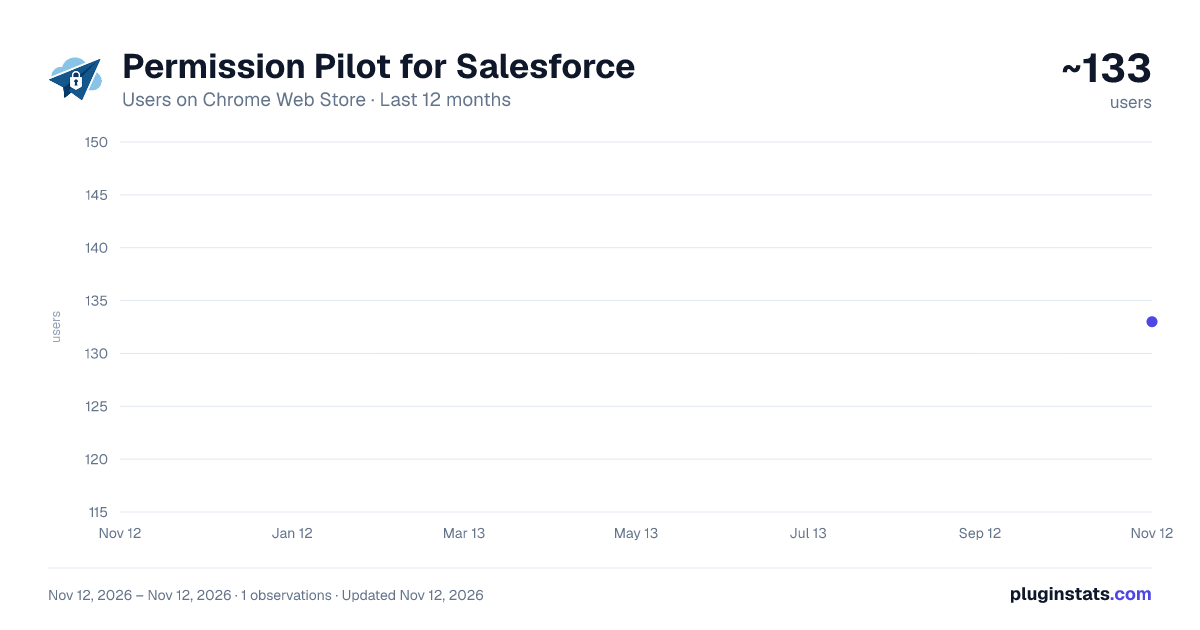
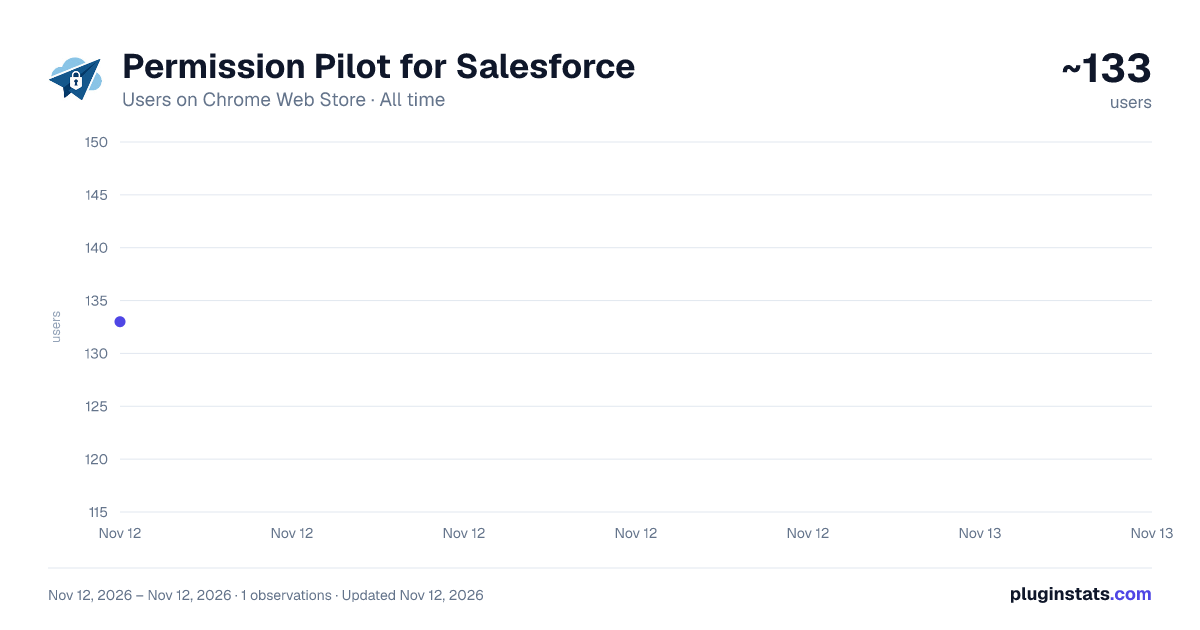
Permission Pilot for Salesforce has approximately 133 recorded users on Chrome Web Store, ranking #9208 of 10,388 tracked listings.
Rating: 5.00 / 5 from 2 ratings
About Permission Pilot for Salesforce
Analyze Salesforce object permissions for System Administrators
Permission Pilot: Your Salesforce Permissions Navigator
2.0 Updates - Added All Object Permission Analysis and All User Analysis with the ability to Compare 2-10 Users.
Permission Pilot streamlines permission analysis within Salesforce by providing a clear, at-a-glance view of which profiles and permission sets have access to a given object—and at the field level—without jumping between multiple setup pages. Rather than manually querying ObjectPermissions and FieldPermissions, Permission Pilot compiles everything into a single, customizable matrix. It’s designed for admins and consultants who need to audit security, troubleshoot access issues, or document permission configurations quickly and accurately.
Object-Level Access Matrix Instantly see which profiles and permission sets can Create, Read, Edit, Delete, View All, or Modify All on any selected object.
Field-Level Permission Drill-Down Within the same interface, inspect which fields are viewable or editable for each profile and permission set—no extra SOQL queries or Setup page hops.
Instant Caching for Faster Analysis Frequently analyzed objects are cached in RAM for up to four hours, so running repeated checks on the same object is nearly instantaneous.
Clean, Exportable Reports Download your permission matrix as CSV or copy directly to your clipboard for documentation, audit trails, or sharing with stakeholders.
Why Permission Pilot? Save Time & Reduce Errors
Ensure Security Compliance Quickly spot unintended access or missing permissions before pushing changes to production, reducing the risk of over-exposure.
Document & Audit Effortlessly Generate a snapshot of your current permission landscape for release notes, compliance checks, or hand-offs to other admins.
Get Started Install Permission Pilot from the Chrome Web Store. Log into your Salesforce org and open any object’s detail page.
Click the Permission Pilot icon in your browser toolbar to launch the matrix.
Cut through permission clutter and regain confidence in your org’s security model—install Permission Pilot today.
Description from the Chrome Web Store listing.
README badge
Show your rank in a README or on your website. The badge updates automatically.
Charts
Images: 30d · 1y · all time · 1600×900 dark
Adoption over time
7/30/90-day growth
Ranking history
Ratings over time
Listing placement
Listing placement
Filled points are observed values; hollow points come from Internet Archive snapshots of the listing page. Dashed segments span periods with no observations — values between points are not interpolated.
Each band is one page of 20. Users on a linear scale. Placement is projected from users, so it can differ from the marketplace's own sort order. Hover a dot to see the listing.
Recent observations
Full history (1)Similar Chrome Web Store Tools plugins
All 20 Permission Pilot for Salesforce alternatives



Data source
Covers every Chrome Web Store extension with at least 100 users, found through the store's public sitemap. User counts are read from public listing pages. The 10% most-used extensions are refreshed daily, the next 40% weekly and the next 40% monthly; the least-used 10% are not refreshed. Google displays rounded user counts (and caps the display at 10,000,000+), so small changes may not be visible. Rating counts above 1,000 are rounded (e.g. 1.6K).
Listing: https://chromewebstore.google.com/detail/permission-pilot-for-sale/anhmfifhhopcnghmhgefaneoieihmdnc. First seen Nov 12, 2026; last successful collection Nov 12, 2026. See the methodology.