 PluginStats

Stay Green On Slack users statistics
Chrome Web Store · Communication
Set up Stay Green On Slack in seconds — automatically imports your Slack workspace settings into the app.
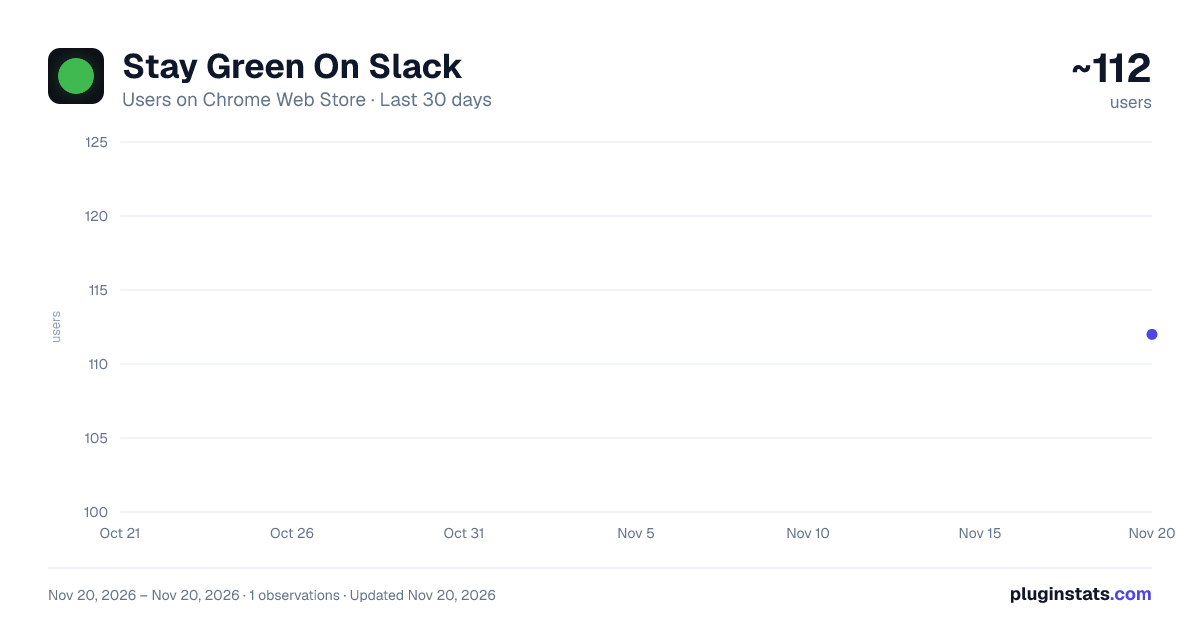
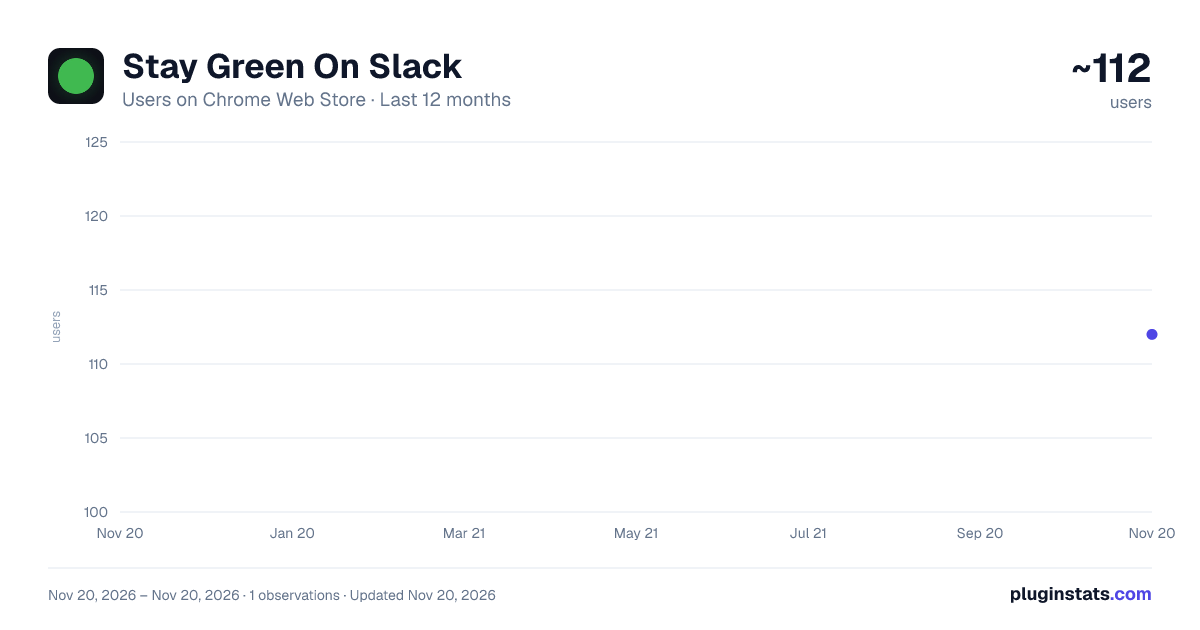
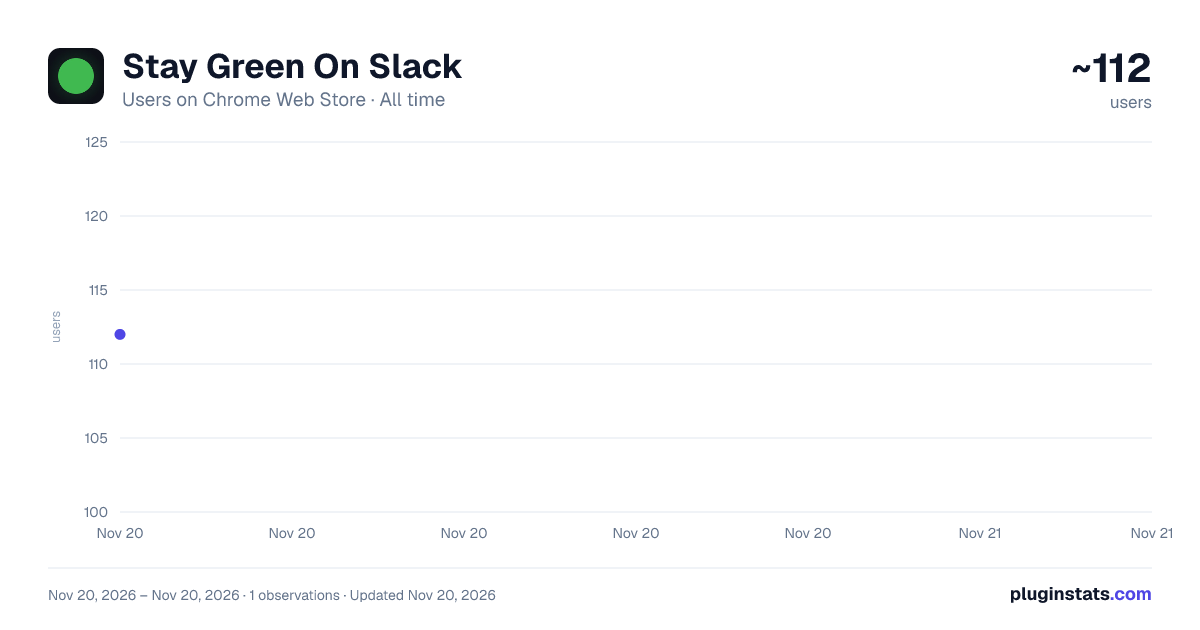
Stay Green On Slack has approximately 112 recorded users on Chrome Web Store, ranking #9866 of 10,388 tracked listings.
Rating: 5.00 / 5 from 6 ratings
About Stay Green On Slack
Set up Stay Green On Slack in seconds — automatically imports your Slack workspace settings into the app.
Stay Green On Slack keeps your Slack status active — even when your laptop is closed, the tab is gone, or you step away from your desk.
Most "stay active" tools run on your computer. The moment you close your laptop or kill the browser, your status goes away. Stay Green On Slack runs entirely in the cloud, so it works around the clock without any local process, background app, or open tab.
HOW IT WORKS
- Install this extension
- Open Slack in your browser
- Click the extension icon and hit Connect
- You'll be redirected to staygreenonslack.com to finish setup
That's it. The extension reads your workspace credentials automatically — no DevTools, no copy-pasting tokens. Your first setup takes under 60 seconds and you'll never have to do it again.
FEATURES • Always-on cloud presence — your status stays green 24/7 with no device running • Smart scheduling — set working hours and days so it only runs when you'd actually be online • Timezone support — works correctly across any timezone • Multi-workspace ready — connect the workspace you need • Nothing for IT to flag — no local process, no desktop app, no browser extension running in the background
WHY IT MATTERS
Slack marks you as away after 30 minutes of inactivity on desktop, or almost instantly on mobile. If you work across multiple screens, use Slack on your phone, or simply step away, you'll show as away to your team even when you're available.
Stay Green On Slack solves this permanently — not with a workaround that breaks the moment you close your browser, but with a persistent cloud connection that keeps your presence active on your schedule.
PRIVACY
This extension only reads your Slack session credentials when you explicitly click Connect. Your credentials are transmitted securely to our servers and used solely to maintain your Slack presence. We do not read your messages, channels, or any other Slack data. See our full privacy policy at staygreenonslack.com/privacy.
Description from the Chrome Web Store listing.
README badge
Show your rank in a README or on your website. The badge updates automatically.
Charts
Images: 30d · 1y · all time · 1600×900 dark
Adoption over time
7/30/90-day growth
Ranking history
Ratings over time
Listing placement
Listing placement
Filled points are observed values; hollow points come from Internet Archive snapshots of the listing page. Dashed segments span periods with no observations — values between points are not interpolated.
Each band is one page of 20. Users on a linear scale. Placement is projected from users, so it can differ from the marketplace's own sort order. Hover a dot to see the listing.
Recent observations
Full history (1)Similar Chrome Web Store Communication plugins
All 20 Stay Green On Slack alternatives



Data source
Covers every Chrome Web Store extension with at least 100 users, found through the store's public sitemap. User counts are read from public listing pages. The 10% most-used extensions are refreshed daily, the next 40% weekly and the next 40% monthly; the least-used 10% are not refreshed. Google displays rounded user counts (and caps the display at 10,000,000+), so small changes may not be visible. Rating counts above 1,000 are rounded (e.g. 1.6K).
Listing: https://chromewebstore.google.com/detail/stay-green-on-slack/edkobegjpnefgbnoiocadiefnleflebe. First seen Nov 20, 2026; last successful collection Nov 20, 2026. See the methodology.