 PluginStats

Allow Copy users statistics
By M. Balaban · Chrome Web Store · Tools
Fix blocked sites fast: enable copy paste, allow right click, ctrl c — install Allow Copy
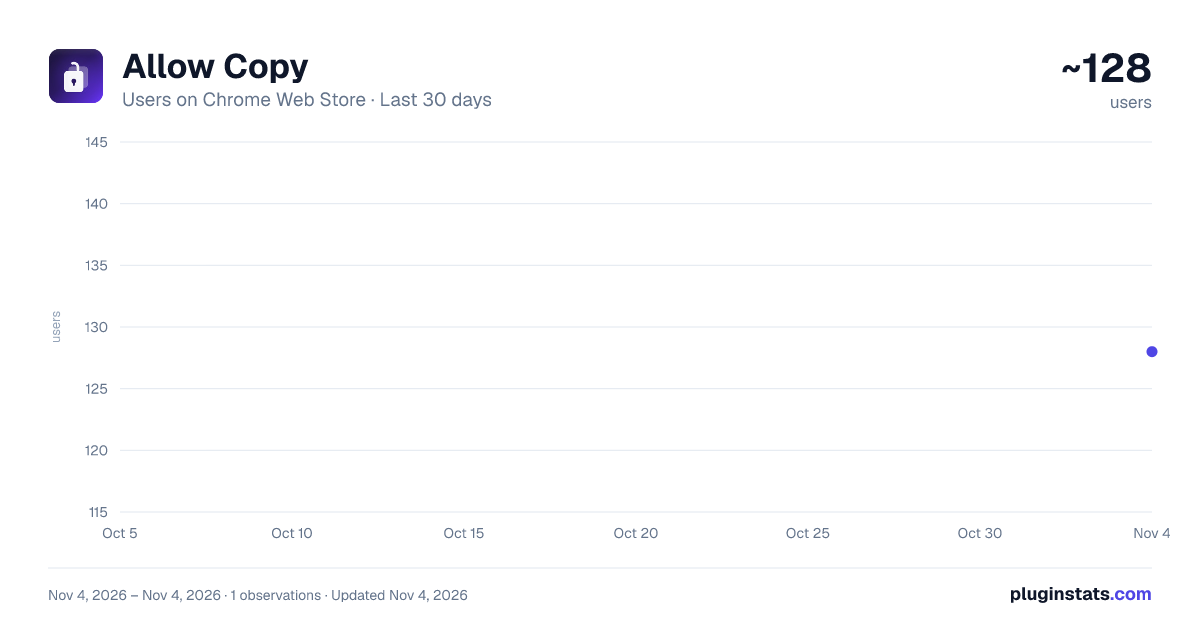
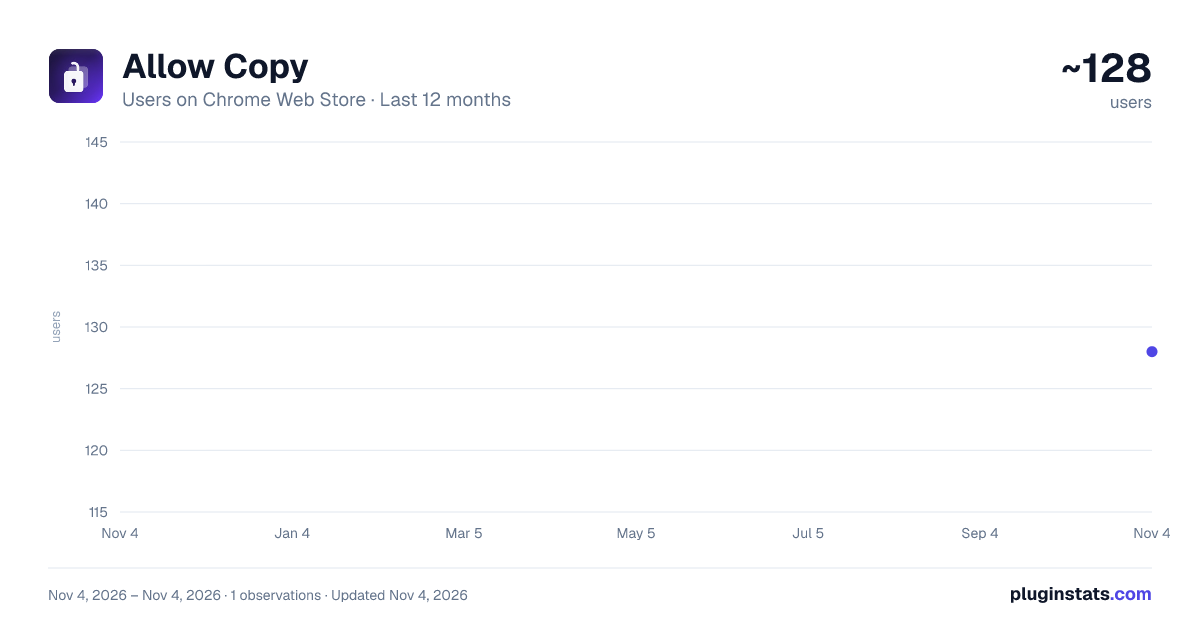
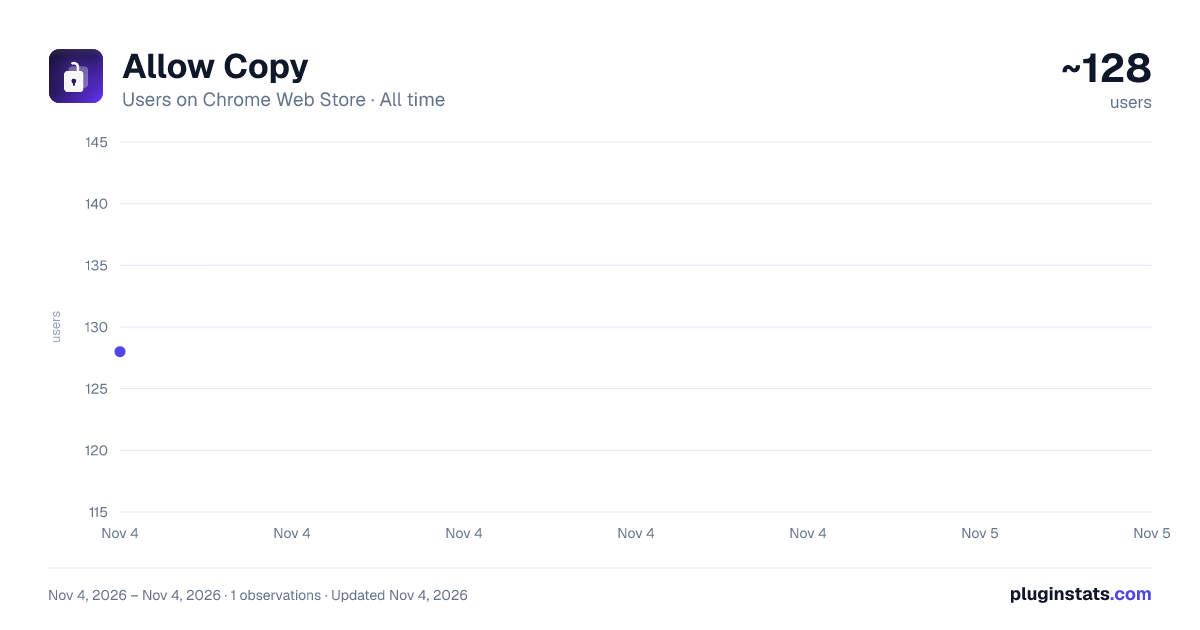
Allow Copy has approximately 128 recorded users on Chrome Web Store, ranking #6635 of 7,342 tracked listings.
Rating: 5.00 / 5 from 1 ratings
About Allow Copy
Fix blocked sites fast: enable copy paste, allow right click, ctrl c — install Allow Copy
Allow Copy is a practical browser helper for situations where websites limit selection, context actions, or shortcuts. Use Allow Copy to regain a normal reading and editing flow without changing your habits. It is built to be a small, fast switch you can enable only when a page becomes inconvenient.
When users look for how to copy and paste from restricted pages, Allow Copy provides a simple per-site switch. Turn on enable copy paste and continue paste & copy in your editor, notes, or chat. This approach is useful for research, learning, customer support, and everyday browsing where you just need access to a short fragment.
Where Allow Copy fits best
Allow Copy for articles with disabled selection
Allow Copy for documentation portals and wikis
Allow Copy for web apps with overlays
Allow Copy for training pages and internal guides
Typical problems you can solve 1️⃣ copy paste not working after a pop-up or banner 2️⃣ copying and pasting breaks after dynamic reloads 3️⃣ right click is removed from the page 4️⃣ shortcuts stop responding even though the browser is fine
Core controls ● allow right click to restore the context menu when it is blocked ● allow right-click for stubborn layouts that intercept clicks ● enable right click when menu behavior changes after a refresh ● enable right click for pages that reapply blockers after scroll ● use ctrl c for quick capture, then ctrl c ctrl v to transfer into your target app
Quick setup ➤ pin the extension ➤ open a page with restriction ➤ enable copy paste for the current tab ➤ select the needed fragment and use ctrl c ➤ use right click when you need menu actions, then switch it off
Formatting and symbols are supported for everyday content work. Collect copy and paste symbols for notes and UI text, test copy and paste fonts for layouts, compare copy and paste fonts again for variants, and keep separators neat with dot copy and paste. This is handy when you prepare structured notes, headings, and bullet blocks that must look consistent across apps.
Typography and style tasks • font copy and paste for branding drafts • clean separators for lists and UI components • fast reuse of snippets without losing structure • quick checks before publishing or sending
Practical workflows ▸ students preparing citations and summaries ▸ analysts moving small fragments into reports ▸ support teams reusing templates and copy pasta ▸ writers building reusable snippets without retyping ▸ anyone who prefers a minimal copy paster routine
Compatibility notes ● mac copy and paste habits stay natural ● copy n paste tasks work best with per-site toggling ● if copied and paste looks inconsistent, click inside the page to restore focus ● if copy paste not working repeats, refresh once and retry after the page loads fully ● if a site uses multiple frames, try enabling on the tab and reloading once
How Allow Copy helps teams
Allow Copy for audits and documentation capture
Allow Copy for ticket evidence and bug reports
Allow Copy for onboarding materials and lessons
Allow Copy for research briefs and source notes
Safety and control ➤ use the Allow Copy paste extension only where you need it ➤ keep the switch off by default and enable per site ➤ avoid heavy automation; use it as a fast fix ➤ respect website rules and use it for personal productivity ➤ keep sensitive data safe by using the tool only on trusted pages and profiles
Allow Copy keeps the process simple on restrictive pages. With Allow Copy for locked content and Allow Copy for everyday browsing, you spend less time fighting restrictions and more time finishing work. When you finish the task, turn Allow Copy off and your browser returns to its default behavior. No sign-up is required, and the extension is meant to run only when you turn it on for a site. This helps reduce background activity and keeps performance close to default browsing. If you manage multiple projects, pin it so you can react instantly. For best results, use it as a temporary helper: enable it, take what you need, then disable it. If you work with forms, try selecting inside the field first, then use the shortcut again. On long articles, scroll a bit and repeat the selection if the page injects new blocks. This keeps the experience stable while you keep your own workflow clean.
Description from the Chrome Web Store listing.
README badge
Show your rank in a README or on your website. The badge updates automatically.
Charts
Images: 30d · 1y · all time · 1600×900 dark
Adoption over time
7/30/90-day growth
Ranking history
Ratings over time
Listing placement
Listing placement
Filled points are observed values; hollow points come from Internet Archive snapshots of the listing page. Dashed segments span periods with no observations — values between points are not interpolated.
Each band is one page of 20. Users on a linear scale. Placement is projected from users, so it can differ from the marketplace's own sort order. Hover a dot to see the listing.
Recent observations
Full history (1)Similar Chrome Web Store Tools plugins
All 20 Allow Copy alternatives



Data source
Covers every Chrome Web Store extension with at least 100 users, found through the store's public sitemap. User counts are read from public listing pages. The 10% most-used extensions are refreshed daily, the next 40% weekly and the next 40% monthly; the least-used 10% are not refreshed. Google displays rounded user counts (and caps the display at 10,000,000+), so small changes may not be visible. Rating counts above 1,000 are rounded (e.g. 1.6K).
Listing: https://chromewebstore.google.com/detail/allow-copy/daolkofgkmijggdnhgilalgimjmejnej. First seen Nov 4, 2026; last successful collection Nov 4, 2026. See the methodology.