 PluginStats

Image Resizer - Resize & Optimize Images users statistics
Easily resize, optimize, and convert images directly from your browser with our lightweight Image Resizer extension.
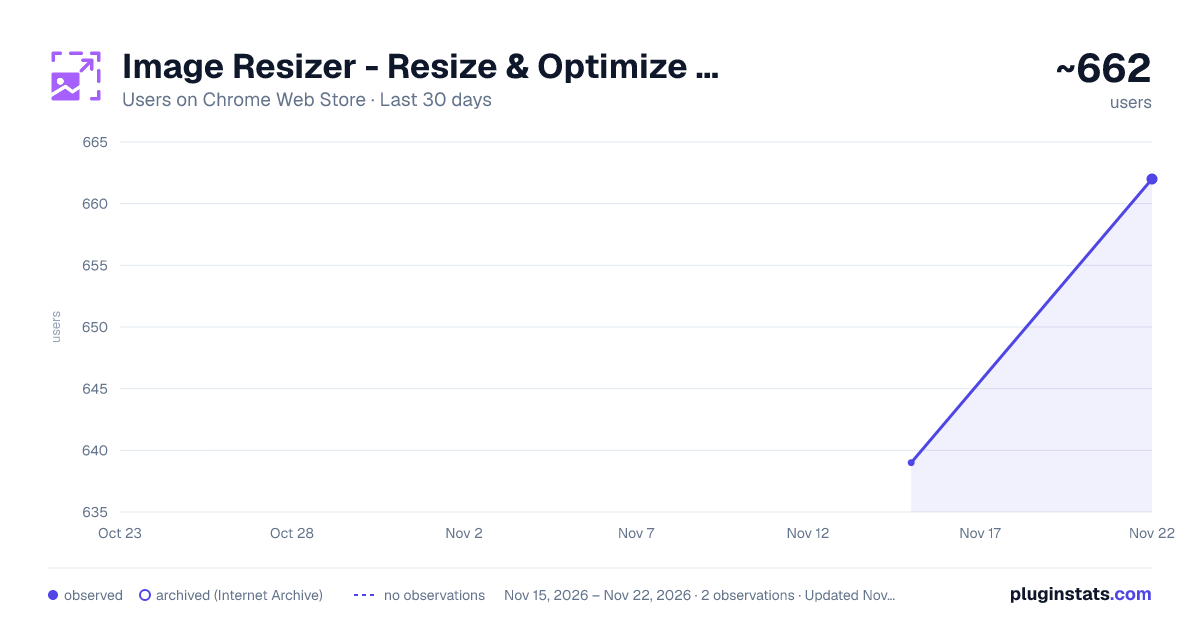
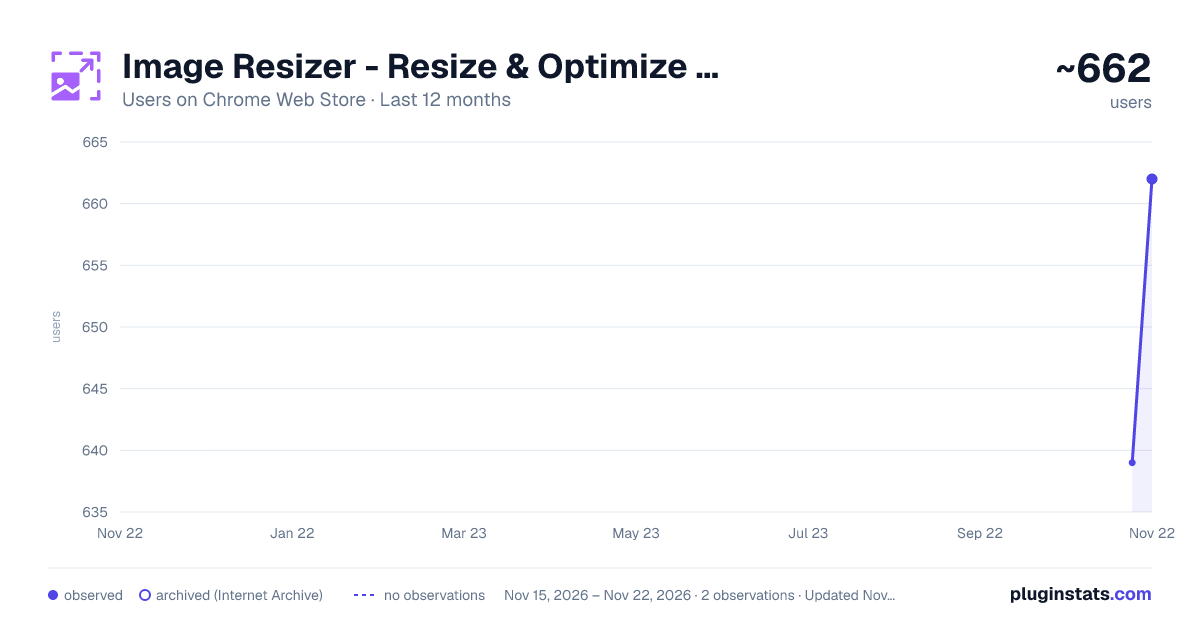
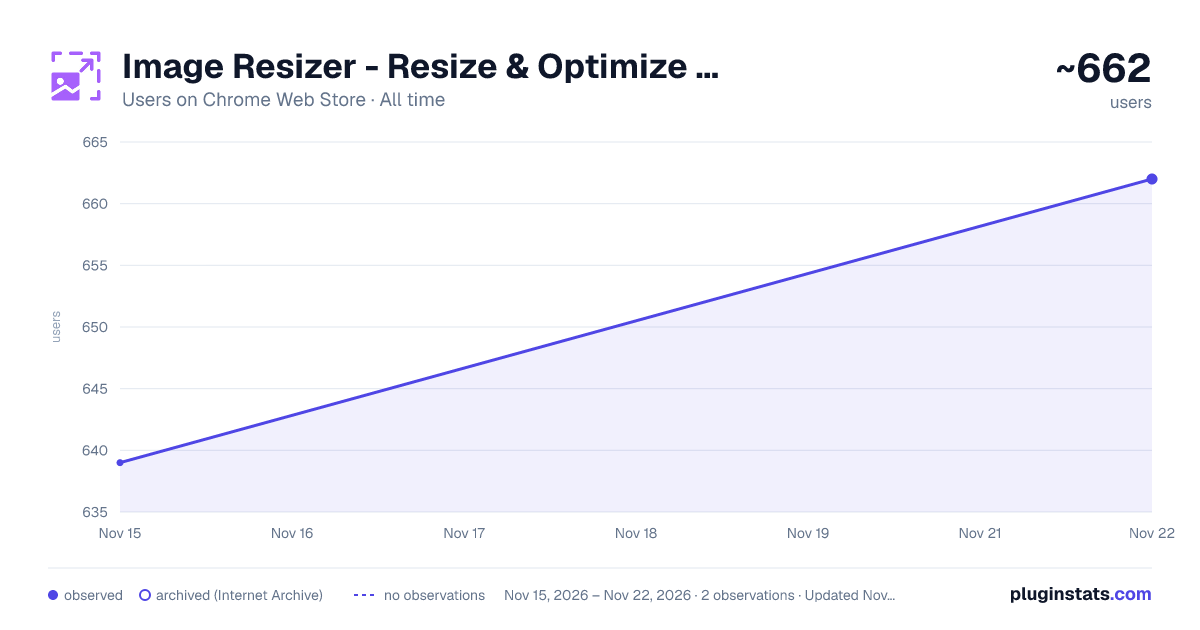
Image Resizer - Resize & Optimize Images has approximately 639 recorded users on Chrome Web Store, ranking #4657 of 10,388 tracked listings.
Rating: 4.80 / 5 from 4 ratings
About Image Resizer - Resize & Optimize Images
Easily resize, optimize, and convert images directly from your browser with our lightweight Image Resizer extension.
Image Resizer is a fast, easy-to-use Chrome extension that lets you resize images directly from your browser. Whether you need to adjust an image for social media, a website, or any other use, this tool makes the process effortless.
🔹 Key Features: ✔ Easy Image Upload – Drag and drop or select images from your computer. ✔ Custom Resize Options – Set width and height manually with an optional aspect ratio lock. ✔ Preview Before Download – See the resized image before saving it. ✔ Fast & Lightweight – Resize images instantly without leaving your browser. ✔ Privacy-Focused – All processing is done locally, ensuring your images remain secure.
🚀 Why Choose Image Resizer? ✅ User-Friendly Interface – Simple and intuitive, perfect for beginners and professionals. ✅ No Internet Required – Works offline; no data is sent to external servers. ✅ Completely Free – No hidden fees or subscriptions.
📌 How to Use: 1️⃣ Click the Image Resizer icon in your Chrome toolbar. 2️⃣ Upload an image via drag-and-drop or file selection. 3️⃣ Enter the desired width and height, then click Resize. 4️⃣ Preview the resized image and download it instantly.
✨ Discover More – Quick Side Tool Looking for more productivity tools? Check out Quick Side Tool – an all-in-one extension for PDF management, image optimization, and more!
📩 Support & Feedback Need help or have suggestions? Contact us at amanry3000@gmail.com.
🔗 Get started today and resize your images with ease!
Description from the Chrome Web Store listing.
README badge
Show your rank in a README or on your website. The badge updates automatically.
Charts
Images: 30d · 1y · all time · 1600×900 dark
Adoption over time
7/30/90-day growth
Ranking history
Ratings over time
Listing placement
Listing placement
Filled points are observed values; hollow points come from Internet Archive snapshots of the listing page. Dashed segments span periods with no observations — values between points are not interpolated.
Each band is one page of 20. Users on a linear scale. Placement is projected from users, so it can differ from the marketplace's own sort order. Hover a dot to see the listing.
Recent observations
Full history (1)Similar Chrome Web Store Tools plugins
All 20 Image Resizer - Resize & Optimize Images alternatives



Data source
Covers every Chrome Web Store extension with at least 100 users, found through the store's public sitemap. User counts are read from public listing pages. The 10% most-used extensions are refreshed daily, the next 40% weekly and the next 40% monthly; the least-used 10% are not refreshed. Google displays rounded user counts (and caps the display at 10,000,000+), so small changes may not be visible. Rating counts above 1,000 are rounded (e.g. 1.6K).
Listing: https://chromewebstore.google.com/detail/image-resizer-resize-opti/bmooadknflpjeaagpaaclbcgdpgglagn. First seen Nov 15, 2026; last successful collection Nov 15, 2026. See the methodology.