 PluginStats

OJ.ph Cleaner users statistics
By Jey Dev · Chrome Web Store · Tools
See every OnlineJobs.ph job's real hourly rate, hide stale, unpaid and unwanted posts, and flag lowball offers to report
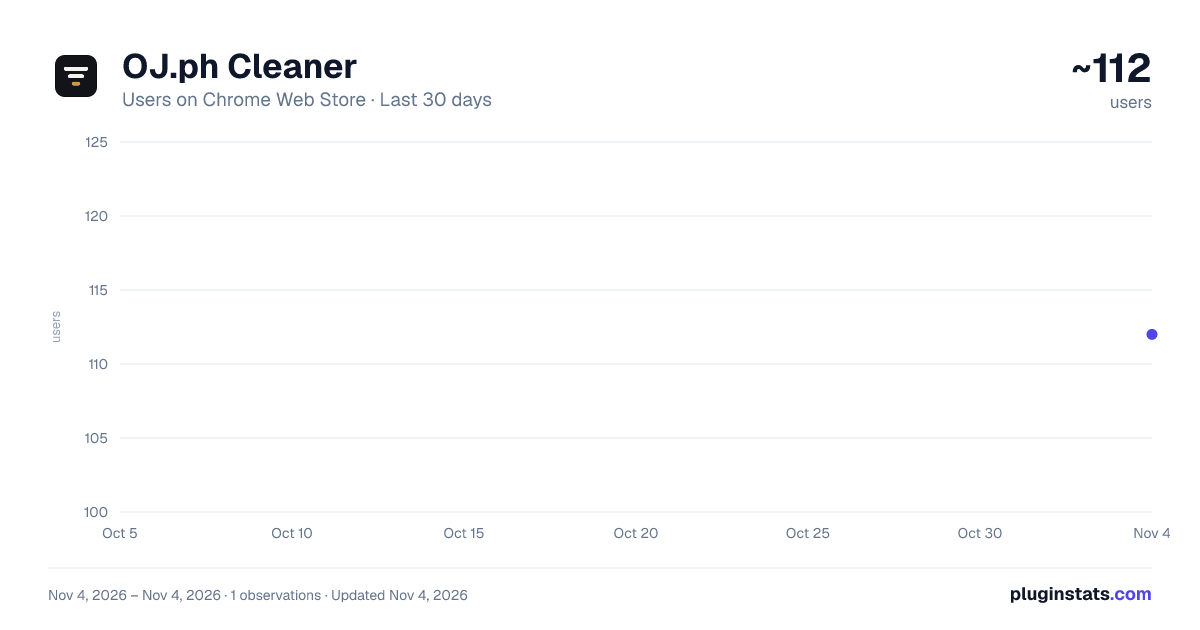
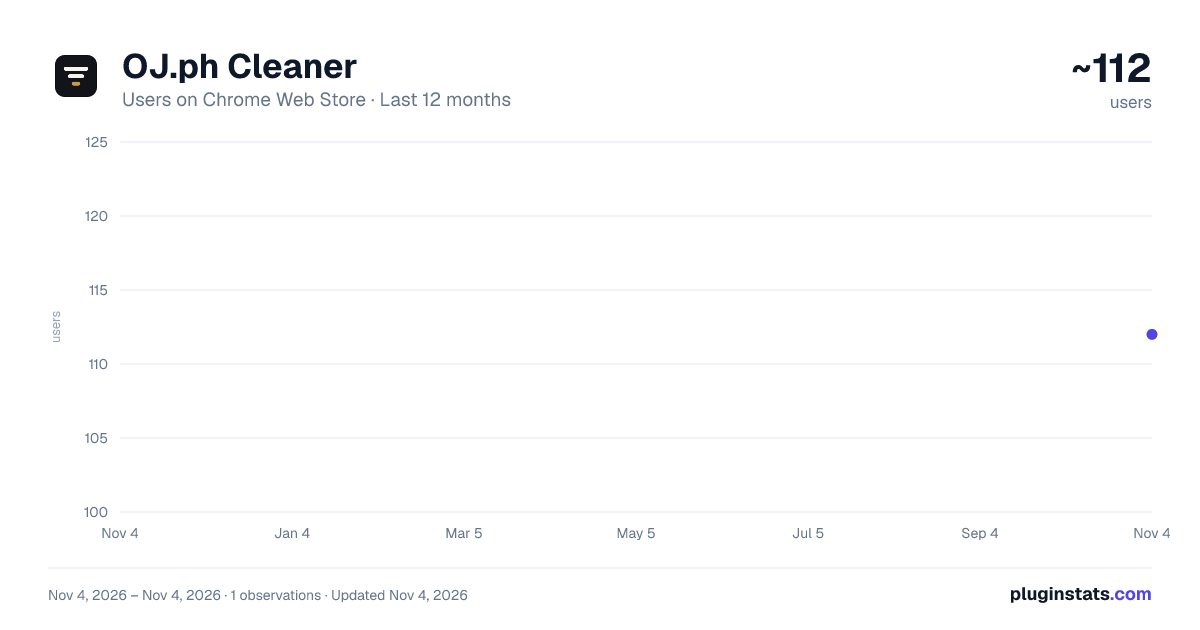
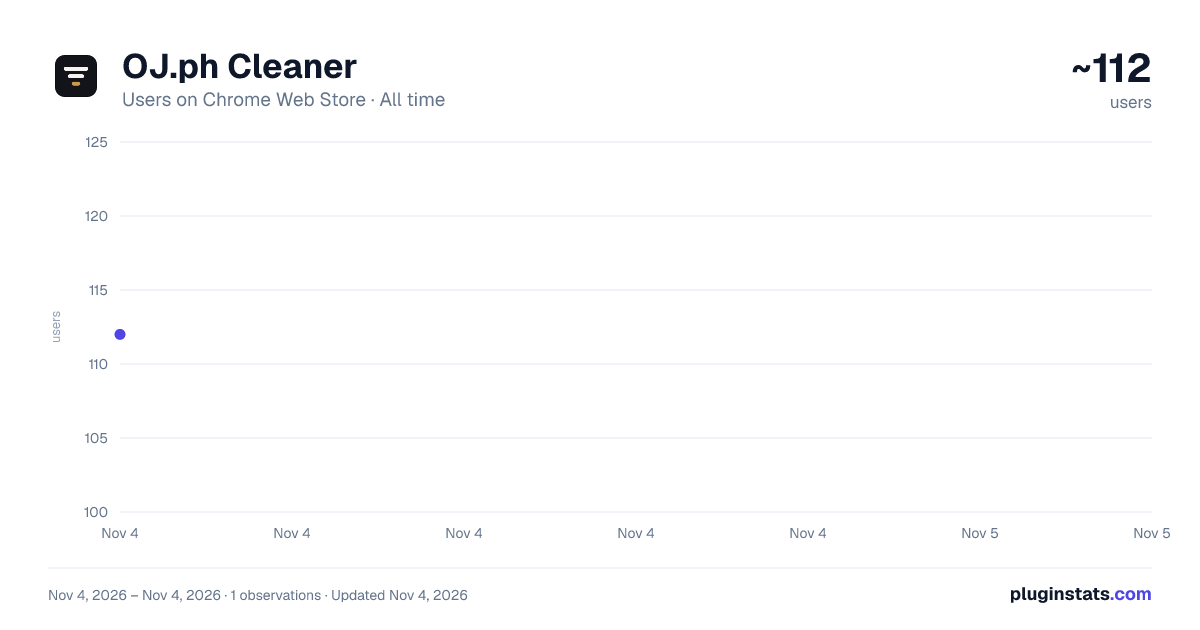
OJ.ph Cleaner has approximately 112 recorded users on Chrome Web Store, ranking #6747 of 7,072 tracked listings.
Rating: 5.00 / 5 from 1 ratings
About OJ.ph Cleaner
See every OnlineJobs.ph job's real hourly rate, hide stale, unpaid and unwanted posts, and flag lowball offers to report
Tired of scrolling past job posts with no salary, posts from three months ago, and "$2/hr, must know everything"?
OJ.ph Cleaner tidies up your OnlineJobs.ph search results so you only spend time on jobs worth applying to.
WHAT IT DOES
• Shows every job's real hourly rate, first. "$5/hr", "PHP 20,000 per month" and "15-20 AUD per hour" all become one hourly figure in pesos or dollars, worked out from the post's own stated hours. ₱20,000 a month for 45 hours a week reads ≈ $1.77/hr, so jobs with different hours finally compare. • Never guesses. "Full Time" is not a number of hours: until a post's hours are known, the card shows "? /hr" and the extension reads the post to find them. • Hides the junk: listings with no pay ("TBD", "Negotiable", "DOE"), listings that are too old, gigs that don't say their hours, and anything that mentions words you block, like "unpaid trial" or "commission only". • Tells you why. One click shows what was hidden and the reason, and you can peek at them anytime. • Highlights what you want. Jobs that meet your minimum pay become ⭐ Top picks, and jobs that mention words you like get a green badge. • Tags the dealbreakers, so you see them before you open the post: a video of you (🎥) or a voice recording (🎙), a test task (🧪), night shifts or weekends (🌙 📅), a language besides English (🗣), or a recruitment agency (🏢). • Flags lowball offers. Jobs that work out at $2/hr or less (you choose the line) get a black ⚫ outline, and you can report them to OnlineJobs.ph as "Salary too low", one listing at a time, each shown to you before anything is sent. • Swipe through your shortlist with the arrow keys: save, pass, or mark as applied, with each job's whole post, its hourly rate and your keywords highlighted.
KNOW WHAT YOU ALREADY APPLIED TO
• Most posts send you somewhere else to apply. When you come back from copying an address or pressing Apply, a small card asks "Did you apply?" One click files the job as Applied, with where you applied, and lets you add a note. • Jobs you applied to stay on the board, faded, with a stamp: "📨 Applied 3 days ago via forms.gle". When the same job is reposted, the new post tells you that you already applied. • My jobs keeps everything you saved and applied to, with notes and a reminder to follow up. Export your Top picks, Maybes or Liked jobs to a spreadsheet, sorted by hourly rate.
SET UP IN A MINUTE
Pick your kind of work (15 presets, from General VA to Medical VA) and your experience level, and your keyword lists fill themselves in. Or paste your resume (or pick the PDF or Word file): the job words in it that real posts use are offered as ticked boxes, each with how many posts use it. Then the least you'd take, and your instant no's.
Moving to a new computer? Settings > Advanced > Back up everything saves one file with your settings, jobs and notes, and Restore puts it all back.
PRIVATE BY DESIGN
No account, no server, no tracking. Everything stays on your computer, your resume included: it is read on your computer and never saved or sent. The only outside request is a public exchange rate, so salaries in other currencies can be converted. The only thing ever sent to OnlineJobs.ph is a "Salary too low" report you choose to send, through the site's own report feature.
FROM THE DEVELOPER
The Settings panel opens with a small card from me, the developer, about my automation work (a link to my site and a "Book a call" link). It appears only inside Settings, never on the job board, and loads nothing until you click it.
SOURCE CODE ON GITHUB
See how it works, report a bug, or suggest a feature: https://github.com/anki-boi/ojph-cleaner
Not affiliated with or endorsed by OnlineJobs.ph.
Description from the Chrome Web Store listing.
README badge
Show your rank in a README or on your website. The badge updates automatically.
Charts
Images: 30d · 1y · all time · 1600×900 dark
Adoption over time
7/30/90-day growth
Ranking history
Ratings over time
Listing placement
Listing placement
Filled points are observed values; hollow points come from Internet Archive snapshots of the listing page. Dashed segments span periods with no observations — values between points are not interpolated.
Each band is one page of 20. Users on a linear scale. Placement is projected from users, so it can differ from the marketplace's own sort order. Hover a dot to see the listing.
Recent observations
Full history (1)Similar Chrome Web Store Tools plugins
All 20 OJ.ph Cleaner alternatives



Data source
Covers every Chrome Web Store extension with at least 100 users, found through the store's public sitemap. User counts are read from public listing pages. The 10% most-used extensions are refreshed daily, the next 40% weekly and the next 40% monthly; the least-used 10% are not refreshed. Google displays rounded user counts (and caps the display at 10,000,000+), so small changes may not be visible. Rating counts above 1,000 are rounded (e.g. 1.6K).
Listing: https://chromewebstore.google.com/detail/ojph-cleaner/dandohconlicicogjoapgjbhjhcdojkf. First seen Nov 4, 2026; last successful collection Nov 4, 2026. See the methodology.