 PluginStats

Online Timer users statistics
By alexamel8386 (2 listings) · Chrome Web Store · Tools
Use Online Timer, the perfect stopwatch and timer tool. Easily set and manage timers online for your tasks, reminders, and workouts.
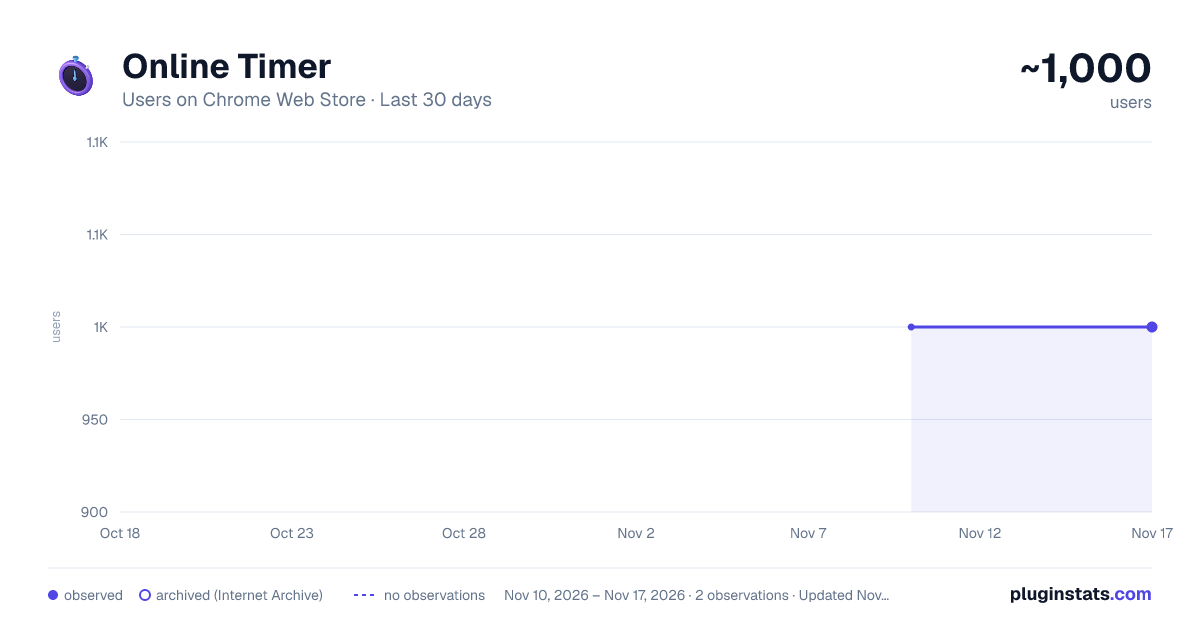
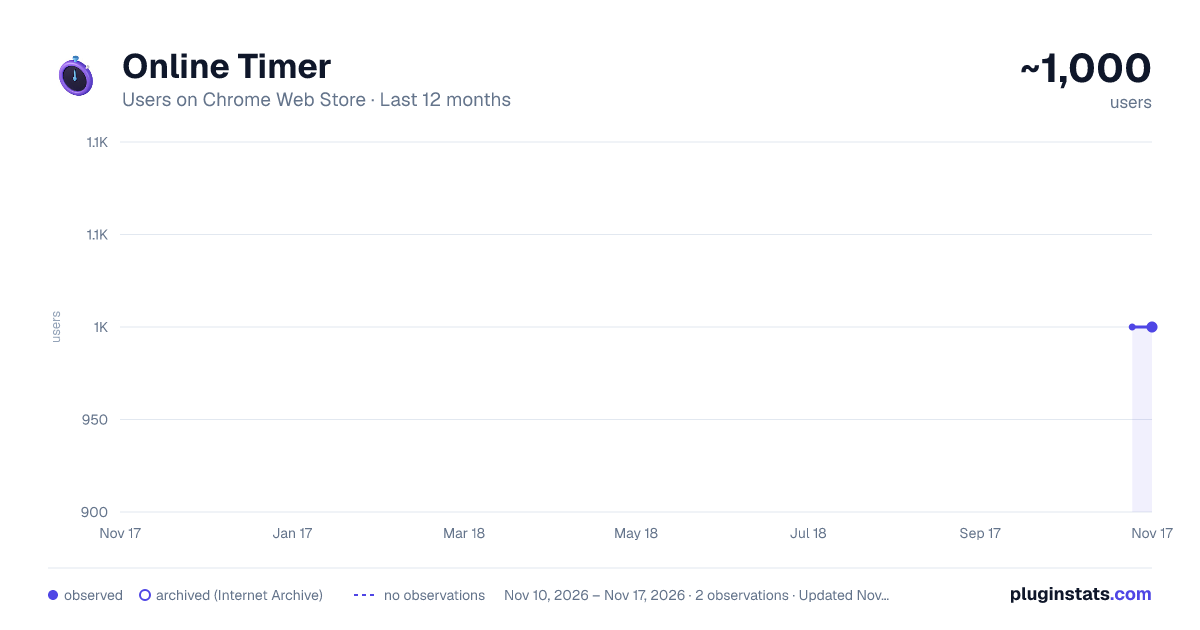
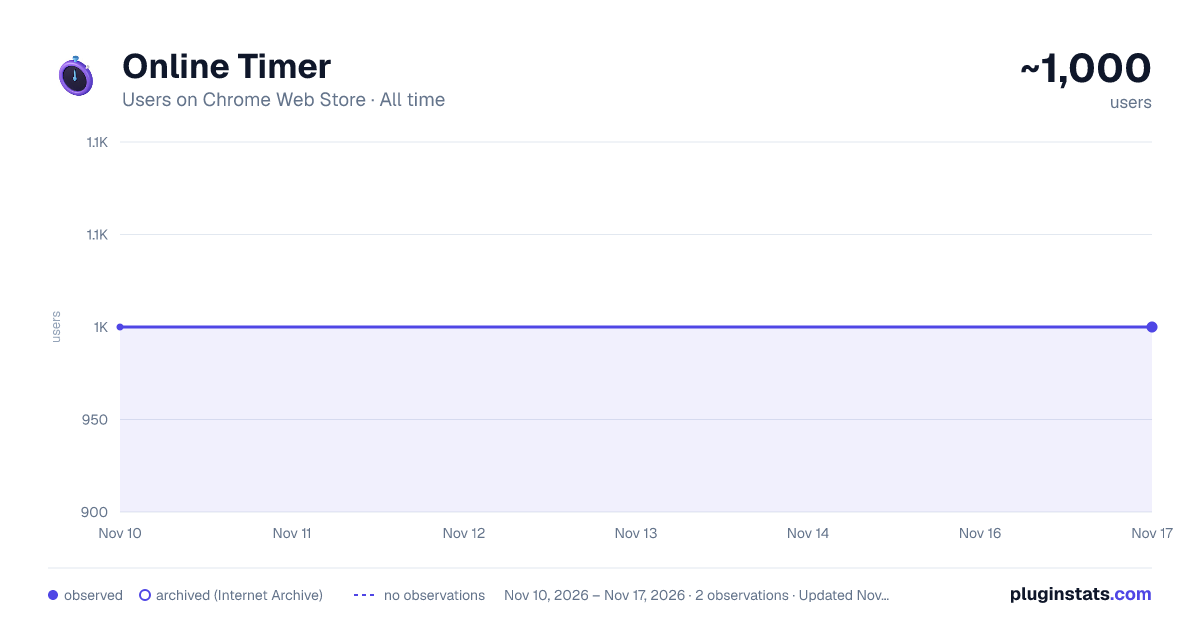
Online Timer has approximately 1,000 recorded users on Chrome Web Store, a change of 0.0% over the past 7 days, ranking #3559 of 10,388 tracked listings.
Rating: 4.80 / 5 from 13 ratings
About Online Timer
Use Online Timer, the perfect stopwatch and timer tool. Easily set and manage timers online for your tasks, reminders, and workouts.
🎯 Maximize productivity with the Online timer extension Boost your productivity with the best online timer for Chrome! If you need to control your time with the help of a timer, this extension will help you manage your time effectively. Use it as a stopwatch timer to complete your daily tasks or as a visual online timer to track time. Perfect for work, study, fitness, cooking and more!
🚀 Why you’ll love this online timer • It on any webpage • Fast timer control • Minimum unnecessary movements
🚀 Key features that stand out • Use the extension to quickly track deadlines • Constant visual control of time • Sync across devices with cloud support
⚡Speed up your workflow with powerful timer tools⏱️, allowing you to stay focused with a visual online timer on your display 🖥️ while studying or working, and keep track of your current tasks with the time counter feature. Using the start timer button ▶️ , you can instantly start the countdown mode.
📊 Top 4 ways to use this tool:
- Track live meetings
- Time workouts
- Teach time management to kids
- Log billable hours for freelancers
🛠️ Advanced capabilities of this online timer clock
- Dark mode available on the interface
- Use the online counter reset loop function
Tracking your time in real time has never been easier. The pause button lets you pause and resume your session using the stopwatch controls.
🌟 How to install online timer extension ▸ Install the extension from the Chrome Web Store. ▸ Open the pop-up to access controls. ▸ Click on the button to start the online stop watch. ▸ Use the pause and reset button to controls. ▸ Use the minute buttons to add duration. ▸ Start and monitor time without distractions.
🔌 Easy setup & integration Get started in seconds by installing the timer online Chrome extension. No complicated setup, no sign-ups — just install and go. Perfect for professionals, students, educators, and anyone who wants to take control of their time.
⏱️ What makes this online stopwatch timer unique Zero Ads: No annoying interruptions.
Lightweight: Fast performance with minimal resource usage.
Regular updates: continuous improvement for better use of the extension
⚡ The timer online helps you:
- Break tasks
- Track progress
- Stay disciplined
- Analyze efficiency
📈 Transform how you manage time From classroom lessons using the stopwatch, to project planning with the online timer, this tool adapts to your needs. Stay ahead of deadlines and track each second with precision using tool.
💎 You can define specific durations for tasks like: 💠 breaks 💠 work intervals, 💠 cooking 💠 following the schedule
🔁 Transform your workflow with the online timer Whether you’re managing projects, studying, or relaxing, this Chrome extension’s adapt to your needs. Say goodbye to cluttered apps and hello to simplicity!
📑 Transparent usage policies ♦️ Clear guidelines on the proper use of online timer. ♦️ Commitment to transparency in all our operations. ♦️ FAQ section to cover more user queries.
🔄 Whether you're timing a presentation📈, workout🛠️, or a brainstorming session🧠, its capabilities help you accurately monitor your time. The online timer stopwatch is bundled with features that make it easy to pause, resume, or reset your timer whenever needed.
🔝 Improved user experience of the online timer ➤ User-friendly interface for effortless navigation. ➤ Absolute security and confidentiality of communications. ➤ Quick and efficient access to all features. ➤ Built-in online clock.
In this fast-paced world🌐, we all want to be able to complete important tasks📈 and also spend time with our family and loved ones👪. Time is the most precious resource we have⏱. That's why we need useful tools that will help us with this. And these tools shouldn't be too complicated.
🏁 Start using the extension today Don’t waste another minute. Install now and unlock the full power of the online stopwatch timer. Improve focus, boost efficiency, and make every second count ⏰
❓ Frequently asked questions (FAQ)
🔒 Can I use the online-stopwatch without internet? ➤ Yes! The tool works offline once installed.
🔒 Is there a browser performance impact from the timer online? ➤ No — this extension is lightweight and optimized for Chrome.
🔒 Will the visual online timer stop when switching between browser tabs? ➤ No! When switching between browser tabs, the extension will not stop and will continue to work.
Description from the Chrome Web Store listing.
README badge
Show your rank in a README or on your website. The badge updates automatically.
Charts
Images: 30d · 1y · all time · 1600×900 dark
Adoption over time
7/30/90-day growth
Ranking history
Ratings over time
Listing placement
Listing placement
Filled points are observed values; hollow points come from Internet Archive snapshots of the listing page. Dashed segments span periods with no observations — values between points are not interpolated.
Each band is one page of 20. Users on a linear scale. Placement is projected from users, so it can differ from the marketplace's own sort order. Hover a dot to see the listing.
Recent observations
Full history (2)Similar Chrome Web Store Tools plugins
All 20 Online Timer alternatives



Data source
Covers every Chrome Web Store extension with at least 100 users, found through the store's public sitemap. User counts are read from public listing pages. The 10% most-used extensions are refreshed daily, the next 40% weekly and the next 40% monthly; the least-used 10% are not refreshed. Google displays rounded user counts (and caps the display at 10,000,000+), so small changes may not be visible. Rating counts above 1,000 are rounded (e.g. 1.6K).
Listing: https://chromewebstore.google.com/detail/online-timer/nilnppmfbafkmmakjegdkchlloanaiio. First seen Nov 10, 2026; last successful collection Nov 17, 2026. See the methodology.