 PluginStats
SiteData - Traffic Checker/Ads Transparency/SEO analyzer users statistics
Traffic checker, SEO analyzer with DR, traffic, keywords, AdSense reverse lookup, Google Ads transparency, and related sites.
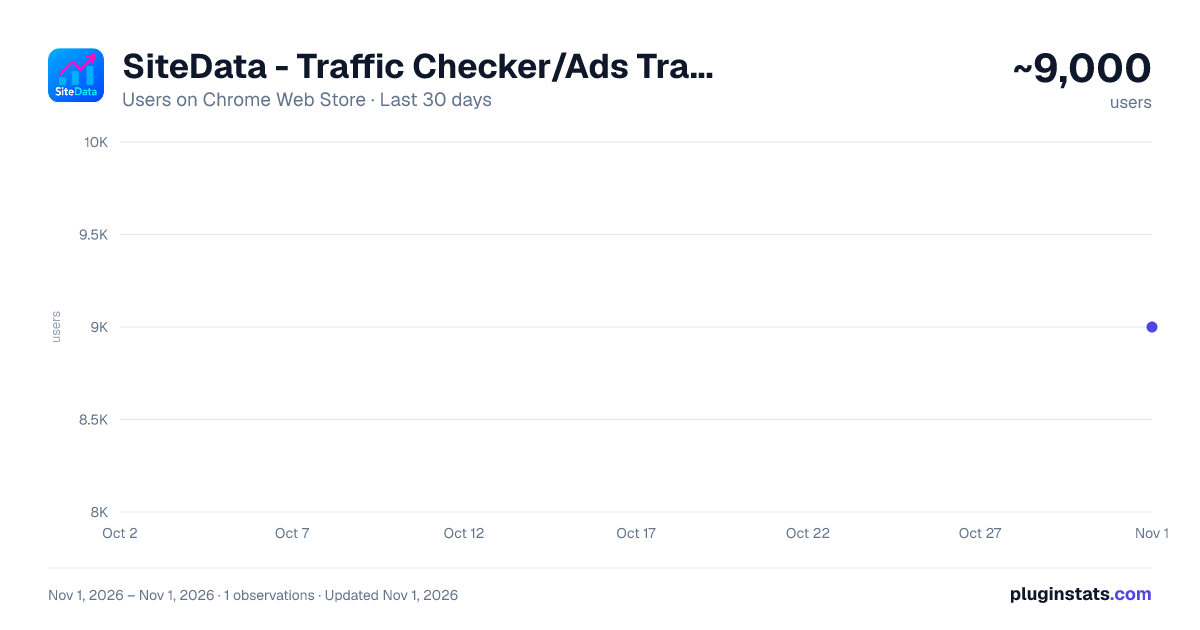
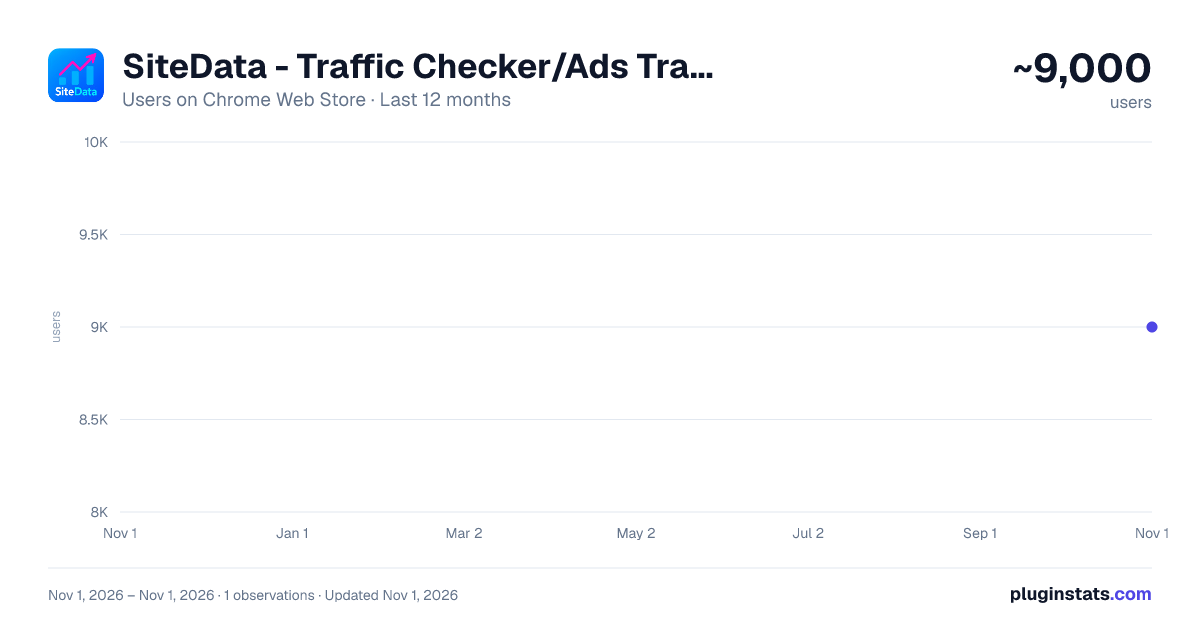
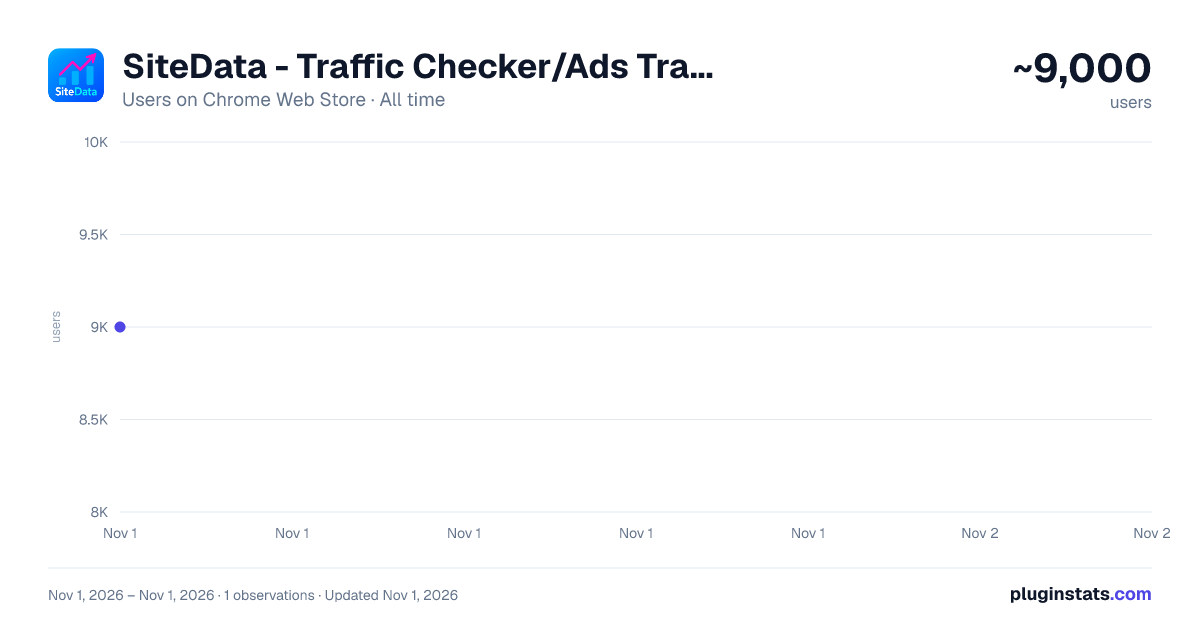
SiteData - Traffic Checker/Ads Transparency/SEO analyzer has approximately 9,000 recorded users on Chrome Web Store, ranking #812 of 6,300 tracked listings.
Rating: 4.90 / 5 from 76 ratings
About SiteData - Traffic Checker/Ads Transparency/SEO analyzer
Traffic checker, SEO analyzer with DR, traffic, keywords, AdSense reverse lookup, Google Ads transparency, and related sites.
🚀 SiteData – A tool for related site queries, AdSense reverse lookups, and Google and Facebook Ads advertising analytics.
SiteData helps you view your website's associated sites, ad placements, traffic, keywords, and domain information. You can use your Google AdSense publisher ID to look up related websites, or view websites, keywords, and ad campaigns listed under a Google Ads advertiser.
🔑 Core Functions
🏷️ AdSense reverse lookup: Find related domains using the same publisher ID.
📢 Google Ads Advertiser Analytics: View the websites, keywords, and ad campaigns available for a specific advertiser.
🔔 Ad monitoring: Add monitoring for publisher IDs or advertisers. Get alerts daily or weekly when they appear on new websites.
📘 Facebook Ads (Beta) is available to Starter level members and above. Find related advertisers from the current website, as well as other websites that these advertisers' recent ads have targeted. You can filter by monthly visits and registration time, export to CSV, or open the Facebook Ads database. Monitoring for this module is not yet available.
🧭 SERP Advertising Intelligence: Directly view the recent advertising activity for each domain within Google search results.
📆 Advertising campaign over the past 4 weeks: View how many ads each search result domain has run in the past 4 weeks to help identify advertisers who are still running ads.
🎯 Keyword advertiser analysis: This shows how many websites are currently running Google Ads for a specific search keyword, helping to determine the commercial competition for that keyword.
📊 Website Traffic: View monthly visits, bounce rate, pages per visit, visit duration, global ranking, country ranking, and domain authority score (DR).
💰 TrustMRR Real-time View: View the TrustMRR data for the current website.
🏆 The rankings show: traffic rankings, DR rankings, and payment gateway inbound traffic rankings.
📈 Traffic trends over the past three months: See whether website traffic has increased or decreased recently. Longer-term trends are available to members.
🌍 Traffic sources: View the percentage of traffic from search, social media, referrals, direct access, etc.
🔎 Keyword Intelligence: View the website's popular keywords and search volume. On the Google search page, you can also view the current keyword search volume, CPC, Key Ratio (KGR), and trends.
🌐 Outbound Domains: View the domains linking out of the current page, DoFollow/NoFollow information, traffic, and registration time. New links that appear as the page loads will be added to the list, and can be exported as a CSV file.
🗂️ Domain information: View registration time, expiration time, and domain age.
⭐ Favorites and History: Add target domains and keywords to your favorites list, which can be accessed using SiteData MCP and CLI.
📷 Screenshot: Generated after you click. You can capture only the sidebar, or capture the current webpage and the sidebar side by side, and then copy or download them.
✨ Google search results directly display website traffic, domain registration date, expiration date, and the number of ads in the last four weeks. You can also see how many websites are currently advertising for the current keyword. You can highlight newer registration dates and lower DRs according to your criteria. This information can be disabled on the search page.
The toolbar icons can display the current website's traffic or DR (Loss Rate). Quick actions include copying the domain name, searching for the domain name using Bing, opening an external backlink query, or bookmarking the domain name.
⚡ How to use
Install SiteData.
Open any website and click the extension icon.
You can view traffic, sources, keywords, outbound domains, AdSense IDs, Google Ads campaigns, and recent ads in search results.
Continue searching for related websites, advertisers, and domains from the current site.
💎 Why choose SiteData?
You can check it simply by opening the website; no API key is required.
View related sites, advertising, traffic, keywords, and domain information around the current website.
The interface supports multiple languages.
📌 illustrate
The extension reads the domain of the website you are browsing, which is used for the sidebar, toolbar icons, and Google search results. Your account and membership status will be synchronized after you log in. Screenshots only begin after you click; when you select "Webpage + Panel," the screen will include the current webpage. When copying shareable text, if you have activated the affiliate program, the text will include an invitation link.
The search results come from SiteData's data service, not from official Google or Meta archives. No results found does not necessarily mean the website has no associated sites or advertisements. Some queries have limits on the number of attempts or points required, and some complete lists require a membership.
Official website: https://sitedata.dev
Description from the Chrome Web Store listing.
README badge
Show your rank in a README or on your website. The badge updates automatically.
Charts
Images: 30d · 1y · all time · 1600×900 dark
Adoption over time
7/30/90-day growth
Ranking history
Ratings over time
Listing placement
Listing placement
Filled points are observed values; hollow points come from Internet Archive snapshots of the listing page. Dashed segments span periods with no observations — values between points are not interpolated.
Each band is one page of 20. Users on a linear scale. Placement is projected from users, so it can differ from the marketplace's own sort order. Hover a dot to see the listing.
Recent observations
Full history (1)Similar Chrome Web Store Tools plugins
All 20 SiteData - Traffic Checker/Ads Transparency/SEO analyzer alternatives



Data source
Covers every Chrome Web Store extension with at least 100 users, found through the store's public sitemap. User counts are read from public listing pages. The 10% most-used extensions are refreshed daily, the next 40% weekly and the next 40% monthly; the least-used 10% are not refreshed. Google displays rounded user counts (and caps the display at 10,000,000+), so small changes may not be visible. Rating counts above 1,000 are rounded (e.g. 1.6K).
Listing: https://chromewebstore.google.com/detail/sitedata-traffic-checkera/emeakbgdecgmdjgegnejpppcnkcnoaen. First seen Nov 1, 2026; last successful collection Nov 1, 2026. See the methodology.