 PluginStats

Mirqab - Video Playback Inspector users statistics
By Ali Busaleh · Chrome Web Store · Developer Tools
A watchtower over your video playback: real resolution and FPS, dropped frames, buffer, live latency, codec, DRM and CDN.
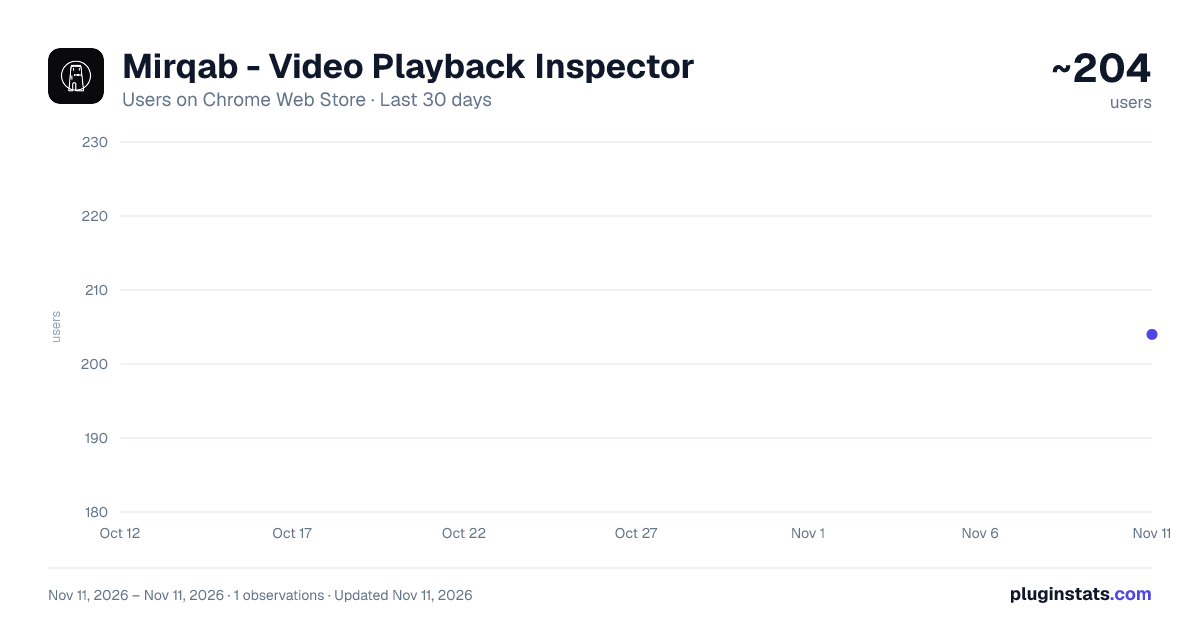
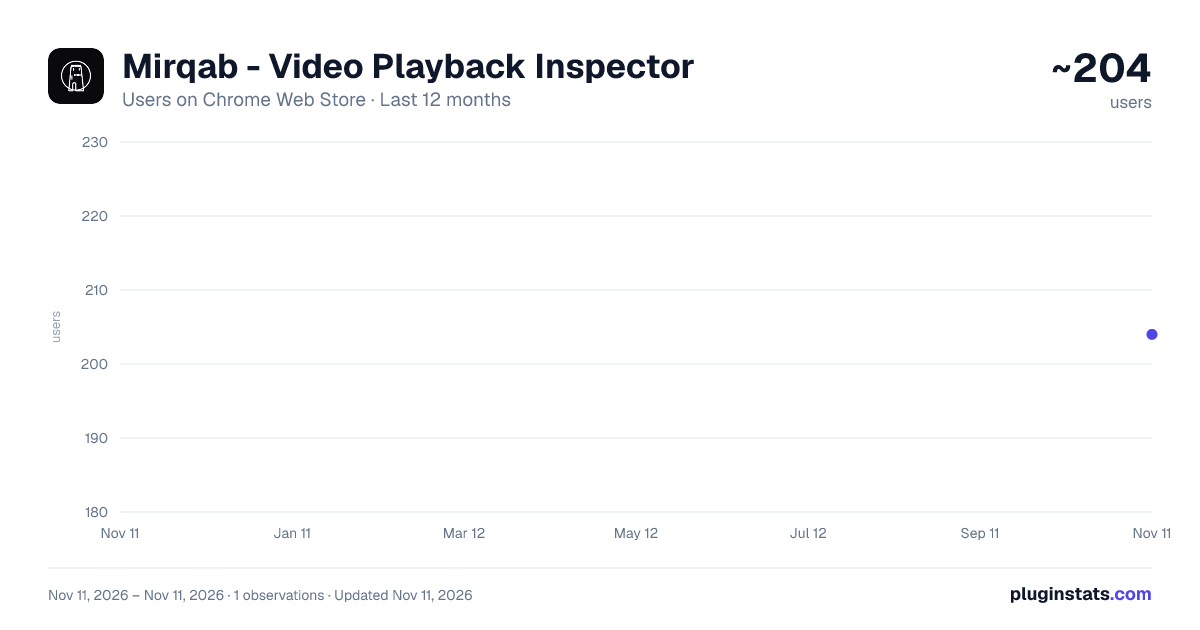
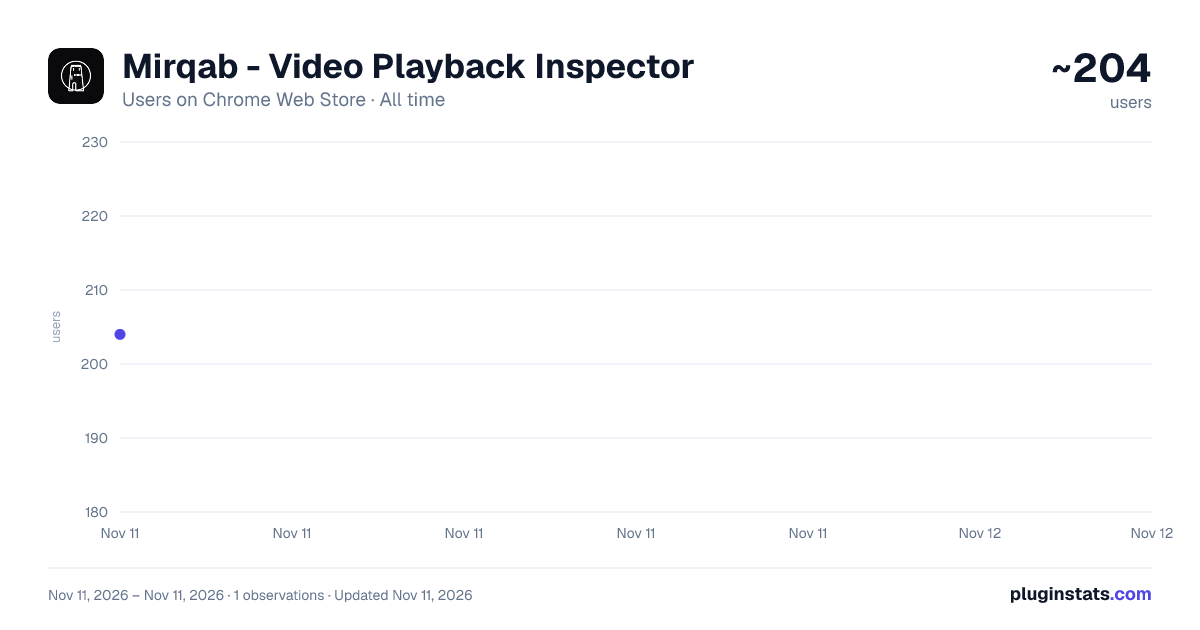
Mirqab - Video Playback Inspector has approximately 204 recorded users on Chrome Web Store, ranking #7735 of 10,388 tracked listings.
Rating: 5.00 / 5 from 7 ratings
About Mirqab - Video Playback Inspector
A watchtower over your video playback: real resolution and FPS, dropped frames, buffer, live latency, codec, DRM and CDN.
Mirqab is a "stats for nerds" panel for any HTML5 video in Chrome. It answers one question quickly: is this really 1080p50 — and is it playing correctly?
Click the toolbar icon and a side panel opens. It stays open and keeps measuring while you work, on any site, with no changes to the page.
WHAT IT SHOWS
• Quality — the decoded resolution and measured frame rate as one label, such as 1080p50, plus the size the video is actually drawn at and whether it is being upscaled. • Optimal resolution — the highest rung the player's current size warrants, so you can see when you are being served less than the viewport deserves. • Frames — decoded, dropped, the drop rate, and a rolling 10-second rate, which is what matters during a live event. • Buffer — seconds ahead and behind, and the buffered ranges. • Live — true end-to-end latency, distance behind the live edge, and the target hold-back the stream itself declares, so you can see whether the player is where the stream asked it to be. • Stream — HLS, MPEG-DASH or progressive; MSE; the detected player library; segment duration; measured and declared bitrate. • Codec — name, profile and level, bit depth, chroma, colour primaries, transfer function, and HDR10 or HLG where the stream signals it. • Network — estimated throughput, requests in flight, segment size and download time, and the CDN provider and host. • ABR ladder — every rung parsed from the manifest with its bitrate, and a marker on the one actually playing. • Stream URLs — the manifest, the active rendition's playlist and the newest segment, each copyable, so the stream can be opened in an external player for a second opinion. Encrypted streams are labelled, since a key system means the URL alone will not play. • Quality of experience — startup time, rebuffer count and total duration. • DRM — key system, robustness and session types. • Tracks — which caption and audio tracks exist, which is active, and whether caption cues are still arriving. A feed that stops mid-match is labelled rather than left looking fine. • Player report — where a player publishes Common Media Client Data, Mirqab shows the player's own reported buffer, throughput and bitrate beside its own measurement of the same thing. Where the two disagree, the player's estimate is the one to doubt. The session identifier is copyable, which is what a delivery team needs to find the session in their logs. • Manifest health — the live playlist watched across refreshes: how long since the window last advanced, the refresh interval against the declared target duration, missed segments, and timeline breaks appearing upstream. A playlist that has stopped advancing is visible before the buffer drains. • Startup breakdown — startup split into page load, manifest fetch, licence acquisition and first frame, because a single total does not say which stage to fix. • Decode capability — whether this machine can decode each rung at all, smoothly, and power-efficiently. It separates "your computer cannot manage that resolution" from "the player chose not to serve it". • History — 60-second sparklines for throughput, bitrate, buffer and network activity, because a single number hides a dip. • Session timeline — one row per second for the whole session, exported as CSV: frame rate, resolution, buffer, latency, throughput, drops and rebuffers. This is what turns "it looked bad in the second half" into a timestamp.
HOW IT MEASURES
Frame rate is counted from created frames over media time, so it still reports 50 fps while the display is dropping frames — which is exactly the case worth catching. A separate presented-per-second figure shows what actually reached the screen.
Live latency is derived from the stream's own wall-clock anchor (EXT-X-PROGRAM-DATE-TIME in HLS, availabilityStartTime in DASH), not merely the distance to the newest segment the player knows about. Implausible values are rejected rather than displayed.
Codec and colour facts are read from the SourceBuffer mime type and RFC 6381 codec string, and DRM from the Encrypted Media Extensions key system. Nothing is inferred from filenames.
Where a player publishes its own client data, it is read from the request the player was already making. Nothing is requested on its behalf, and nothing is added to it.
Licence acquisition is timed by observing when the request started and finished. No request body and no response body is ever read, so no licence, key or challenge is accessible to this extension.
Where Chrome does not expose a value reliably, Mirqab prints "Unavailable" instead of guessing.
ALERTS
Mirqab raises the alarm rather than waiting to be read. Eight conditions are watched: rebuffering, a buffer under one second, more than two percent of frames dropped in the last ten seconds, latency outside its band, playing below the resolution the player's size warrants, a caption feed that has stopped delivering cues, a live playlist that has stopped advancing, and segments that rolled out of the live window before the player fetched them.
The last two are worth singling out. Every other alert reports something the viewer has already experienced. A playlist that has stopped advancing means the problem is upstream of the player, and it is visible before the buffer drains.
Each one has to persist before it counts, because a single noisy sample is not an incident. A resolution drop waits ten seconds, since an adaptive player switching rung after a window resize is expected. Rebuffering fires almost immediately, since it is unambiguous.
When something fires, it appears at the top of the panel, in the event log with a timestamp, as a tinted edge on the in-page overlay, and as a mark on the toolbar icon. One setting turns all of it off.
THREE WAYS TO SEE IT…
Description from the Chrome Web Store listing.
README badge
Show your rank in a README or on your website. The badge updates automatically.
Charts
Images: 30d · 1y · all time · 1600×900 dark
Adoption over time
7/30/90-day growth
Ranking history
Ratings over time
Listing placement
Listing placement
Filled points are observed values; hollow points come from Internet Archive snapshots of the listing page. Dashed segments span periods with no observations — values between points are not interpolated.
Each band is one page of 20. Users on a linear scale. Placement is projected from users, so it can differ from the marketplace's own sort order. Hover a dot to see the listing.
Recent observations
Full history (1)Similar Chrome Web Store Developer Tools plugins
All 20 Mirqab - Video Playback Inspector alternatives



Data source
Covers every Chrome Web Store extension with at least 100 users, found through the store's public sitemap. User counts are read from public listing pages. The 10% most-used extensions are refreshed daily, the next 40% weekly and the next 40% monthly; the least-used 10% are not refreshed. Google displays rounded user counts (and caps the display at 10,000,000+), so small changes may not be visible. Rating counts above 1,000 are rounded (e.g. 1.6K).
Listing: https://chromewebstore.google.com/detail/mirqab-video-playback-ins/njbhmgldamdojpimengllfipaipcinfk. First seen Nov 11, 2026; last successful collection Nov 11, 2026. See the methodology.