 PluginStats

Turn Articles into Videos - Explain by Scrimba users statistics
One click. Instant AI video. For free. Transform any article into a narrated explainer you can learn from in minutes, not hours.
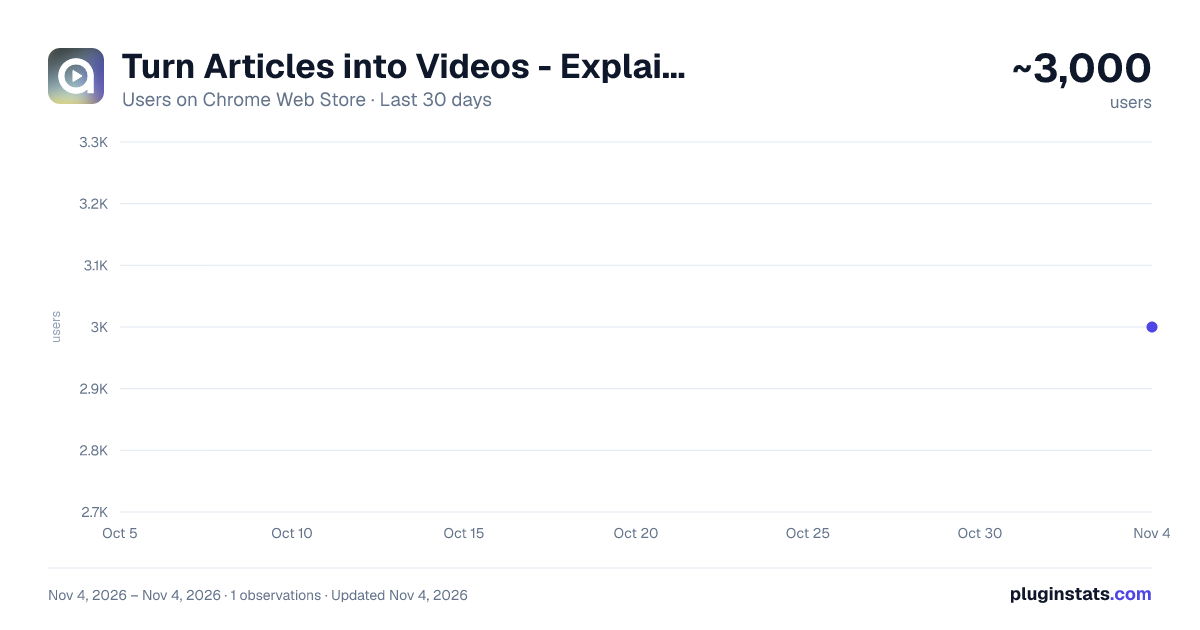
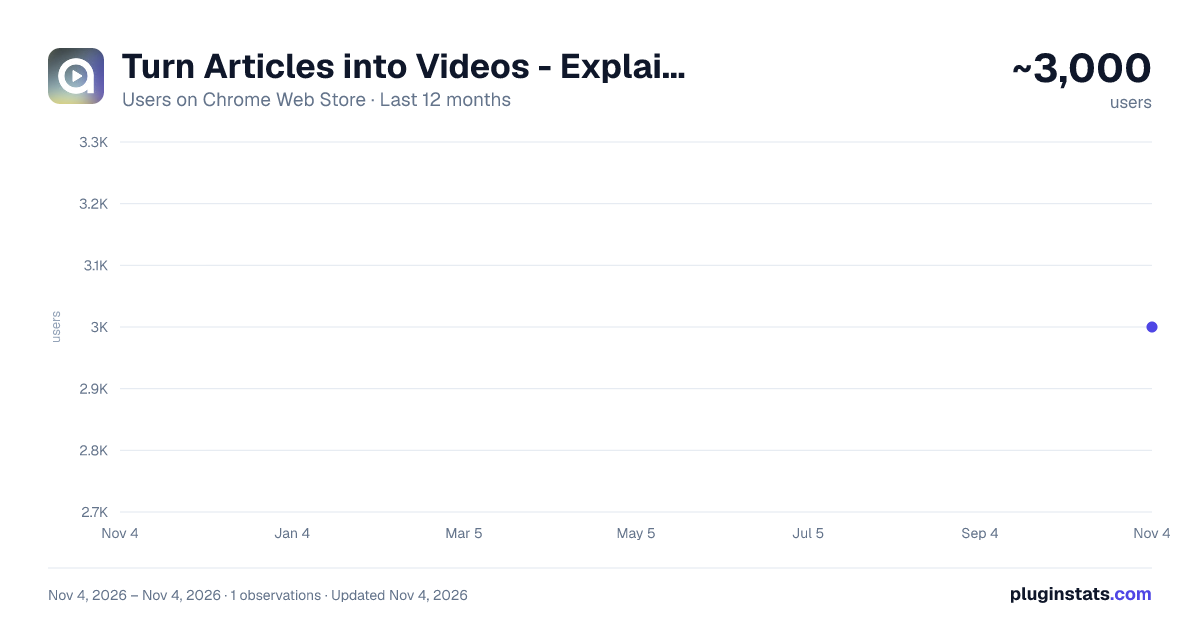
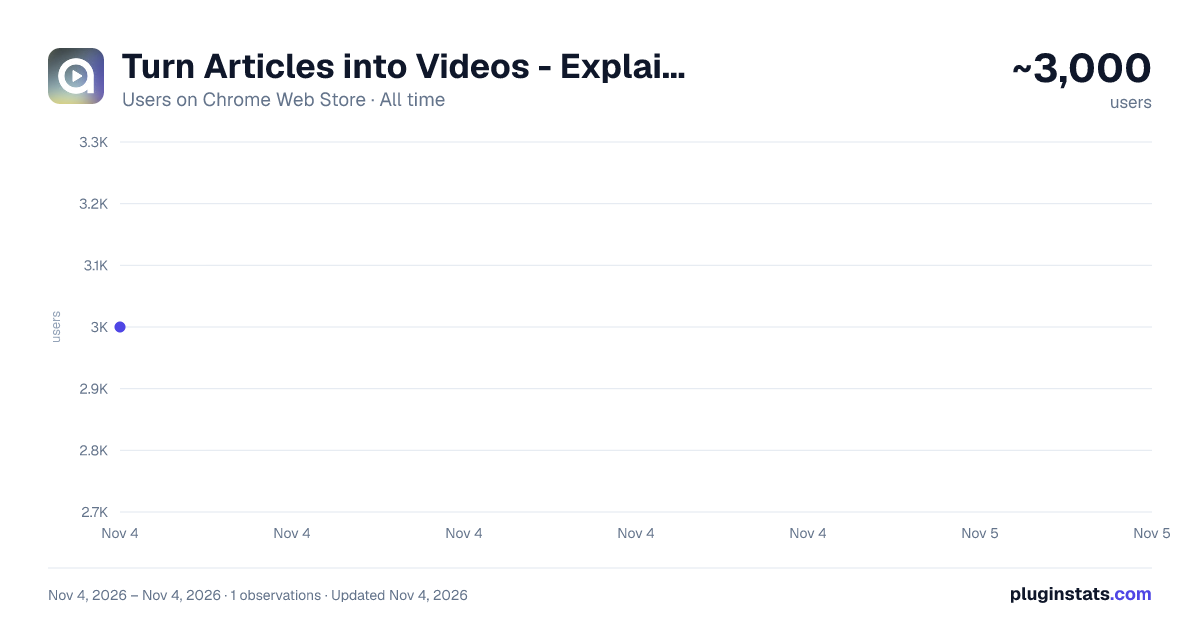
Turn Articles into Videos - Explain by Scrimba has approximately 3,000 recorded users on Chrome Web Store, ranking #1526 of 7,072 tracked listings.
Rating: 5.00 / 5 from 13 ratings
About Turn Articles into Videos - Explain by Scrimba
One click. Instant AI video. For free. Transform any article into a narrated explainer you can learn from in minutes, not hours.
Instead of reading long, boring articles, save time watching a quick video. Ideal for visual learners, content creators, and educators.
This free extension turns any page you visit into an easy-to-digest video presentation in seconds. From the page just click the Explain extension icon, and watch the key ideas come to life instantly through clear animated visuals and narration. Narration is spoken in the language of the article and we currently support over 33 languages.
Use Explain to: • Study faster and make difficult course material easier to understand • Break down research papers, white papers, and complex documentation • Stay up to date with technical news without spending hours reading • Prepare for classes, meetings, interviews, or presentations • Quickly understand unfamiliar topics and industry jargon • Turn articles you have been meaning to read into videos you will actually watch • Check your understanding with a quick quiz
One click. For free.
Explain is used by: • Students & Researchers – Create supporting videos from study materials • Educators – Create video lessons and instructional content effortlessly • Content Creators – Convert written content into engaging explainer videos for your newsletter, blog social media, etc. • Professionals – Get visual summaries from reports and industry articles to share with your team.
All you need is a free Scrimba account. We're a trusted learning platform of over 2 million users worldwide.
-- When you click the extension, the active page’s URL, title, and readable text are sent to Scrimba and processed using Google Gemini. Generated explainers are public by default. Do not use Explain on pages containing private, confidential, or sensitive information.
Description from the Chrome Web Store listing.
README badge
Show your rank in a README or on your website. The badge updates automatically.
Charts
Images: 30d · 1y · all time · 1600×900 dark
Adoption over time
7/30/90-day growth
Ranking history
Ratings over time
Listing placement
Listing placement
Filled points are observed values; hollow points come from Internet Archive snapshots of the listing page. Dashed segments span periods with no observations — values between points are not interpolated.
Each band is one page of 20. Users on a linear scale. Placement is projected from users, so it can differ from the marketplace's own sort order. Hover a dot to see the listing.
Recent observations
Full history (1)Similar Chrome Web Store Tools plugins
All 20 Turn Articles into Videos - Explain by Scrimba alternatives



Data source
Covers every Chrome Web Store extension with at least 100 users, found through the store's public sitemap. User counts are read from public listing pages. The 10% most-used extensions are refreshed daily, the next 40% weekly and the next 40% monthly; the least-used 10% are not refreshed. Google displays rounded user counts (and caps the display at 10,000,000+), so small changes may not be visible. Rating counts above 1,000 are rounded (e.g. 1.6K).
Listing: https://chromewebstore.google.com/detail/turn-articles-into-videos/inggjdboiclegclbbfjbhbdmbenkjemf. First seen Nov 4, 2026; last successful collection Nov 4, 2026. See the methodology.