 PluginStats

Advanced Find Extension users statistics
By Jason Aul · Chrome Web Store · Tools
Advanced text finding, highlighting, and export extension
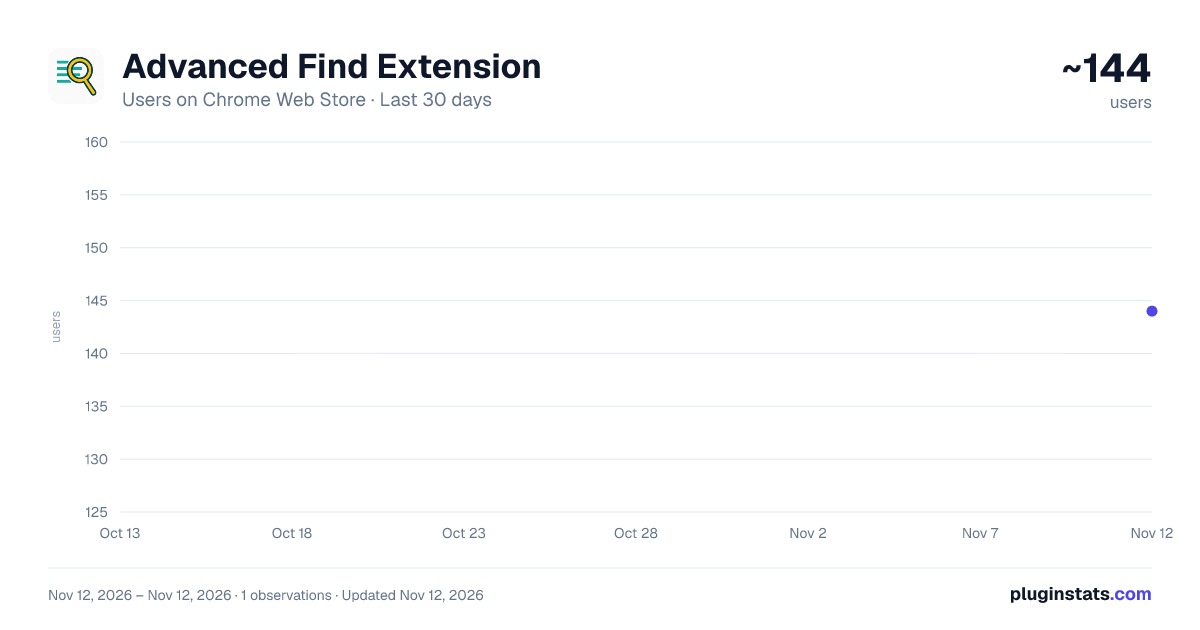
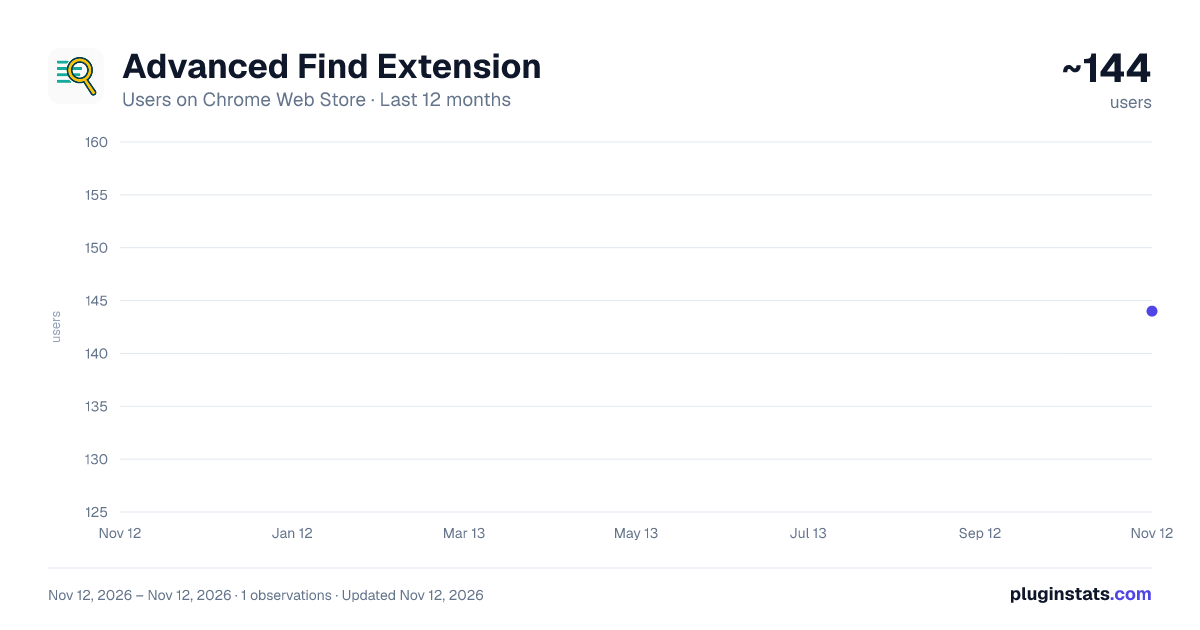
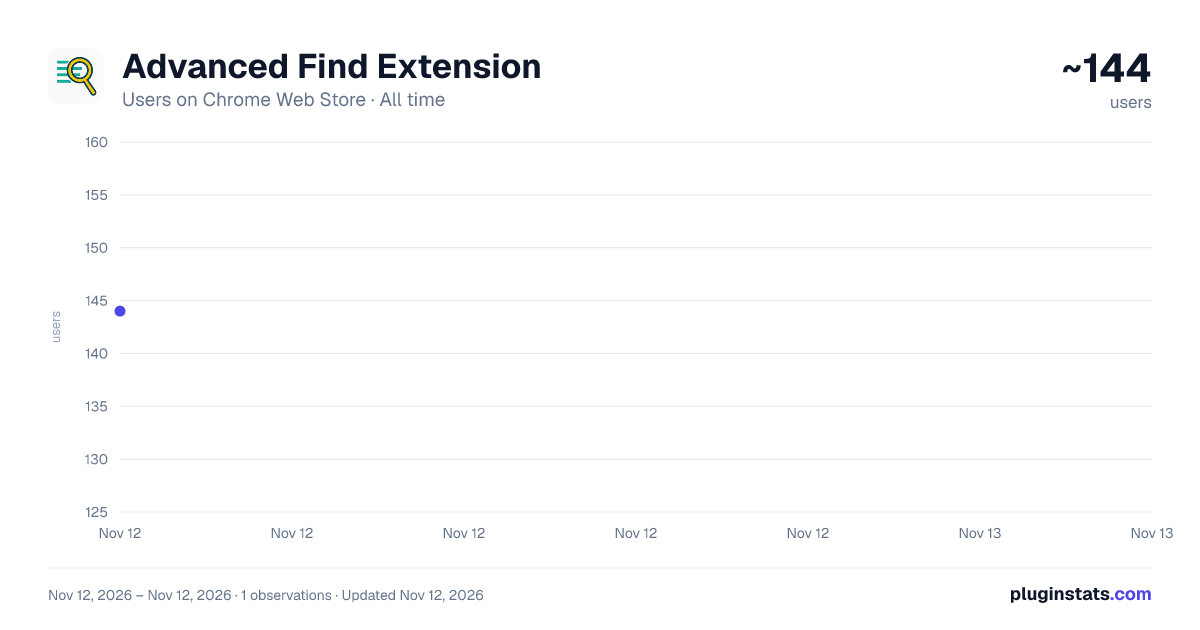
Advanced Find Extension has approximately 144 recorded users on Chrome Web Store, ranking #8928 of 10,388 tracked listings.
About Advanced Find Extension
Advanced text finding, highlighting, and export extension
Advanced Find: The Ultimate In-Page Search Tool for Chrome
Go beyond the limitations of your browser's built-in find function! Advanced Find is a comprehensive search extension designed to give you unparalleled control and efficiency when searching for text on web pages. Whether you're researching, coding, editing, or just browsing, Advanced Find provides the tools you need to locate information quickly and accurately.
Unlock Powerful Search Capabilities:
Multi-Term Highlighting: Why search for one term at a time? Enter multiple search terms separated by commas (e.g., apple, banana, orange) and see each one highlighted instantly in a unique color! Configure the colors to your liking in the settings.
Flexible Standard Search: Perform standard text searches with added power. Use the asterisk () as a wildcard character to match variations (e.g., tech finds technology, technical, techie).
Robust Regex Engine: For ultimate control, switch to Regex Mode. Enter complex regular expressions to find specific patterns like phone numbers, specific code formats, or complex text structures. Handy presets for Emails, URLs, and Numbers are included to get you started. A built-in help guide explains basic regex syntax.
Contextual Proximity Search: Need to see if two concepts are discussed near each other? Use Proximity Search to find instances where two terms (e.g., privacy and policy) appear within a specified number of words (you set the distance). It finds them regardless of which term appears first.
Precision with Exclusions: Too many irrelevant results? Add an "Exclude Term" in Standard or Regex mode. Advanced Find will skip highlighting any matches that contain or appear very close to your specified exclusion term, dramatically improving relevance.
Fine-Tune Your Search: Easily control your search with simple checkboxes:
Case Sensitive: Match capitalization exactly.
Whole Words: Avoid matching parts of longer words.
Ignore Diacritics: Treat résumé the same as resume.
Intuitive Interface and Workflow:
Clear Visual Feedback: Matches are highlighted clearly on the page. The currently selected match (when using Next/Previous) gets special emphasis.
Effortless Navigation: Jump between matches smoothly using the dedicated "Previous" and "Next" buttons.
At-a-Glance Tick Bar: See the distribution of matches across the entire page with the vertical Tick Bar on the right. Click any tick mark to instantly scroll to that highlight's location – perfect for long documents!
Convenient Search History: Your recent searches are automatically saved (if enabled). Click any entry in the history list within the popup to instantly re-run that search with its associated mode (Standard/Regex).
Persistent Highlights: Activate this option in settings, and your highlights will reappear when you reload the page, allowing you to continue where you left off.
Export Your Findings: Found important information? Click the "Export" button to download a detailed CSV file containing the highlighted text, the search term that matched it, surrounding context, and page details. Ideal for research notes and data gathering.
Personalize Your Experience: Open the Settings panel (gear icon) to:
Set your preferred default highlight color.
Define the sequence of colors for multi-term highlighting.
Toggle Search History and Persistent Highlights on or off.
Manage other behavioral settings.
Who is it For?
Advanced Find is an invaluable tool for:
Students & Researchers: Quickly locate key terms and data in articles and documents.
Developers: Find specific code snippets, variables, or patterns in documentation or web sources.
Writers & Editors: Check for consistency, repetitions, or specific phrasing.
Anyone dealing with large amounts of web text!
Get started with powerful, flexible searching today. Advanced Find is free and actively developed.
Description from the Chrome Web Store listing.
README badge
Show your rank in a README or on your website. The badge updates automatically.
Charts
Images: 30d · 1y · all time · 1600×900 dark
Adoption over time
7/30/90-day growth
Ranking history
Ratings over time
Listing placement
Listing placement
Filled points are observed values; hollow points come from Internet Archive snapshots of the listing page. Dashed segments span periods with no observations — values between points are not interpolated.
Each band is one page of 20. Users on a linear scale. Placement is projected from users, so it can differ from the marketplace's own sort order. Hover a dot to see the listing.
Recent observations
Full history (1)Similar Chrome Web Store Tools plugins
All 20 Advanced Find Extension alternatives



Data source
Covers every Chrome Web Store extension with at least 100 users, found through the store's public sitemap. User counts are read from public listing pages. The 10% most-used extensions are refreshed daily, the next 40% weekly and the next 40% monthly; the least-used 10% are not refreshed. Google displays rounded user counts (and caps the display at 10,000,000+), so small changes may not be visible. Rating counts above 1,000 are rounded (e.g. 1.6K).
Listing: https://chromewebstore.google.com/detail/advanced-find-extension/hpofglbhjchjapjbmnclegkdapebjdgo. First seen Nov 12, 2026; last successful collection Nov 12, 2026. See the methodology.