 PluginStats

DocuSplit 2.0 Google Chrome Extension users statistics
Chrome Web Store · Workflow & Planning
DocuSplit PDF for Salesforce with CheckForce scan compression, AI proxy, and async batch save.
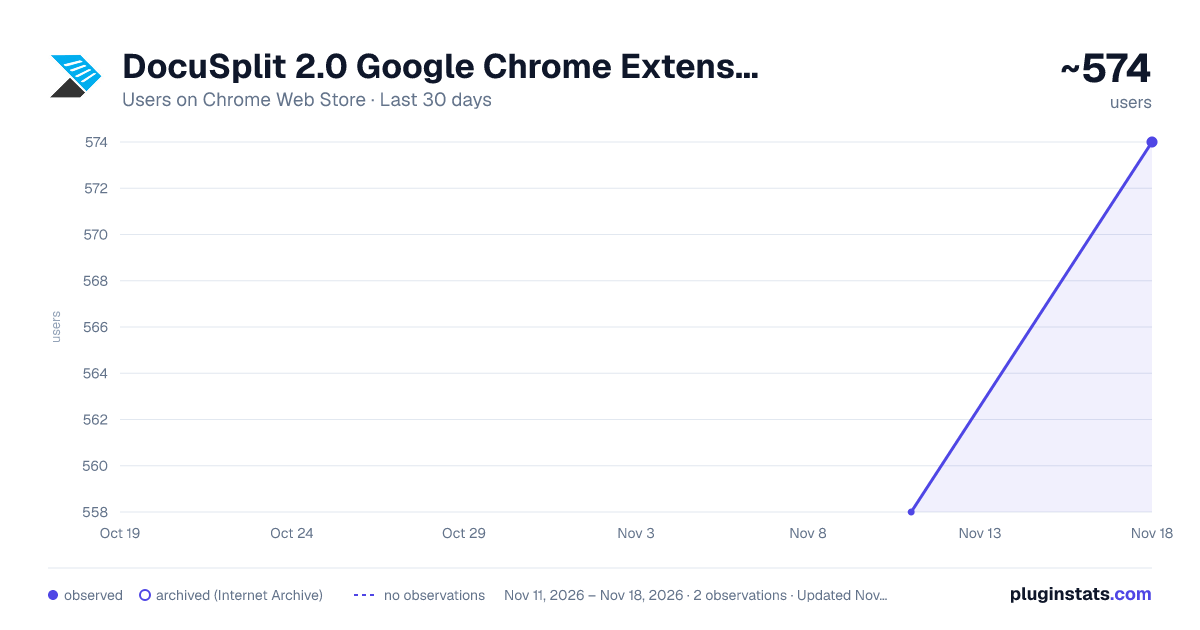
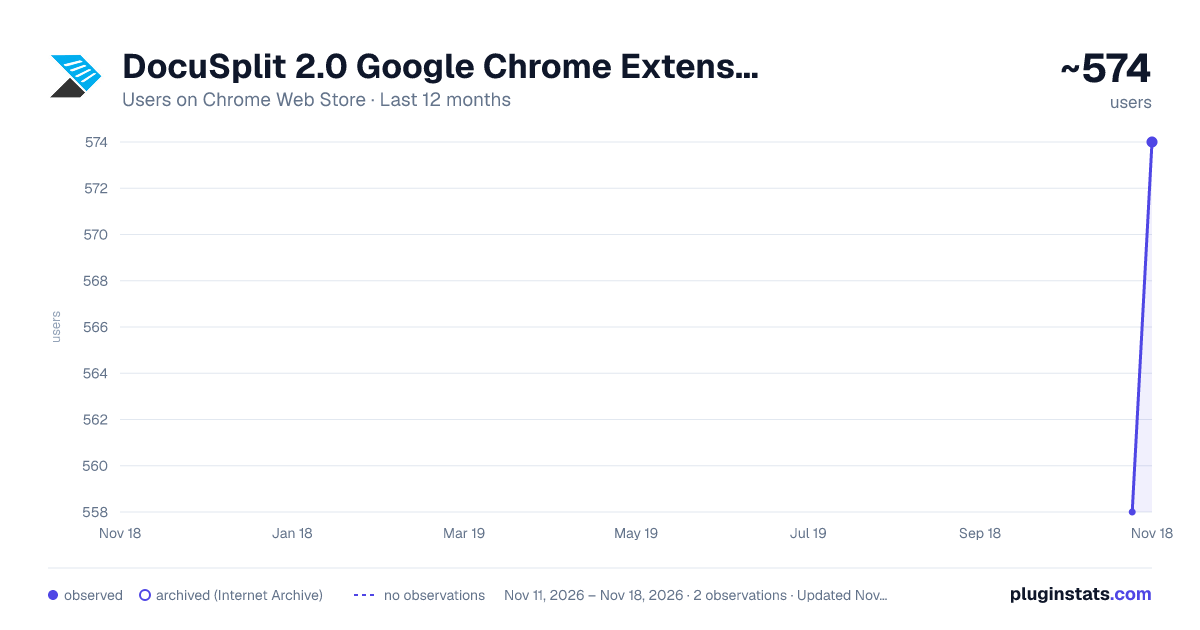
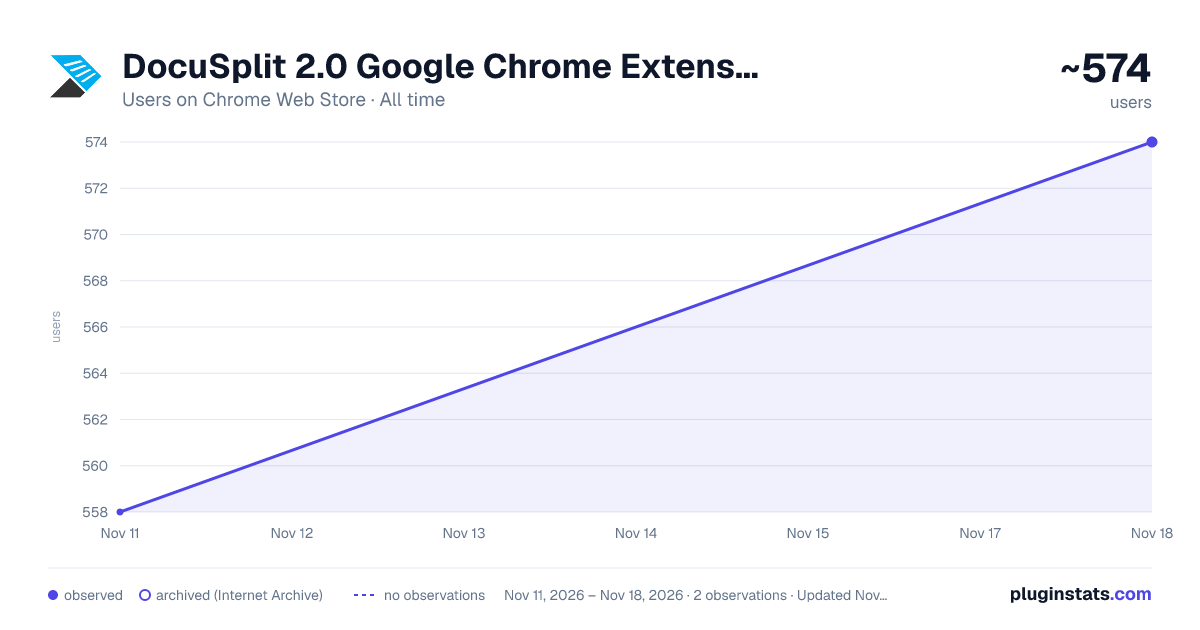
DocuSplit 2.0 Google Chrome Extension has approximately 574 recorded users on Chrome Web Store, a change of +2.9% over the past 7 days, ranking #4909 of 10,388 tracked listings.
Rating: 5.00 / 5 from 1 ratings
About DocuSplit 2.0 Google Chrome Extension
DocuSplit PDF for Salesforce with CheckForce scan compression, AI proxy, and async batch save.
The Docusplit App was developed with the purpose of streamlining and securing document scanning and PDF extraction directly within the Salesforce platform. The App allows users to scan documents or import them from a users PC or Salesforce record, manipulate or annotate each page within the document(s) and save a page or group of pages to a variety of Salesforce records.
The Docusplit App is widely used across a variety of organizations within the Salesforce eco-system. The most common use cases are represented by a need to scan or extract physical or digital documents securely.
Salesforce users who require a high level of security, especially those within the government or medical industry will benefit from Docusplits native functionality. Users can scan physical documents directly into Salesforce, bypassing the requirement to save scanned items to a users local PC. Further, users can manipulate documents by blacking-out or cropping sensitive information while annotating or highlighting other data points within the documents.
Organizations that choose to benefit from the streamlining functions of Docusplit can choose not just from the scanning functions provided, but by its import functions as well. The two import functions, Import from PC and Import from Salesforce are most commonly used by organizations that receive PDF or image (jpg, png, etc) files directly into Salesforce or via email. Those documents can be opened within Salesforce and routed to their corresponding records.
As an example, many organizations, especially loan providers and shipping logistic providers receive due diligence documents and bills/shipping documents from customers and/or vendors via portals. Those documents can be received in Salesforce and channeled within seconds post-review.
The purpose of the Docusplit Chrome Extension is to allow Docusplit users to rasterize PDF's without transmitting the PDF data to external services. The new update also allows us to better compress JPG images and extract data from the images as necessary.
Description from the Chrome Web Store listing.
README badge
Show your rank in a README or on your website. The badge updates automatically.
Charts
Images: 30d · 1y · all time · 1600×900 dark
Adoption over time
7/30/90-day growth
Ranking history
Ratings over time
Listing placement
Listing placement
Filled points are observed values; hollow points come from Internet Archive snapshots of the listing page. Dashed segments span periods with no observations — values between points are not interpolated.
Each band is one page of 20. Users on a linear scale. Placement is projected from users, so it can differ from the marketplace's own sort order. Hover a dot to see the listing.
Recent observations
Full history (2)Similar Chrome Web Store Workflow & Planning plugins
All 20 DocuSplit 2.0 Google Chrome Extension alternatives



Data source
Covers every Chrome Web Store extension with at least 100 users, found through the store's public sitemap. User counts are read from public listing pages. The 10% most-used extensions are refreshed daily, the next 40% weekly and the next 40% monthly; the least-used 10% are not refreshed. Google displays rounded user counts (and caps the display at 10,000,000+), so small changes may not be visible. Rating counts above 1,000 are rounded (e.g. 1.6K).
Listing: https://chromewebstore.google.com/detail/docusplit-20-google-chrom/nibfohpdadcpnjodofbjkhhejbkjfdci. First seen Nov 11, 2026; last successful collection Nov 18, 2026. See the methodology.