 PluginStats

Hyper Download Manager users statistics
By kiraztbrian · Chrome Web Store · Tools
Catches your downloads and videos and hands them to Hyper Download Manager for faster, resumable downloading.
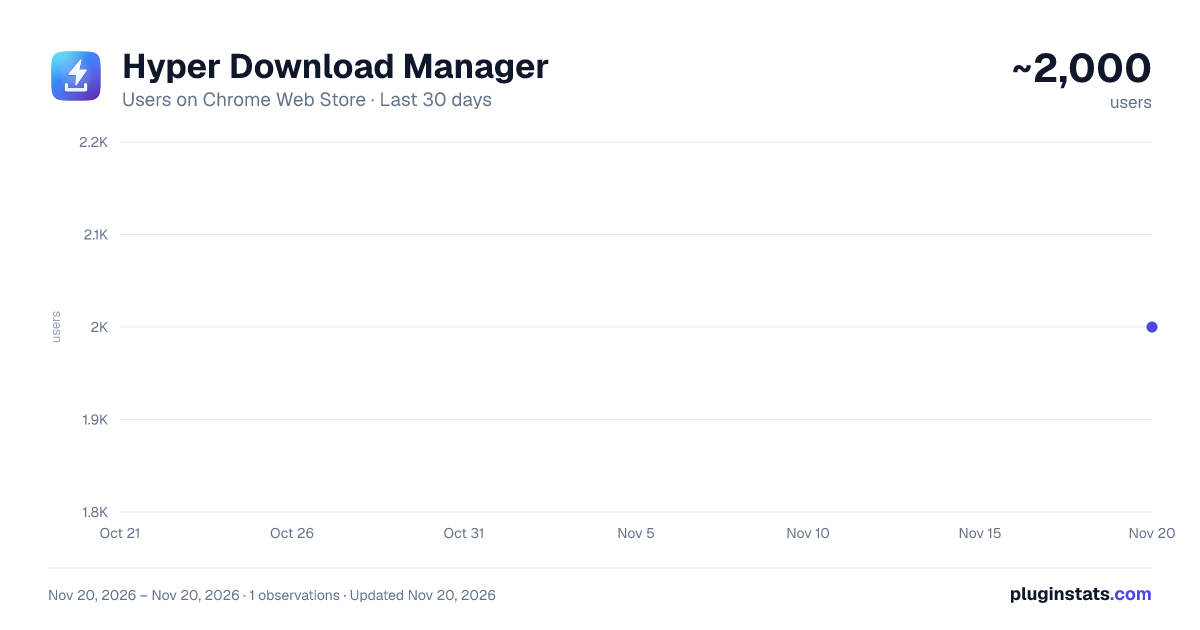
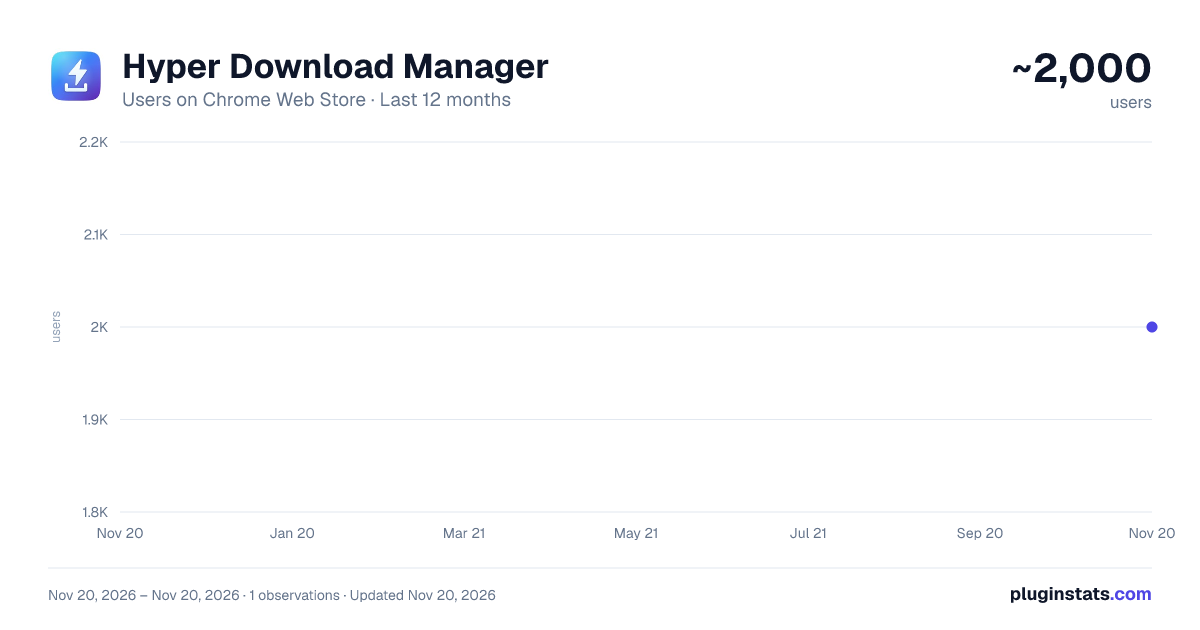
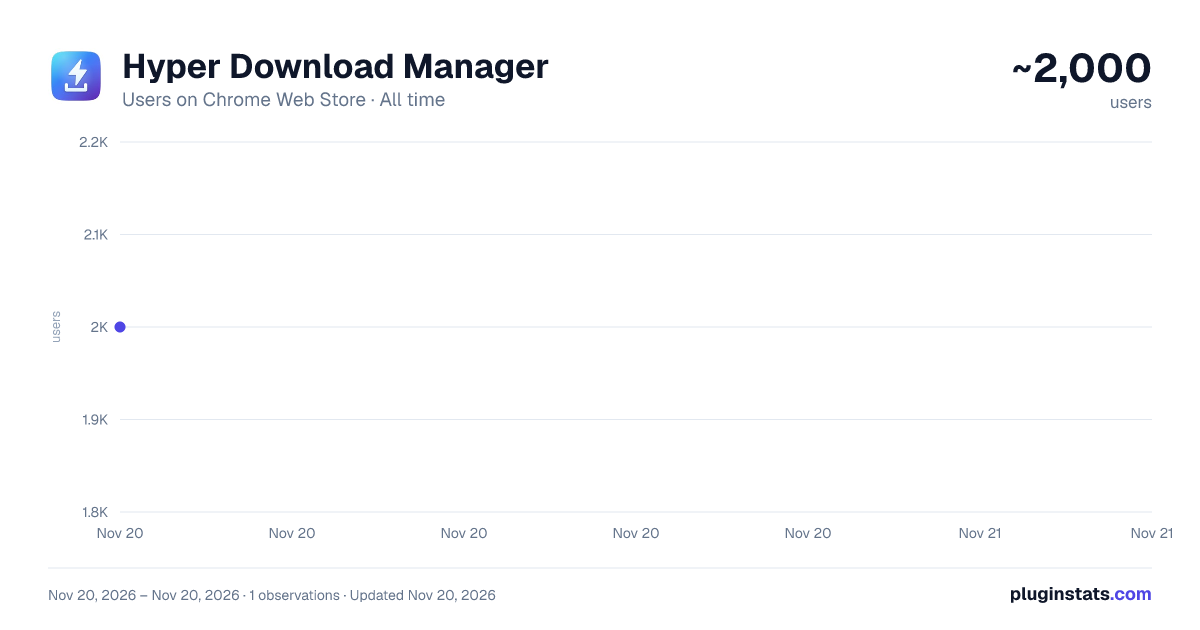
Hyper Download Manager has approximately 2,000 recorded users on Chrome Web Store, ranking #2695 of 10,388 tracked listings.
Rating: 5.00 / 5 from 2 ratings
About Hyper Download Manager
Catches your downloads and videos and hands them to Hyper Download Manager for faster, resumable downloading.
Hyper Download Manager (HDM) is a fast download manager for Windows. This extension connects your browser to the HDM app on your computer, so the files you download go to HDM instead of the browser's own downloader.
WHAT IT DOES • Catches your downloads. When you download a file, HDM takes it over: it splits the file across several connections, picks up where it left off after a dropped connection or a restart, and keeps all your downloads in one list. • Asks first, or starts right away. A small HDM window shows the file's name, its size and where it will be saved. Choose file types that always start without asking. • Saves the video you're watching. The toolbar button shows how many videos on the page HDM can save (MP4, WebM or HLS streams). Nothing is saved until you click. • Right-click any link, image, video or audio → "Download with HDM". • Paste a link (http, https, ftp, sftp or magnet) into the popup. • Never loses a link. If HDM is closed, links are kept and sent as soon as it's open again. • Your rules: sites to leave alone, file types that start without asking, and a minimum size for unknown file types.
PRIVACY Downloads in private (incognito) windows are never caught. The extension sends links only to the HDM app on your own computer (127.0.0.1), never to us or anyone else. With each link it passes the page it came from and the site's cookies for that link, so HDM can download the file just as your browser would. Details: https://hyperdownloadmanager.com/privacy
REQUIREMENTS • The Hyper Download Manager app for Windows, version 0.6 or later, free at https://hyperdownloadmanager.com. The first time the extension connects, HDM asks you to allow this browser. • HDM is free to use. Optional paid plans add more connections per file and extra app features; the extension works the same on every plan.
DRM-protected video can't be saved, and DASH streams aren't supported yet.
Description from the Chrome Web Store listing.
README badge
Show your rank in a README or on your website. The badge updates automatically.
Charts
Images: 30d · 1y · all time · 1600×900 dark
Adoption over time
7/30/90-day growth
Ranking history
Ratings over time
Listing placement
Listing placement
Filled points are observed values; hollow points come from Internet Archive snapshots of the listing page. Dashed segments span periods with no observations — values between points are not interpolated.
Each band is one page of 20. Users on a linear scale. Placement is projected from users, so it can differ from the marketplace's own sort order. Hover a dot to see the listing.
Recent observations
Full history (1)Similar Chrome Web Store Tools plugins
All 20 Hyper Download Manager alternatives



Data source
Covers every Chrome Web Store extension with at least 100 users, found through the store's public sitemap. User counts are read from public listing pages. The 10% most-used extensions are refreshed daily, the next 40% weekly and the next 40% monthly; the least-used 10% are not refreshed. Google displays rounded user counts (and caps the display at 10,000,000+), so small changes may not be visible. Rating counts above 1,000 are rounded (e.g. 1.6K).
Listing: https://chromewebstore.google.com/detail/hyper-download-manager/edlggiknaeopllbehagjbicpkeicladh. First seen Nov 20, 2026; last successful collection Nov 20, 2026. See the methodology.