 PluginStats

VideoSkip users statistics
By Francisco Ruiz · Chrome Web Store · Entertainment
Skips/mutes/blanks selected parts of streaming videos
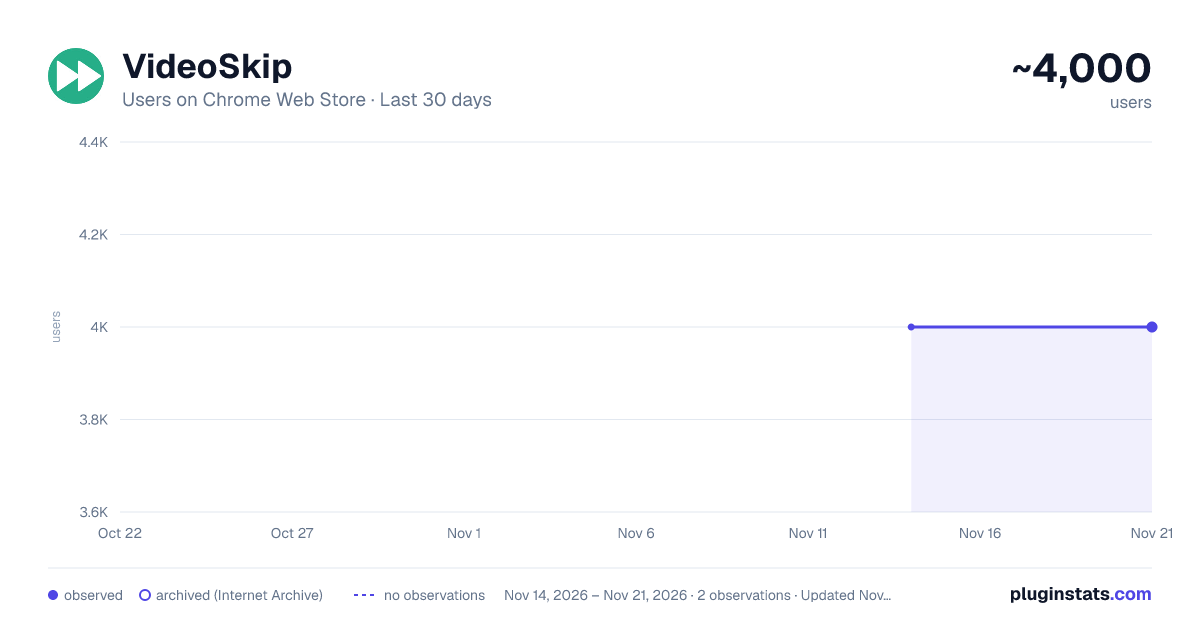
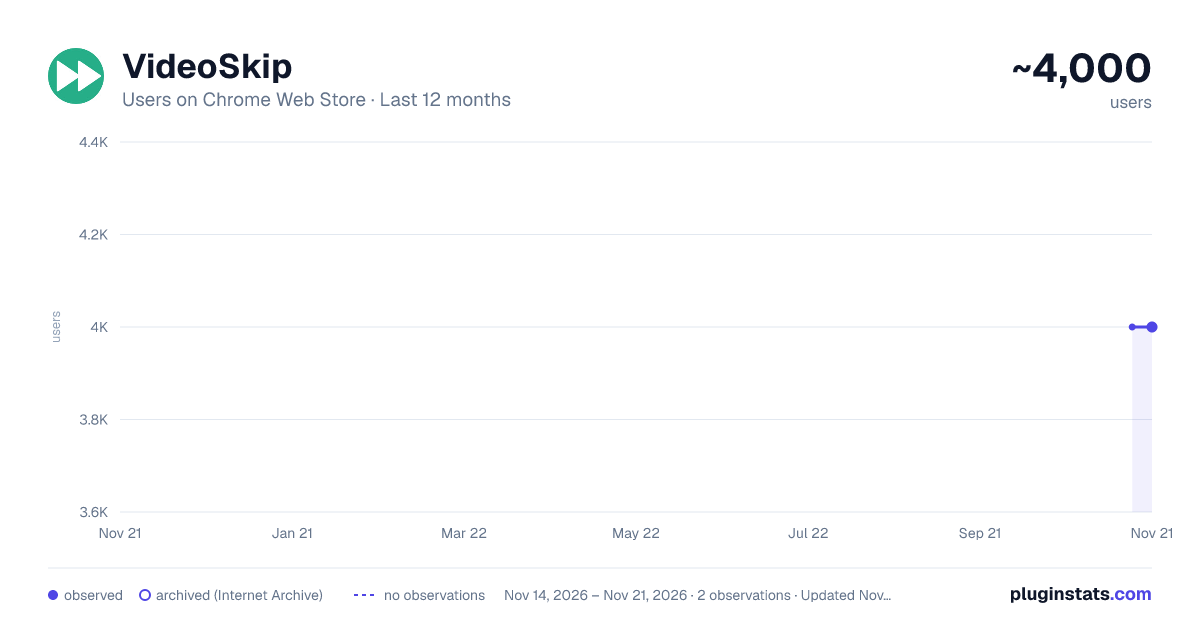
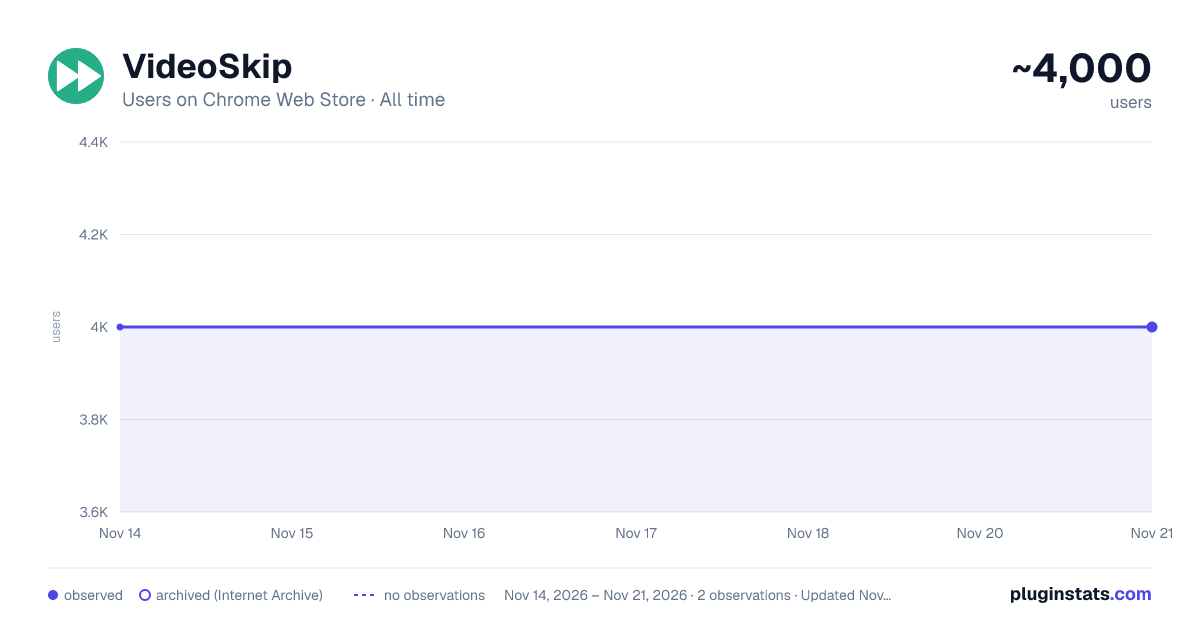
VideoSkip has approximately 4,000 recorded users on Chrome Web Store, a change of 0.0% over the past 7 days, ranking #1866 of 10,388 tracked listings.
Rating: 4.40 / 5 from 14 ratings
About VideoSkip
Skips/mutes/blanks selected parts of streaming videos
VideoSkip allows you to filter out several types of objectionable content from video streams. It uses the same categories as the "Parents Guide" section of IMDB.com. It can skip sections entirely, or simply mute the sound or blank the video, at your discretion. Because it does not modify the videos in any way, but rather plays them selectively, it does not infringe media copyrights.
Step by step:
-
Load the video from a streaming service normally and begin play so it loads some data (not full-screen), then stop it and click the VideoSkip icon on the upper-right of the browser. A new window will appear next to the video. You can move it, or resize it like a regular page with Ctrl + or Ctrl -.
-
If you have a .skp file containing the skips, you can load it now with the "Load skip file" button. Once loaded, its contents will appear in a box on the "Edit" tab. There is a growing number of skip files for popular films at the VideoSkip Exchange, loaded by a button on the interface.
-
If the skip file has been previously synced with your video service, you will be taken to the "Filter" tab so you can set the filter strengths as described in the next step. Otherwise, you'll be taken to the "Sync" tab. There, you will be asked to scrub the video with the arrow buttons until it looks okay again. When the screenshot finally matches the video, click "Sync times" to sync everything for your service. A new version of the skip file will be made so the people you share it with can skip this step from now on.
-
Set the category filters using the sliders, according to the audience. The higher, the more stringent the filter. High = for children, Medium = for teens, Low = for adults. If a filter is Off, the flagged content will be shown.
-
Start the video from its own page, sit back, and enjoy. Skips will take place when their time arrives. A message will appear on the fullscreen video when you move the mouse, telling you which filters are engaged.
You can make your own skip files and share them with your friends freely. They will work even if the videos being played are from a different source. The skip file exchange is located at https://videoskip.org/exchange
There's also a standalone web app, which works with videos that you have saved to your computer. Get it at https://videoskip.org/app for computers, or https://videoskip.org/mobile for mobile devices.
Legal Notice: Content copyright owners and distributors are hereby informed that users and developers of this software are exercising their right of free speech, guaranteed by law in many nations, by voluntarily refraining from seeing or hearing content without modifying said content in any way. Legal action that ignores this notice will be considered harassment and infringement of basic rights, and prosecuted according to the law.
Description from the Chrome Web Store listing.
README badge
Show your rank in a README or on your website. The badge updates automatically.
Charts
Images: 30d · 1y · all time · 1600×900 dark
Adoption over time
7/30/90-day growth
Ranking history
Ratings over time
Listing placement
Listing placement
Filled points are observed values; hollow points come from Internet Archive snapshots of the listing page. Dashed segments span periods with no observations — values between points are not interpolated.
Each band is one page of 20. Users on a linear scale. Placement is projected from users, so it can differ from the marketplace's own sort order. Hover a dot to see the listing.
Recent observations
Full history (2)Similar Chrome Web Store Entertainment plugins
All 20 VideoSkip alternatives



Data source
Covers every Chrome Web Store extension with at least 100 users, found through the store's public sitemap. User counts are read from public listing pages. The 10% most-used extensions are refreshed daily, the next 40% weekly and the next 40% monthly; the least-used 10% are not refreshed. Google displays rounded user counts (and caps the display at 10,000,000+), so small changes may not be visible. Rating counts above 1,000 are rounded (e.g. 1.6K).
Listing: https://chromewebstore.google.com/detail/videoskip/mlmifkfgafheljfcjlgoiggcfjenjeed. First seen Nov 14, 2026; last successful collection Nov 21, 2026. See the methodology.