 PluginStats

YouTube Shorts Auto Scroll users statistics
Chrome Web Store · Entertainment
Automatically scrolls through YouTube Shorts videos, providing a hands-free viewing experience.
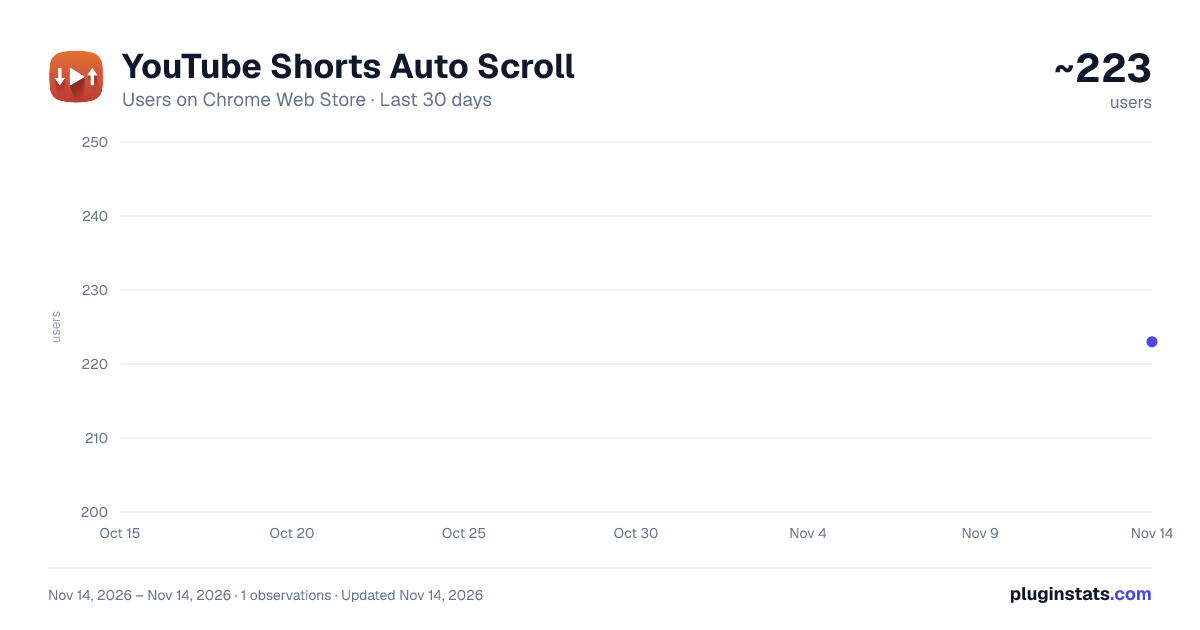
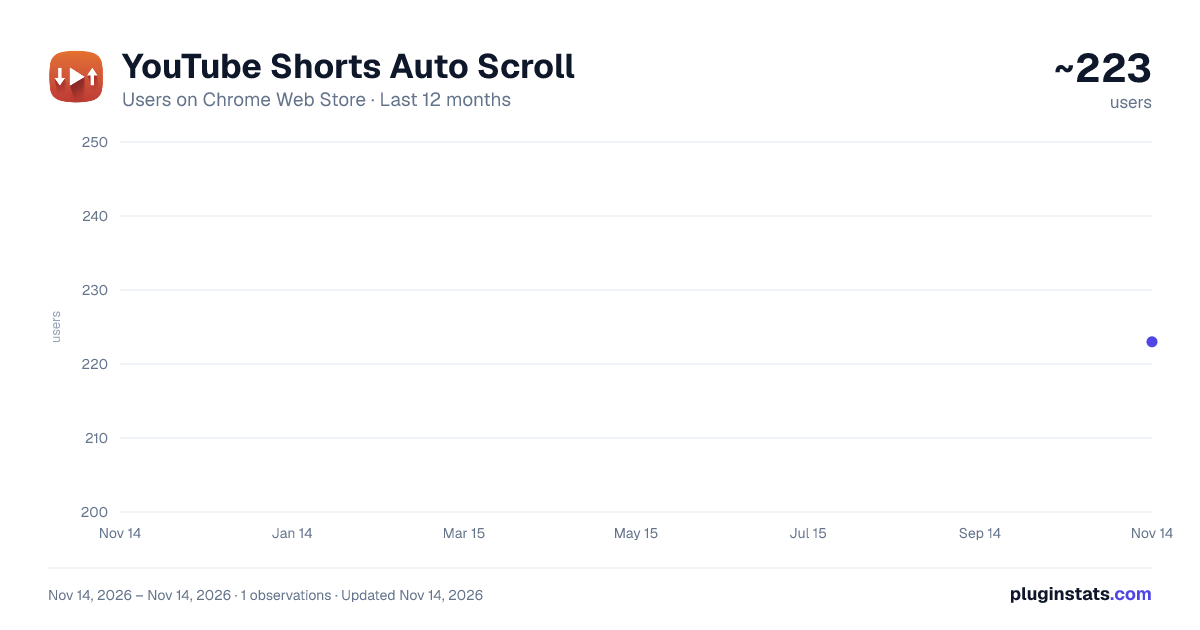
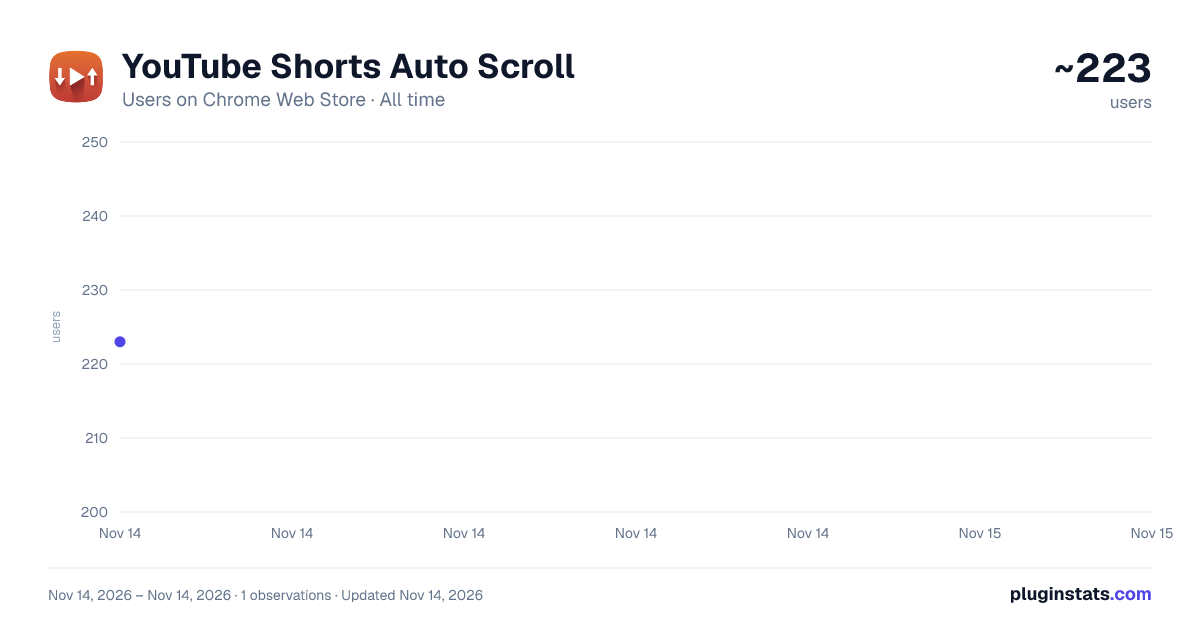
YouTube Shorts Auto Scroll has approximately 223 recorded users on Chrome Web Store, ranking #7452 of 10,388 tracked listings.
Rating: 3.00 / 5 from 4 ratings
About YouTube Shorts Auto Scroll
Automatically scrolls through YouTube Shorts videos, providing a hands-free viewing experience.
Tired of manually swiping through endless YouTube Shorts? This extension automatically scrolls to the next short video when the current one ends, allowing you to enjoy a seamless, hands-free viewing experience.
Key Features: Automatic Scrolling: Effortlessly watch YouTube Shorts without needing to swipe or click. Seamless Transition: The extension smoothly scrolls to the next video as soon as the current one finishes.
Hands-Free Viewing: Enjoy a continuous stream of short videos without any manual interaction. Lightweight and Efficient: The extension is designed to be lightweight and efficient, ensuring it doesn't slow down your browsing experience.
Easy to Use: Simply install the extension, and it will automatically start working on YouTube Shorts pages.
No Configuration Required: The extension works out of the box with no settings or configurations needed.
How to Use: Install the "YouTube Shorts Auto Scroll" extension from the Chrome Web Store. Navigate to YouTube Shorts.
The extension will automatically start scrolling to the next video when the current one ends. Why Use This Extension? This extension is perfect for anyone who enjoys watching YouTube Shorts and wants a more convenient, hands-free experience. Whether you're multitasking, relaxing, or just want to binge-watch without interruption, this extension makes it easy to enjoy a continuous stream of short videos.
Privacy: This extension does not collect any personal information or browsing data. It only interacts with YouTube Shorts pages to enable auto-scrolling.
Support: If you encounter any issues or have suggestions, please feel free to contact us. nathan4dev@gmail.com
Description from the Chrome Web Store listing.
README badge
Show your rank in a README or on your website. The badge updates automatically.
Charts
Images: 30d · 1y · all time · 1600×900 dark
Adoption over time
7/30/90-day growth
Ranking history
Ratings over time
Listing placement
Listing placement
Filled points are observed values; hollow points come from Internet Archive snapshots of the listing page. Dashed segments span periods with no observations — values between points are not interpolated.
Each band is one page of 20. Users on a linear scale. Placement is projected from users, so it can differ from the marketplace's own sort order. Hover a dot to see the listing.
Recent observations
Full history (1)Similar Chrome Web Store Entertainment plugins
All 20 YouTube Shorts Auto Scroll alternatives



Data source
Covers every Chrome Web Store extension with at least 100 users, found through the store's public sitemap. User counts are read from public listing pages. The 10% most-used extensions are refreshed daily, the next 40% weekly and the next 40% monthly; the least-used 10% are not refreshed. Google displays rounded user counts (and caps the display at 10,000,000+), so small changes may not be visible. Rating counts above 1,000 are rounded (e.g. 1.6K).
Listing: https://chromewebstore.google.com/detail/youtube-shorts-auto-scrol/iabeaillhkpiabdbfpaiillljobbimbm. First seen Nov 14, 2026; last successful collection Nov 14, 2026. See the methodology.