 PluginStats

UltraWide Streaming: custom fullscreen ratios [QVI] users statistics
By Streaming Extensions (4 listings) · Chrome Web Store · Entertainment
Go fullscreen on your ultrawide monitor. Fit the video to 21:9, 32:9, or custom ratio. Supports most streaming platforms.
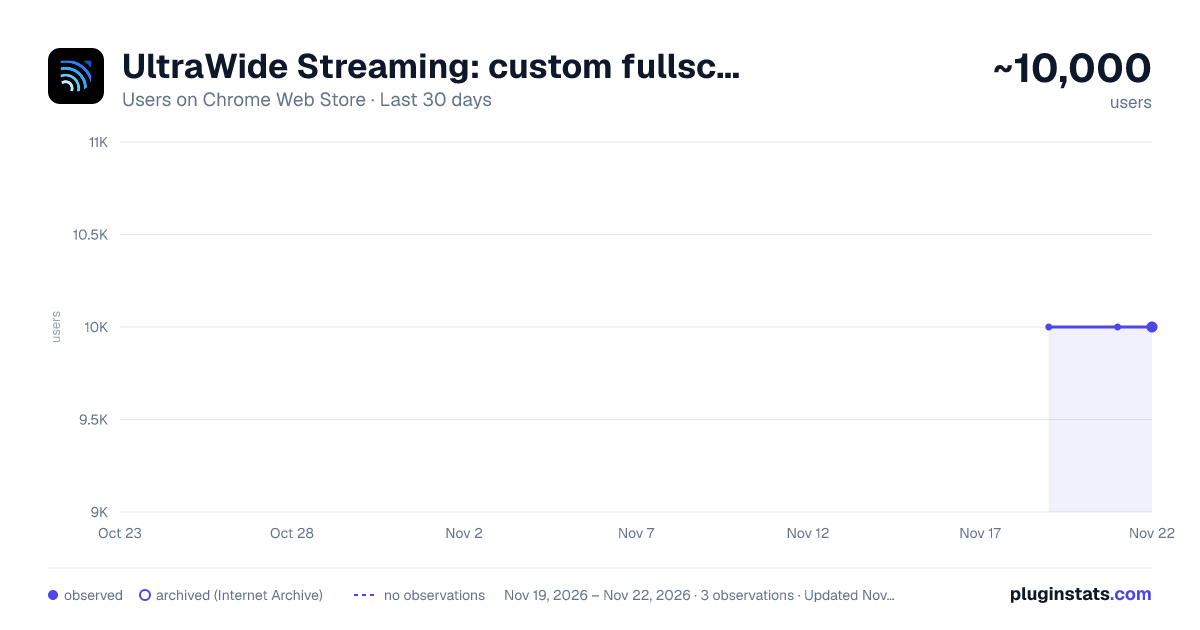
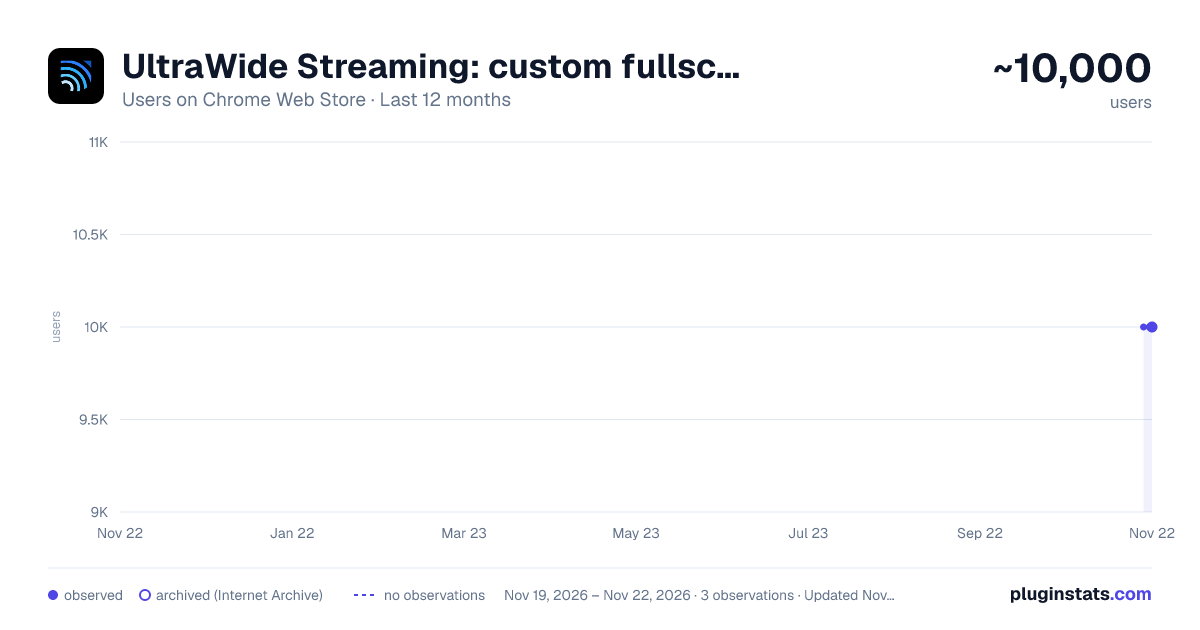
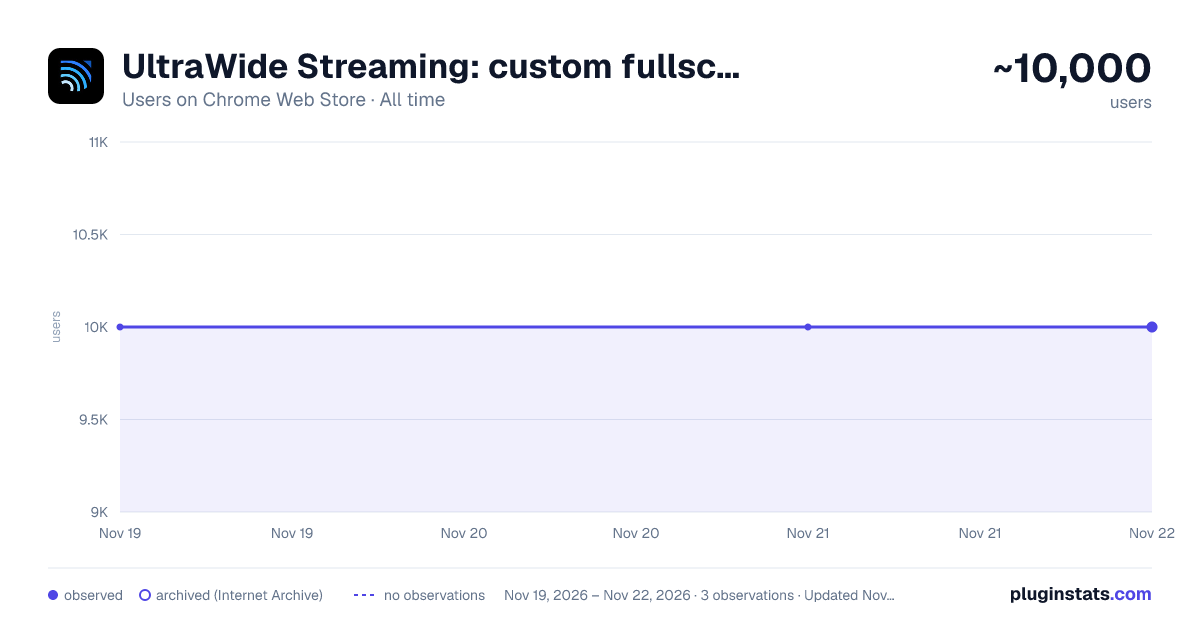
UltraWide Streaming: custom fullscreen ratios [QVI] has approximately 10,000 recorded users on Chrome Web Store, ranking #1161 of 10,388 tracked listings.
Rating: 4.20 / 5 from 33 ratings
About UltraWide Streaming: custom fullscreen ratios [QVI]
Go fullscreen on your ultrawide monitor. Fit the video to 21:9, 32:9, or custom ratio. Supports most streaming platforms.
Make the most of your ultrawide monitor and upgrade it to a home cinema!
With UltraWide Streaming, you’ll be able to fit your favorite streaming content to various ultrawide ratios. Get rid of the annoying black bars and go fullscreen wider than average!
🔎How to use UltraWide Streaming?
Follow these simple steps to get the ultrawide fullscreen mode:
- Add UltraWide Streaming to Chrome.
- Go to Extensions (a puzzle piece icon in the browser’s top right corner).
- Find UltraWide Streaming and pin it to your toolbar.
- Click the UltraWide Streaming icon to open the settings.
- Set the basic ratio option (Crop or Stretch)
- Click on Specify button to expand the setting options.
- Choose one from the defined ratios (21:9, 32:9, or 16:9) or set your custom ratio values.
- Finally, pick the platforms for which you want to use your new video settings.
✅You’re all set! Enjoy fullscreen movies and TV Shows on your ultrawide monitor.
⭐UltraWide Streaming supports most popular streamin services:
- Netflix
- Prime Video
- Disney+
- Max
- Hulu & many more!
Changelog:
[1.0.34] - 2024-11-14 Various minor bug fixes [1.0.33] - 2024-10-01 Minor bug fixes [1.0.32] - 2024-08-03 Bug fixes [1.0.31] - 2024-07-25 Improved compatibility with newer browser versions Fixed rare playback issue on PeacockTV [1.0.30] - 2024-06-20 Minor bug fixes [1.0.29] - 2024-06-03 Bug fixes [1.0.28] - 2024-04-15 Support for Max and AppleTV [1.0.27] - 2024-03-10 Enhanced streaming service detection algorithm Minor UI inconsistencies in extension settings [1.0.26] - 2024-02-25 Minor bug fixes [1.0.25] - 2024-02-10 Support for PeacockTV Other minor fixes [1.0.24] - 2024-02-02 Bug fixes [1.0.23] - 2024-01-15 Resolved playback tracking issue on Hulu Stability improvements during streaming [1.0.22] - 2023-12-20 Support for Paramount+ [1.0.21] - 2023-12-15 Minor bug fixes [1.0.20] - 2023-12-10 Faster loading times for Disney+ Optimized handling of user preferences [1.0.19] - 2023-12-05 Corrected bugs in subtitle synchronization for Hulu Minor code optimizations [1.0.18] - 2023-12-01 Minor bug fixes [1.0.17] - 2023-11-20 Minor bug fixes [1.0.16] - 2023-11-18 Bug fixes [1.0.15] - 2023-11-01 Support for Hulu [1.0.14] - 2023-10-15 Resolved random crashes reported by some users Improved error reporting for unsupported services [1.0.13] - 2023-09-20 Minor bug fixes [1.0.12] - 2023-09-05 Bug fixes [1.0.11] - 2023-08-20 Support for Disney+ General bug fixes [1.0.10] - 2023-07-29 Bug fixes [1.0.09] - 2023-07-16 Minor bug fixes [1.0.08] - 2023-07-01 Minor bug fixes [1.0.07] - 2023-06-01 Optimized performance for larger watchlists Addressed UI alignment issues on smaller screens [1.0.06] - 2023-05-20 Minor bug fixes [1.0.05] - 2023-05-10 Improved login process for Prime Video Enhanced support for regional Netflix libraries [1.0.04] - 2023-04-25 Minor bug fixes [1.0.03] - 2023-04-12 Support for Prime Video Minor fixes and improvements [1.0.02] - 2022-12-01 Initial bug fixes and performance improvements post-launch [1.0.01] - 2022-11-10 Minor bug fixes [1.0.0] - 2022-10-13 Initial release - Support for Netflix
This extension is part of the Quality Viewership Initiative, a collaborative effort to enhance the understanding of audience engagement. It collects anonymous, aggregated viewing insights to support creators and studios in improving the quality of their content. You can stop sharing your information at any time by switching the toggle on the options page.
Disclaimer: All product and company names are trademarks or registered trademarks of their respective holders. This website & extensions hold no association or affiliation with them or any third-party companies.
Description from the Chrome Web Store listing.
README badge
Show your rank in a README or on your website. The badge updates automatically.
Charts
Images: 30d · 1y · all time · 1600×900 dark
Adoption over time
7/30/90-day growth
Ranking history
Ratings over time
Listing placement
Listing placement
Filled points are observed values; hollow points come from Internet Archive snapshots of the listing page. Dashed segments span periods with no observations — values between points are not interpolated.
Each band is one page of 20. Users on a linear scale. Placement is projected from users, so it can differ from the marketplace's own sort order. Hover a dot to see the listing.
Recent observations
Full history (2)Similar Chrome Web Store Entertainment plugins
All 20 UltraWide Streaming: custom fullscreen ratios [QVI] alternatives



Data source
Covers every Chrome Web Store extension with at least 100 users, found through the store's public sitemap. User counts are read from public listing pages. The 10% most-used extensions are refreshed daily, the next 40% weekly and the next 40% monthly; the least-used 10% are not refreshed. Google displays rounded user counts (and caps the display at 10,000,000+), so small changes may not be visible. Rating counts above 1,000 are rounded (e.g. 1.6K).
Listing: https://chromewebstore.google.com/detail/ultrawide-streaming-custo/ofkcbakkpjefjndcmbkokadbmmaimnlp. First seen Nov 19, 2026; last successful collection Nov 21, 2026. See the methodology.